
Ievads
This manual provides essential instructions for the proper installation, operation, and maintenance of your Samsung BN07-01044A LCD-Panel. Please read this manual thoroughly before attempting to install or use the product to ensure safe and efficient operation. Keep this manual for future reference.
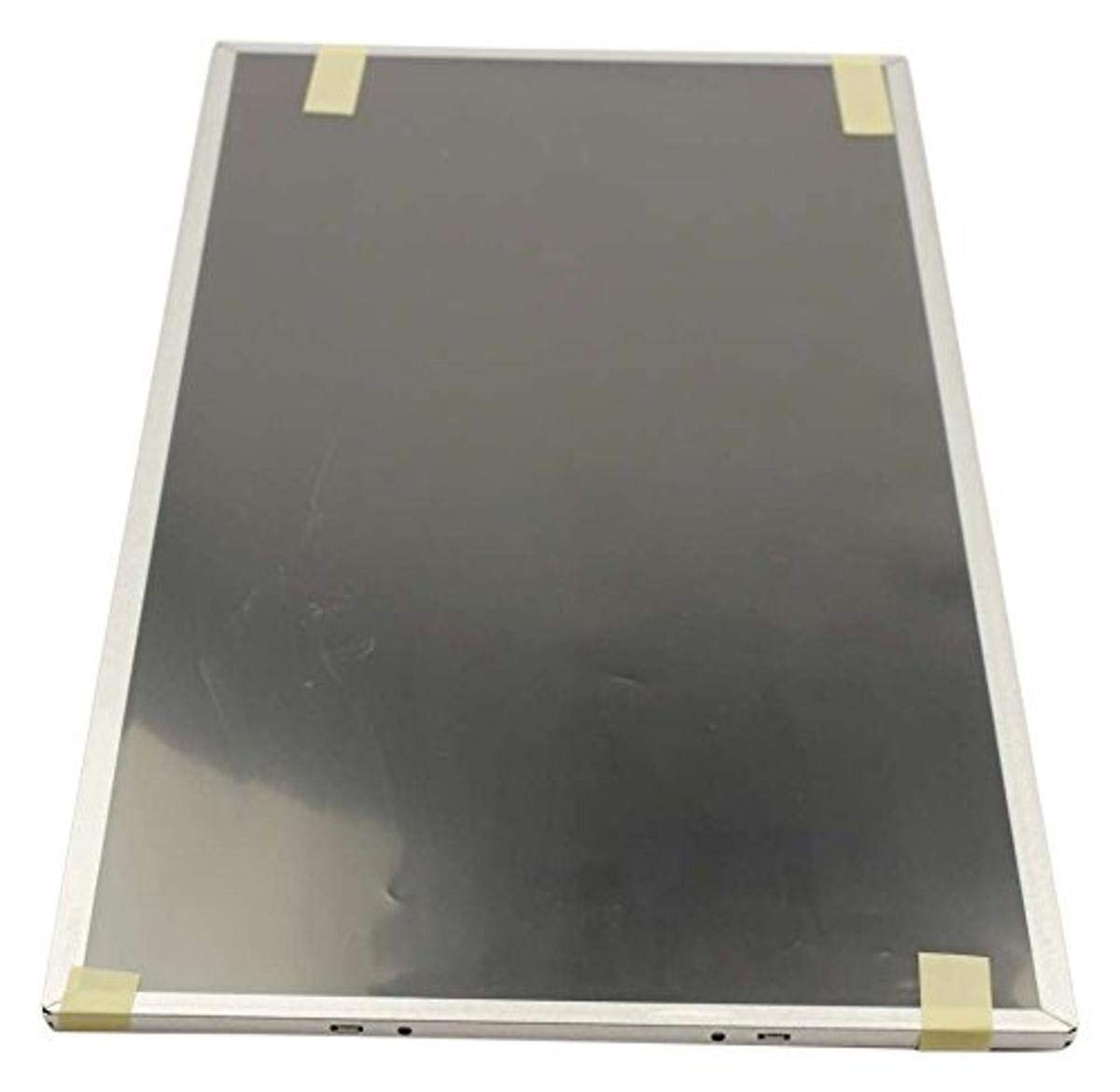
Figure 1: Samsung BN07-01044A LCD-Panel. This image displays the Samsung BN07-01044A LCD-Panel, showing its general form factor and connectors.
Drošības informācija
Always observe the following safety precautions to prevent damage to the product or injury to yourself:
- Disconnect power from the device before installation or removal of the LCD panel.
- Handle the LCD panel with care. Avoid touching the screen surface directly.
- Wear anti-static gloves to prevent electrostatic discharge (ESD) damage.
- Pirms strāvas atjaunošanas pārliecinieties, vai visi savienojumi ir droši.
- Do not expose the panel to moisture or extreme temperatures.
- Ja neesat pārliecināts par kādu soli, konsultējieties ar kvalificētu tehniķi.
Iepakojuma saturs
Pārbaudiet, vai jūsu iepakojumā ir šādas preces:
- 1 x Samsung BN07-01044A LCD-Panel
- (Additional components, if any, will be listed on the product packaging.)
Uzstādīšana un uzstādīšana
This LCD panel is an OEM authorized replacement part. Installation typically involves replacing an existing panel within a compatible Samsung device. The following steps are general guidelines; refer to your specific device's service manual for detailed instructions.
- Sagatavošana: Power off the device completely and disconnect it from all power sources. Remove the battery if applicable.
- Izjaukšana: Carefully disassemble the device to access the existing LCD panel. This may involve removing bezels, hinges, and screws.
- Atvienojiet veco paneli: Gently disconnect the video cable (e.g., LVDS or eDP) and any backlight cables from the old panel. Note their orientation.
- Noņemt veco paneli: Remove the old LCD panel from its housing.
- Jauna paneļa instalēšana: Position the new Samsung BN07-01044A LCD-Panel into the housing. Ensure it fits securely.
- Pievienojiet kabeļus: Reconnect the video cable and backlight cables to the new panel. Ensure connections are firm and correctly oriented.
- Atkārtota montāža: Carefully reassemble the device, ensuring no cables are pinched and all screws are tightened appropriately.
- Sākotnējais tests: Before fully closing the device, connect power and briefly test the display to ensure it functions correctly.
Piezīme: Professional installation is recommended for this component to avoid damage to the panel or the host device.
LCD paneļa darbība
Once installed, the Samsung BN07-01044A LCD-Panel operates as the primary display for your compatible device. Its functionality is managed by the device's operating system and graphics hardware.
- Ieslēgšana: Turn on your device as usual. The LCD panel should display the boot sequence and operating system interface.
- Displeja iestatījumi: Adjust display settings (e.g., resolution, brightness, contrast) through your device's operating system display preferences. Ensure the native resolution of the panel is selected for optimal clarity.
- Grafikas draiveri: Ensure your device has the latest graphics drivers installed for proper display performance.
Apkope un kopšana
Proper care will extend the lifespan and maintain the performance of your LCD panel.
- Ekrāna tīrīšana: Izmantojiet mīkstu, nepūkojošu drānu, kas īpaši paredzēta elektronikai. Viegli noslaukietampen the cloth with water or a screen-cleaning solution (avoid ammonia-based cleaners). Gently wipe the screen in one direction.
- Izvairieties no spiediena: Do not press firmly on the screen, as this can damage the LCD matrix.
- Vides apstākļi: Keep the device and panel away from direct sunlight, excessive heat, cold, or humidity.
- Putekļi: Regularly dust the screen and surrounding areas with a soft brush or compressed air.
Problēmu novēršana
If you encounter issues with your LCD panel, refer to the following common problems and solutions:
| Problēma | Iespējamais cēlonis | Risinājums |
|---|---|---|
| Nav displeja/melns ekrāns | Loose video cable, incorrect installation, faulty panel. |
|
| Mirgojošs vai izkropļots attēls | Loose cable, incompatible drivers, panel defect. |
|
| Incorrect colors or brightness | Display settings, graphics driver issues. |
|
If these steps do not resolve the issue, contact Samsung customer support or a qualified service technician.
Specifikācijas
| Funkcija | Detaļas |
|---|---|
| Ražotājs | Samsung |
| Daļas numurs | BN07-01044A |
| Preces modeļa numurs | BN07-01044A |
| Produkta izmēri | 21 x 15 x 3 collas |
| Preces svars | 5.71 mārciņas |
| Preces iepakojuma daudzums | 1 |
| Iekļautie komponenti | appliance-replacement-parts |
| ASIN | B01GSLDALU |
| Datums pirmais pieejams | 8. gada 2016. jūnijs |
Garantija un atbalsts
As an OEM authorized part, this Samsung BN07-01044A LCD-Panel is typically covered by the warranty terms provided by Samsung for their replacement parts. Please refer to the official Samsung website or contact Samsung customer service for detailed warranty information specific to replacement components.
Lai saņemtu tehnisko atbalstu vai pakalpojumus, lūdzu, apmeklējiet oficiālo vietni Samsung atbalsts webvietne vai sazinieties tieši ar viņu klientu apkalpošanas nodaļu.


