
Turonic PH950
Turonic PH950 Air Purifier and Humidifier Combo User Manual
Modelis: PH950
Ievads
This user manual provides detailed instructions for the safe and efficient operation, maintenance, and troubleshooting of your Turonic PH950 Air Purifier and Humidifier Combo. Please read this manual thoroughly before using the appliance and retain it for future reference.
The Turonic PH950 is designed to improve indoor air quality by combining advanced 8-stage air purification with humidification, suitable for large rooms up to 4200 sq ft. It features a True HEPA 13 filter, UV light, ionizer, smart auto mode, and Wi-Fi control for convenient operation.
Svarīgi drošības norādījumi
- Vienmēr novietojiet ierīci uz stabilas, līdzenas virsmas.
- Nebloķējiet gaisa ieplūdes vai izplūdes atveres.
- Pirms tīrīšanas vai jebkādas apkopes atvienojiet ierīci no strāvas.
- Keep out of reach of children and pets. The unit features a child safety lock.
- Nedarbiniet ar bojātu vadu vai kontaktdakšu.
- Refer to the full user guide for comprehensive safety information.
Iestatīšana
Izpakošana un sākotnējā novietošana
Carefully remove the Turonic PH950 from its packaging. Ensure all packing materials are removed from the unit, especially around the filters and air vents. Place the unit on a stable, flat surface in the desired room, ensuring adequate space around it for optimal air circulation.

Figure 1: Turonic PH950 Air Purifier and Humidifier Combo. The unit is white with a grey top panel and a circular control display.
Filtru uzstādīšana
Before first use, remove all protective packaging from the filters. The PH950 utilizes an 8-stage purification system. Open the filter compartment, typically located on the side or back of the unit, and insert the filters according to the markings. Ensure they are securely in place before closing the compartment.
2. attēls: Diagramma, kas ilustrē 8-stage purification system, including Ionizer, HEPA 13, Cotton Filter, Activated Carbon, Cold Catalyst, Humidifying Filter, UV Light, and Water Cleaning Balls.
Ūdens tvertnes uzpildīšana (mitrinātāja funkcija)
Locate the water tank, usually at the bottom or side of the unit. Remove the tank, fill it with clean, cool tap water, and securely replace the cap. Insert the filled water tank back into the unit until it clicks into place. Do not overfill.
Lietošanas instrukcijas
Vadības panelis un tālvadības pults
The Turonic PH950 can be operated via its intuitive touch control panel located on the top of the unit or using the included remote control. Both offer access to all functions.
3. attēls: detalizēti view of the control panel with touch buttons for UV, Ionizer, Timer, Auto, On/Off, Water Tank, Change Filter, Child Lock, Sleep, and Reset. A remote control is also shown.
Ieslēgšana/izslēgšana
Nospiediet pogu Ieslēgts/Izslēgts button on the control panel or remote to power the unit on or off. The unit will typically start in Auto Mode.
Režīmu izvēle
- Automātiskais režīms: The unit automatically adjusts fan speed based on detected air quality. Air quality is indicated by a color-changing light (Green: Excellent, Blue: Good, Orange: Medium, Red: Poor).
- Miega režīms: Reduces fan speed to the lowest setting (36 dB) and dims display lights for quiet operation during sleep. An ambient light sensor can automatically activate this mode in dark conditions.
- Manuāla ātruma kontrole: Adjust fan speed from 1 to 8 levels using the speed control buttons.

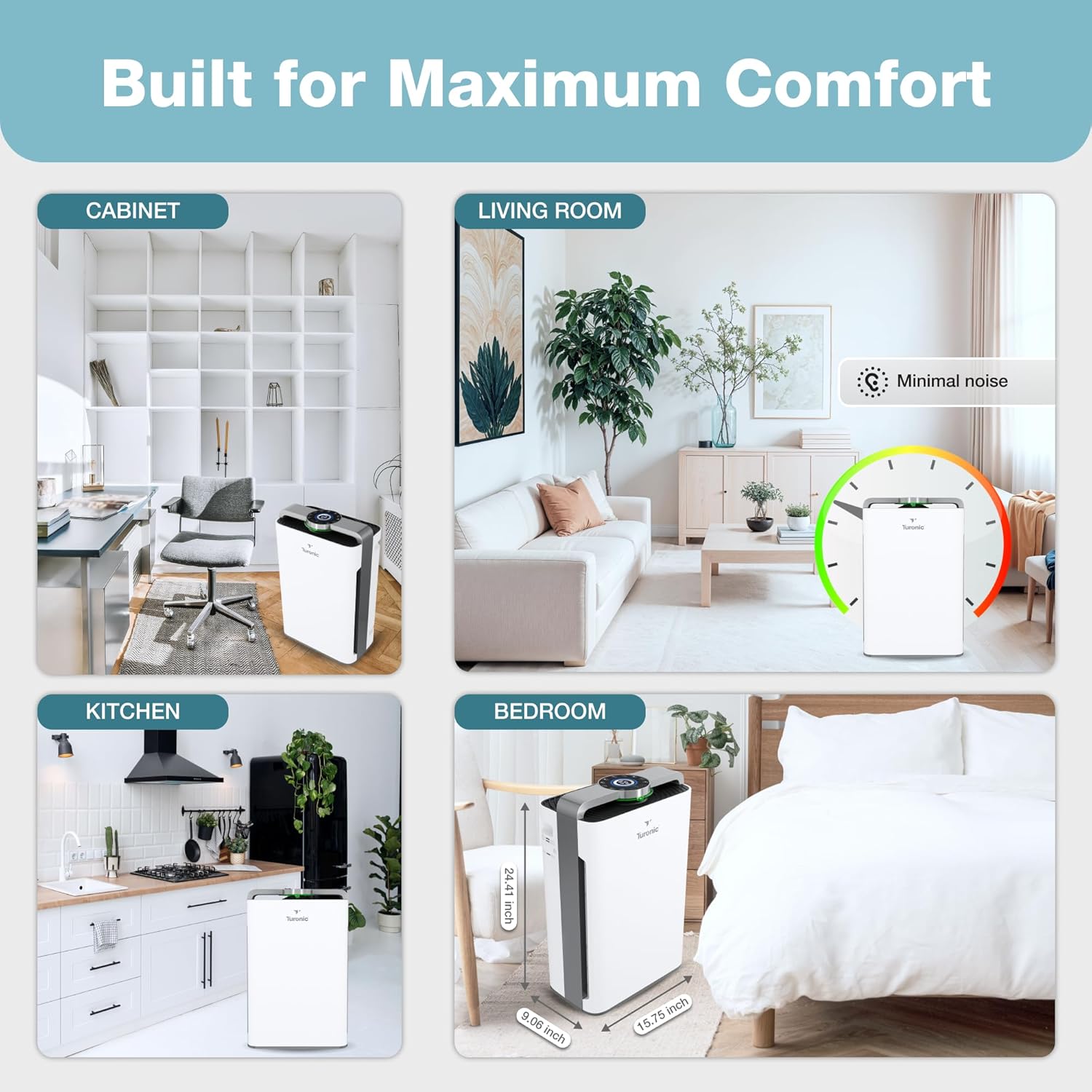
Figure 4: The PH950 operates quietly in Sleep Mode, with noise levels as low as 36 dB, suitable for bedrooms.
Īpašas funkcijas
- UV gaisma: Activates the UV-C lamp for enhanced sterilization.
- Jonizators: Releases negative ions to help capture airborne particles.
- Taimeris: Set the unit to operate for a specific duration (e.g., 1-12 hours) before automatically turning off.
- Bērnu slēdzene: Press and hold the Child Lock button to disable the control panel, preventing accidental changes by children or pets. Repeat to unlock.

Figure 5: The Child Safety Lock feature prevents unintended operation by children or pets, ensuring safe use in family environments.
Wi-Fi vadība
The Turonic PH950 supports Wi-Fi connectivity for remote control via a dedicated mobile application. Refer to the separate "User Guide (PDF)" document for detailed instructions on connecting your device to Wi-Fi and using the app features.
Apkope
Regular maintenance ensures optimal performance and extends the lifespan of your air purifier and humidifier.
Filtru nomaiņa un tīrīšana
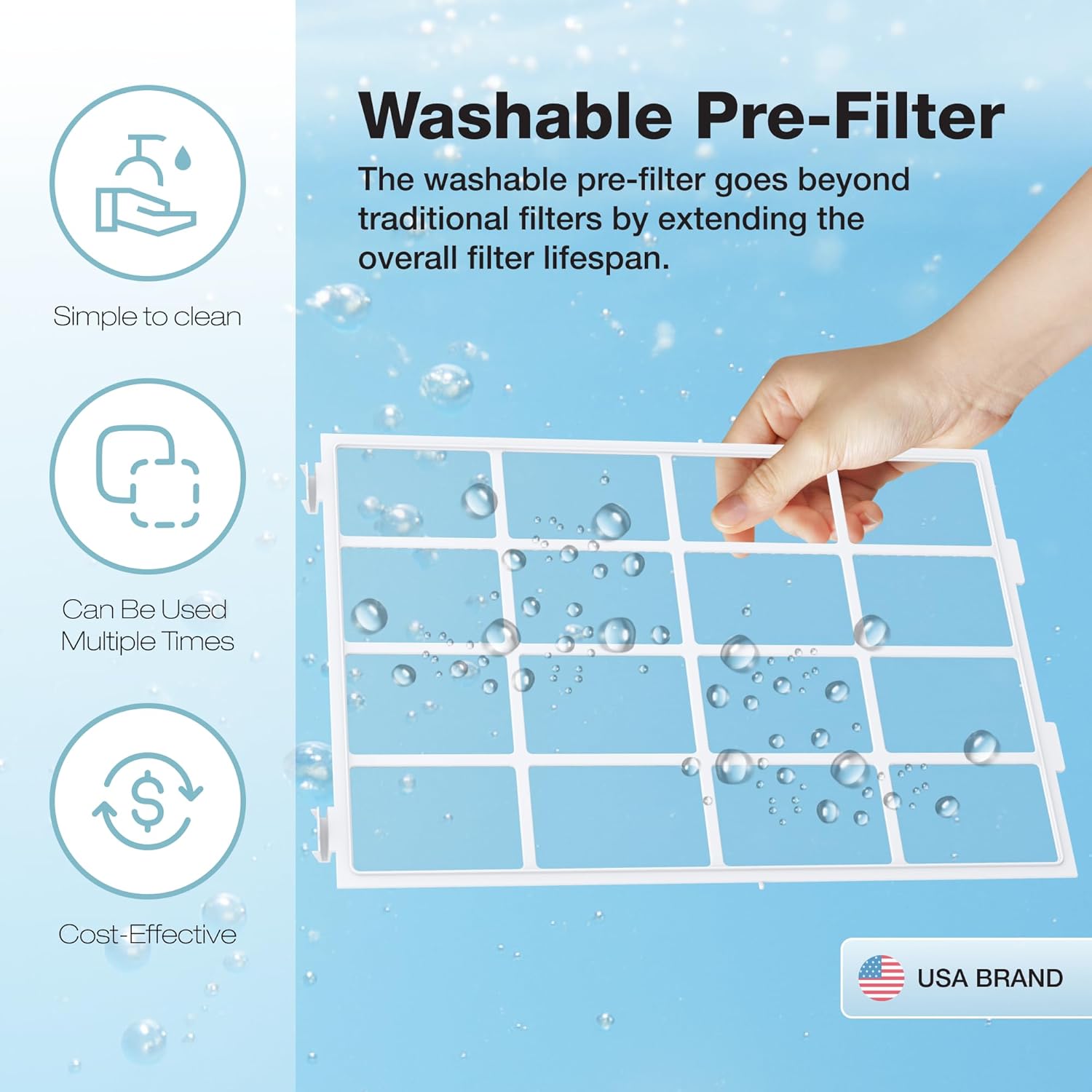
The unit features a filter health indicator. When the "Change Filter" light illuminates, it's time to inspect or replace the filters. The washable pre-filter can be cleaned with water and reused, extending the overall filter lifespan.
Figure 6: The control panel includes a "Change Filter" indicator to alert users when filter maintenance is required.

Figure 7: The washable pre-filter is designed for easy cleaning and multiple uses, contributing to cost-effectiveness and extended filter life.
Ūdens tvertnes tīrīšana
Regularly clean the water tank to prevent mineral buildup and maintain hygienic humidification. Use a soft brush and mild detergent, then rinse thoroughly. Ensure the tank is completely dry before refilling.
Ārējā tīrīšana
Noslaukiet ierīces ārpusi ar mīkstu, damp audums. Neizmantojiet abrazīvus tīrīšanas līdzekļus vai šķīdinātājus.
Problēmu novēršana
| Problēma | Iespējamais cēlonis | Risinājums |
|---|---|---|
| Ierīce neieslēdzas. | Nav pievienots strāvas avotam; strāvas padeve izslēgtatage; galvenais strāvas slēdzis ir izslēgts. | Ensure the power cord is securely plugged into a working outlet. Check the main power switch. |
| No mist/humidification. | Water tank empty; water tank not properly installed; humidifying filter clogged. | Refill water tank. Reinstall water tank correctly. Clean or replace humidifying filter. |
| Vāja gaisa plūsma vai slikta attīrīšana. | Filters are dirty or clogged; air inlets/outlets blocked. | Clean or replace filters. Ensure no obstructions are blocking air vents. |
| Neparasts troksnis. | Unit not on a level surface; foreign object in fan; filter not installed correctly. | Place unit on a flat, stable surface. Check for and remove any foreign objects. Reinstall filters properly. |
| Wi-Fi savienojuma problēmas. | Incorrect Wi-Fi password; unit too far from router; app not updated. | Verify Wi-Fi password. Move unit closer to router. Update the mobile application. Refer to the separate User Guide for detailed Wi-Fi setup. |
If the problem persists after attempting these solutions, please contact Turonic Customer Support.
Specifikācijas
| Funkcija | Detaļas |
|---|---|
| Modeļa numurs | PH950 |
| Zīmols | Turonic |
| Produkta izmēri | 9.06"D x 15.75"W x 24.41"H |
| Svars | 23.6 mārciņas |
| Pārklājuma zona | Up to 4200 Sq Ft (in 2 hours) / 2100 Sq Ft (in 1 hour) |
| Trokšņa līmenis | Tikai 36 dB |
| Attīrīšana Stages | 8-Stage (True HEPA 13 Filter, UV Light, Ionizer, Cotton Filter, Activated Carbon, Cold Catalyst, Humidifying Filter, Water Cleaning Balls) |
| Enerģijas patēriņš | 95 vati |
| Krāsa | Balts |
| Vadības opcijas | Touch Panel, Wi-Fi App, Remote Control |
Garantija un atbalsts
For warranty information, product registration, or technical support, please visit the official Turonic website or contact their customer service. You can also refer to the "User Manual (PDF)" or "User Guide (PDF)" available on the product page for more detailed information.
- Official Turonic Store: Visit the Turonic Store on Amazon
- Lietotāja rokasgrāmata (PDF): Lejupielādēt PDF
- Lietotāja rokasgrāmata (PDF): Lejupielādēt PDF
Statements regarding dietary supplements have not been evaluated by the FDA and are not intended to diagnose, treat, cure, or prevent any disease or health condition. This product is from a small business brand. Support small.
Produktu video
Šajā rokasgrāmatā iegulšanai nav pieejami oficiāli pārdevēja produktu video.