
1. Produkts beidziesview
The Thermalright TL-P9W-S is a high-performance 92mm CPU PWM fan designed for efficient cooling in PC cases and with CPU coolers. It features automatic speed control, low noise operation, and customizable ARGB lighting effects.
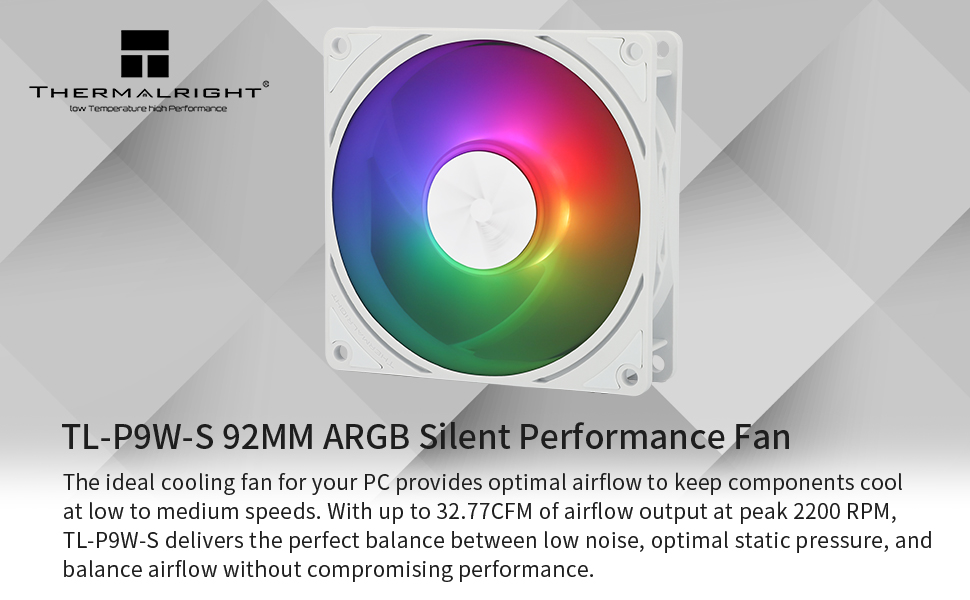
Image: Thermalright TL-P9W-S fan highlighting key features.
- Augstas veiktspējas dzesēšana: Automatic speed control via 4-pin PWM interface, reaching a maximum speed of 2200 RPM for effective heat dissipation.
- Zema trokšņa līmeņa darbība: Equipped with four vibration damping pads to reduce friction and noise, ensuring quiet performance.
- ARGB apgaismojums: High brightness LED atomized ARGB fan blades provide soft, customizable lighting effects. Connects to a 3-pin ARGB port on the motherboard for control.
- Izturīga konstrukcija: Fan blades and frame are made from industrial-grade PBT+PC material for strength and stability.
- Long-lasting Bearing: Features a maintenance-free S-FDB (Fluid Dynamic Bearing) with magnetic assist for low friction and extended lifespan.
2. Iestatīšana un instalēšana
Follow these steps to properly install your Thermalright TL-P9W-S fan. Ensure your system is powered off and unplugged before beginning installation.
2.1 Ventilatora pievienošana
- PWM savienojums: Connect the 4-pin PWM fan cable to an available 4-pin fan header on your motherboard. This allows the motherboard to control the fan speed based on system temperature.
- ARGB savienojums: Connect the 3-pin ARGB connector to a +5V ARGB header on your motherboard. This enables control over the fan's lighting effects. If connecting multiple ARGB devices, utilize the daisy-chain feature by connecting additional ARGB connectors to the sharing header.
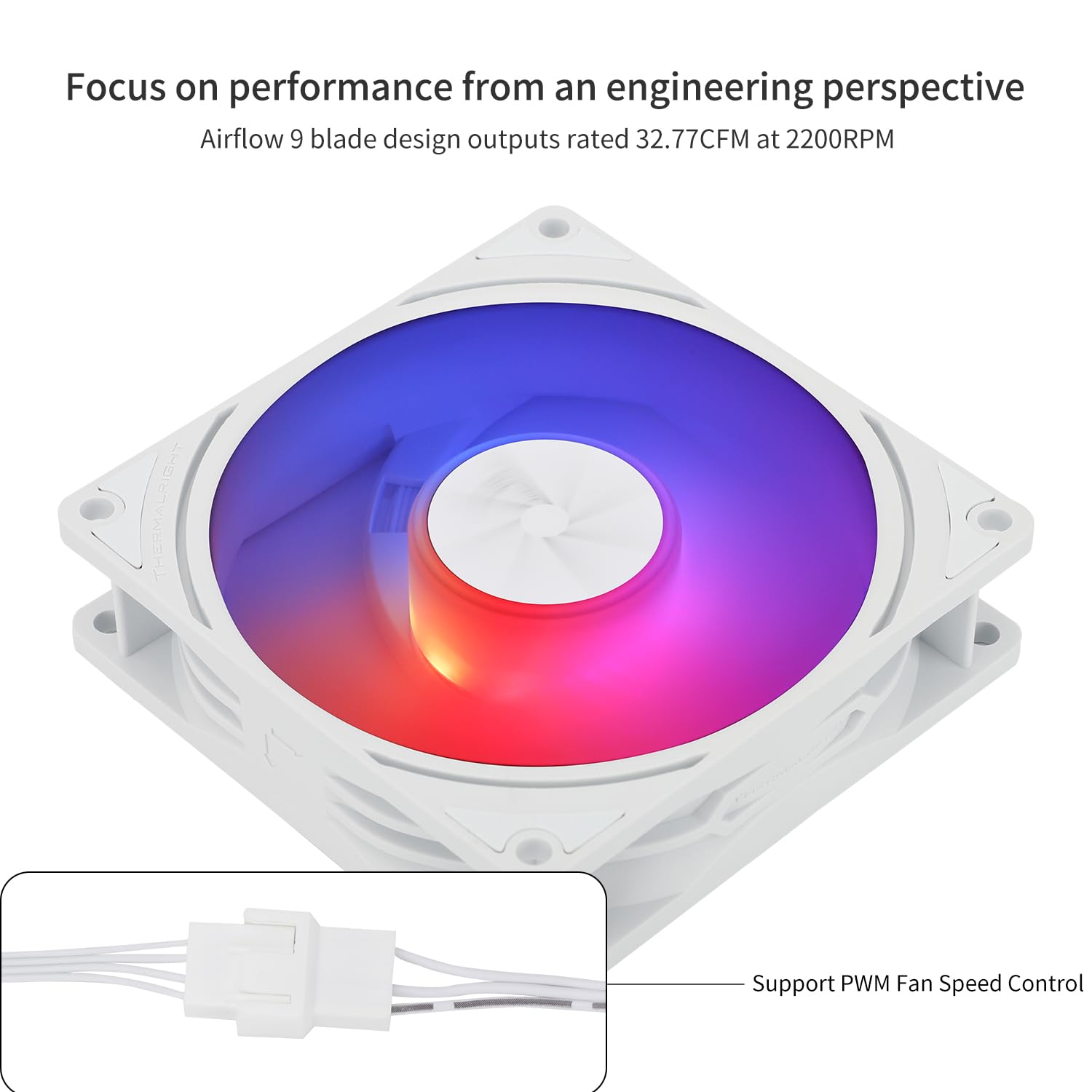
Image: PWM fan speed control connector.
2.2 Ventilatora uzstādīšana
The TL-P9W-S fan can be used as a case fan or mounted on compatible CPU coolers. Use the provided screws to secure the fan in your desired location. The soft silicone feet at each corner help reduce vibration.

Attēls: Piemamples of fan installation in a PC case and on CPU coolers.
2.3 Uzstādīšanas video pamācība
For a visual guide on installation, please refer to the official video below:
Video: Thermalright case fan quick start guide. This video demonstrates the connection process for the fan's PWM and ARGB cables to a motherboard.
3. Lietošanas instrukcijas
3.1 Ventilatora ātruma vadība (PWM)
The 4-pin PWM connector allows your motherboard to automatically adjust the fan speed based on the CPU or system temperature. This ensures optimal cooling performance while minimizing noise when high airflow is not required. You can typically configure fan curves in your motherboard's BIOS/UEFI settings or through manufacturer-provided software.
3.2 ARGB apgaismojuma vadība
The 3-pin ARGB connector enables synchronization and control of the fan's lighting effects through your motherboard's ARGB software (e.g., ASUS Aura Sync, MSI Mystic Light Sync, Gigabyte RGB Fusion, ASRock Polychrome Sync). This allows you to customize colors, patterns, and brightness to match your system's aesthetic.
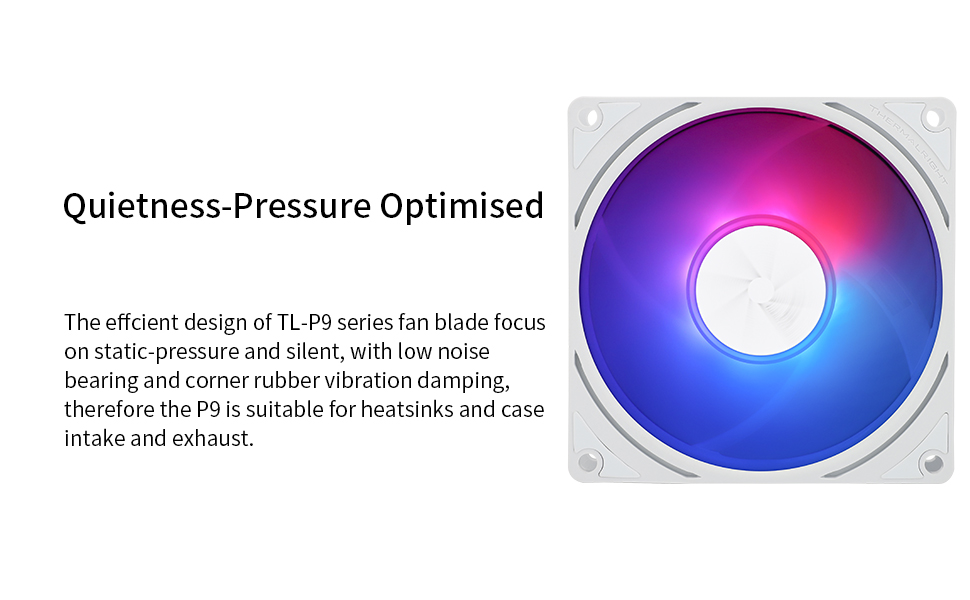
Image: Fan displaying various ARGB lighting effects.
4. Apkope
The Thermalright TL-P9W-S fan utilizes an S-FDB (Fluid Dynamic Bearing) which is designed for long-term, maintenance-free operation. Therefore, do not attempt to disassemble the fan as this may damage the bearing and void any potential warranty.
Lai nodrošinātu optimālu veiktspēju un ilgmūžību:
- Periodically inspect the fan blades for dust accumulation.
- Gently clean any dust from the fan blades and frame using compressed air or a soft brush. Ensure the fan is powered off during cleaning.

Image: Detail of the S-FDB bearing and vibration dampspilventiņi.
5. Traucējummeklēšana
If you encounter issues with your Thermalright TL-P9W-S fan, consider the following troubleshooting steps:
- Ventilators negriežas:
- Ensure the 4-pin PWM connector is securely plugged into the motherboard fan header.
- Pārbaudiet mātesplates BIOS/UEFI iestatījumus, lai pārliecinātos, ka ventilatora kontaktligzda ir iespējota un pareizi konfigurēta.
- Pārbaudiet, vai strāvas padeve darbojas pareizi.
- Nav ARGB apgaismojuma:
- Confirm the 3-pin ARGB connector is correctly attached to a +5V ARGB header on your motherboard. Note that this is different from a +12V RGB header.
- Check your motherboard's ARGB software to ensure lighting effects are enabled and configured.
- If daisy-chaining, ensure all connections are secure.
- Pārmērīgs troksnis:
- Ensure the fan is securely mounted and not vibrating against other components. The rubber damping pads should help mitigate this.
- Pārbaudiet, vai ventilatora lāpstiņām netraucē kādi kabeļi vai šķēršļi.
- Adjust the fan speed curve in your motherboard's BIOS/UEFI or software. Running the fan at 100% speed continuously can generate more noise. Tuning to 50-60% for typical loads often provides a good balance of cooling and quietness.
- Notīriet visus putekļu uzkrājumus uz ventilatora lāpstiņām.
- Slikta dzesēšanas veiktspēja:
- Ensure the fan is oriented correctly for optimal airflow (intake or exhaust, depending on your system's needs).
- Verify that there are no obstructions blocking airflow to or from the fan.
- Check fan speed settings; increase speed if temperatures are too high.
6. Specifikācijas
| Funkcija | Specifikācija |
|---|---|
| Modelis | TL-P9W-S |
| Produkta izmēri (G x P x A) | 3.62 collas x 0.98 collas x 3.62 collas (92 mm x 25 mm x 92 mm) |
| Barošanas savienotāja tips | 4-Pin PWM |
| ARGB savienotāja tips | 3-Pin (+5V) |
| Voltage | 12 volts |
| Wattage | 9 vati |
| Dzesēšanas metode | Gaiss |
| Saderīgas ierīces | Desktop PCs (Case, CPU Coolers) |
| Trokšņa līmenis | 23.85 decibeli (maks.) |
| Materiāls | PBT+PC, Silicon |
| Maksimālais rotācijas ātrums | 2200 XNUMX RPM |
| Gaisa plūsmas jauda | 32.77 kubikpēdas minūtē (CFM) |
| Gultņa tips | S-FDB (šķidruma dinamiskais gultnis) |
7. Garantija un atbalsts
Lai saņemtu informāciju par garantiju un tehnisko atbalstu, lūdzu, skatiet oficiālo Thermalright vietni. webvietnē vai sazinieties ar savu mazumtirgotāju. Saglabājiet pirkuma apliecinājumu jebkādu garantijas prasību gadījumā.
Manufacturer: THERMALRIGHT