
Ievads
The realme Buds T110 are designed to deliver a high-quality audio experience with advanced features for both music and calls. These truly wireless earbuds offer powerful sound, clear communication, and a comfortable fit for daily use.
Key features include 10mm Dynamic Bass Drivers for rich audio, AI Environmental Noise Cancellation (ENC) for clear calls, Google Fast Pair for quick connectivity, 38 hours of total playback, fast charging capabilities, and an 88ms low latency gaming mode. The earbuds also feature an IPX5 water resistance rating, making them suitable for workouts and outdoor activities.

Attēls: Pāriview of realme Buds T110 key features including 38-hour playback, AI ENC, IPX5, and low latency.
Kas atrodas kastē
Upon opening your realme Buds T110 package, you will find the following items:
- Realme Buds T110 austiņas (kreisā un labā)
- Uzlādes futrālis
- Ausu uzgaļi (dažādi izmēri optimālai piegulšanai)
- USB uzlādes kabelis
- Lietotāja rokasgrāmata

Image: realme Buds T110 earbuds in their charging case, showcasing the product's components.
Iestatīšana
1. Austiņu un maciņa uzlādēšana
Before first use, fully charge the realme Buds T110 and their charging case. Connect the provided USB charging cable to the charging port on the case and a power source. The indicator light on the case will show charging status. A 10-minute charge provides up to 120 minutes of playback.

Attēls: Augšpusē view of the realme Buds T110 charging case with its indicator light.
2. Initial Pairing (Google Fast Pair)
- Pārliecinieties, vai jūsu viedtālruņa Bluetooth funkcija ir iespējota.
- Open the charging case with the earbuds inside and hold it close to your Android phone.
- A Google Fast Pair pop-up will appear on your phone's screen. Tap 'Connect' to pair.
- For other devices, open the case, press and hold the function button on the case for 3 seconds until the indicator light flashes white, then select 'realme Buds T110' from your device's Bluetooth settings.
3. Realme Link lietotņu saderība
Download the realme Link app from your device's app store to unlock additional features, customize touch controls, and update firmware for your realme Buds T110.

Image: The realme Link app logo, indicating compatibility for enhanced control.
Lietošanas instrukcijas
1. Ieslēgšana/izslēgšana
- Ieslēgšana: Atveriet uzlādes futrāli, un austiņas automātiski ieslēgsies un izveidos savienojumu ar pēdējo pārī savienoto ierīci.
- Izslēgt: Ievietojiet austiņas atpakaļ uzlādes futrālī un aizveriet vāku. Tās automātiski atvienosies un izslēgsies.
2. Pieskarieties Vadības elementiem
The realme Buds T110 feature intuitive touch controls on each earbud. The specific functions can be customized via the realme Link app.
| Darbība | Funkcija |
|---|---|
| Veiciet dubultskārienu | Atskaņot/apturēt mūziku, atbildēt/beigt zvanu |
| Trīskāršs pieskāriens | Nākamais celiņš |
| Press and Hold (one earbud) | Atteikt zvanu |
| Press and Hold (both earbuds) | Enter/Exit Gaming Mode |

Image: Close-up of the right realme Buds T110 earbud, highlighting its design and touch-sensitive area.
3. AI Environmental Noise Cancellation (ENC) for Calls
The AI ENC feature intelligently identifies and reduces background noise during calls, ensuring your voice is heard clearly by the person on the other end, even in noisy environments.
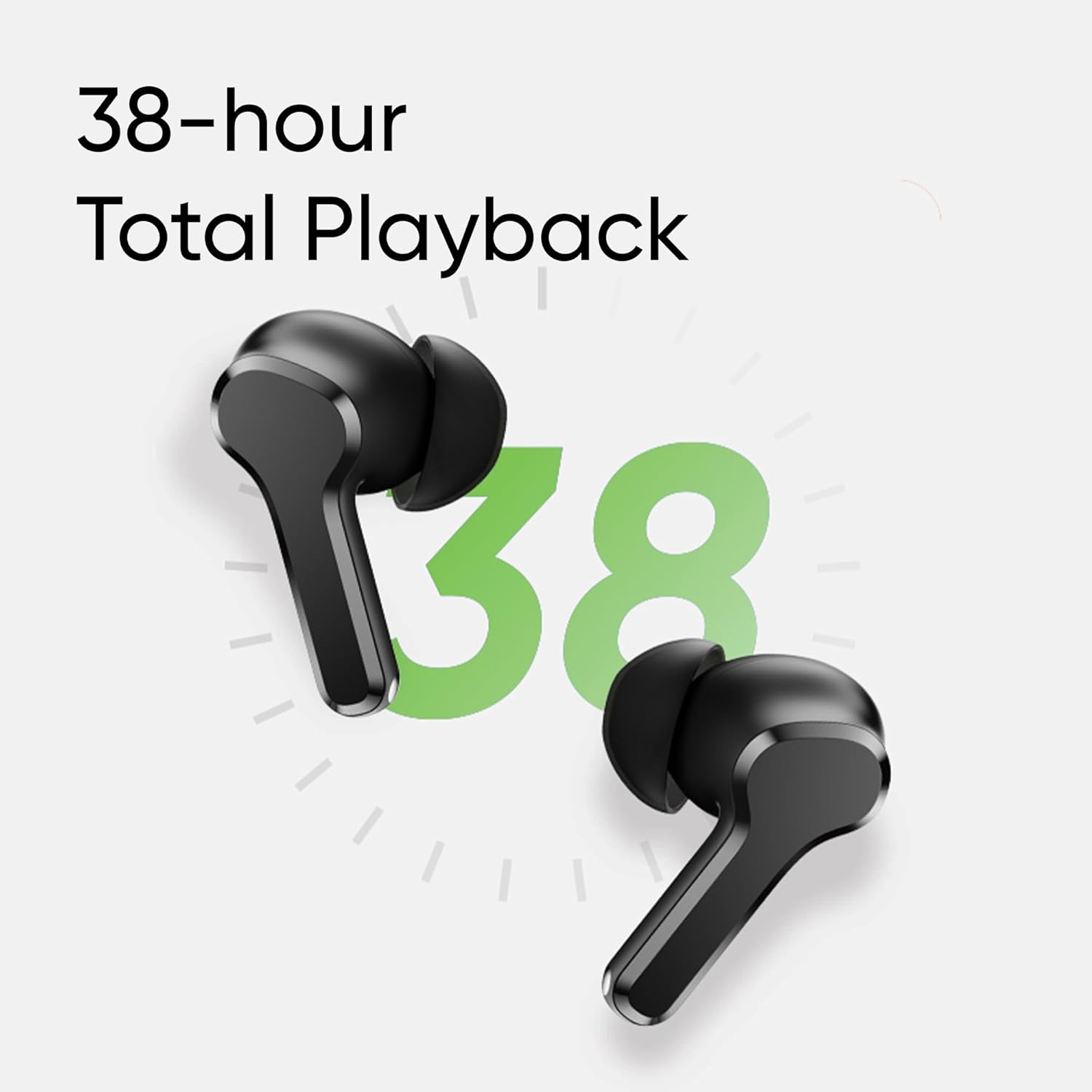
Image: Visual representation of AI ENC technology reducing background noise during calls.
4. Low Latency Gaming Mode
Activate the 88ms low latency gaming mode for a synchronized audio-visual experience, reducing audio delay during gaming or video playback. This mode can be toggled by pressing and holding both earbuds simultaneously.
Apkope
1. Tīrīšana
- Regulāri tīriet austiņas un uzlādes futrāli ar mīkstu, sausu un neplūksnainu drānu.
- Izņemiet ausu uzgaļus un notīriet tos ar maigām ziepēm un ūdeni, pēc tam rūpīgi nosusiniet, pirms uzliekat atpakaļ.
- Pārliecinieties, vai abu austiņu un korpusa uzlādes kontakti nav putekļi un gruži.
2. Ūdensizturība (IPX5)
The realme Buds T110 are rated IPX5 for water resistance, meaning they are protected against low-pressure water jets from any direction. This makes them resistant to sweat and light splashes. They are not designed for submersion in water or use during swimming.

Image: Visual representation of the IPX5 water resistance feature, showing water droplets around an earbud.
Problēmu novēršana
- Nav skaņas/savienojamības problēmu: Ensure earbuds are charged. Place them back in the case, close the lid, then reopen to re-establish connection. Check your device's Bluetooth settings and ensure 'realme Buds T110' is connected. Try forgetting the device and re-pairing.
- Viena austiņa nedarbojas: Ensure both earbuds are charged. Place both earbuds in the charging case, close the lid, wait a few seconds, then open it again. If the issue persists, try resetting the earbuds.
- Uzlādes problēmas: Pārliecinieties, vai uzlādes kabelis ir droši pievienots gan korpusam, gan strāvas avotam. Notīriet uzlādes kontaktus uz austiņām un korpusa iekšpusē. Izmēģiniet citu uzlādes kabeli vai strāvas adapteri.
- Austiņu atiestatīšana: Place both earbuds in the charging case. Press and hold the function button on the case for 10 seconds until the indicator light flashes rapidly. This will reset the earbuds to factory settings and clear all pairing records. You will need to re-pair them with your device.
Specifikācijas
| Funkcija | Specifikācija |
|---|---|
| Zīmols | realme |
| Modeļa numurs | RMA2306 |
| Ausu novietojums | Ausī |
| Formas faktors | Īsts bezvadu savienojums |
| Impedance | 32 omi |
| Bluetooth versija | 5.4 |
| Audio draivera tips | Dinamiskais draiveris |
| Audio draivera izmērs | 10 milimetri |
| Vidējais akumulatora darbības laiks | 38 stundas (kopējais atskaņošanas laiks) |
| Akumulatora uzlādes laiks | 10 Minutes for 120 Minutes Playback |
| Ūdensizturības līmenis | IPX5 |
| Trokšņa kontrole | Vides trokšņu slāpēšana (ENC) |
| Zems latentums | 88 ms |
| Svars | 42 grami |
| Izcelsmes valsts | Vjetnama |
Garantija un atbalsts
Garantijas informācija
The realme Buds T110 come with a 1 gada ražotāja garantija from the date of purchase. Please retain your proof of purchase for warranty claims. The warranty covers manufacturing defects but does not cover damage caused by misuse, accidents, unauthorized modifications, or normal wear and tear.
Klientu atbalsts
For further assistance, technical support, or warranty claims, please contact realme customer service through their official website or the realme Link app. You can also refer to the official realme support page for FAQs and additional resources.


