
Fišera FBX384K
Fisher portatīvā Bluetooth skaļruņa lietotāja rokasgrāmata
Modelis: FBX384K
Ievads
Thank you for choosing the Fisher Portable Bluetooth Speaker. This manual provides essential information for setting up, operating, and maintaining your speaker to ensure optimal performance and longevity. Please read this manual thoroughly before using the product.
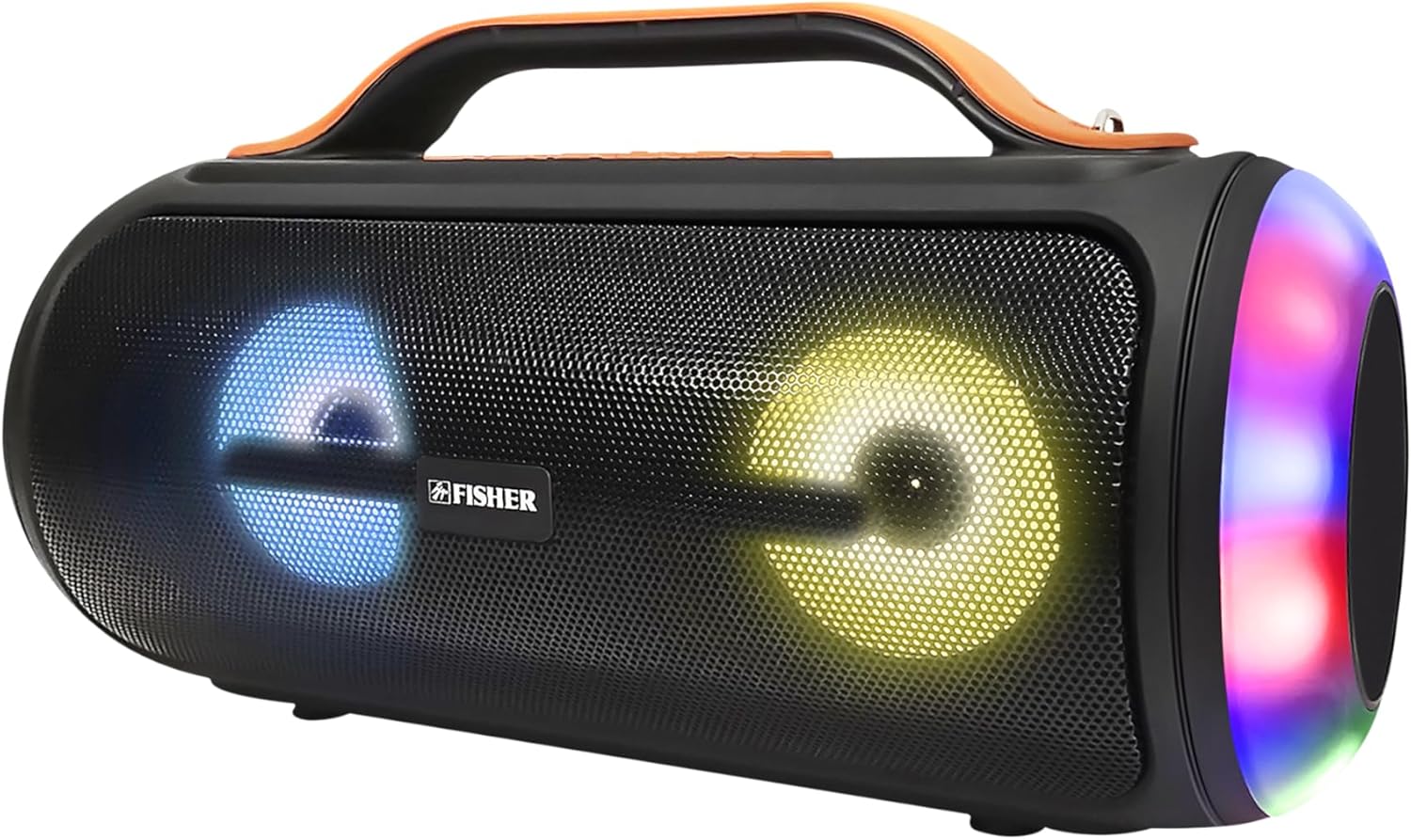
Attēls: priekšpuse view of the Fisher Portable Bluetooth Speaker showcasing its integrated colorful lights.
Galvenās iezīmes
- Spēcīgs audio: Experience 20W RMS (40W PEAK) immersive stereo sound with Bluetooth 5.3 connectivity, offering a stable range of up to 33 feet.
- Pielāgojama skaņa: Tailor your listening experience with the advanced equalizer mode, allowing adjustments to bass, midrange, and treble.
- Dinamiskais gaismas šovs: Enjoy a mesmerizing music rhythm light show with 5 vibrant color FX modes, adding a visual element to your audio.
- Patiess bezvadu stereo (TWS): Easily pair two Fisher speakers for double the volume and an enhanced, immersive stereo sound experience.
- Pārnesamība: Designed with a built-in carrying handle and strap for convenient transport, suitable for various outdoor and indoor environments.
- Paplašināta savienojamība: Supports USB and TF card playback, and features an FM Radio Tuner for additional listening options.
- Ūdensizturīgs dizains: Built to withstand splashes, making it suitable for use near pools, beaches, or during travel.
- Ilgmūžīgs akumulators: Equipped with a 1500mAh battery providing up to 2 hours of playback time on a single charge, with a 2-hour charge time via USB-C.
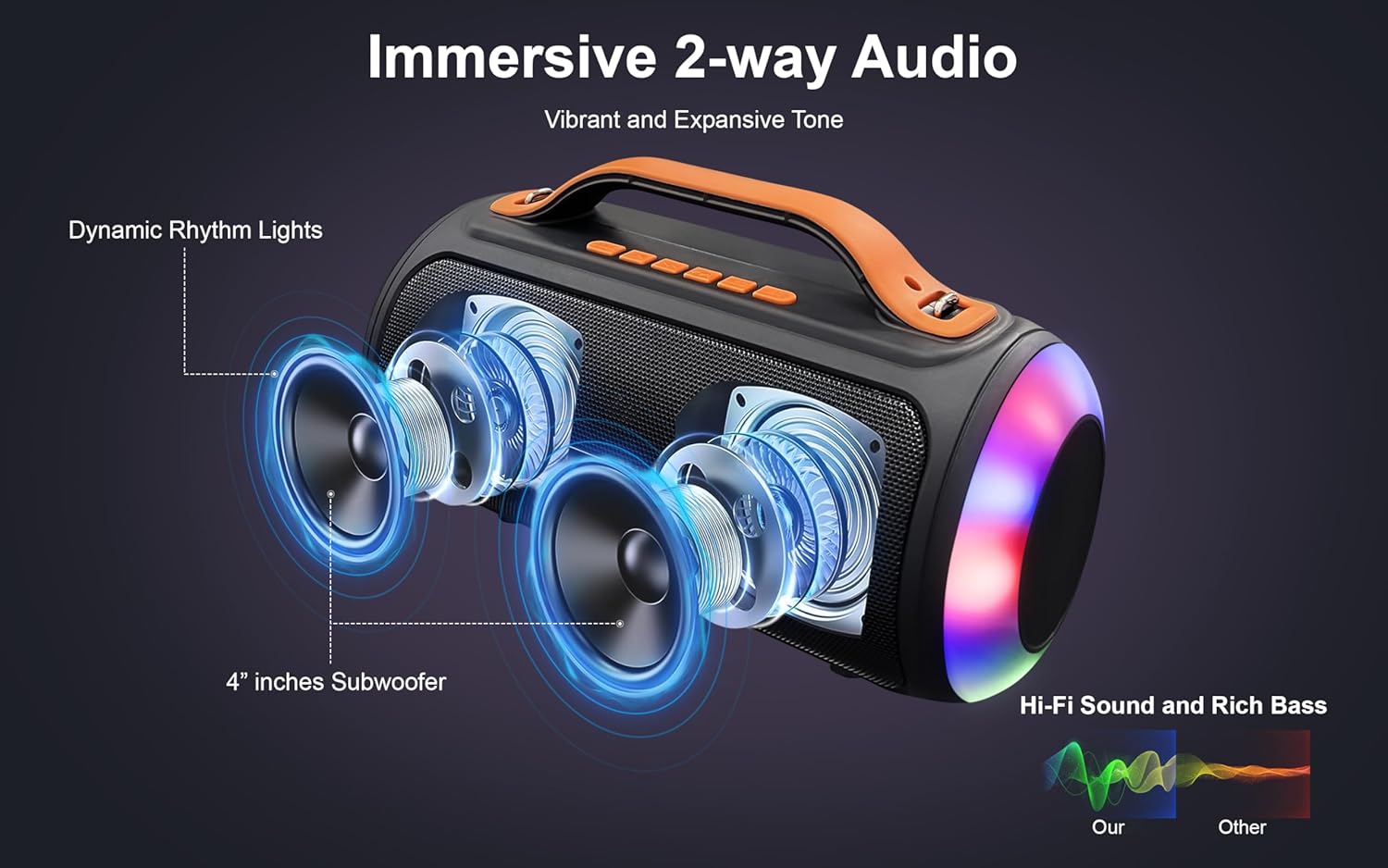
Image: Diagram illustrating the internal 4-inch subwoofers and dynamic rhythm lights for immersive 2-way audio.
Iestatīšana
1. Skaļruņa uzlāde
Before first use, fully charge the speaker. Connect the provided USB-C charging cable to the speaker's USB-C charge port and the other end to a compatible USB power adapter (not included). The charging indicator light will illuminate during charging and turn off when fully charged. A full charge takes approximately 2 hours.
2. Ieslēgšana/izslēgšana
Locate the power button, typically on the back or top panel of the speaker. Press and hold the power button for a few seconds to turn the speaker on or off. A voice prompt will indicate the power status.

Image: A hand demonstrating interaction with the control buttons located on the top panel of the speaker.
Lietošanas instrukcijas
Bluetooth savienojums
- Ensure the speaker is powered on and in Bluetooth pairing mode. A voice prompt will confirm "Bluetooth Mode" and the indicator light will flash.
- Savā ierīcē (viedtālrunī, planšetdatorā utt.) iespējojiet Bluetooth un meklējiet pieejamās ierīces.
- Select "Fisher FBX384K" (or similar name) from the list of found devices.
- Once connected, a voice prompt will confirm "Bluetooth Connected". You can now play audio through the speaker.

Image: The speaker in use during a social gathering, highlighting its Bluetooth 5.2 capabilities and compatibility with various devices like phones, tablets, computers, and laptops.
Patiesa bezvadu stereo (TWS) savienošana pārī
To achieve a true stereo sound experience, you can pair two Fisher FBX384K speakers together:
- Pārliecinieties, vai abi skaļruņi ir ieslēgti un nav savienoti ar nevienu Bluetooth ierīci.
- On one of the speakers (this will be the primary speaker), press and hold the TWS button (refer to button layout if available, otherwise assume a dedicated button or combination).
- The speakers will automatically search and pair with each other. A confirmation tone or voice prompt will indicate successful TWS connection.
- Connect your device to the primary speaker via Bluetooth as described above. Audio will now play in stereo through both speakers.

Image: Two Fisher speakers set up for True Wireless Stereo pairing, enhancing the audio experience for activities like gaming.
Atskaņošanas un skaļuma kontrole
- Skaļuma palielināšana/ samazināšana: Use the dedicated volume buttons (+) and (-) or long-press the track skip buttons.
- Atskaņot/pauzēt: Nospiediet atskaņošanas/pauzes pogu.
- Nākamais ieraksts: Short press the Next Track button.
- Iepriekšējais ieraksts: Short press the Previous Track button.
EQ režīmi
Press the EQ button to cycle through different equalizer modes (e.g., Bass Boost, Vocal, Balanced) to optimize sound for various music genres or preferences.
Gaismas režīmi
Press the Light Mode button to cycle through the 5 vibrant color FX modes. To turn off the side RGB lights, press and hold the light button. Note that the lights around the speaker cones are integrated and may not have a separate off function.
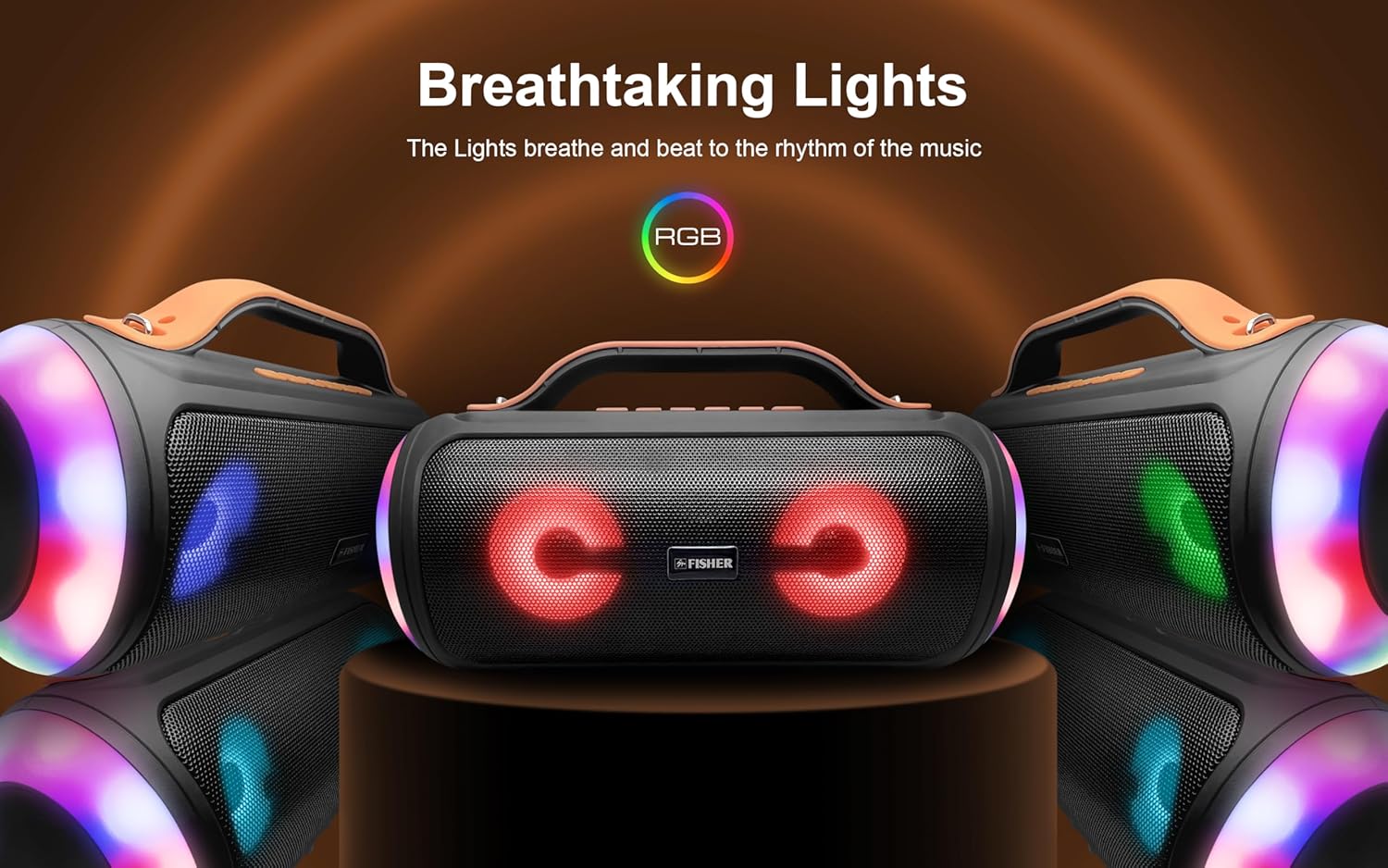
Image: A visual representation of the speaker's "Breathtaking Lights" feature, showing different RGB light patterns.
FM radio
To switch to FM Radio mode, press the Mode button until "FM Radio" is announced. For best reception, extend the antenna if available, or position the speaker in an open area. To auto-scan and save stations, press and hold the Play/Pause button. Use the Next/Previous track buttons to navigate between saved stations.
USB/TF kartes atskaņošana
Insert a USB drive or TF (microSD) card into the respective port. The speaker will automatically switch to USB or TF card mode and begin playing audio files. Use the playback controls to manage your music.
Apkope
- Tīrīšana: Skaļruņa ārpuses tīrīšanai izmantojiet mīkstu, sausu drānu. Nelietojiet abrazīvus tīrīšanas līdzekļus, vasku vai šķīdinātājus.
- Ūdens izturība: While water resistant, avoid submerging the speaker in water. Ensure the charging port cover is securely closed when near water.
- Uzglabāšana: Uzglabājiet skaļruni vēsā, sausā vietā, pasargājot to no tiešiem saules stariem un ekstremālām temperatūrām.
- Akumulatora kopšana: To preserve battery life, charge the speaker regularly, even if not in frequent use. Avoid fully depleting the battery for extended periods.

Image: The speaker positioned poolside, demonstrating its suitability for outdoor music enjoyment due to its water-resistant design.
Problēmu novēršana
| Problēma | Iespējamais risinājums |
|---|---|
| Skaļrunis neieslēdzas. | Pārliecinieties, vai akumulators ir uzlādēts. Pievienojiet skaļruni strāvas avotam, izmantojot USB-C kabeli. |
| Nevar savienot pārī, izmantojot Bluetooth. | Make sure the speaker is in Bluetooth pairing mode. Ensure your device's Bluetooth is enabled and within 33 feet of the speaker. Forget previous pairings on your device and try again. |
| Nav skaņas vai kluss skaļums. | Increase the volume on both the speaker and your connected device. Ensure the speaker is properly paired. Check if the audio source is playing. |
| Lights do not turn off completely. | The side RGB lights can be turned off by pressing and holding the light button. The lights around the speaker cones are integrated and may not have a separate off function. |
| Slikta FM radio uztveršana. | Relocate the speaker to an area with better signal. Auto-scan for stations again. |
| Īss akumulatora darbības laiks. | Ensure the speaker is fully charged before use. High volume levels and continuous light show usage can reduce battery life. |
Specifikācijas
| Funkcija | Detaļas |
|---|---|
| Modeļa nosaukums | FBX384K |
| Skaļruņa tips | Pārnēsājams skaļrunis |
| Savienojamības tehnoloģija | Bluetooth 5.3, palīgierīce, USB, TF karte |
| Wireless Range | Līdz 33 pēdām (10 metriem) |
| Skaļruņa izejas jauda | 20 W RMS (40 W PEAK) |
| Skaļruņa izmērs | 4 collas x 2 |
| Frekvences reakcija | 45 Hz–18 kHz |
| Akumulatora ietilpība | 1500 mAh |
| Atskaņošanas laiks | Up to 2 hours (at 50% volume, without lights) |
| Uzlādes laiks | Apmēram 2 stundas |
| Uzlādes ports | USB-C |
| Izmēri (G x P x A) | 14.09 cm x 6.41 cm x 7.71 cm |
| Svars | 3.58 mārciņas |
| Materiāls | Metāls, Plastmasa |
| Ūdensizturība | Yes (Splash resistant) |

Image: A diagram detailing the physical dimensions of the speaker: 14 inches wide, 7.7 inches high, and 6.4 inches deep.
Garantija un atbalsts
This Fisher Portable Bluetooth Speaker comes with a limited warranty. For detailed warranty terms and conditions, please refer to the warranty card included with your product or contact Fisher customer support.
If you encounter any issues or have questions not covered in this manual, please contact our customer support team for assistance. Contact information can typically be found on the product packaging or the official Fisher webvietne.
Ask a question about this manual
Ask about setup, troubleshooting, compatibility, parts, safety, or missing instructions. Manuals+ will review the question and use this page’s manual context to help answer it.