
1. Ievads
This manual provides essential information for setting up, operating, and maintaining your Huidun Hibook 6 Laptop. Please read it thoroughly to ensure proper use and to maximize the lifespan of your device.
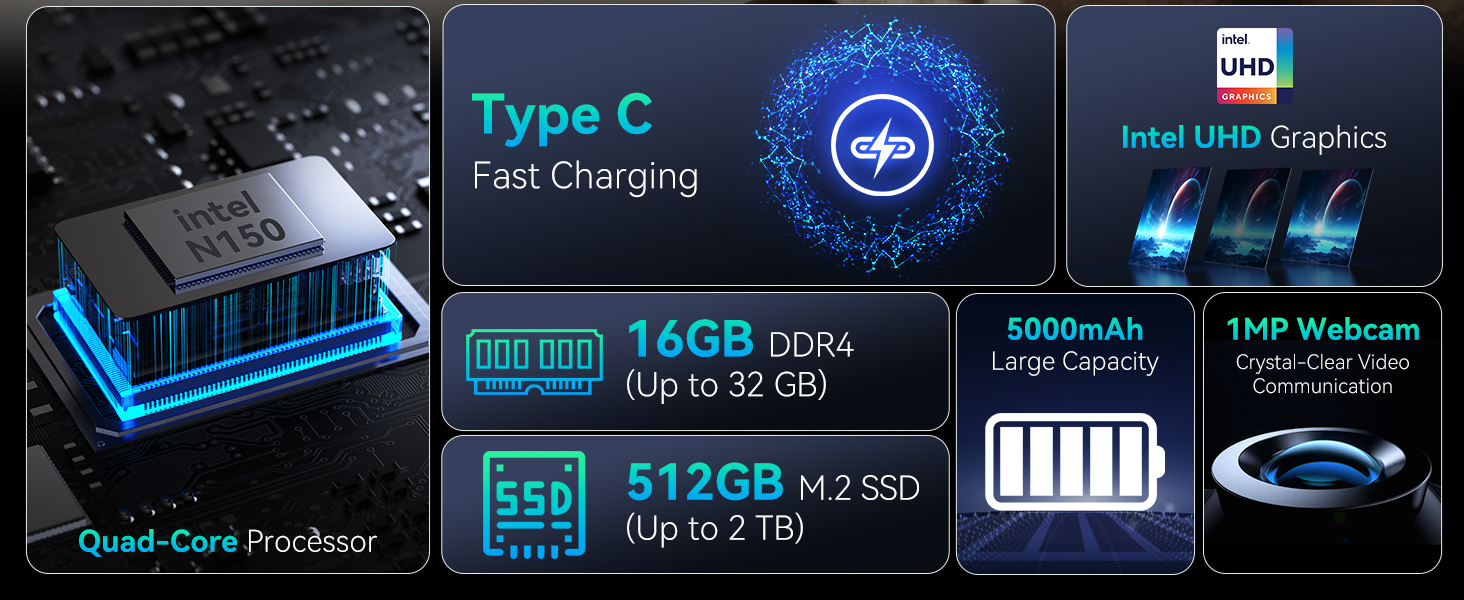
The Huidun Hibook 6 is a 15.6-inch laptop designed for productivity and entertainment, featuring an Intel N150 processor, 16GB DDR4 RAM, and a 512GB SSD. It comes pre-installed with Windows 11 Home.
2. Iestatīšana
2.1 Izpakošana un sākotnējā pārbaude
Carefully remove all components from the packaging. Verify that all items listed in the 'What's in the Box' section are present and undamaged. If any items are missing or damaged, contact customer support immediately.
Video: Unboxing the Huidun Hibook 6 Laptop. This video demonstrates the unboxing process and shows the included accessories.

Attēls: The Huidun Hibook 6 Laptop displayed with its accompanying Type-C charger, wireless mouse, and protective laptop bag.
2.2 Charging the Laptop
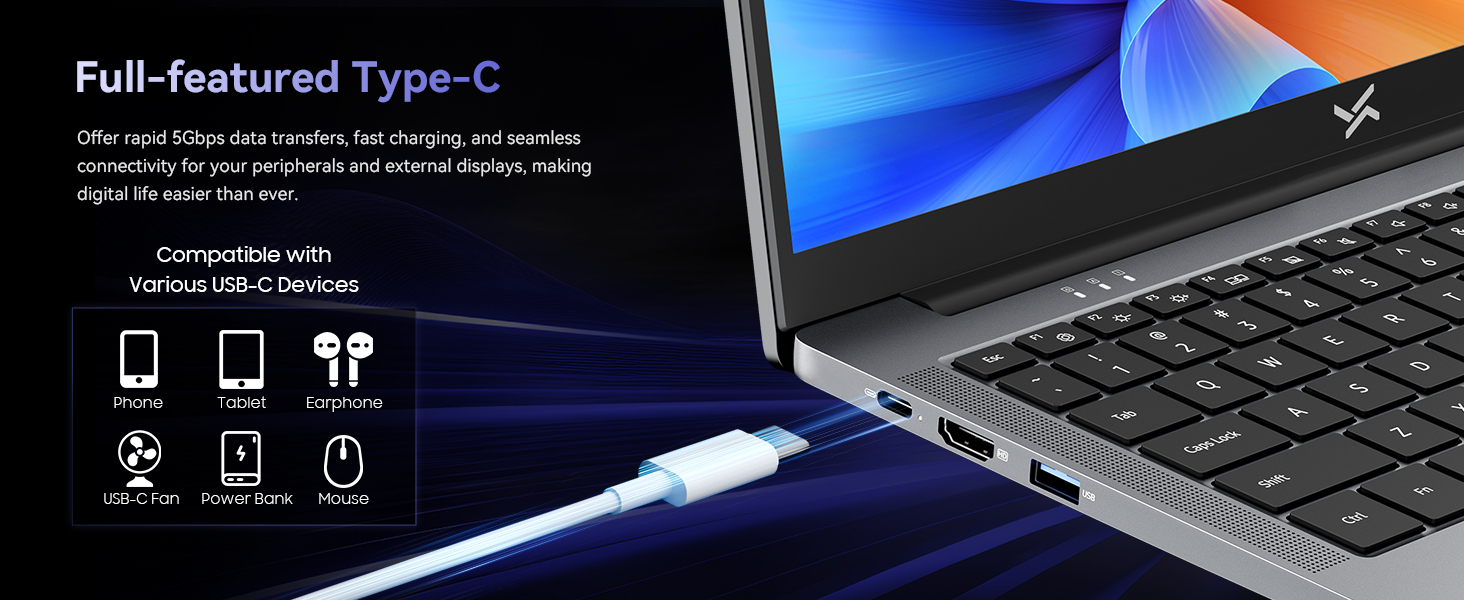
Before first use, connect the provided Type-C PD charger to the laptop's Type-C port and a power outlet. The battery indicator light will show charging status. Allow the laptop to charge fully before initial use.
Attēls: Demonstrates connecting the Type-C charger to the laptop for fast charging.
2.3. Ieslēgšanās
Press the power button located on the top right of the keyboard to turn on the laptop. Follow the on-screen instructions to complete the initial Windows 11 setup, including language selection, network connection, and user account creation.
3. Lietošanas instrukcijas
3.1. Veiktspēja
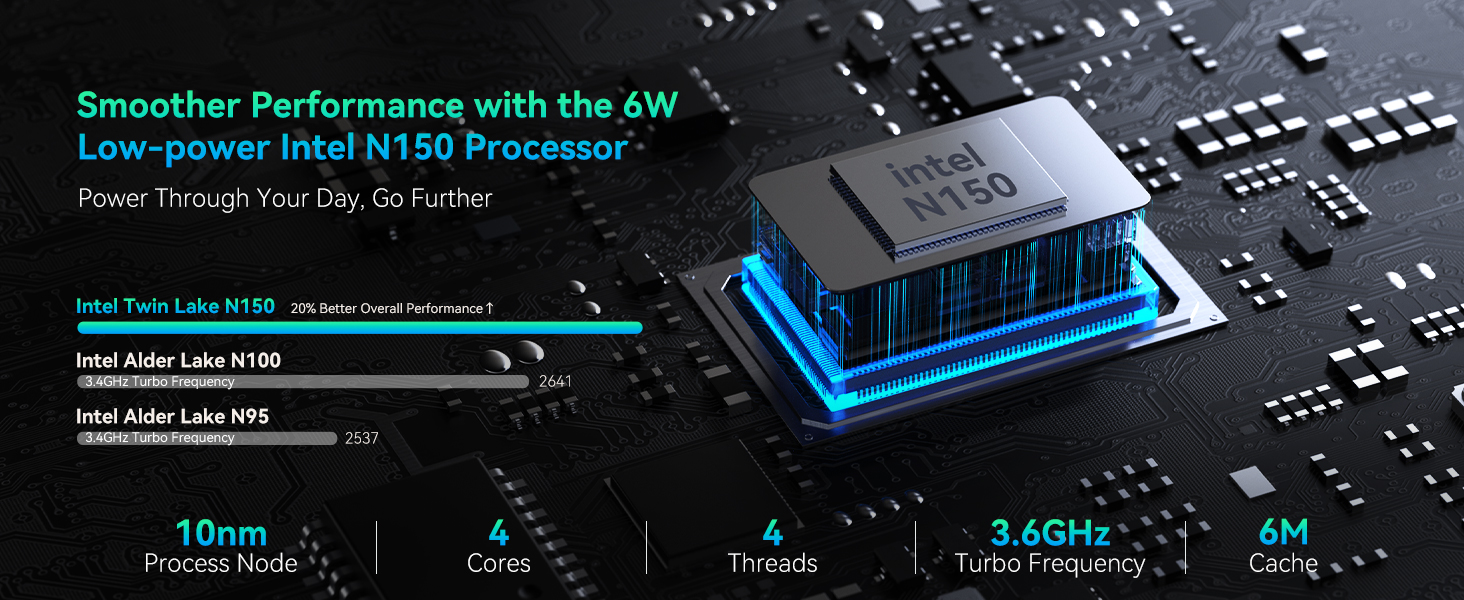
The Huidun Hibook 6 is equipped with an Intel N150 Quad-Core processor (up to 3.6GHz) and 16GB DDR4 RAM, providing efficient performance for daily tasks, multitasking, and multimedia. The 512GB M.2 SSD ensures fast boot times and quick application loading.

Attēls: Detalizēti view of the Intel N150 CPU architecture and performance metrics.
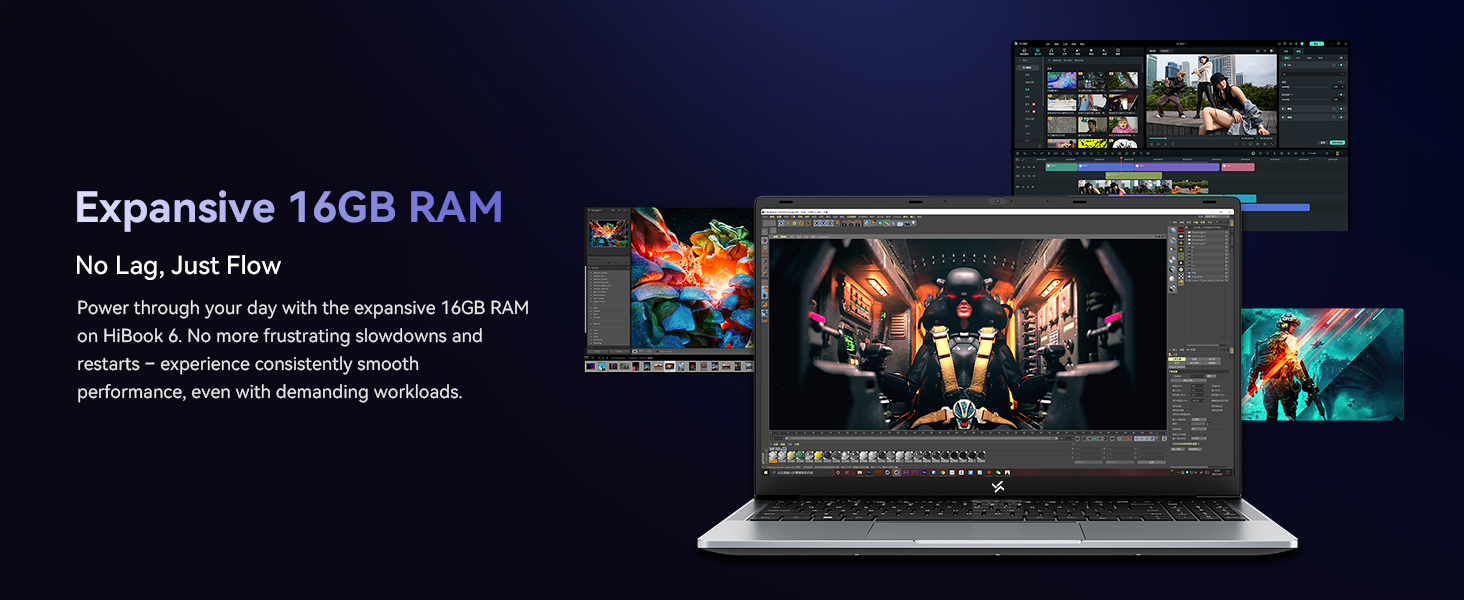
Attēls: Visual representation of the laptop's 16GB RAM handling multiple tasks efficiently.
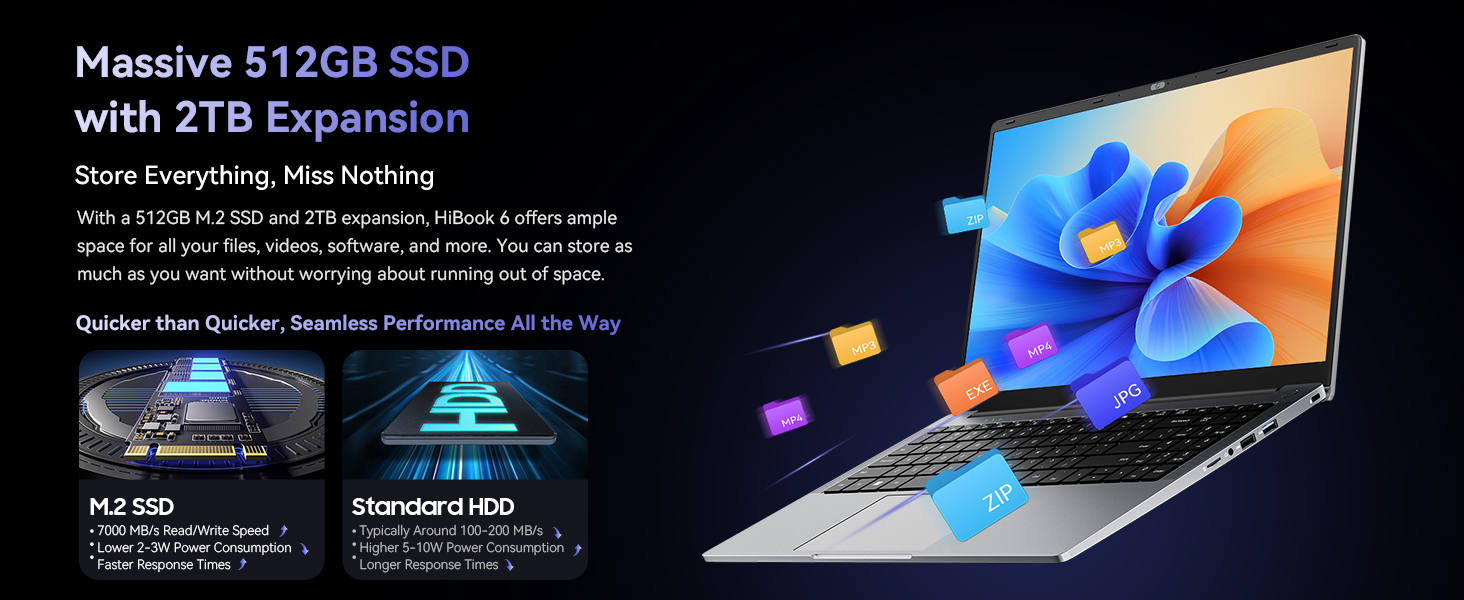
Attēls: Illustrates the 512GB SSD and its expandability for storing files.
3.2 Displejs
The 15.6-inch Full HD IPS display (1920x1080) offers clear visuals and an 84% screen-to-body ratio. It features low blue light technology to reduce eye strain during extended use. The 180° lay-flat hinge allows for flexible viewkoplietošanu.
Attēls: The laptop's 15.6-inch Full HD IPS screen with TÜV Rheinland Low Blue Light Certification.
Attēls: Illustration of the 180° rotatable hinge for enhanced flexibility.
3.3 Akumulators un uzlāde
The laptop features a 5000mAh (38Whr) battery and supports 45W Type-C fast charging (PD 3.0 compliant, with 100W fast charging support). This allows for quick power-ups, reaching 60% charge in approximately 45 minutes.
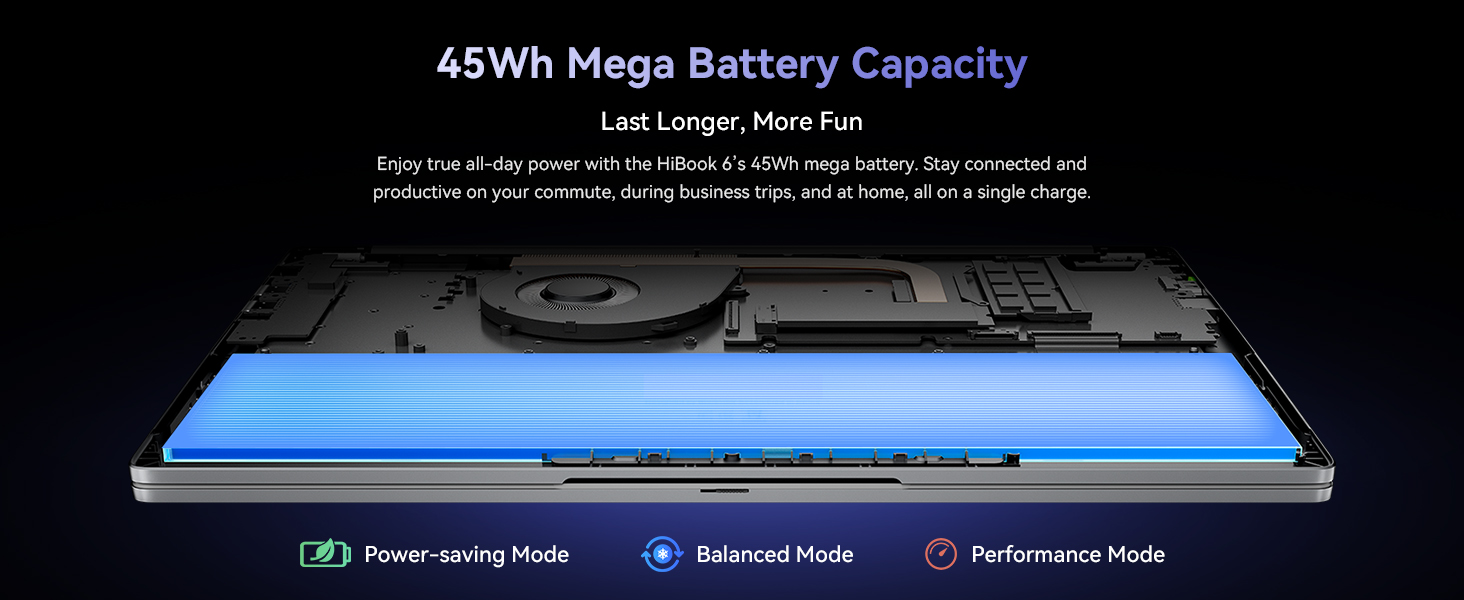
Attēls: Visual of the laptop's battery and power management modes.
3.4 Savienojamība
The Hibook 6 offers a range of ports for versatile connectivity:
- 1x Full-featured Type-C (PD 3.0, DisplayPort 1.4)
- 2x USB 3.2 Gen1 ports
- 1x USB 2.0 ports
- 1x HDMI 2.0 port (supports 4K output)
- 1x 3.5 mm audio ligzda
- 1x TF kartes slots
It also includes Dual-band Wi-Fi and Bluetooth 5.0 for wireless connections.
Attēls: Beigāsview no klēpjdatora dažādajām ieejas/izejas pieslēgvietām.
3.5 Pārnesamība
Weighing 1.7kg (3.74 lbs) and featuring a slim 19.5mm profile, the Hibook 6 is designed for easy portability, making it suitable for on-the-go use.
Attēls: The slim and lightweight design of the Hibook 6 laptop.
3.6. Ciparu tastatūra
The laptop includes an independent numeric keypad, enhancing productivity for data entry and financial tasks.
Attēls: The integrated numeric keypad on the laptop.
4. Apkope
4.1. Tīrīšana
Use a soft, lint-free cloth to clean the screen and exterior surfaces. For stubborn smudges, dampen the cloth slightly with water or a screen-safe cleaner. Avoid harsh chemicals or abrasive materials.
4.2 Dzesēšanas sistēma
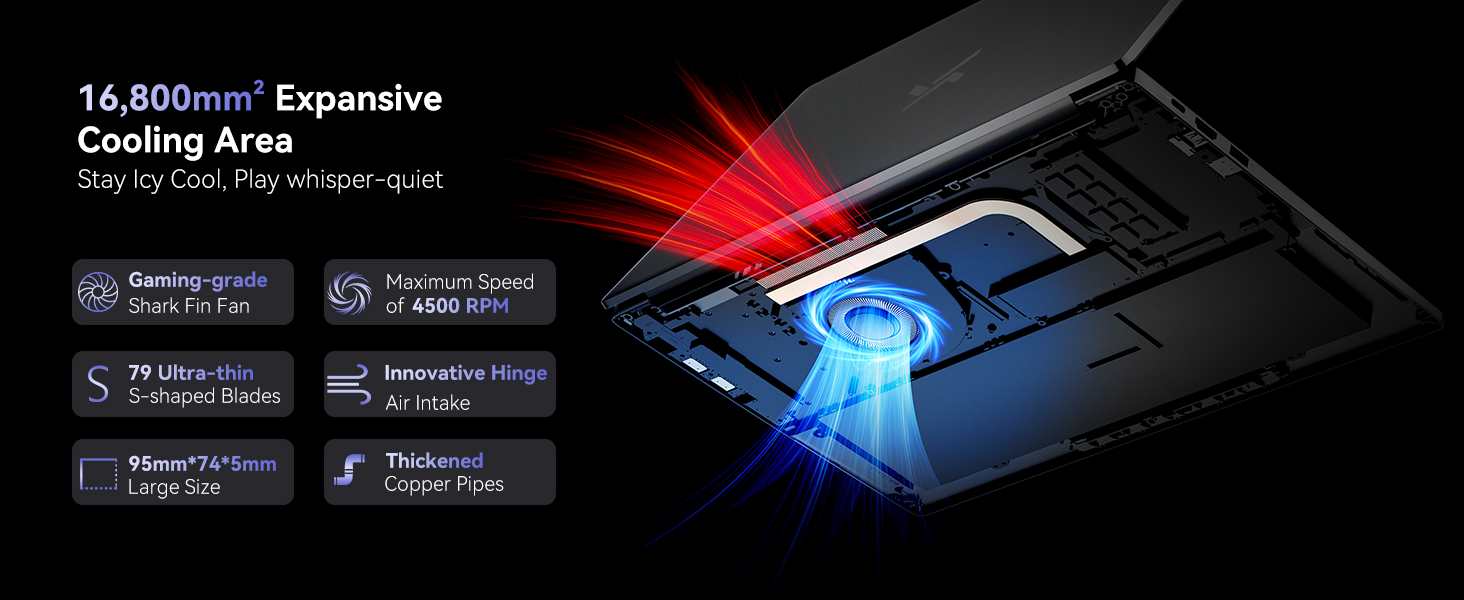
The laptop features a dual copper tube and fan cooling system to maintain optimal operating temperatures. Ensure that the air vents are not obstructed to allow for proper airflow. Regularly clean dust from the vents using compressed air.
Attēls: Diagram of the laptop's cooling system, showing the fan and copper pipes.
4.3 Akumulatora kopšana
Lai paildzinātu akumulatora darbības laiku, izvairieties no biežas akumulatora pilnīgas izlādes. Ieteicams uzturēt akumulatora uzlādes līmeni no 20% līdz 80%, ja iespējams. Uzglabājiet klēpjdatoru vēsā, sausā vietā, ja tas netiek lietots ilgstoši.
5. Traucējummeklēšana
5.1 Klēpjdators neieslēdzas
- Ensure the laptop is connected to the charger and the charger is plugged into a working power outlet.
- Check if the power adapter is securely connected to both the laptop and the wall socket.
- Try pressing and holding the power button for 10-15 seconds to perform a hard reset.
5.2 Screen Remains Blank
- If an external monitor is connected, disconnect it to see if the internal display activates.
- Pielāgojiet ekrāna spilgtumu, izmantojot funkciju taustiņus (piemēram, Fn + F2/F3).
- Restartējiet klēpjdatoru.
5.3 Lēna veiktspēja
- Aizveriet nevajadzīgās lietojumprogrammas, kas darbojas fonā.
- Pārbaudiet un instalējiet visus gaidāmos Windows atjauninājumus.
- Nodrošiniet pietiekami daudz brīvas vietas SSD diskā.
- Veiciet vīrusu skenēšanu, lai pārbaudītu, vai nav ļaunprogrammatūras.
5.4 Wi-Fi savienojamības problēmas
- Pārliecinieties, vai Windows iestatījumos ir iespējots Wi-Fi.
- Restartējiet maršrutētāju un modemu.
- Atjauniniet sava Wi-Fi adaptera draiverus.
For further assistance, refer to the Warranty & Support section.
6. Specifikācijas
| Funkcija | Detaļas |
|---|---|
| Modeļa nosaukums | Hibook 6 |
| Procesors | Intel N150 Quad-Core (up to 3.6GHz) |
| RAM | 16 GB DDR4 |
| Uzglabāšana | 512GB M.2 SSD (expandable up to 2TB) |
| Displejs | 15.6-inch Full HD IPS (1920x1080 pixels, 220 nits, 45% NTSC) |
| Grafika | Intel UHD grafika |
| Operētājsistēma | Windows 11 Home |
| Akumulators | 5000mAh (38Whr) Lithium Ion |
| Uzlāde | 45W Type-C PD (supports 100W fast charging) |
| Ostas | 1x Type-C (PD 3.0), 2x USB 3.2 Gen1, 1x USB 2.0, 1x HDMI 2.0, 1x 3.5mm Audio, 1x TF Card Slot |
| Bezvadu savienojamība | Divjoslu Wi-Fi, Bluetooth 5.0 |
| Izmēri (LxWxH) | 14.07 x 9 x 0.66 collas (35.7 x 22.9 x 1.68 cm) |
| Svars | 3.74 mārciņas (1.7 kg) |
| Krāsa | Kosmosa pelēks |
7. Garantija un atbalsts
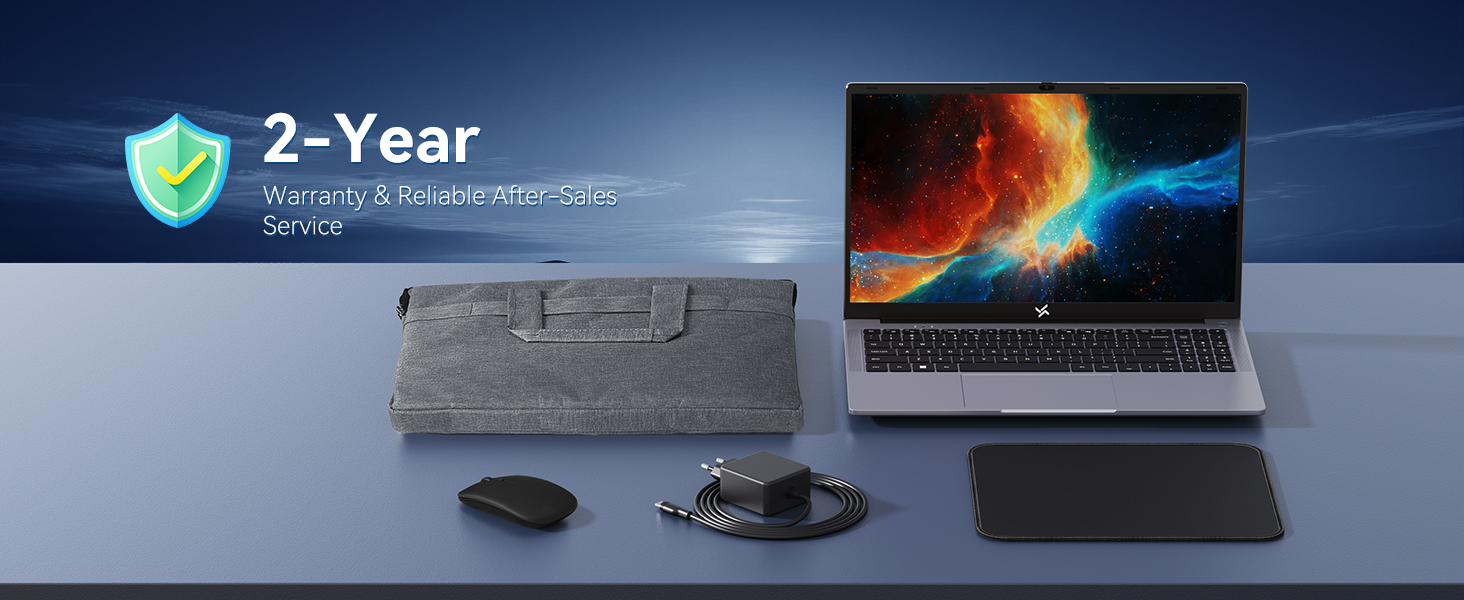
The Huidun Hibook 6 Laptop comes with a 24-month repair warranty covering manufacturer defects. Huidun also provides lifetime technical support for its products.

Attēls: Huidun Care details, including warranty and support information.
7.1. Sazināšanās ar atbalsta dienestu
For setup guidance, troubleshooting, or any other technical inquiries, please contact Huidun customer support. Support is available Monday through Saturday, with responses typically provided within 24 hours.
You may also find helpful resources and FAQs on the official Huidun website or by scanning the QR code provided with your laptop for direct assistance.