1. Ievads
Paldies par pirkumuasing the Panasonic KX-TF400EXB 4G Feature Phone. This manual provides essential information for setting up, operating, and maintaining your device. Please read it carefully to ensure proper use and to maximize the phone's capabilities.
2. Iepakojuma saturs
Pārliecinieties, vai jūsu produkta iepakojumā ir iekļauti visi tālāk norādītie priekšmeti:
- Panasonic KX-TF400EXB 4G Feature Phone
- Akumulators
- USB-C uzlādes kabelis
- Īsā rokasgrāmata (šī rokasgrāmata)
- Austiņas

Beigasview of the items included in the product package: the Panasonic KX-TF400EXB phone, battery, USB-C charging cable, quick guide, and headphones.
3. Iestatīšana
3.1. SIM kartes un akumulatora ievietošana
- Uzmanīgi noņemiet tālruņa aizmugurējo vāciņu.
- Ievietojiet savu Standarta SIM karte into the designated slot. Ensure it is correctly oriented.
- Insert the battery, aligning the contacts with those in the phone.
- Uzlieciet aizmugurējo vāciņu atpakaļ, līdz tas droši nofiksējas savā vietā.
3.2. Akumulatora uzlāde
Pirms pirmās lietošanas reizes pilnībā uzlādējiet tālruņa akumulatoru.
- Savienojiet USB-C uzlādes kabelis to the phone's USB-C port.
- Pievienojiet kabeļa otru galu saderīgam USB strāvas adapterim (nav iekļauts komplektā) vai datora USB portam.
- The charging indicator on the screen will show the charging status. A full charge takes approximately 5 hours.

Details of the phone's integrated LED flashlight at the top and the USB-C charging port at the bottom for convenient power.
4. Pamatdarbība
4.1. Ieslēgšana/izslēgšana
- Lai ieslēgtu: nospiediet un turiet Power/End Call button līdz iedegas ekrāns.
- Lai izslēgtu: nospiediet un turiet Power/End Call button, then select 'Power off' from the options.
4.2. Zvanu veikšana un saņemšana
- To make a call: Enter the phone number using the keypad and press the Zvana poga (zaļš).
- Lai atbildētu uz zvanu: nospiediet Zvana poga (green) when the phone rings.
- Lai pārtrauktu zvanu: nospiediet Power/End Call button (sarkans).
The phone supports 4G VoLTE technology for clear voice calls, even in noisy environments.

The Panasonic KX-TF400EXB phone in use, highlighting its clear call quality with 4G VoLTE technology.
4.3. Using the Display
The phone features a 2.4 collu TFT krāsu ekrāns for easy navigation and clear display of numbers and text.

The phone's 2.4-inch color display, showing the date, time, and menu options for easy navigation.
4.4. Tastatūras funkcijas
The large, easy-to-use keypad allows for simple dialing and menu navigation.
- Navigācijas taustiņi: Use the directional keys to move through menus and options.
- OK/Select Key: Apstiprina atlasi.
- Izvēlnes taustiņš: Piekļūst galvenajai izvēlnei.
- Kontaktu atslēga: Opens your phonebook.
4.5. Lukturis
To activate the integrated LED flashlight, refer to the quick guide or phone settings for the specific shortcut. It provides convenient illumination when needed.
4.6. Kamera
The phone includes a basic camera function. To take a photo:
- Navigate to the Camera application from the main menu.
- Kadrējiet uzņēmumu, izmantojot displeju.
- Press the designated button (usually the center navigation key) to capture the image.
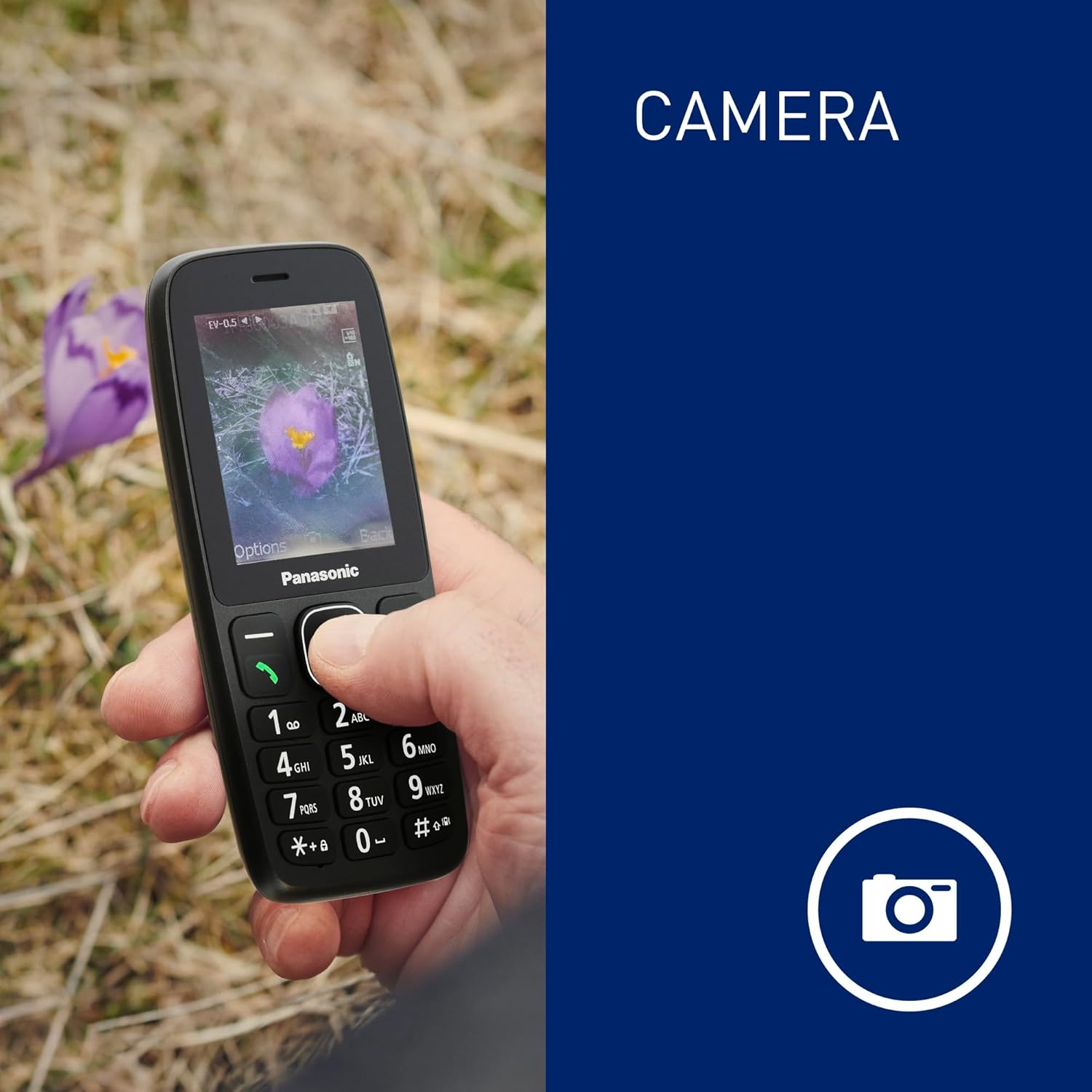
The phone's screen displaying an image captured by its integrated camera function.
4.7. Signalizācija
Set customizable alarms through the phone's menu to help you stay on schedule.
5. Apkope
5.1. Izturība pret putekļiem un ūdeni (IP44)
The Panasonic KX-TF400EXB is rated IP44, meaning it is protected against solid objects larger than 1mm and splashing water from any direction. This makes it suitable for outdoor activities and light exposure to moisture.
- Avoid submerging the phone in water.
- Ensure all ports and covers are securely closed to maintain water resistance.
- If the phone gets wet, wipe it dry immediately with a clean cloth.

The phone demonstrating its IP44 dust and water resistance, suitable for various environments.
5.2. Akumulatora kopšana
- Use only the original or approved charging cable.
- Nepakļaujiet akumulatoru ārkārtējai temperatūrai.
- For optimal battery life, avoid frequently draining the battery completely.
The phone offers a reliable battery life of up to 200 stundu gaidīšanas režīms un 5 hours talk time.
6. Traucējummeklēšana
6.1. Bieži sastopamās problēmas un risinājumi
| Problēma | Iespējamais risinājums |
|---|---|
| Tālrunis neieslēdzas | Pārliecinieties, vai akumulators ir pareizi ievietots un uzlādēts. Mēģiniet uzlādēt tālruni vismaz 30 minūtes. |
| Nevar veikt/saņemt zvanus | Pārbaudiet, vai SIM karte ir pareizi ievietota un aktivizēta. Pārbaudiet tīkla signāla stiprumu. |
| Slikta zvanu kvalitāte | Move to an area with better network coverage. Ensure the speaker/microphone is not obstructed. |
| Akumulators ātri izlādējas | Samaziniet ekrāna spilgtumu. Aizveriet neizmantotās lietotnes. Ierobežojiet fona datu lietojumu. |
| Tālrunis nereaģē | Izņemiet un ievietojiet akumulatoru atpakaļ, lai veiktu mīksto atiestatīšanu. |
Ja problēma joprojām pastāv pēc šo risinājumu izmēģināšanas, lūdzu, sazinieties ar klientu atbalsta dienestu.
7. Specifikācijas
| Funkcija | Detaļas |
|---|---|
| Modeļa numurs | KX-TF400EXB |
| Izmēri (G x P x A) | 1.46 x 5.62 x 13.17 cm |
| Svars | 84.1 grams (with battery) |
| Displeja izmērs | 2.4 collas |
| Displeja izšķirtspēja | 320x240 pikseļi |
| Šūnu tehnoloģija | 4G LTE (VoLTE) |
| SIM kartes tips | Standard SIM (Single SIM slot) |
| Operētājsistēma | ThreadX Mocor20A |
| CPU modelis | MediaTek Helio |
| Iekšējā krātuve | 32 GB (maximum flash memory supported) |
| Akumulatora ietilpība | 1000 mAh (litija jonu) |
| Sarunu laiks | Līdz 5.5 stundām |
| Gaidīšanas laiks | Līdz 280 stundām |
| Uzlādes ports | C tipa USB |
| Austiņu ligzda | 3.5 mm |
| Ūdensizturība | IP44 (izturīgs pret putekļiem un šļakatām) |
| Īpašas funkcijas | LED Flashlight, Camera, Alarm |

A diagram illustrating the physical dimensions (length, width, thickness) and weight of the Panasonic KX-TF400EXB phone.
8. Garantija un atbalsts
8.1. Informācija par garantiju
This Panasonic KX-TF400EXB phone comes with a 2 gada ražotāja garantija no iegādes datuma. Šī garantija attiecas uz materiālu un izgatavošanas defektiem normālas lietošanas apstākļos. Tā neattiecas uz bojājumiem, kas radušies nepareizas lietošanas, negadījumu, neatļautu modifikāciju vai normāla nolietojuma rezultātā.
8.2. Klientu atbalsts
For technical assistance, warranty claims, or further inquiries, please refer to the contact information provided in your purchase documentation or visit the official Panasonic webvietne jūsu reģionam.