
1. Ievads
Welcome to the Huidun HiBook 6 15.6-inch FHD Laptop. This manual provides essential information for setting up, operating, maintaining, and troubleshooting your new device. Please read it thoroughly to ensure optimal performance and longevity of your laptop.
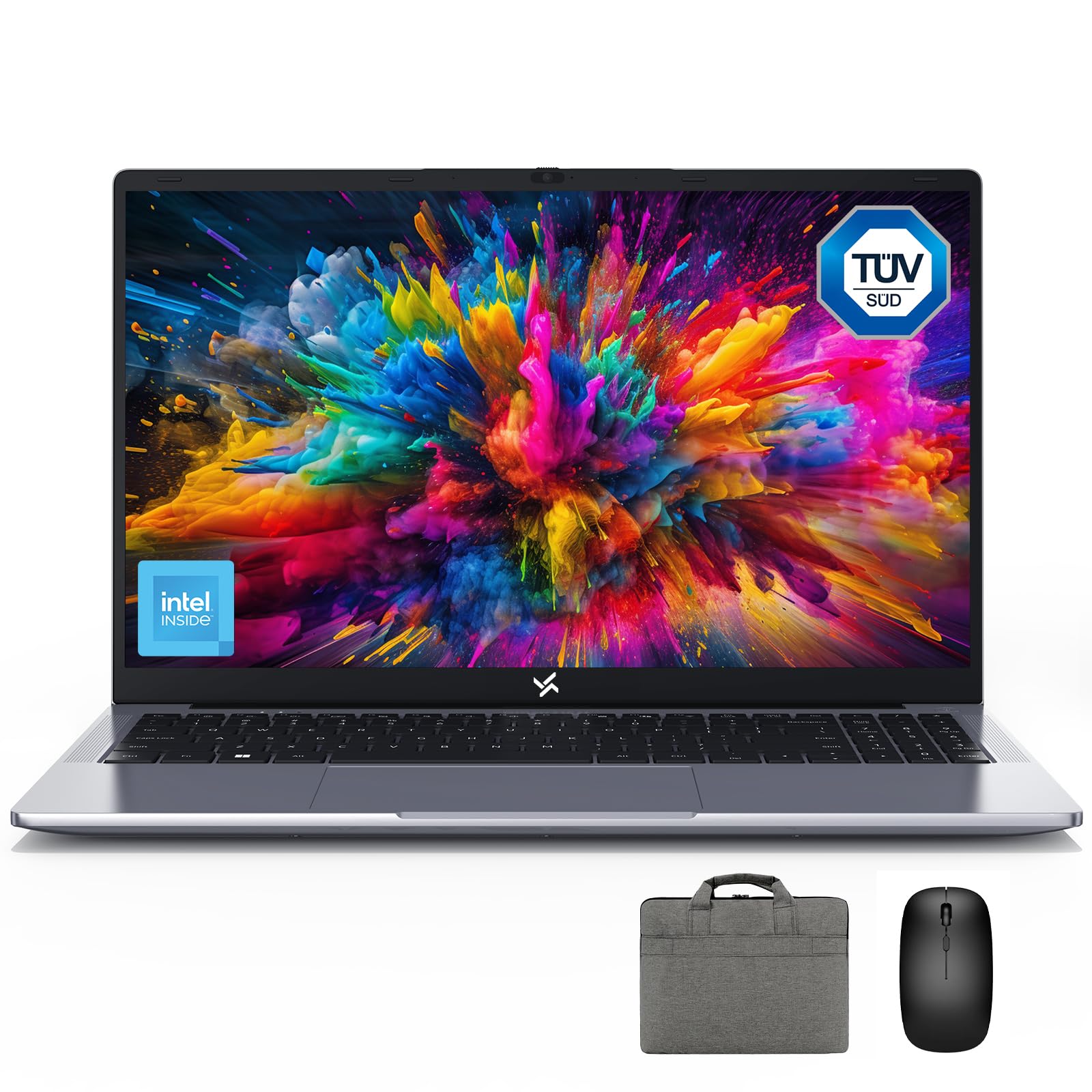
Figure 1: Huidun HiBook 6 Laptop Overview
The Huidun HiBook 6 is a versatile laptop designed for productivity and entertainment. It features a 15.6-inch Full HD display, an Intel N150 Quad-Core Processor, 16GB of RAM, and a 256GB NVMe SSD. It comes pre-installed with Windows 11 Home and includes a carrying bag, wireless mouse, and mouse pad for a complete user experience.
2. Iestatīšana
2.1 Izpakošana un sākotnējā pārbaude
Uzmanīgi izņemiet visas sastāvdaļas no iepakojuma. Pārliecinieties, vai ir šādas lietas:
- Huidun HiBook 6 Laptop
- Power Adapter (45W USB-C)
- Bezvadu pele
- Peles paliktnis
- Laptop Carrying Bag
- Lietotāja rokasgrāmata (šis dokuments)
Inspect the laptop for any physical damage. If any components are missing or damaged, contact customer support immediately.

Figure 2: Laptop and Included Accessories
2.2 Ieslēgšana un sākotnējā konfigurācija
- Connect the power adapter to the laptop's Type-C port and plug it into a power outlet.
- Atveriet klēpjdatora vāku. Klēpjdators var ieslēgties automātiski, vai arī jums, iespējams, būs jānospiež ieslēgšanas/izslēgšanas poga, kas atrodas tastatūras augšējā labajā stūrī.
- Follow the on-screen instructions to complete the Windows 11 Home setup. This includes selecting your language, region, connecting to a Wi-Fi network, and creating a user account.
- Connect the wireless mouse by inserting the USB receiver into an available USB-A port on the laptop.
Video 1: Huidun HiBook 6 Laptop Setup and Initial Use. This video demonstrates the unboxing and initial setup process for the Huidun HiBook 6 laptop, including connecting peripherals and powering on the device.
3. Lietošanas instrukcijas
3.1 Tastatūra un skārienpaliktnis
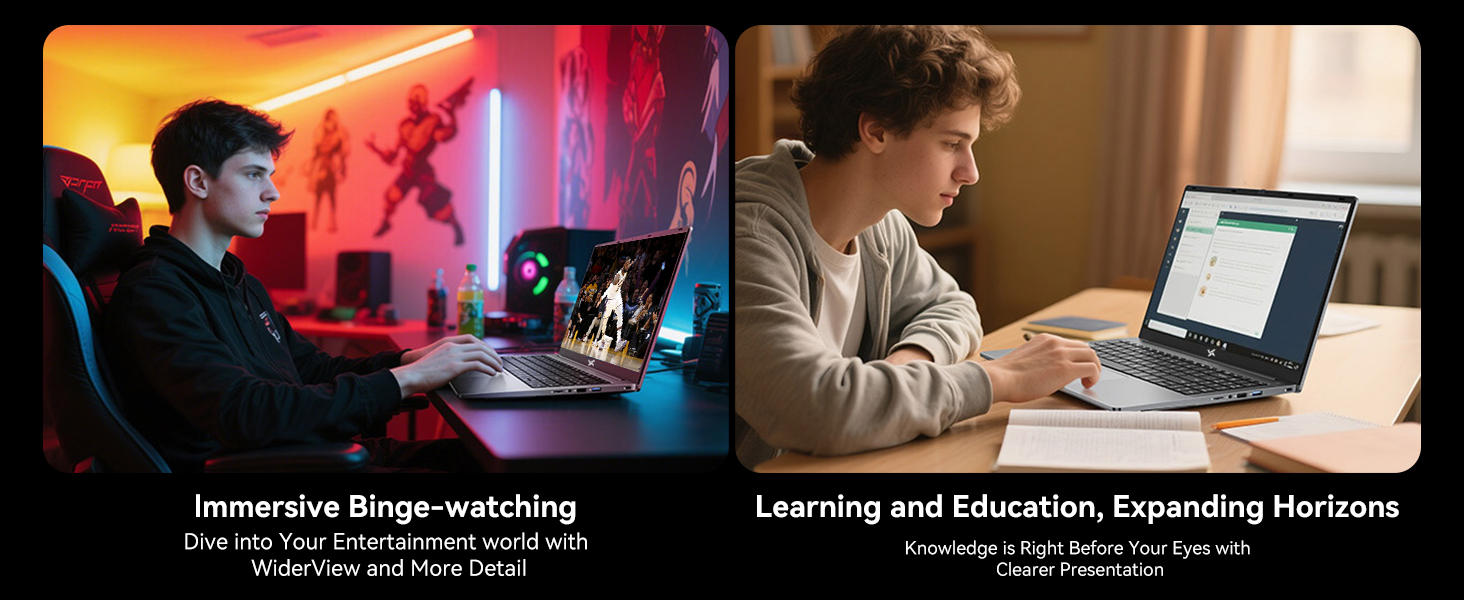
The HiBook 6 features a full-size keyboard with an independent numeric keypad for enhanced productivity. The touchpad supports multi-touch gestures for navigation and control.

Figure 3: Independent Numeric Keypad for Efficient Data Entry
3.2 Attēlojums un vizuālie materiāli
The 15.6-inch Full HD IPS display (1920x1080 resolution) offers clear visuals. It includes TÜV Rheinland-certified eye-care technology and an anti-glare coating to reduce eye strain during prolonged use.

Figure 4: 15.6-inch Full HD IPS Display with Eye Protection
3.3 Savienojamība un porti
The HiBook 6 offers a range of ports for connecting peripherals and external displays:
- Full-featured Type-C: Supports 5Gbps data transfer, 4K video output (DP 1.4), and PD fast charging.
- HDMI 2.0: Supports up to 4K resolution at 60Hz for external monitors.
- USB-A 3.2 1. paaudze: Ātrdarbīgai datu pārsūtīšanai.
- USB 2.0: Standarta perifērijas ierīcēm.
- TF kartes slots: For memory card expansion.
- 3.5 mm audio ligzda: Austiņām vai ārējiem skaļruņiem.
5. Attēls: beidziesview of 7 Versatile Ports
3.4 Akumulators un uzlāde
The laptop is equipped with a 45Wh battery, providing up to 6 hours of continuous runtime. Use the included 45W USB-C fast charger to power the battery up to 60% in approximately 45 minutes.
6. attēls: iekšējais View of the 45Wh Battery
4. Apkope
4.1 Klēpjdatora tīrīšana
- Ekrāna un korpusa tīrīšanai izmantojiet mīkstu, nepūkojošu drānu.
- Noturīgiem traipiem nedaudz uzdzerietampNoslaukiet drānu ar ūdeni vai ekrānam drošu tīrīšanas līdzekli.
- Izvairieties no šķidrumu izsmidzināšanas tieši uz klēpjdatora.
- Izmantojiet saspiestu gaisu, lai notīrītu putekļus no tastatūras taustiņiem un ventilācijas atverēm.
4.2 Veiktspējas optimizēšana
- Regularly update your Windows operating system and drivers.
- Keep the cooling vents clear to prevent overheating. The laptop features a 16,800mm² cooling area with a shark fin fan for efficient heat dissipation.
- Periodically run disk cleanup and defragmentation tools (for HDDs, not necessary for SSDs).
- Manage startup programs to reduce boot time and system load.
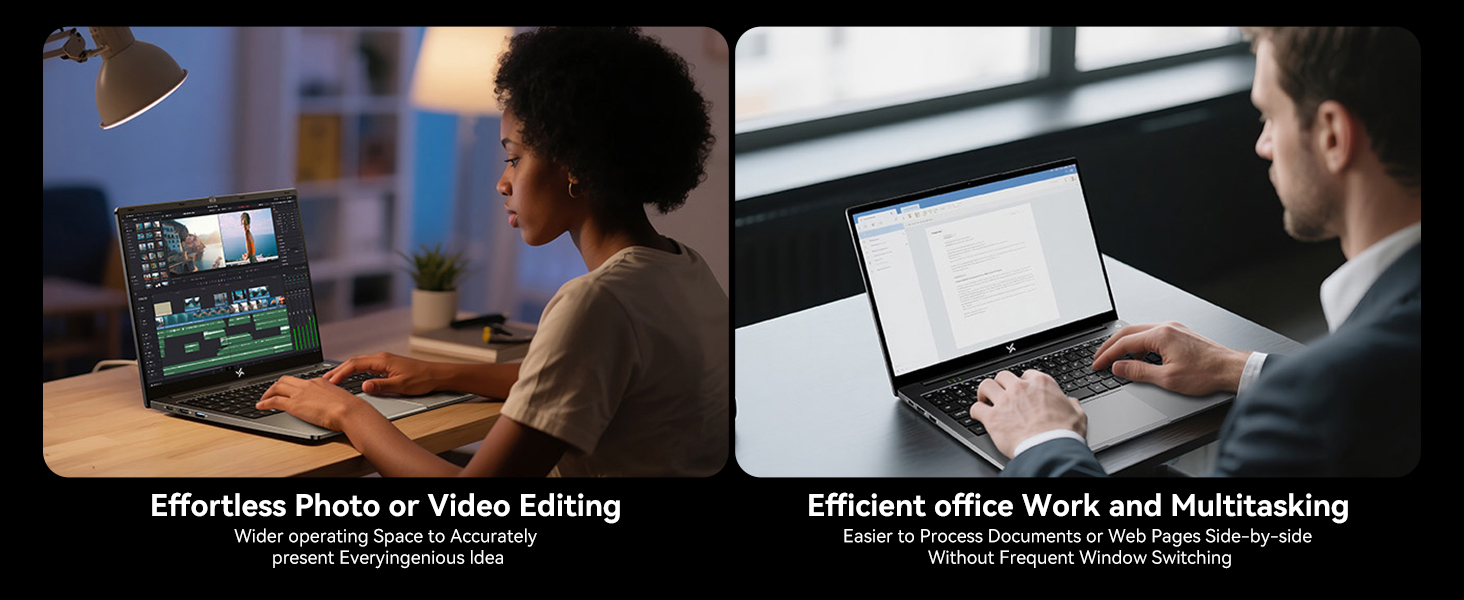
Figure 7: Expansive Cooling Area for Optimal Performance
5. Traucējummeklēšana
5.1. Bieži sastopamās problēmas un risinājumi
| Problēma | Iespējamais risinājums |
|---|---|
| Klēpjdators neieslēdzas | Pārliecinieties, vai strāvas adapteris ir droši pievienots un vai kontaktligzda darbojas. Izmēģiniet citu strāvas kontaktligzdu. Ja akumulators ir pilnībā izlādējies, pēc pievienošanas var paiet dažas minūtes, līdz tas atkal parādīs dzīvības pazīmes. |
| Ekrāns ir tukšs vai melns | Check if the laptop is powered on. Adjust screen brightness. Connect to an external monitor via HDMI to check if the issue is with the laptop's display. |
| Lēna veiktspēja | Close unnecessary applications. Check for background processes. Ensure sufficient free space on the SSD. Run a virus scan. Refer to the 'Optimizing Performance' section. |
| Wi-Fi savienojamības problēmas | Restart your router and modem. Restart the laptop. Check Wi-Fi settings and ensure the correct network is selected. Update Wi-Fi drivers. |
| Akumulators netiek uzlādēts | Verify the power adapter and cable are not damaged. Ensure the Type-C port is clean. Try a different Type-C port if available. |
If you encounter issues not listed here or if the suggested solutions do not resolve the problem, please contact Huidun technical support.
6. Specifikācijas
Below are the detailed technical specifications for the Huidun HiBook 6 laptop:
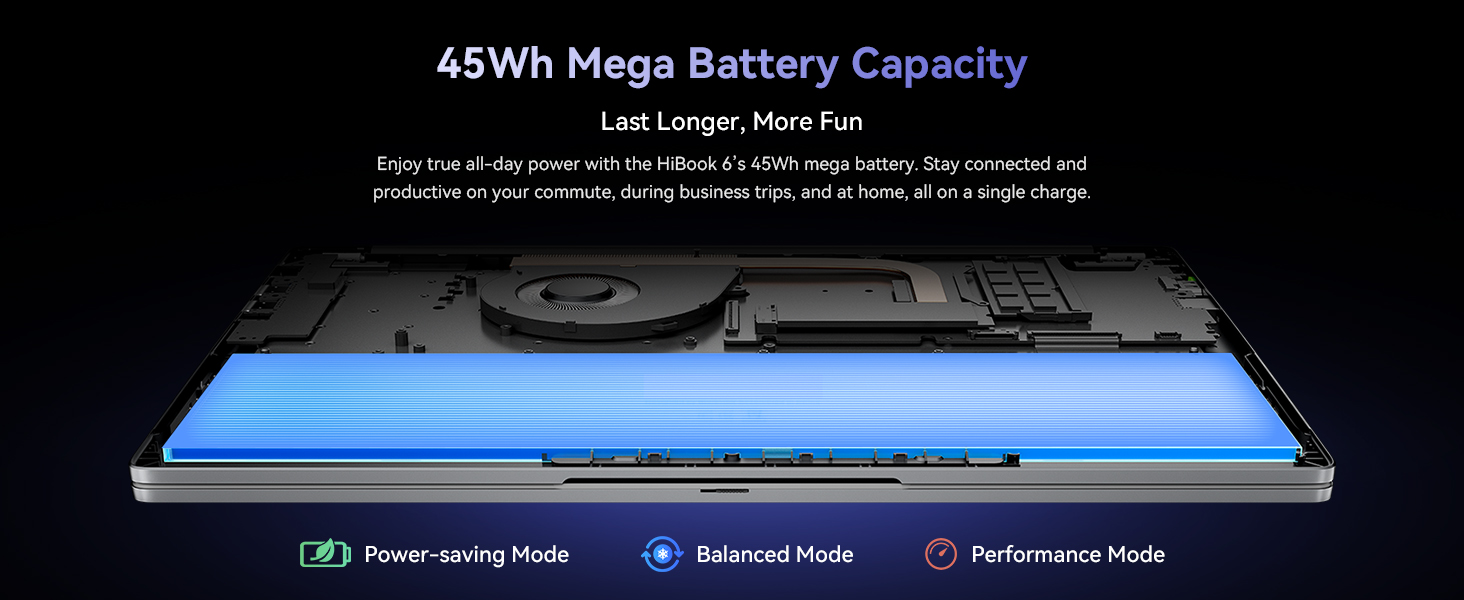
Figure 8: Key Internal Components and Features
| Funkcija | Detaļas |
|---|---|
| Zīmols | Huidun |
| Modeļa nosaukums | Huidun Hibook6 |
| Ekrāna izmērs | 15.6 collas |
| Displeja izšķirtspēja | 1920x1080 Pixels (Full HD) |
| CPU modelis | Intel N150 Quad-Core (up to 3.6GHz) |
| RAM atmiņa | 16 GB DDR4 (Expandable up to 32GB) |
| Cietā diska izmērs | 256 GB NVMe SSD (Expandable up to 2TB) |
| Operētājsistēma | Windows 11 Home |
| Grafikas kopprocesors | Intel UHD grafika |
| Akumulatora ietilpība | 45 Wh (5000 mAh) |
| Savienojamība | Dual-band 5G WiFi, Bluetooth 5.0 |
| Ostas | Full-featured Type-C, HDMI 2.0, USB-A 3.2 Gen 1 (x2), USB 2.0, TF Card Slot, 3.5mm Audio Jack |
| Dimensions (L x W x Thickness) | 10 collu garums × 9 collu platums × 0.6 collu biezums |
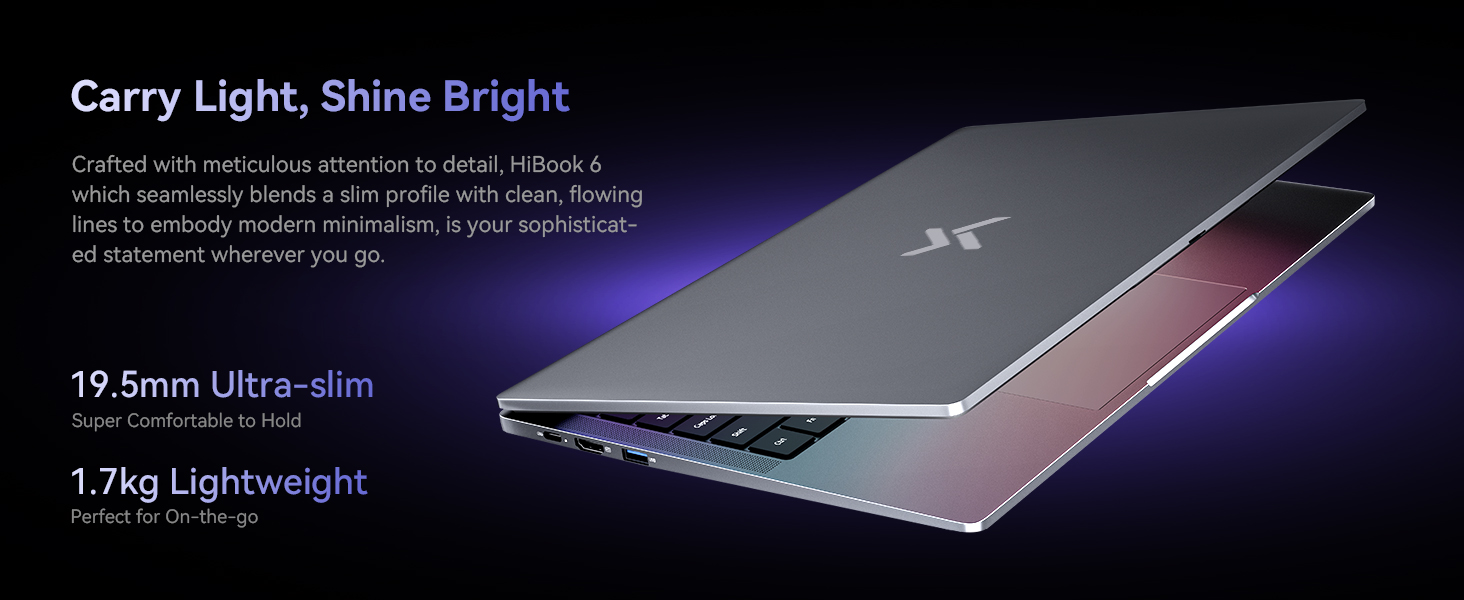
| Svars | 3.75 mārciņas (1.7 kg) |
7. Garantija un atbalsts
7.1 Produkta garantija
The Huidun HiBook 6 laptop comes with an industry-leading 3 gadu garantija no iegādes datuma. Šī garantija attiecas uz ražošanas defektiem un aparatūras darbības traucējumiem normālas lietošanas laikā. Lūdzu, saglabājiet pirkuma apliecinājumu garantijas prasību iesniegšanai.
7.2 Tehniskais atbalsts
Huidun provides mūža tehniskais atbalsts for your HiBook 6 laptop. If you encounter any issues or have questions, please contact our support team through the following methods:
- Refer to the contact information provided in the warranty card included with your product.
- Visit the official Huidun webvietne, kurā ir pieejami atbalsta resursi un kontaktinformācija.
- Scan the QR code on your laptop (if available) for direct access to support.
Our dedicated support team is available to assist you with any technical inquiries or troubleshooting needs.