1. Ievads
The StarTech.com DP2VGA DisplayPort to VGA Adapter provides a solution for connecting a DisplayPort-enabled computer, desktop, or laptop to a VGA-enabled display or projector. This active adapter supports high-resolution video output, ensuring compatibility and clear picture quality without requiring an upgrade to DisplayPort compatible displays.
Iepakojuma saturs
- 1 x StarTech.com DP2VGA DisplayPort to VGA Adapter

Image 1.1: StarTech.com DP2VGA DisplayPort to VGA Adapter.
2. Funkcijas
- Augstas izšķirtspējas atbalsts: Connects a VGA display or projector supporting resolutions up to 1920x1200 or 1080p at 60Hz.
- Aktīvs reklāmguvums: Active digital to analog converter supports DP or DP++ sources, including workstations, desktops (AMD/Nvidia), laptops, small form factor computers, and docking stations.
- Plug and Play: No software or drivers required for installation, compatible with Windows, Ubuntu, and macOS.
- Droši savienojumi: Features a latching DisplayPort connector for a solid host connection and supports VGA screw-locking cables to prevent accidental disconnections.
- EMI Shielding: Designed with EMI shielding to protect against line noise and distortion, ensuring stable video output.
- Pārnēsājams dizains: Lightweight and compact, making it suitable for travel and BYOD (Bring Your Own Device) applications.

Image 2.1: The adapter features a latching DisplayPort connector for secure connectivity.
3. Iestatīšana un instalēšana
Lai pievienotu DisplayPort avota ierīci VGA displejam, veiciet tālāk norādītās darbības.
- Locate the DisplayPort output on your computer, desktop, or laptop.
- Connect the DisplayPort male connector of the DP2VGA adapter to the DisplayPort output on your source device. Ensure the latching mechanism engages for a secure connection.
- Locate the VGA input on your monitor or projector.
- Connect a standard VGA cable (not included) to the VGA female port on the DP2VGA adapter. If your VGA cable supports screw locking, secure it to the adapter.
- Connect the other end of the VGA cable to the VGA input on your display or projector.
- Power on your computer and display. The display should automatically detect the signal from the adapter.
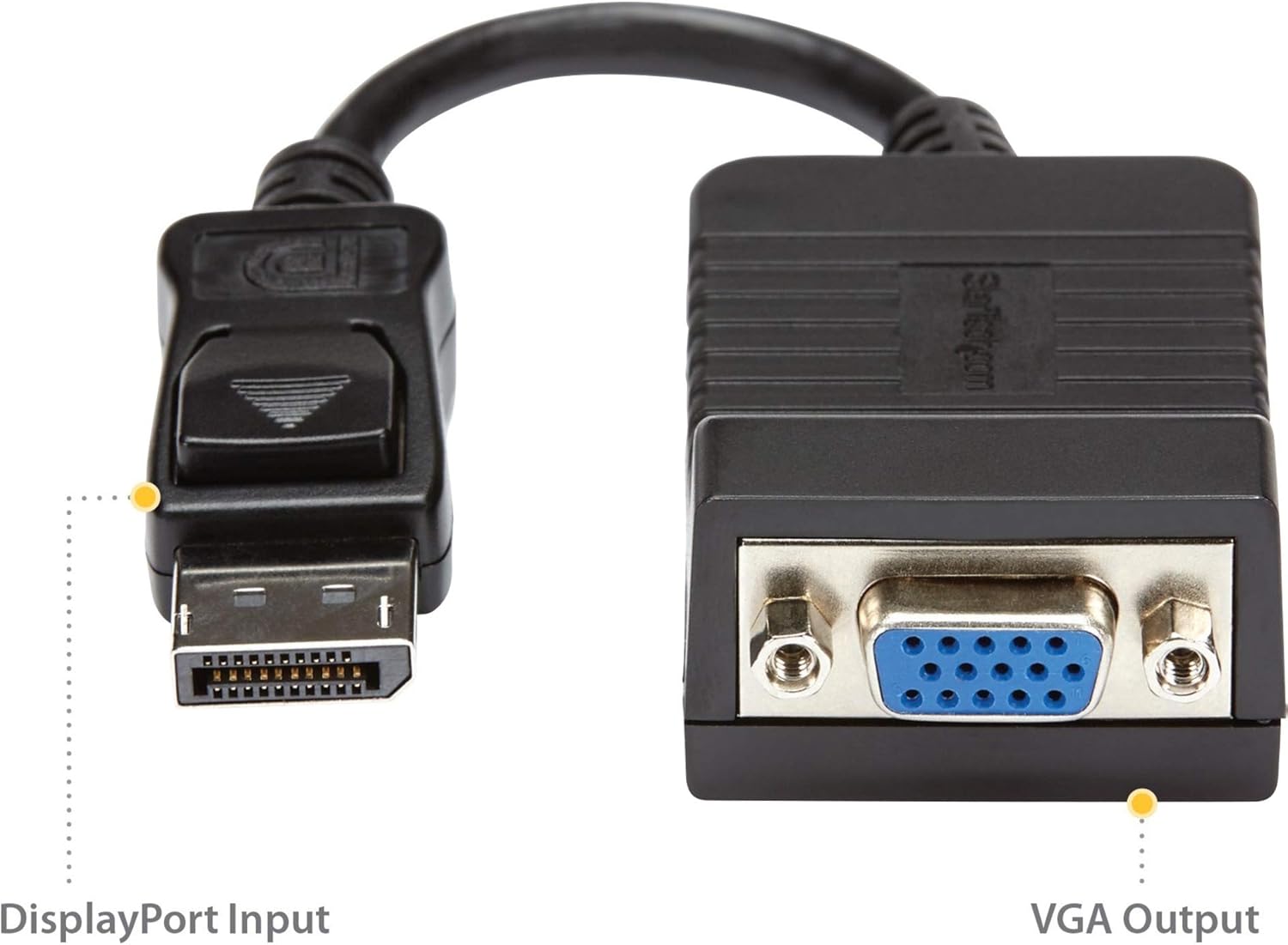
Image 3.1: DisplayPort Input and VGA Output ports on the adapter.

3.2. attēls: Piemērsample setup showing the adapter connected between a desktop computer and a VGA monitor.
Iestatīšanas video ceļvedis
Video 3.1: Official product video demonstrating the features and connectivity of the StarTech.com DisplayPort to VGA Adapter.
4. Lietošanas instrukcijas
Once connected, the DisplayPort to VGA adapter operates automatically. Your computer's operating system should detect the connected VGA display and extend or duplicate your desktop as configured in your display settings.
- Displeja iestatījumi: To adjust resolution, refresh rate, or display mode (extend/duplicate), access your operating system's display settings. For Windows, right-click on the desktop and select 'Display settings'. For macOS, go to 'System Preferences' > 'Displays'.
- Audio: This adapter transmits video signals only. For audio, connect a separate audio cable from your source device to your display or external speakers.
5. Traucējummeklēšana
- Nav video signāla:
- Pārliecinieties, vai visi kabeļi ir droši pievienoti.
- Verify that both the source device and display are powered on.
- Check your display's input source settings to ensure it is set to VGA.
- Test the adapter with a different DisplayPort source or VGA display if available.
- Poor Picture Quality or Incorrect Resolution:
- Adjust the display resolution in your computer's display settings. Ensure it is within the supported range of your VGA display and the adapter (up to 1920x1200 or 1080p).
- Ensure your VGA cable is not excessively long (tested with VGA cables up to 25 feet).
- Pārbaudiet, vai adapterim vai kabeļiem nav fizisku bojājumu.
- Mirgojošs vai saraustīts signāls:
- This can sometimes be caused by electromagnetic interference (EMI). Ensure the adapter and cables are not near strong electrical sources.
- Verify secure connections at both ends.
6. Specifikācijas
| Modeļa numurs | DP2VGA |
| Savienotāja veids | DisplayPort vīrietis uz VGA sievieti |
| Maksimālā izšķirtspēja | 1920x1200 or 1080p at 60Hz |
| Produkta izmēri (G x P x A) | 8 x 0.01 x 0.01 collas (aptuveni, ieskaitot kabeli) |
| Preces svars | 1.6 unces |
| Krāsa | Melns |
| Saderīgas ierīces | Computer, Docking Station, Monitor, PC, Projector, Video Device, Workstation |
| Īpaši lietojumi | DisplayPort-equipped devices to VGA monitors or projectors |
7. Garantija un atbalsts
This StarTech.com product is backed by a manufacturer's warranty. For specific warranty details, please refer to the product packaging or visit the official StarTech.com webvietne.
For technical support, product information, or to download the latest drivers and manuals, please visit the StarTech.com support page:
You can also find product-specific information by scanning the QR code on the product packaging or visiting startech.com/q/DP2VGA.
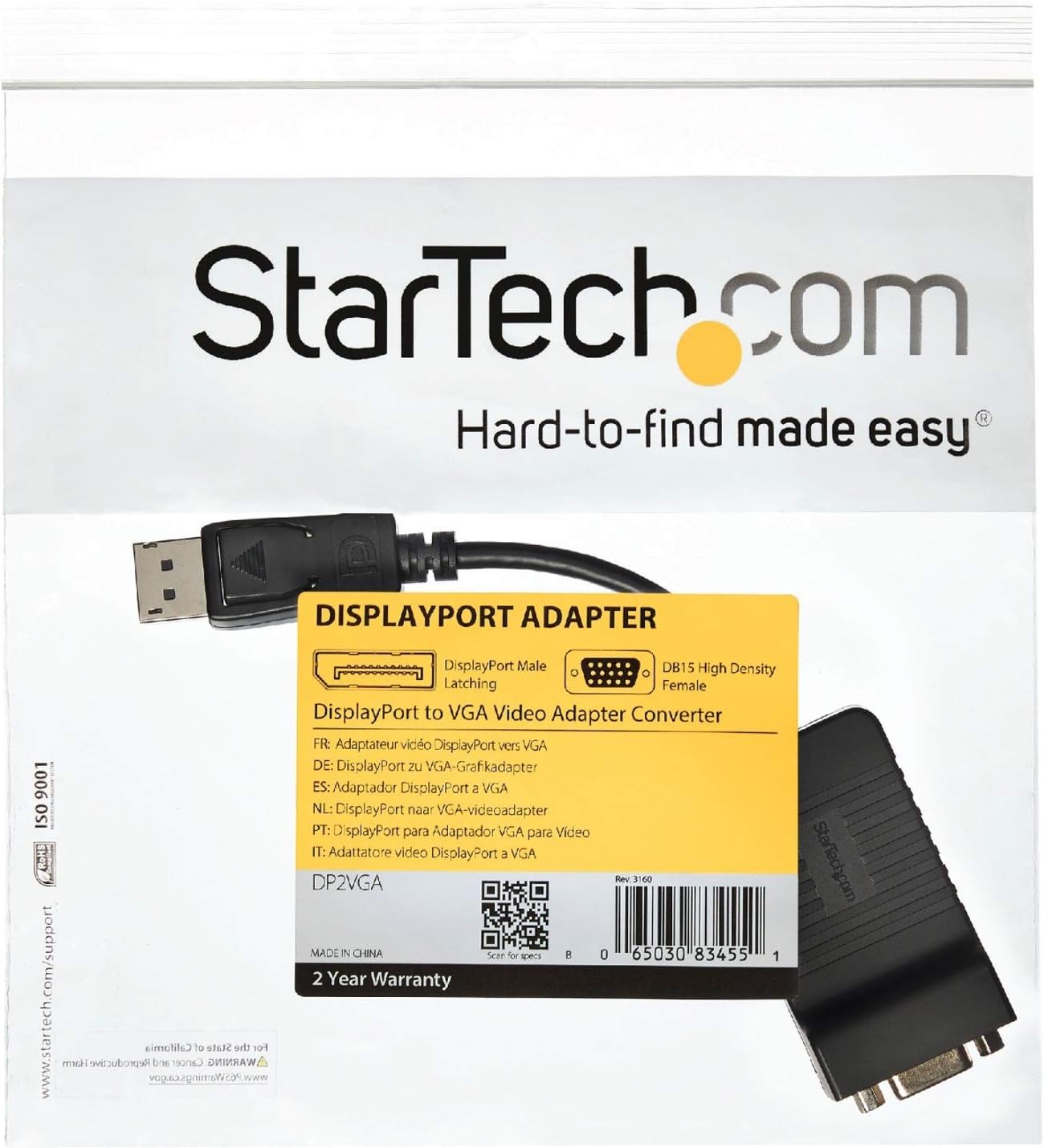
Image 7.1: Product packaging with support information and QR code.


