Ievads
Thank you for choosing the AKASO C330 Dash Cam. This manual provides detailed instructions to help you set up, operate, and maintain your device. Please read it carefully before use to ensure optimal performance and safety.
Produkts beidziesview un galvenās funkcijas
The AKASO C330 Dash Cam is designed to record your driving journey in high definition, offering a wide range of features for enhanced road safety and evidence collection.

The AKASO C330 Dash Cam is fully functional, featuring G-sensor protection, parking monitor, loop recording, super night vision, 1080P recording, 170° wide angle, and a fatigue reminder.
- 1080P Full HD ierakstīšana: Uzņem skaidru videotage at 1920 x 1080 resolution.
- 170° platleņķa objektīvs: Provides extensive road coverage, minimizing blind spots.
- 3.0 collu IPS ekrāns: Offers a clear display for real-time viewatskaņošana un atskaņošana.
- Super nakts redzamība: Enhanced low-light performance for clear recordings at night.
- Cilpas ierakstīšana: Automātiski pārraksta vecāko footagkad atmiņas karte ir pilna, nodrošinot nepārtrauktu ierakstīšanu.
- G-sensors: Detects sudden movements or collisions and automatically locks the current video file lai tas netiktu pārrakstīts.
- Autostāvvietas monitors: Records automatically if an impact is detected while the vehicle is parked.
- Kustības noteikšana: Starts recording when movement is detected in front of the camera, useful for surveillance.

The dash cam records every detail in 1080P Full HD resolution, utilizing an F1.8 aperture lens and displaying on a 3.0-inch screen.

The 170° wide-angle lens provides extensive coverage, typically spanning about four lanes of traffic.

The Super Night Vision feature ensures clear video recording even in low-light conditions.

The dash cam includes three emergency recording functions: G-sensor for impact detection, motion detection for security, and parking monitor for surveillance when parked.
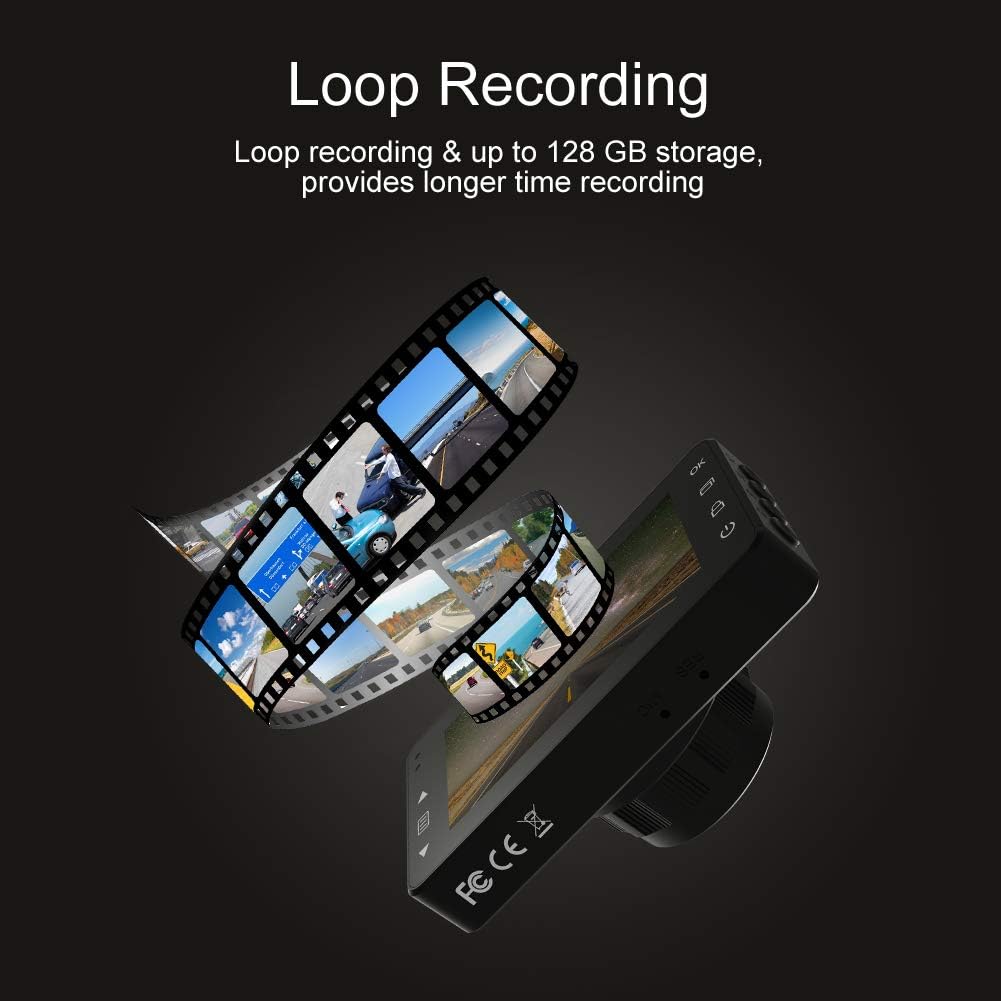
Loop recording ensures continuous video capture, automatically overwriting older files, and supports up to 128 GB storage for longer recording times.
Oficiālā produkta video prezentācijaasing the features and capabilities of the AKASO C330 Dash Cam, including its 1080P HD recording, 3-inch LCD screen, and 170° wide-angle view.
Iepakojuma saturs
Lūdzu, atzīmējiet izvēles rūtiņu pie šādiem vienumiem:
- AKASO C330 Dash Cam
- Sūkšanas stiprinājums
- Auto lādētājs
- USB kabelis
- Lietotāja rokasgrāmata (šis dokuments)
- Memory Card (if included in your specific package)
Produkta diagramma
Familiarize yourself with the various parts and buttons of your AKASO C330 Dash Cam:

Detailed diagram of the AKASO C330 Dash Cam, highlighting the Micro SD Power Slot, OK Button, Up Button, Mode Button, Menu Button, Lock Button, Power Mode Button, Down Button, and USB Port, along with its dimensions.
- Micro SD Power Slot: Šeit ievietojiet savu Micro SD karti.
- Poga Labi: Confirms selections or starts/stops recording.
- Augšējā poga: Navigates up in menus or zooms in during playback.
- Režīma poga: Switches between video, photo, and playback modes.
- Izvēlnes poga: Accesses settings menu.
- Bloķēšanas poga: Manually locks the current recording.
- Barošanas režīma poga: Ieslēdz/izslēdz ierīci.
- Poga uz leju: Navigates down in menus or zooms out during playback.
- USB ports: Pievienojas strāvas avotam vai datoram.
Iestatīšana
1. Micro SD kartes instalēšana
The AKASO C330 requires a Micro SD card (Class 10 or higher, 8GB-128GB) for recording. The memory card is not always included and may need to be purchased separately.
- Pārliecinieties, vai videoreģistrators ir izslēgts.
- Insert the Micro SD card into the Micro SD Power Slot until it clicks into place.
- Lai izņemtu karti, uzmanīgi iespiediet to iekšā, līdz tā noklikšķ, un pēc tam atlaidiet.
Piezīme: It is recommended to format the Micro SD card in the dash cam before first use and periodically thereafter to ensure stable recording.
2. Videoreģistratora uzstādīšana
Use the provided suction mount to securely attach the dash cam to your vehicle's windshield.
- Notīriet vējstikla vietu, kur plānojat uzstādīt videoreģistratoru.
- Piestipriniet piesūcekņa stiprinājumu pie videoreģistratora.
- Stingri piespiediet piesūcekni pie vējstikla un pabīdiet sviru, lai to nostiprinātu.
- Pielāgojiet kameras leņķi, lai nodrošinātu skaidru attēlu view no ceļa priekšā.
3. Powering the Dash Cam
Connect the dash cam to your car's power supply using the car charger.
- Plug one end of the car charger into the dash cam's USB Port.
- Plug the other end into your vehicle's 12V power outlet (cigarette lighter socket).
- Videoreģistrators automātiski ieslēgsies un sāks ierakstīšanu, tiklīdz iedarbināsies jūsu transportlīdzeklis.
Lietošanas instrukcijas
Pamatdarbība
- Ieslēgšana/izslēgšana: The camera automatically powers on/off with the car ignition. You can also manually press and hold the Power Mode Button to turn it on or off.
- Sākt/pārtraukt ierakstīšanu: Once powered on and connected to power, the camera will automatically start loop recording. Press the OK Button to manually start or stop recording.
Izvēlnes navigācija
Use the Menu Button to access settings, and the Up/Down Buttons to navigate. Press the OK Button to confirm selections.
Cilpas ierakstīšana
This feature ensures continuous recording by overwriting the oldest files when the SD card is full. You can set the loop recording duration (1, 3, or 5 minutes) in the settings menu. To disable, select 'off'.
G-sensors
The G-Sensor detects sudden impacts or rapid acceleration/deceleration. When triggered, it automatically locks the current video segment, preventing it from being overwritten by loop recording. The sensitivity can be adjusted in the settings.
Autostāvvietas monitors
When enabled, the dash cam will automatically start recording if it detects a collision or vibration while your vehicle is parked and the engine is off. This feature requires a continuous power supply or the camera's internal battery to be charged.
Kustības noteikšana
With motion detection enabled, the camera will begin recording when it senses movement in its field of view. This is useful for monitoring your vehicle when parked. Ensure the camera has power for this function.
Nakts redze
The AKASO C330 features updated night vision technology to provide clearer video quality in low-light conditions. This feature activates automatically.
Apkope
SD kartes formatēšana
Regularly formatting your Micro SD card helps maintain its performance and prevents data corruption. It is recommended to format the card every 2-4 weeks.
- Insert the Micro SD card into the dash cam.
- Ieslēdziet videoreģistratoru.
- Navigate to the settings menu using the Menu Button.
- Find the 'Format' option and confirm.
Objektīva tīrīšana
To ensure clear video quality, keep the camera lens clean.
- Use a soft, lint-free cloth to gently wipe the lens.
- Avoid using abrasive cleaners or solvents that could damage the lens coating.
Problēmu novēršana
If you encounter issues with your AKASO C330 Dash Cam, refer to the following common problems and solutions:
| Problēma | Iespējamais risinājums |
|---|---|
| Kamera neieslēdzas. | Check the power connection to the car charger and the vehicle's 12V outlet. Ensure the car's ignition is on. The internal battery may be depleted; charge it for a few hours. |
| Camera stops recording randomly. | Format the Micro SD card. Ensure the card is Class 10 or higher and not full. Disable parking monitor or motion detection if not needed, as they can affect continuous recording. |
| Video footage ir izplūdis vai neskaidrs. | Clean the camera lens and the windshield area where the camera is mounted. Ensure the protective film has been removed from the lens. |
| "SD Card Error" or "Please Insert SD Card" message. | Reinsert the Micro SD card. Format the card in the camera. Try a different, compatible Micro SD card. |
| Pogas nereaģē. | Perform a soft reset by pressing the reset button (if available) or by powering off and on the device. Ensure the device is not in a locked state. |
Specifikācijas
- LCD displejs: 3.0 collu IPS ekrāns
- Pikselis: 1.2 miljoni pikseļu
- Priekšējais objektīvs: 170° HD wide-angle lens
- Objektīva apertūra: F1.8 aperture
- Video Maximum Resolution: 1080FHD (1920 x 1080)
- Cikla ierakstīšana: 1 minute / 3 minutes / 5 minutes / off
- PC interfeiss: USB 2.0
- Barošanas interfeiss: 5V / 2A
- Uzglabāšana: 8-128 GB Micro SD card (not included)
- Preces svars: 12 unces
- Baterijas: 1 litija polimēra akumulators (iekļauts)
- Montāžas veids: Sūkšanas stiprinājums
Garantija un atbalsts
AKASO products are designed for reliability and performance. For warranty information, technical support, or customer service, please refer to the contact details provided on the AKASO official website or your purchase documentation. Please have your product model (C330) and purchase date ready when contacting support.


