Ievads
Thank you for choosing the QCY A1 Bluetooth 5.0 Headset. This manual will guide you through the setup, operation, and maintenance of your new wireless headset. Please read these instructions carefully before use to ensure optimal performance and longevity of your device.
Produkts beidziesview
Iepakojuma saturs
- QCY A1 Bluetooth Headset
- Ausu spilventiņi
- Uzlādes kabelis
- Lietotāja rokasgrāmata
Austiņu diagramma

Image: The QCY A1 Bluetooth Headset, showing the earbud, ear hook, and main body with control buttons.
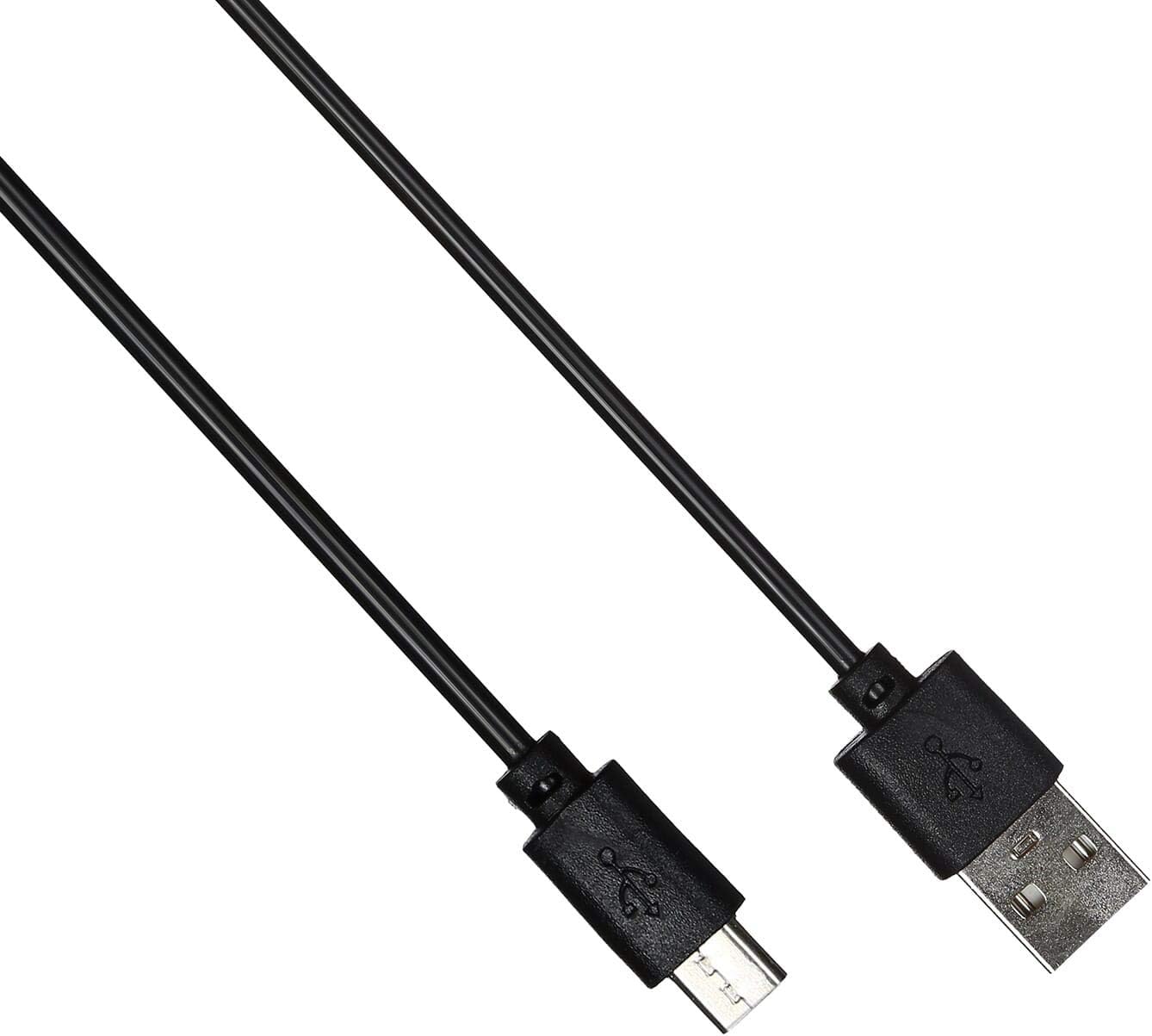
Image: The USB charging cable for the QCY A1 headset.
Iestatīšana
1. Austiņu uzlāde
- Pievienojiet uzlādes kabeli austiņu uzlādes portam.
- Plug the other end of the cable into a USB power source (e.g., computer, wall adapter).
- Indikatora lampiņa parādīs uzlādes statusu. Pilnīga uzlāde parasti aizņem aptuveni 1–2 stundas.
- Kad tas ir pilnībā uzlādēts, atvienojiet uzlādes kabeli.
2. Savienošana pārī ar ierīci
- Pārliecinieties, vai austiņas ir izslēgtas.
- Press and hold the Multi-function button until the indicator light flashes red and blue alternately, indicating pairing mode.
- On your mobile phone or Bluetooth-enabled device, enable Bluetooth and search for available devices.
- Atrasto ierīču sarakstā atlasiet "QCY A1".
- Once connected, the indicator light will flash blue slowly, and you will hear a confirmation tone.
- If pairing fails, turn off the headset and repeat the steps.
Lietošanas instrukcijas
Ieslēgšana/izslēgšana
- Ieslēgšana: Press and hold the Multi-function button for 3 seconds. The blue indicator light will flash.
- Izslēgt: Press and hold the Multi-function button for 5 seconds. The red indicator light will flash briefly before turning off.
Zvanu pārvaldība
- Atbildēt uz zvanu: Īsi nospiediet daudzfunkciju pogu.
- Beigt zvanu: Short press the Multi-function button during a call.
- Noraidīt zvanu: Nospiediet un turiet daudzfunkciju pogu 2 sekundes.
- Atkārtoti sastādīt pēdējo numuru: Kad neesat iesaistīts zvanā, divreiz nospiediet daudzfunkciju pogu.
Mūzikas atskaņošana
- Atskaņot/pauzēt: Īsi nospiediet daudzfunkciju pogu.
- Nākamais ieraksts: Nospiediet un turiet skaļuma palielināšanas pogu.
- Iepriekšējais ieraksts: Nospiediet un turiet skaļuma samazināšanas pogu.
- Skaļāk: Īsi nospiediet skaļuma palielināšanas pogu.
- Skaļums uz leju: Īsi nospiediet skaļuma samazināšanas pogu.
Balss palīgs
- Balss palīga aktivizēšana: Triple-press the Multi-function button (functionality depends on your connected device).
Apkope
- Regulāri tīriet austiņas ar mīkstu, sausu drānu.
- Izvairieties no spēcīgu ķīmisku vielu vai abrazīvu materiālu izmantošanas.
- Uzglabājiet austiņas vēsā, sausā vietā, pasargājot tās no tiešiem saules stariem un ekstremālām temperatūrām.
- Do not immerse the headset in water or expose it to excessive moisture.
- Uzglabāt bērniem nepieejamā vietā.
Problēmu novēršana
| Problēma | Risinājums |
|---|---|
| Austiņas neieslēdzas. | Pārliecinieties, vai austiņas ir pilnībā uzlādētas. |
| Nevar savienot pārī ar ierīci. | Ensure the headset is in pairing mode (red and blue lights flashing). Turn off and on your device's Bluetooth. Try pairing again. |
| Nav skaņas vai slikta skaņas kvalitāte. | Check the volume levels on both the headset and your connected device. Ensure the headset is within the 10-meter operating range of your device. |
| Austiņas bieži atvienojas. | Ensure there are no obstacles between the headset and your device. Move closer to your device. |
Specifikācijas
| Funkcija | Detaļas |
|---|---|
| Modelis | A1 |
| Zīmols | QCY |
| Savienojamības tehnoloģija | Bezvadu (Bluetooth 5.0) |
| Bluetooth Profiles Atbalstīts | HFP, A2DP, HSP |
| Wireless Range | Līdz 10 metriem |
| Kontroles metode | Pieskāriens/Poga |
| Austiņu formas faktors | Ausī |
| Saderīgas ierīces | Mobilie telefoni |
| Krāsa | Balts |
| Preces svars | 80 grami |
| Iekļautie komponenti | Ausu spilventiņi |
Drošības informācija
- Neizjauciet un nepārveidojiet austiņas.
- Nepakļaujiet austiņas ārkārtējai temperatūrai vai mitrumam.
- Izmantojiet tikai komplektācijā iekļauto uzlādes kabeli vai tā ekvivalentu sertificētu kabeli.
- Nelietojiet austiņas ilgstoši ar lielu skaļumu, lai izvairītos no dzirdes bojājumiem.
- Lietojot austiņas, ņemiet vērā apkārtni, īpaši satiksmes apstākļos vai citās potenciāli bīstamās situācijās.


