1. Ievads
Thank you for choosing the Hama Wi-Fi GU10 Smart LED Lamp. This smart home lamp allows for intelligent light control in your home, functioning as a light source, effect lighting, or for creating special lighting atmospheres. It is designed for easy use via an application and voice control, requiring no additional hub or gateway as it connects directly to your Wi-Fi router. This manual provides essential information for safe installation, setup, and operation of your smart lamp.
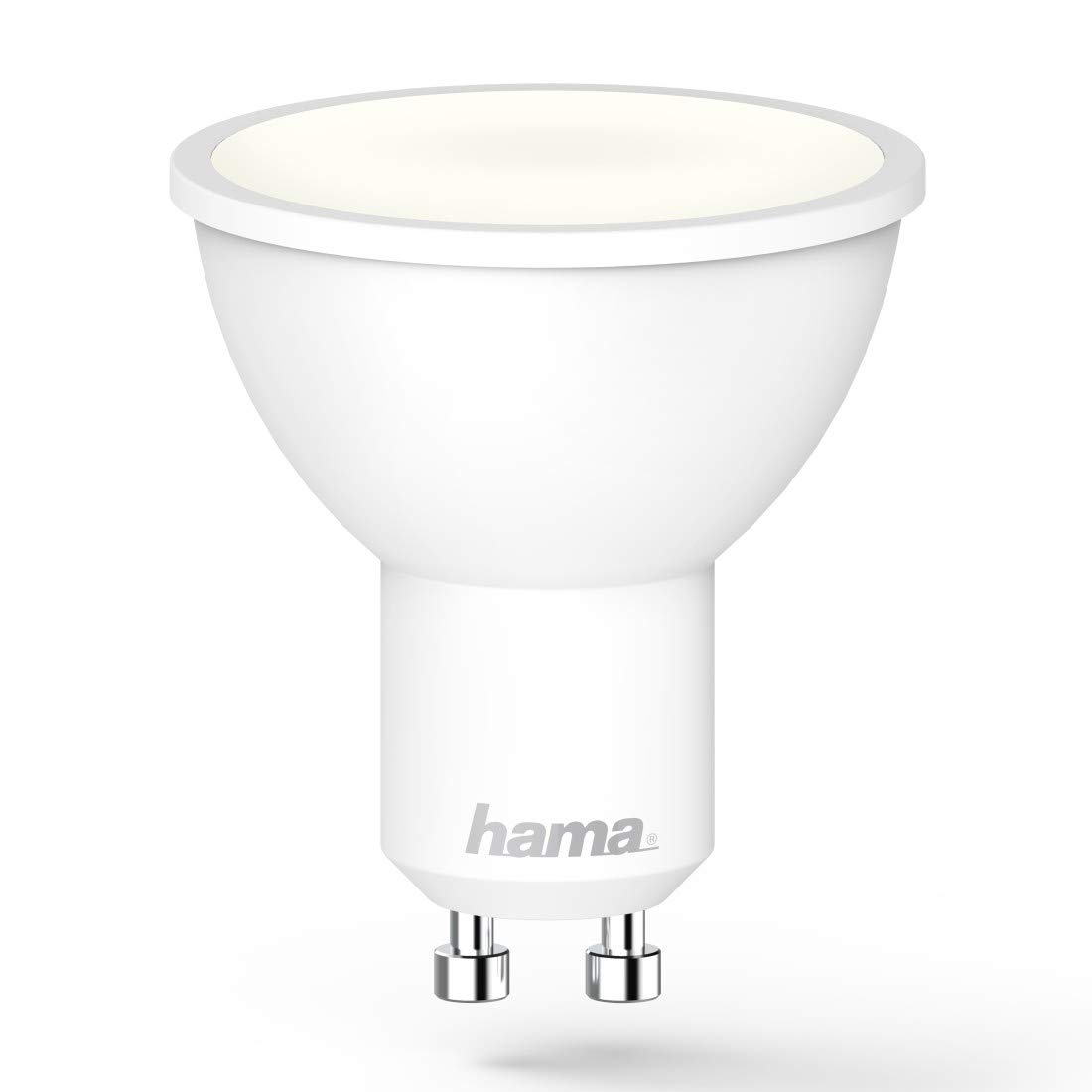
Image 1.1: The Hama GU10 Smart LED Lamp, highlighting its key features including app and voice control, and direct Wi-Fi connectivity.
2. Drošības instrukcijas
Please read these safety instructions carefully before installing or using the product. Keep this manual in a safe place for future reference.
- Elektriskā drošība: Always disconnect power before installing or replacing the lamp. Installation should only be performed by a qualified electrician if you are unsure.
- Lietošanai tikai iekštelpās: Šī lamp is designed for indoor use in dry environments (IP20). Do not expose it to moisture or extreme temperatures.
- Saderība: Nodrošiniet lamp holder is compatible with the GU10 base and the electrical supply (230V).
- Siltums: Lamp may generate heat during operation. Ensure adequate ventilation and do not cover the lamp.
- Blāva: Šī lamp is dimmable via the application or voice control. Do not use external dimmers unless specifically designed for smart LED lamps.
- Bērni: Sargājiet iepakojuma materiālus no bērniem aizrīšanās riska dēļ.
3. Iepakojuma saturs
Lūdzu, pārbaudiet, vai visas preces ir klāt un labā stāvoklī:
- 1x Hama Wi-Fi GU10 Smart LED Lamp
- 1x ātrā darba sākšanas rokasgrāmata
4. Uzstādīšana
Follow these steps to install your Hama Wi-Fi GU10 Smart LED Lamp:
- Izslēdziet barošanu: Before installation, ensure the power supply to the lamp holder is switched off at the main circuit breaker.
- Ievietojiet Lamp: Carefully insert the Hama Wi-Fi GU10 Smart LED Lamp into the GU10 lamp holder. Twist it gently until it is securely in place.
- Atjaunot jaudu: Reiz lamp is securely installed, restore power at the main circuit breaker. The lamp should briefly flash, indicating it is ready for pairing.
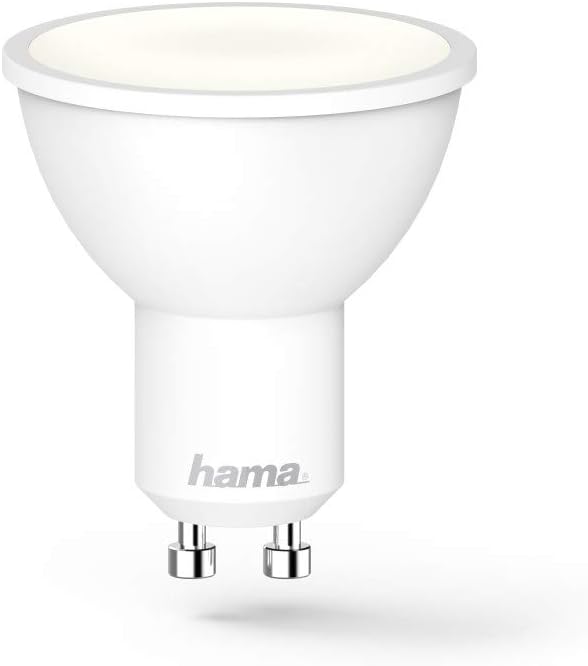
4.1. attēls: Detalizēts view of the Hama GU10 Smart LED Lamp, showing its GU10 base.
5. Savienojuma izveide ar Wi-Fi un lietotnes iestatīšana
The Hama Wi-Fi GU10 Smart LED Lamp connects directly to your home Wi-Fi network without the need for a separate hub.
- Lejupielādējiet lietotni: Download the "Hama Smart Home" app from the Apple App Store (for iOS) or Google Play Store (for Android).
- Izveidot kontu: Open the app and create a new user account or log in if you already have one.
- Pievienot ierīci: In the app, select the option to add a new device. Follow the on-screen instructions to put the lamp into pairing mode (usually by turning it on/off a few times until it flashes).
- Izveidojiet savienojumu ar Wi-Fi: The app will guide you through connecting the lamp to your 2.4 GHz Wi-Fi network. Ensure your smartphone is connected to the same Wi-Fi network during setup.
- Nosaukums Ierīce: Once connected, you can assign a name to your lamp (e.g., "Living Room Lamp") for easier control.

Image 5.1: A smartphone showing the Hama Smart Home application, used for controlling the smart lamp un citas ierīces.
6. Operating the Smart Lamp
6.1. Lietotnes vadība
The Hama Smart Home app provides full control over your lamp:
- Ieslēgts/Izslēgts: Pārslēgt lamp ieslēgts vai izslēgts.
- Spilgtums: Adjust the brightness level (dimmable).
- Krāsu temperatūra: Change the color temperature from warm white (2700K) to daylight white (6500K).
- Scenes and Groups: Create custom lighting scenes or group multiple lamps together for synchronized control.
- Laika kontrole: Iestatiet grafikus lamp to turn on or off at specific times.

Image 6.1: A user adjusting the brightness and color temperature of the smart lamp via the Hama Smart Home app.
6.2. Balss vadība
The Hama Wi-Fi GU10 Smart LED Lamp is compatible with popular voice assistants:
- Amazon Alexa: Enable the "Hama Smart Home" skill in the Alexa app and link your Hama account.
- Google palīgs: Activate the "Hama Smart Home" service in the Google Home app and link your Hama account.
- Siri saīsnes: Create custom shortcuts for quick control.
Kad savienojums ir izveidots, varat izmantot balss komandas, piemēram:
- "Alexa, turn on Living Room Lamp."
- "Hey Google, dim Kitchen Light to 50%."
- "Alexa, set Bedroom Light to warm white."

Image 6.2: The Hama Smart LED Lamp integrates with various smart home platforms for voice control.
6.3. Color Temperature and Dimming
Lamp offers a wide range of color temperatures and dimming capabilities to suit different moods and activities:
- Silti balts (2700K): Ideal for relaxing evenings and cozy atmospheres.
- Dienasgaismas balts (6500K): Suitable for tasks requiring bright, clear light, such as working or cooking.
- Aptumšojams: Adjust the light intensity from 1% to 100% via the app or voice commands.
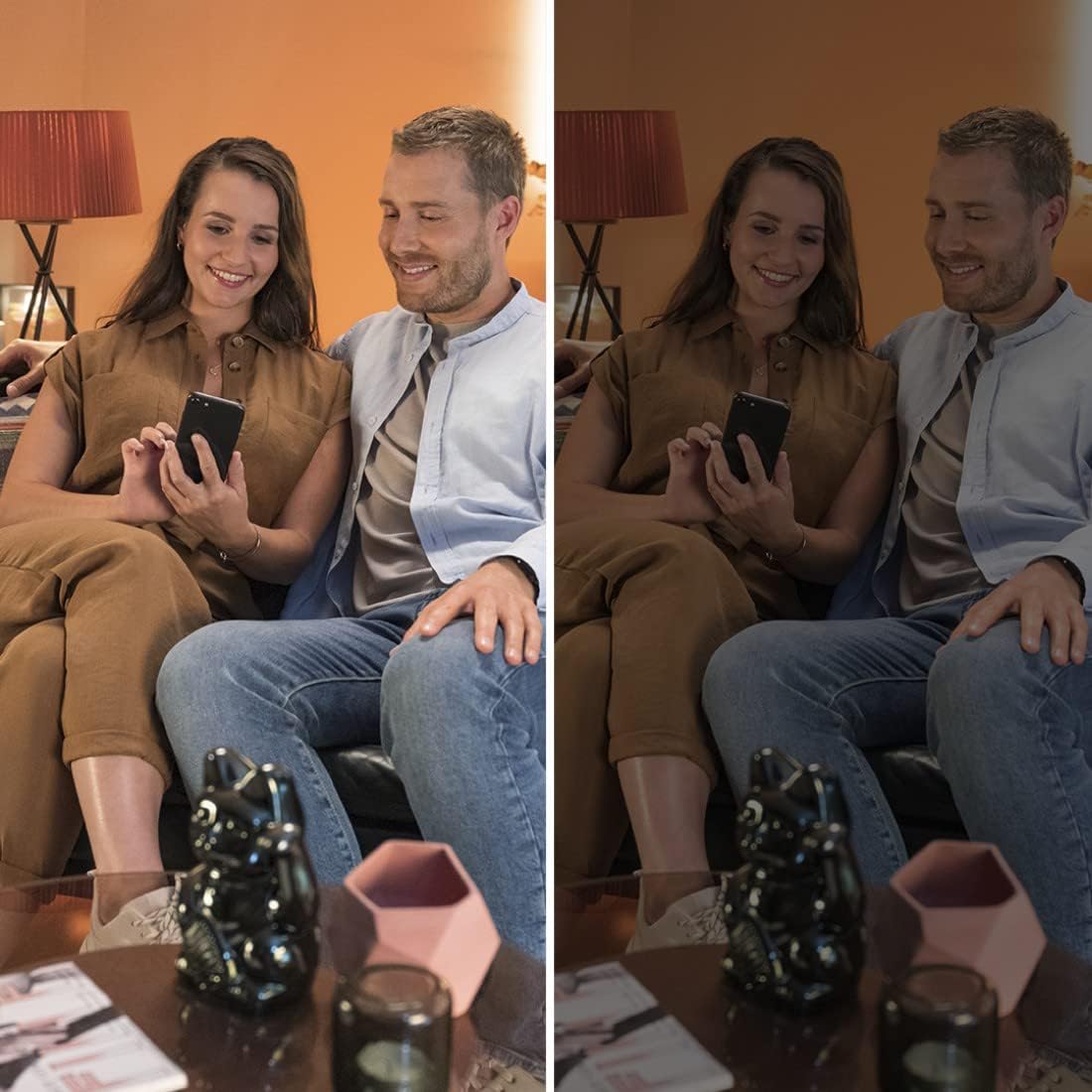
Image 6.3: Demonstrating the dimming capability of the Hama Smart LED Lamp, creating different ambiances.
7. Apkope un kopšana
To ensure optimal performance and longevity of your Hama Wi-Fi GU10 Smart LED Lamp, ievērojiet šīs apkopes vadlīnijas:
- Tīrīšana: Disconnect power before cleaning. Use a dry, soft, lint-free cloth to wipe the lamp. Do not use abrasive cleaners, solvents, or wet cloths, as these can damage the surface or internal components.
- Uzglabāšana: Ja uzglabājat lamp ilgstoši, glabājiet to vēsā, sausā vietā, pasargājot no tiešiem saules stariem un ekstremālām temperatūrām.
- Nav lietotāja apkalpojamu daļu: Lamp nesatur detaļas, ko varētu apkalpot lietotājs. Nemēģiniet atvērt vai remontēt ierīci.amp yourself. This will void the warranty and may pose a safety risk.
8. Traucējummeklēšana
If you encounter issues with your Hama Wi-Fi GU10 Smart LED Lamp, skatiet tālāk norādītās bieži sastopamās problēmas un risinājumus:
| Problēma | Iespējamais cēlonis | Risinājums |
|---|---|---|
| Lamp neieslēdzas. | No power supply; lamp not properly installed; faulty lamp. | Check power supply; ensure lamp is securely twisted into the holder; test with another lamp ja iespējams. |
| Lamp is not connecting to Wi-Fi / App. | Incorrect Wi-Fi password; 5 GHz Wi-Fi network; lamp not in pairing mode; Wi-Fi signal too weak. | Verify Wi-Fi password; ensure you are using a 2.4 GHz network; follow app instructions to re-enter pairing mode; move router closer or use a Wi-Fi extender. |
| Lamp frequently desynchronizes or flickers. | Unstable Wi-Fi connection; interference; firmware issue. | Ensure strong Wi-Fi signal; restart router; check for app updates and lamp firmware updates; if problem persists, contact Hama support. |
| Balss vadība nedarbojas. | Voice assistant not linked; incorrect device name; internet connection issue. | Ensure Hama Smart Home skill/service is enabled and linked in your voice assistant app; use the exact device name; check internet connection. |
9. Tehniskās specifikācijas
| Funkcija | Specifikācija |
|---|---|
| Modeļa numurs | 00176585 |
| Lamp Tips | LED |
| Bāzes tips | GU10 |
| Enerģijas patēriņš | 5.5 W |
| Līdzvērtīga kvēlspuldzes jauda | 40 W |
| Gaismas plūsma | 400 lm |
| Krāsu temperatūra | 2700 K (Warm White) - 6500 K (Daylight White) |
| Krāsu renderēšanas indekss (CRI) | RA (min.) 80 |
| Aptumšojams | Yes (via app/voice) |
| Voltage | 230 V |
| Biežums | 50 Hz / 60 Hz |
| Wi-Fi frekvenču josla | 2.4 GHz |
| Stara leņķis | 120° |
| Novērtētais mūžs | 25,000 h |
| Energoefektivitātes klase | G |
| Izmēri (G x P x A) | 50 mm x 50 mm x 56.5 mm (Reflector shape) |
| Svars | 90 g |
| Operētājsistēmas prasības | Android 4.4 vai jaunāka versija, iOS 8.0 vai jaunāka versija |

Image 9.1: Official Product Information Sheet with detailed technical data. For more details, visit EPREL datu bāze.

Image 9.2: Energy Efficiency Label, indicating a 'G' rating for the Hama GU10 Smart LED Lamp.
10. Informācija par utilizāciju
According to European Directive 2012/19/EU on Waste Electrical and Electronic Equipment (WEEE), electrical and electronic devices must not be disposed of with household waste. Consumers are obliged by law to return electrical and electronic devices at the end of their service lives to the public collection points set up for this purpose or point of sale.
The symbol on the product, the instruction manual, or the packaging indicates that a product is subject to these regulations. By recycling, reusing the materials, or other forms of utilising old devices, you are making an important contribution to protecting our environment.
For proper disposal, please take this product to a designated recycling center or collection point.
11. Garantija un atbalsts
Hama GmbH & Co KG neuzņemas nekādu atbildību un nesniedz garantiju par bojājumiem, kas radušies nepareizas uzstādīšanas/montāžas, nepareizas izstrādājuma lietošanas vai lietošanas instrukciju un/vai drošības norādījumu neievērošanas dēļ.
For technical support or warranty claims, please contact your retailer or the Hama customer service department. Please have your proof of purchase and model number (00176585) ready.
Informācija par rezerves daļu pieejamību un garantētajiem programmatūras atjauninājumiem šobrīd nav pieejama.


