1. Beigāsview
The compact yet powerful DJI Mini SE is designed to be an ideal creative companion, capturing moments with ease and elevating ordinary experiences. Paired with the user-friendly DJI Fly app, it offers a simplified flying experience and a unique perspective. Its reduced weight and improved wind resistance enhance the overall user experience.
Weighing less than 249 grams (0.55 lbs), the DJI Mini SE is comparable in weight to a smartphone. In many regions, including the United States and Canada, this weight class may exempt the drone from certain registration requirements. It operates within a temperature range of 0° to 40°C (32° to 104°F) and supports operating frequencies of 5.725-5.850 GHz (Model MT2SS5) and 2.400-2.4835 GHz, 5.725-5.850 GHz (Model MT2SD25).
The DJI Mini SE supports 12MP aerial photos and 2.7K HD videos. A 3-axis motorized gimbal provides superior camera stability, ensuring clear and ultra-smooth footage. With upgraded wind resistance, it can withstand winds of 29-38 kph and take off at a maximum altitude of 4,000 meters, allowing for stable footagpat sarežģītos apstākļos.
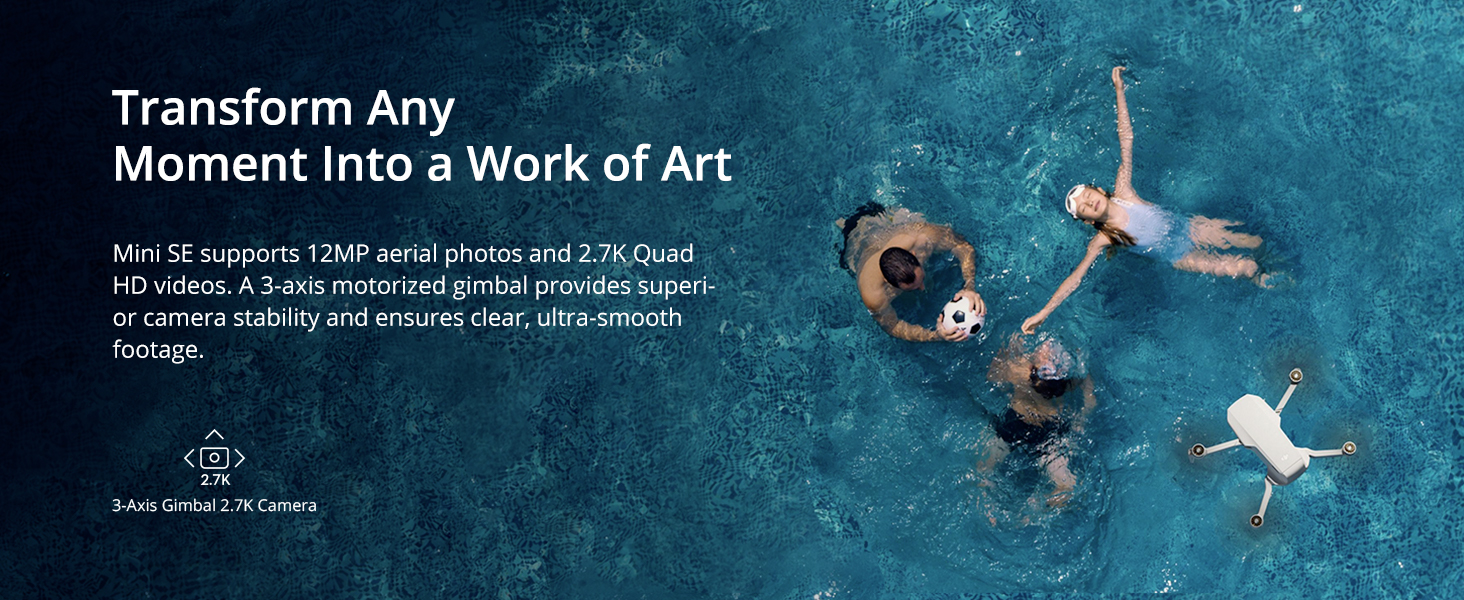
Image: DJI Mini SE in flight, highlighting its 30-minute maximum flight time.
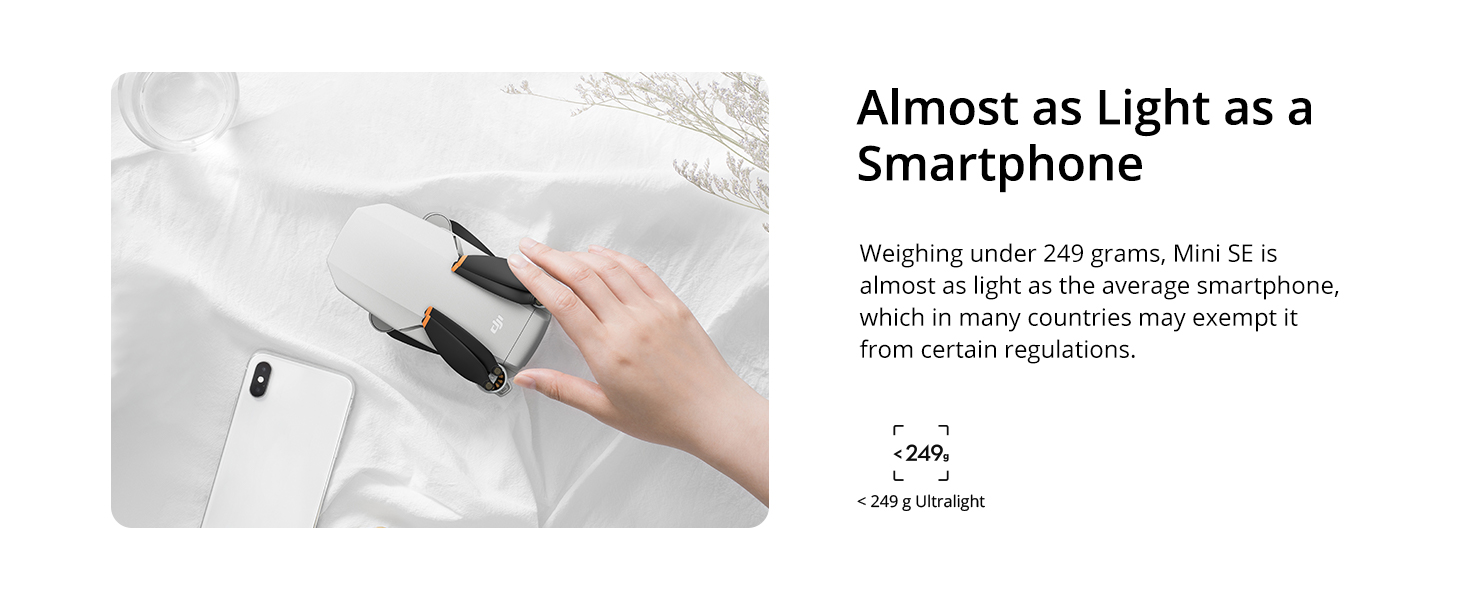
Image: Detail of the DJI Mini SE's 3-axis gimbal and 2.7K camera for stable, high-quality footage.
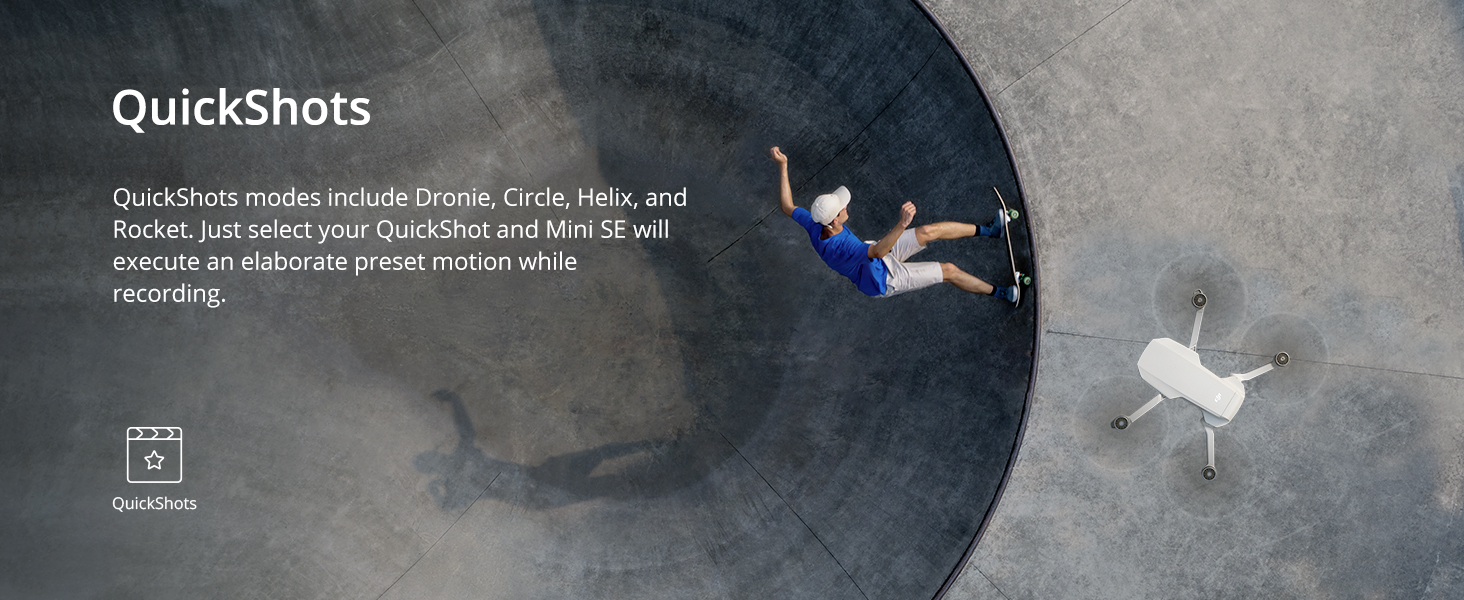
Image: The DJI Mini SE held in a hand, demonstrating its ultra-lightweight design.
2. Kas ir kastē
The DJI Mini SE package includes the following components:
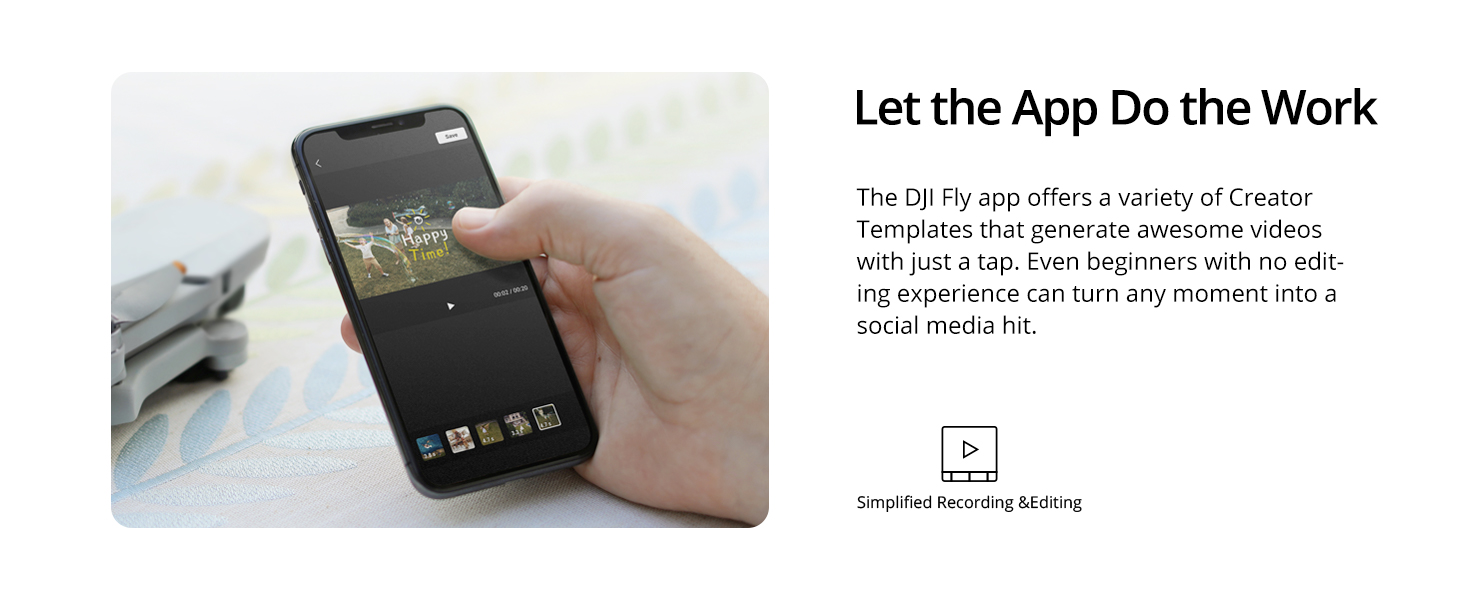
Image: Contents of the DJI Mini SE package.
- DJI Mini SE × 1
- DJI Remote Controller × 1
- Intelligent Flight Battery × 1
- Pair of Spare Propellers × 1
- Mikro USB kabelis × 1
- Communication Cable-USB-C × 1
- Kardāna aizsargs × 1
- RC Cable (Micro USB connector) × 1
- RC Cable (USB-C connector) × 1
- RC Cable (Lightning connector) × 1
- Pair of Spare Control Sticks × 1
- Spare Screws × 6
- Skrūvgriezis × 1
3. Iestatīšana
3.1 Akumulatora uzlāde
Before first use, ensure the Intelligent Flight Battery and the Remote Controller are fully charged. Connect the Micro USB Cable or USB-C Cable to a power source and the respective charging port on the battery or controller.

Image: Intelligent Flight Battery.
3.2 Propelleru piestiprināšana
If necessary, attach the spare propellers using the provided screwdriver and screws. Ensure propellers are securely fastened.
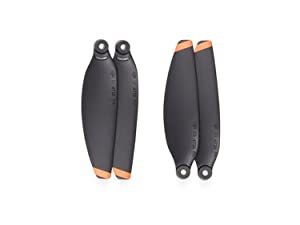
Image: Spare Propellers.
3.3 Connecting the Remote Controller
Unfold the remote controller and attach your smartphone using the appropriate RC Cable (Micro USB, USB-C, or Lightning connector). Power on the remote controller and the drone. Follow the on-screen instructions in the DJI Fly app to connect.

Image: DJI Remote Controller.
4. Lietošanas instrukcijas
4.1 DJI Fly App
The DJI Fly app simplifies the flying experience. It offers a variety of Creator Templates that can generate awesome videos with just a tap, making it easy for beginners to create social media-ready content.
4.2 QuickShot Modes
Cinematic shots are made easier with DJI Mini SE’s QuickShot modes. These include:
- Dronijs: The drone flies backward and upward, with the camera locked on the subject.
- Aplis: The drone circles around the subject.
- Spirāle: The drone flies upward and spirals around the subject.
- Raķete: The drone flies straight up with the camera pointing downward at the subject.
Simply select your desired QuickShot mode in the DJI Fly app, and the DJI Mini SE will execute the elaborate preset motion while recording.
4.3 CineSmooth Mode
For an added layer of precision and stability, activate CineSmooth mode. This mode slows down the DJI Mini SE’s flight speed and movements, which is particularly useful when flying in narrow or complex spaces, allowing for smoother, more cinematic footage.
4.4. Atgriešanās mājās (RTH)
The Return to Home (RTH) feature allows the drone to automatically return to its last recorded Home Point. This can be initiated manually or triggered automatically in situations like low battery or loss of signal. Ensure your Home Point is updated regularly for accurate RTH functionality.
5. Apkope
- Regularly inspect propellers for any damage or wear. Replace damaged propellers immediately.
- Keep the camera lens and vision sensors clean using a soft, dry cloth.
- Store the drone and batteries in a cool, dry place away from direct sunlight.
- Ensure batteries are charged to approximately 50-60% for long-term storage.
- Periodically check for firmware updates via the DJI Fly app to ensure optimal performance and access to new features.
6. Traucējummeklēšana
6.1 Registration and Licensing
Jautājums: Do I need to register or get a license to fly this drone?
Atbilde: In most countries, drones under 250 g do not require registration or a license for flying. However, it is crucial to refer to local regulations before use and always fly safely. Always check and follow the applicable rules wherever you fly.
6.2 Vision Positioning System
Piezīme: Vision positioning requires non-reflective, discernible surfaces and adequate lighting. It is available at altitudes from 0.5-30 m, with vertical and horizontal positioning accuracy within ±0.1 m.
6.3 Fly Spots Feature
Piezīme: The Fly Spots feature is currently only available in Mainland China. All flight locations displayed by the Fly Spots feature are based on voluntarily shared location tags from SkyPixel users. DJI never collects or shares user data without user consent.
7. Specifikācijas
| Funkcija | Detaļas |
|---|---|
| Zīmols | DJI |
| Modeļa nosaukums | DJI Mini Neo (DJI Mini SE) |
| Preces modeļa numurs | CP.MA.00000324.01 |
| UPC | 190021029460 |
| Preces svars | 242 grami (8.5 unces) |
| Produkta izmēri | 5.43 collu garums × 3.18 collu platums × 2.28 collu augstums |
| Krāsa | Pelēks |
| Video uzņemšanas izšķirtspēja | 1296p (2.7K HD) |
| Efektīva nekustīga izšķirtspēja | 12 MP |
| Optisko sensoru tehnoloģija | CMOS |
| Savienojamības tehnoloģija | Wi-Fi |
| Tālvadības tehnoloģija | Wi-Fi |
| Maksimālais diapazons | 4 kilometri |
| Akumulatora ietilpība | 2250 miljoniamp Stundas |
| Akumulatora elementu sastāvs | Litija polimērs |
| Darba temperatūra | 0° līdz 40°C (32° līdz 104°F) |
| Prasmju līmenis | Iesācējs |
8. Garantija un atbalsts
For detailed warranty information, product support, and service inquiries, please visit the official DJI website or contact DJI customer service. Keep your proof of purchase for any warranty claims.
You can visit the DJI Store for more information: DJI veikals vietnē Amazon