Ievads
Thank you for choosing the realme Techlife Robot 2-in-1 Vacuum Cleaner with Mopping. This device is designed to provide efficient and convenient floor cleaning with advanced features. This manual provides essential information for safe operation, setup, maintenance, and troubleshooting to ensure optimal performance of your robot vacuum cleaner.

The realme Techlife Robot 2-in-1 Vacuum Cleaner, showcasing tā eleganto dizainu un kompakto formu.
Drošības informācija
Before using the appliance, please read this user manual carefully and keep it for future reference. This device is intended for indoor use only. Do not use it in commercial or industrial environments. Ensure the charging dock is placed on a flat surface against a wall, with no obstacles within 1 meter in front and 0.5 meters on either side. Keep the device away from water and moisture. Do not allow children or pets to play with the device. Always supervise children when the device is in operation. Do not use the device to clean liquids, burning objects, or sharp objects. Regularly check the brushes and wheels for tangled hair or debris.
Iepakojuma saturs
Izpakojot iepakojumu, pārliecinieties, vai visas preces ir klāt un labā stāvoklī.
- realme Techlife Robot Vacuum Cleaner
- Uzlādes doks
- Strāvas adapteris
- Ūdens tvertne
- Tālvadības pults
- Sānu birstes (2 pāri)
- Galvenā birste
- Tīrīšanas rīks
- Lietotāja rokasgrāmata
Produkts beidziesview
Augšā View
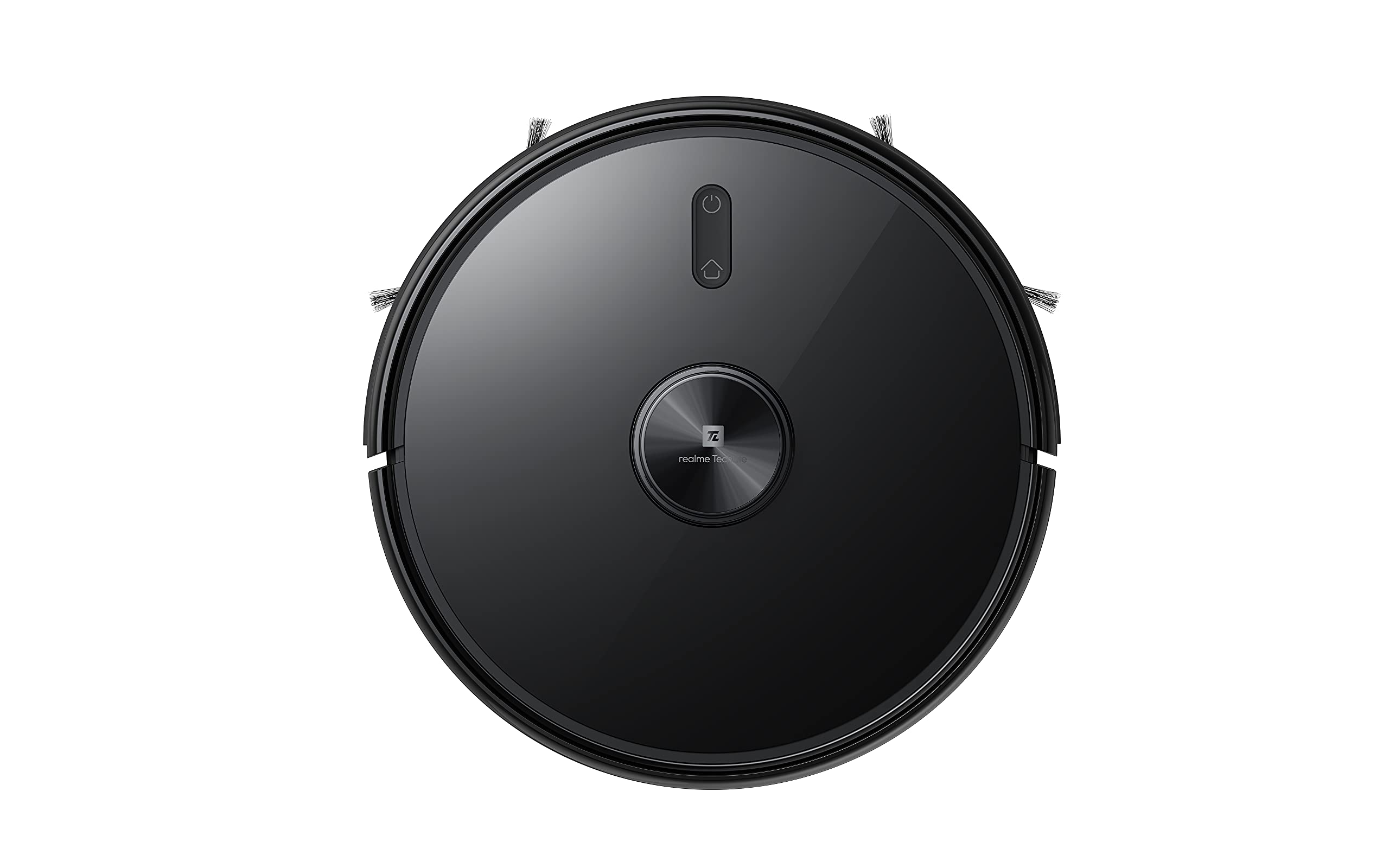
Augšējais view of the robot vacuum, showing the power button and LiDAR sensor housing.
The top of the robot features the LiDAR navigation sensor for accurate mapping and navigation, along with control buttons for starting/pausing cleaning and returning to the charging dock.
Apakšā View
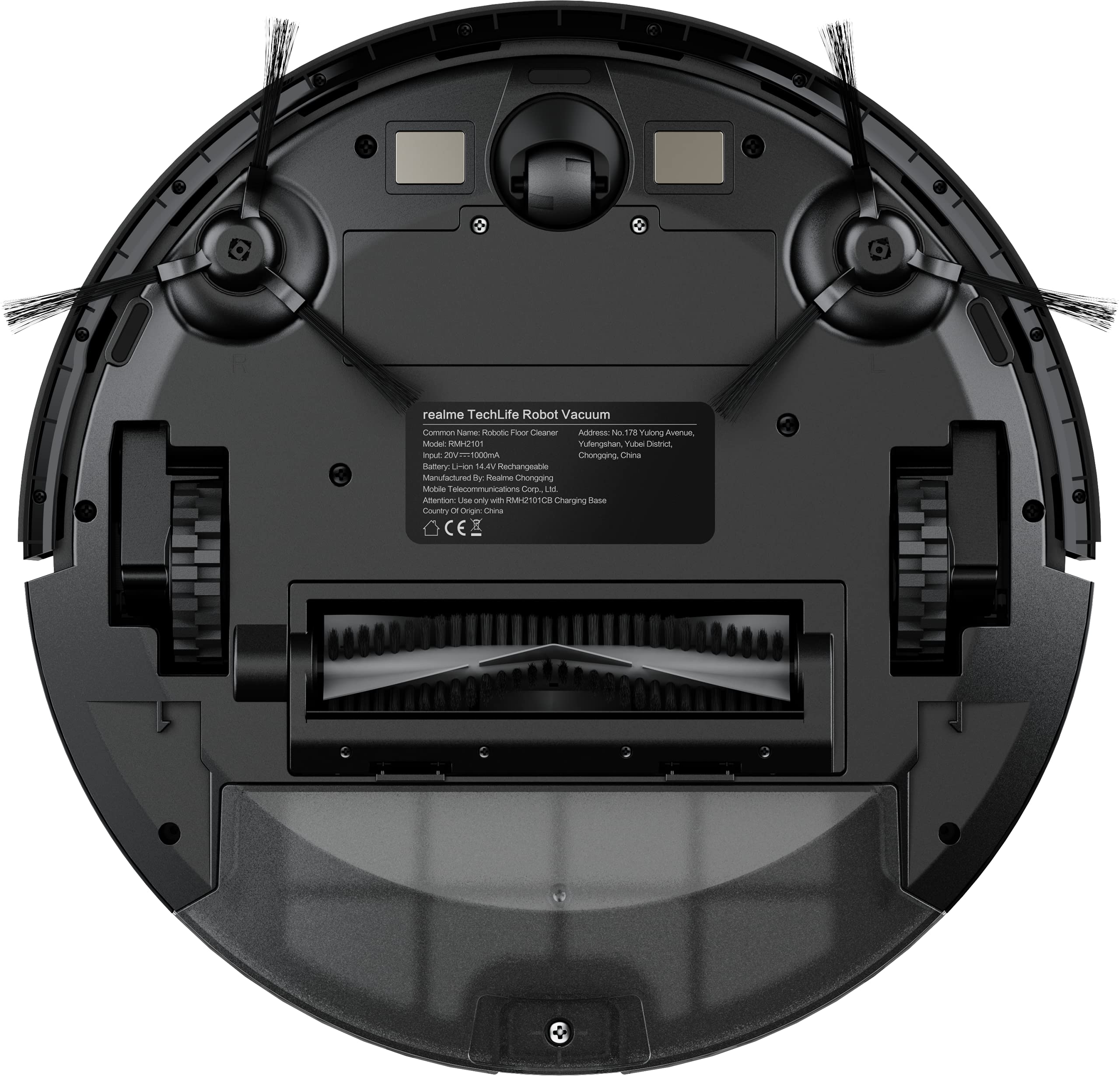
The underside of the robot vacuum, displaying the main brush, side brushes, and wheels.
The bottom of the robot includes the main rolling brush, two side brushes for edge cleaning, driving wheels, and cliff sensors to prevent falls.
Iestatīšana
1. Uzlādes stacijas novietojums
Place the charging dock against a wall on a hard, level surface. Ensure there are no obstacles within 1 meter (3 feet) in front of the dock and 0.5 meters (1.5 feet) on either side to allow the robot to easily dock and undock.
2. Sākotnējā uzlāde
Connect the power adapter to the charging dock and plug it into a wall outlet. Place the robot onto the charging dock. The robot will automatically begin charging. For first-time use, ensure the robot is fully charged (approximately 6 hours) before its initial cleaning cycle. The 5200mAh battery provides up to 300 minutes of cleaning time on a full charge.
3. App Connection (realme Link App)
- Lejupielādēt realme saite lietotni no viedtālruņa lietotņu veikala.
- Izveidojiet kontu vai piesakieties.
- Follow the in-app instructions to add your realme Techlife Robot Vacuum Cleaner. This typically involves turning on the robot, resetting its Wi-Fi, and connecting to your home Wi-Fi network.
- Kad savienojums ir izveidots, jūs varat vadīt robotu, view cleaning maps, set schedules, and adjust cleaning modes remotely.
Lietošanas instrukcijas
1. Tīrīšanas cikla sākšana
Press the power button on the robot or use the realme Link app to start a cleaning cycle. The robot will use its advanced LiDAR navigation technology to map your home and plan an efficient cleaning path.
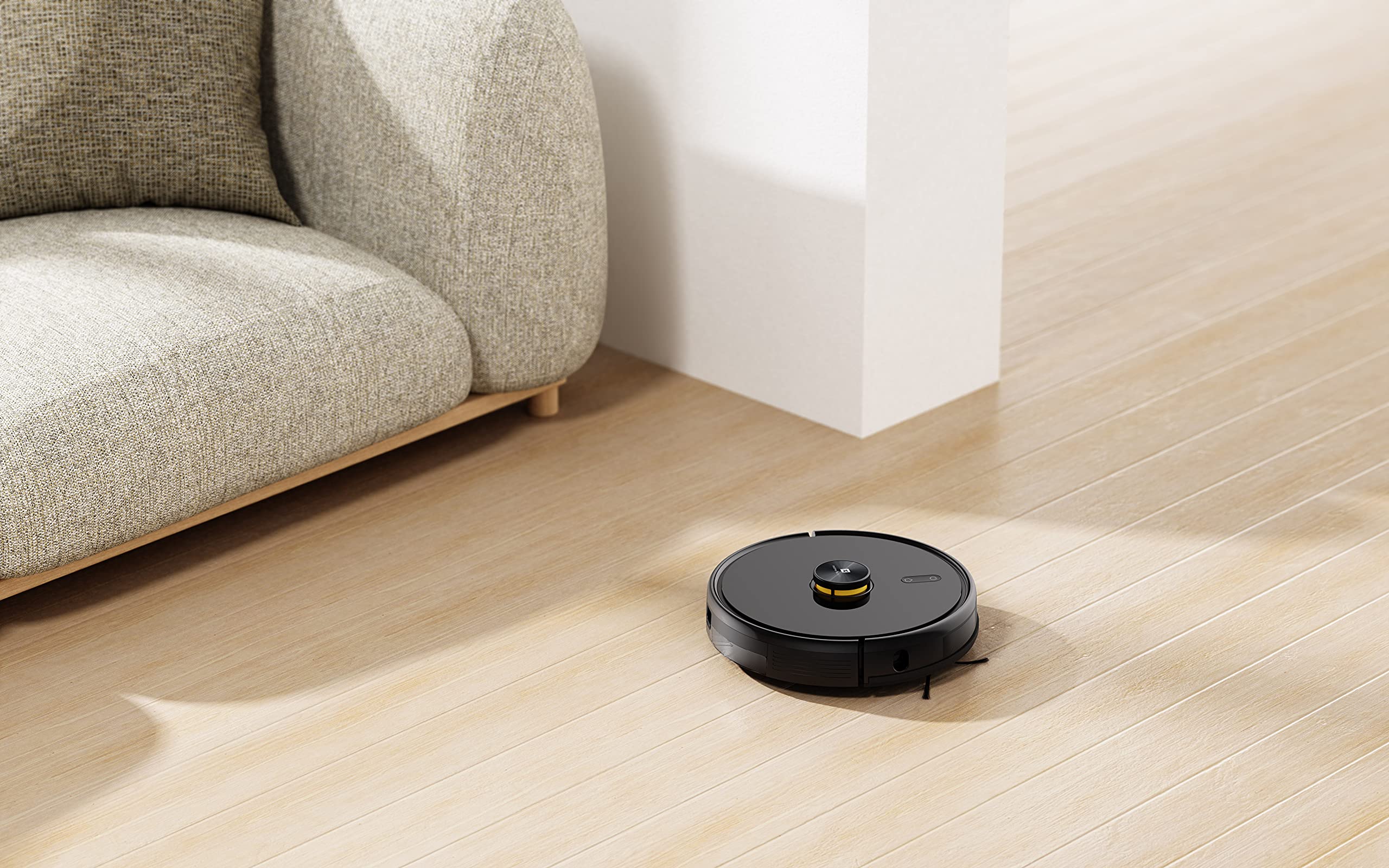
The robot vacuum actively cleaning a hard floor surface in a modern living space.
2. Tīrīšanas režīmi
The robot offers 4 cleaning modes, which can be selected via the app or remote control:
- Automātiskā tīrīšana: Robots inteliģenti iztīra visu platību.
- Vietas tīrīšana: Intensīvāk attīra noteiktu zonu.
- Malu tīrīšana: Koncentrējas uz tīrīšanu gar sienām un mēbeļu malām.
- Plānotā tīrīšana: Iestatiet konkrētus laikus, kuros robots veic automātisko tīrīšanu.
The 3000Pa strong suction power ensures effective removal of dust and debris across various floor types.
3. Mopēšanas funkcija
To use the mopping function, fill the intelligent water tank with clean water and attach it to the robot. The robot features 4 water output modes, allowing you to adjust water flow based on floor surface and cleaning requirements. The Y-shape cleaning path is specifically designed for effective mopping.
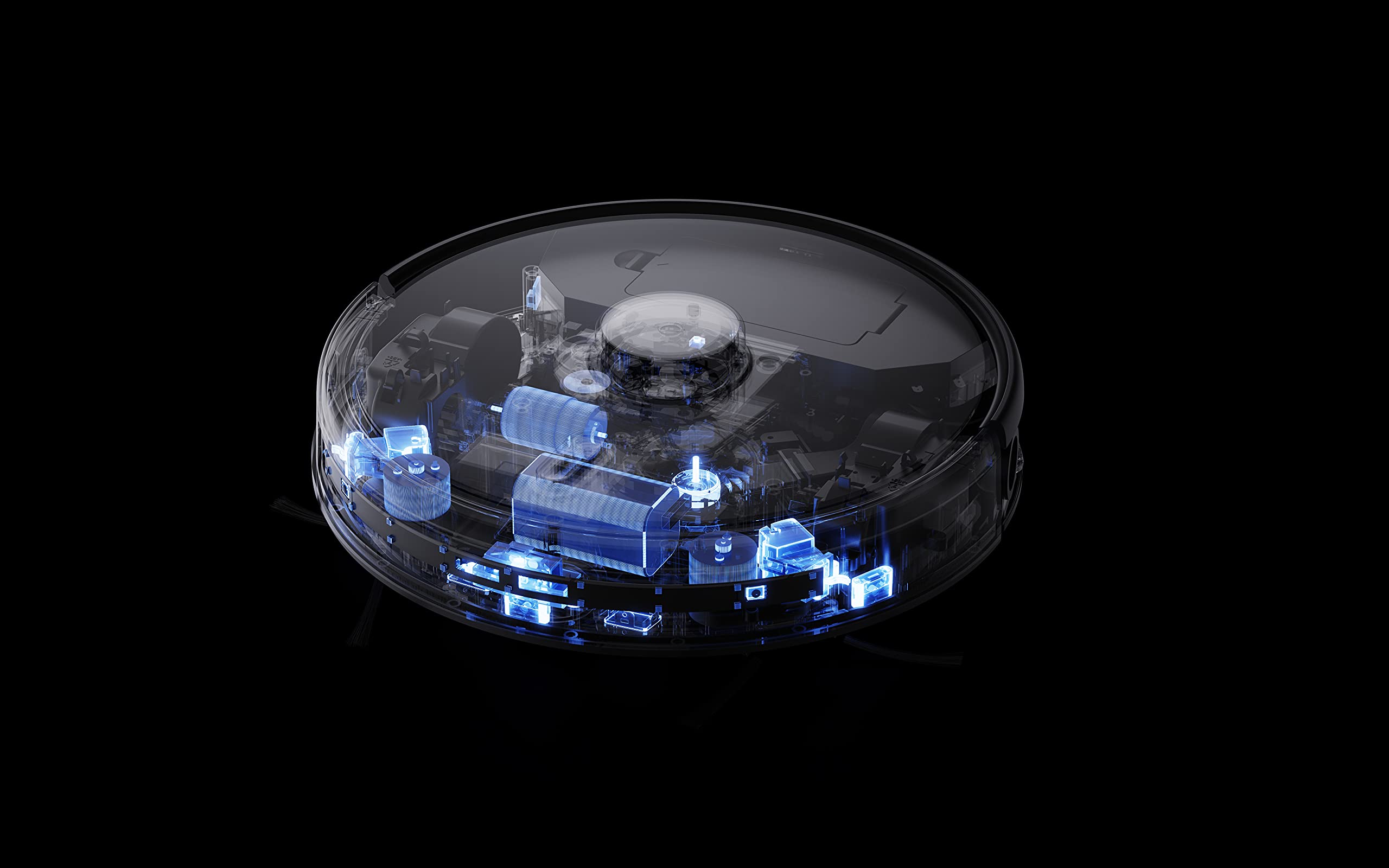
The robot vacuum performing its mopping function on a hard floor, demonstrating its 2-in-1 capability.
4. Viedās funkcijas
- realme Link App Control: Control cleaning force, schedule tasks, and monitor progress in real-time.
- Daudzstāvu kartēšana: The robot can build and memorize maps for multiple floors, improving cleaning efficiency.
- Balss palīga saderība: Supports Google Assistant and Alexa for convenient voice control.
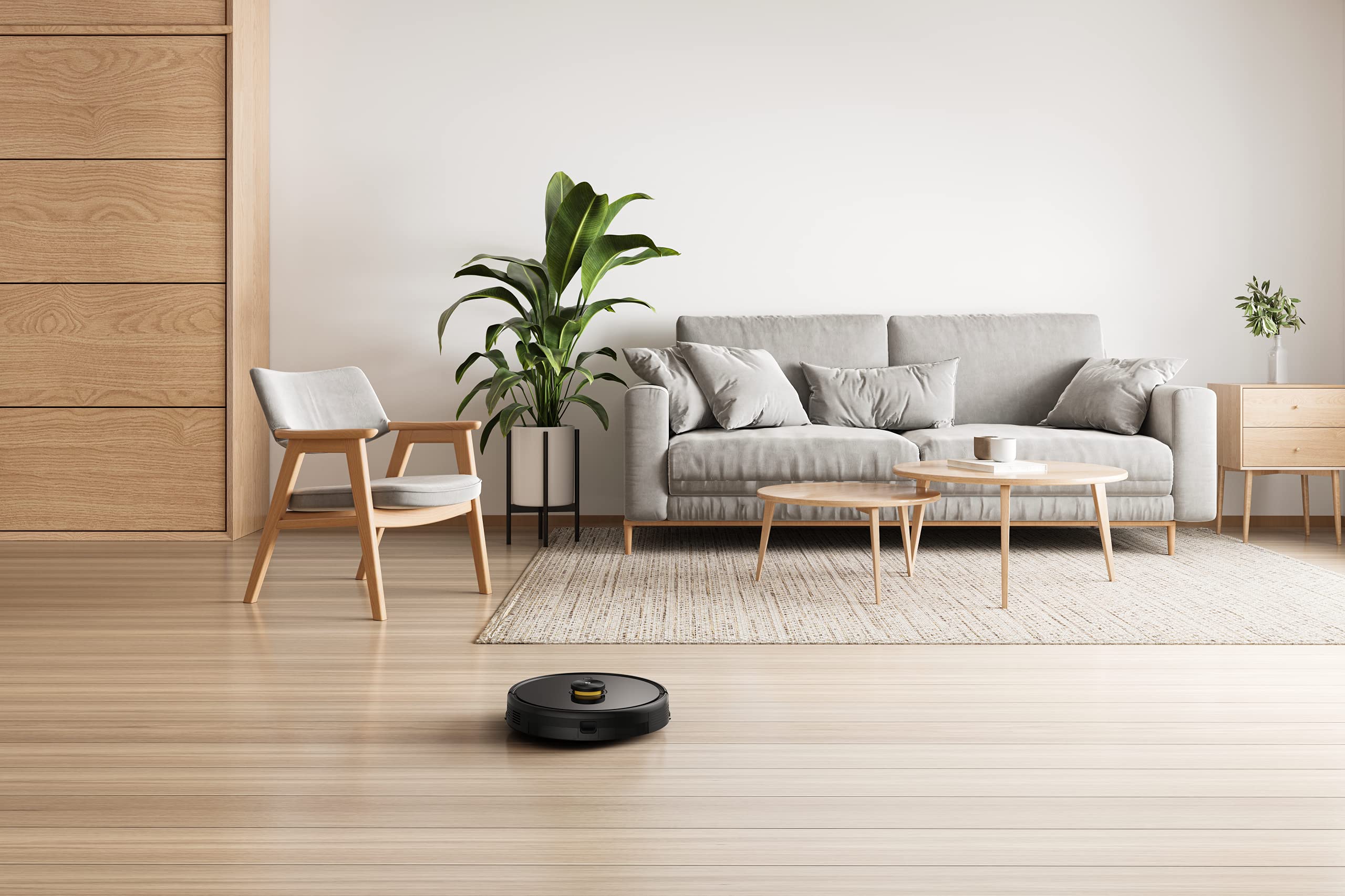
The robot vacuum navigating and cleaning under furniture, highlighting its low-profile dizains.
Apkope
Regular maintenance ensures the longevity and optimal performance of your robot vacuum cleaner.
1. Putekļu tvertnes iztukšošana
Open the top cover of the robot and remove the dust box. Empty its contents into a trash bin. Clean the filter regularly by tapping it gently to remove dust. Rinse the dust box with water if necessary, ensuring it is completely dry before reinserting.
2. Galvenās sukas tīrīšana
Remove the main brush cover and lift out the main brush. Use the provided cleaning tool to cut and remove any tangled hair or debris. Reinstall the main brush and cover.
3. Sānu suku tīrīšana
Periodically check the side brushes for wear or entanglement. Remove any hair or debris. If brushes are damaged, replace them with new ones.
4. Ūdens tvertnes un mopa tīrīšana
After each mopping session, empty any remaining water from the tank. Remove and clean the mopping pad. Wash the mopping pad thoroughly and allow it to air dry completely before reuse.
5. Sensoru un uzlādes kontaktu tīrīšana
Wipe the cliff sensors, wall sensors, and charging contacts on both the robot and the charging dock with a clean, dry cloth to ensure proper function.
Problēmu novēršana
Ja rodas problēmas ar robotizēto putekļsūcēju, skatiet tālāk norādītos bieži sastopamos risinājumus.
- Robots neuzlādējas: Pārliecinieties, vai uzlādes stacija ir ieslēgta un vai robota uzlādes kontakti ir tīri un pareizi izlīdzināti ar staciju.
- Robot stuck or navigating erratically: Clear any obstacles, loose cables, or rugs that may be impeding movement. Clean the sensors.
- Slikta sūkšana: Iztukšojiet putekļu konteineru, notīriet filtru un pārbaudiet, vai galvenajā birste nav aizsprostota.
- Mopping not working: Ensure the water tank is filled, properly installed, and the mopping pad is attached. Check water output settings in the app.
- Lietotnes savienojamības problēmas: Ensure your robot and smartphone are connected to the same 2.4GHz Wi-Fi network. Restart the robot and your router if necessary.
- Neparasts troksnis: Check the main brush, side brushes, and wheels for any foreign objects or debris.
For persistent issues, consult the realme Link app for further diagnostics or contact customer support.
Specifikācijas
| Funkcija | Specifikācija |
|---|---|
| Zīmols | realme |
| Modeļa nosaukums | 6941399050860 |
| Īpaša iezīme | LiDAR Navigation, Smart |
| Krāsa | Melns |
| Produkta izmēri | 33 cm garums x 33 cm platums x 7 cm augstums |
| Akumulatora darbības laiks | 100 Minutes (Mopping), 300+ Minutes (Vacuuming) |
| Akumulatora ietilpība | 5200 mAh |
| Sūkšanas jauda | 3000Pa |
| Putekļu kastes ietilpība | 0.3 litrs |
| Kontroles metode | Remote, App (realme Link), Voice (Google Home, Alexa) |
| Trokšņa līmenis | Tik zems kā 55 dB |
| Ražotājs | Realme |
Garantija un atbalsts
Your realme Techlife Robot 2-in-1 Vacuum Cleaner is covered by a limited warranty. Please refer to the warranty card included in your package for specific terms and conditions. For technical support, service, or inquiries, please visit the official realme support webvietnē vai sazinieties ar klientu apkalpošanas tālruni. Saglabājiet pirkuma čeku kā pirkuma apliecinājumu garantijas prasību gadījumā.


