Ievads
This manual provides detailed instructions for the installation, operation, and maintenance of your AXAGON ADSA-ST USB 3.0 Docking Station. This device is designed to connect 2.5" and 3.5" SATA SSDs and HDDs to your computer via a USB 3.0 interface, offering fast data transfer speeds.
Pirms produkta lietošanas rūpīgi izlasiet šo rokasgrāmatu, lai nodrošinātu pareizu darbību un novērstu bojājumus.
Iepakojuma saturs
Pārliecinieties, vai iepakojumā ir visas sastāvdaļas:
- AXAGON ADSA-ST Docking Station
- USB 3.0 Type-A to Micro-B cable
- Strāvas adapteris
- Lietotāja rokasgrāmata (šis dokuments)

Image: The AXAGON ADSA-ST Docking Station shown alongside its retail packaging, illustrating the product and its box.
Galvenās iezīmes
- Supports 2.5" and 3.5" SATA I/II/III SSDs and HDDs.
- USB 3.0 (USB 3.2 Gen 1) interface with up to 5 Gbps transfer speed.
- SATA 6G (SATA III) support.
- UASP (USB Attached SCSI Protocol) support for enhanced performance.
- TRIM support for SSDs.
- HDD Auto Spindown function.
- LED indication for power and activity.
- Compact design with aluminum body.

Attēls: A view of the AXAGON ADSA-ST Docking Station highlighting its 5 Gbps USB 3.2 Gen 1 speed and compact size.
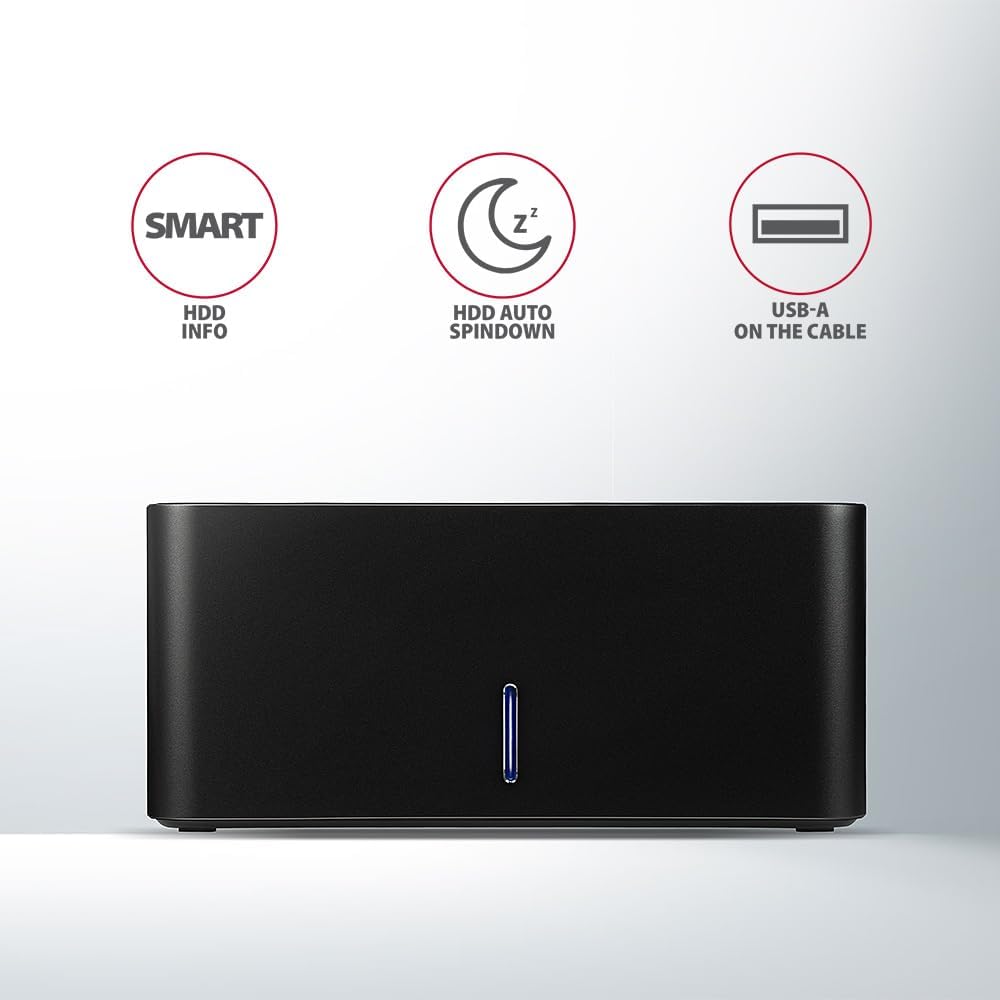
Image: The docking station from the front, indicating features like SMART HDD info, automatic HDD spindown, and USB-A connectivity.
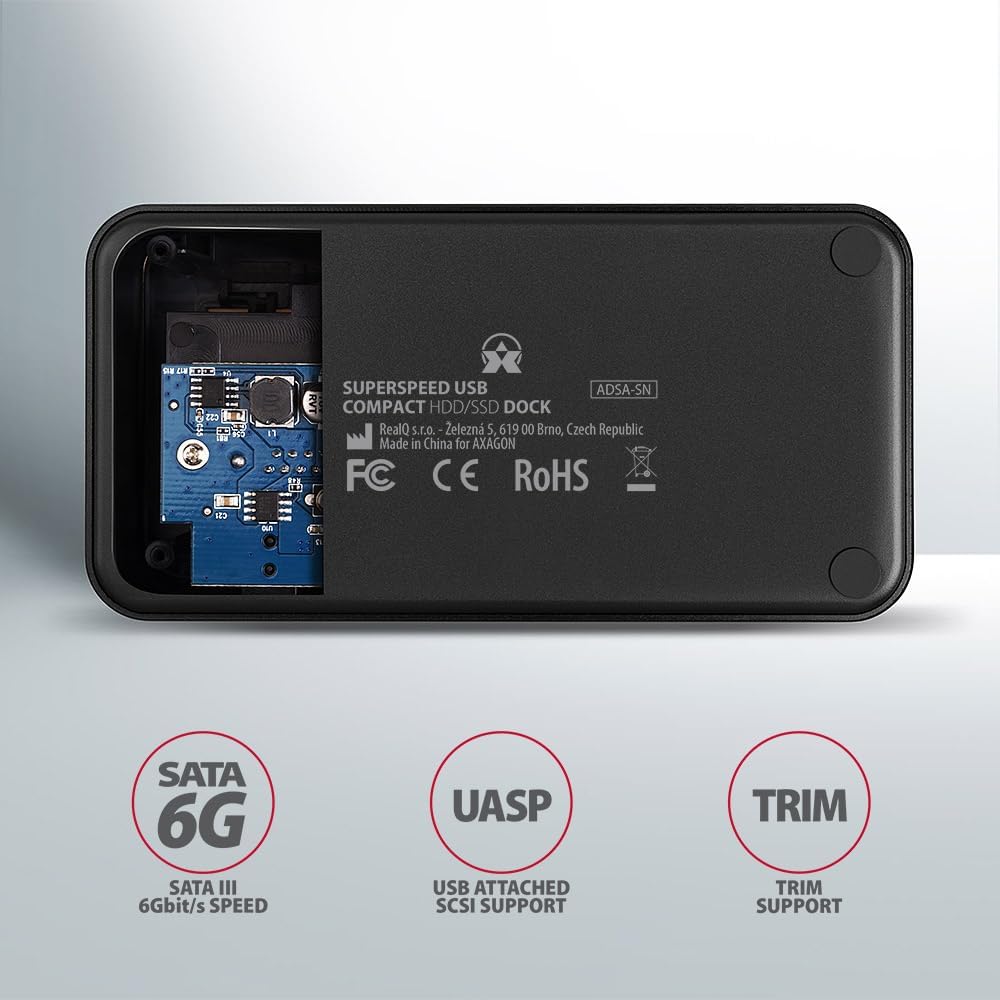
Image: The underside of the docking station, showing internal components and highlighting SATA 6G, UASP, and TRIM support.
Iestatīšanas instrukcijas
- Pievienojiet strāvas adapteri: Plug the included power adapter into the DC IN port on the back of the docking station and then into a power outlet.
- Savienojuma izveide ar datoru: Connect the USB 3.0 cable from the docking station's Micro-B port to an available USB 3.0 (or higher) port on your computer.
- Ievietojiet cieto disku/SSD disku:
- For 2.5" SSD/HDD: Gently slide the 2.5" drive into the slot until it connects firmly with the SATA connector.
- For 3.5" HDD: Gently slide the 3.5" drive into the slot until it connects firmly with the SATA connector.
Ensure the drive is inserted correctly with the SATA connector facing the correct direction. Do not force the drive.

Image: A 2.5-inch SSD being inserted into the docking station, demonstrating compatibility with smaller drives.
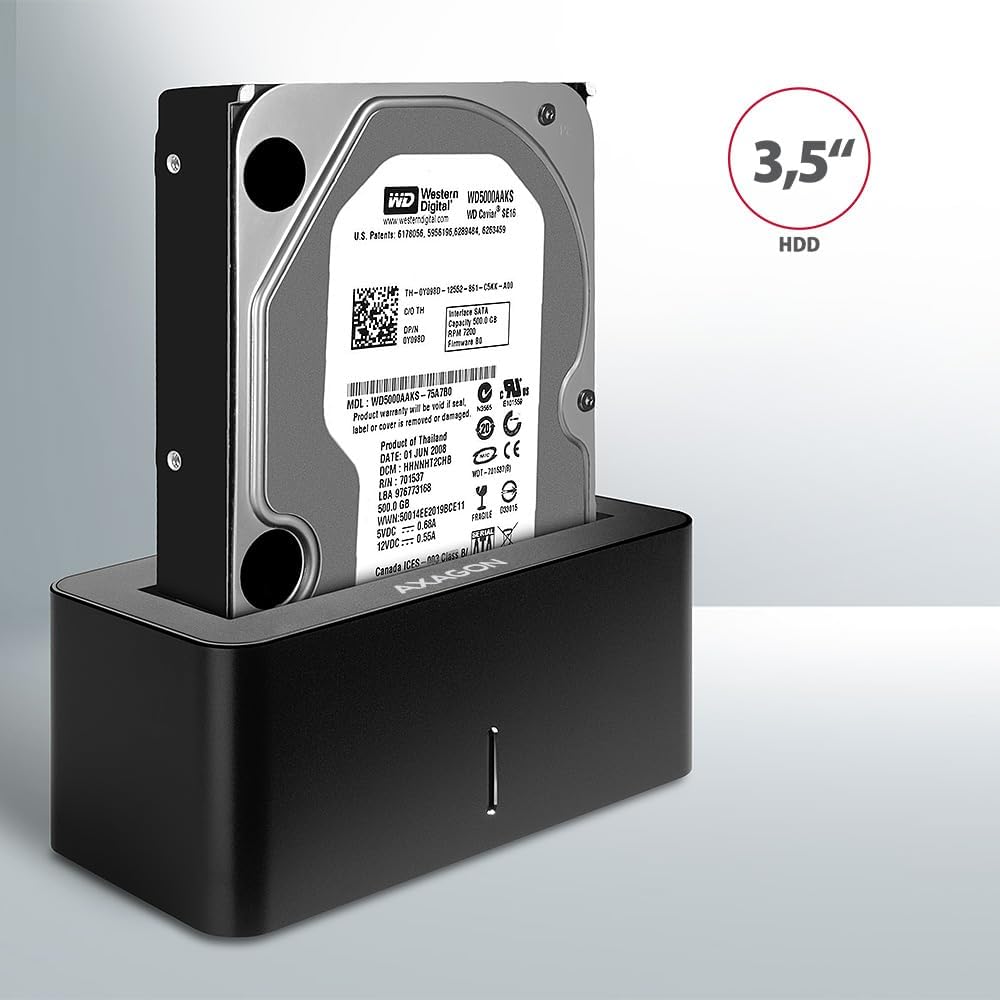
Image: A 3.5-inch HDD being inserted into the docking station, demonstrating compatibility with larger drives.
- Ieslēgšana: Press the power button located on the back of the docking station. The LED indicator on the front will illuminate.
Image: The rear panel of the docking station, showing the power button, USB Micro-B port, and power input for connection.
Lietošanas instrukcijas
Drive Recognition
Once powered on and connected, your operating system should automatically detect the inserted drive. If it's a new drive, you may need to initialize and format it through Disk Management (Windows) or Disk Utility (macOS) before it appears in File Explorer/Finder.
LED indikators
The LED indicator on the front of the docking station provides status information:
- Vienmērīgi zils: Power on, drive idle.
- Mirgojošs zils: Drive activity (reading or writing data).
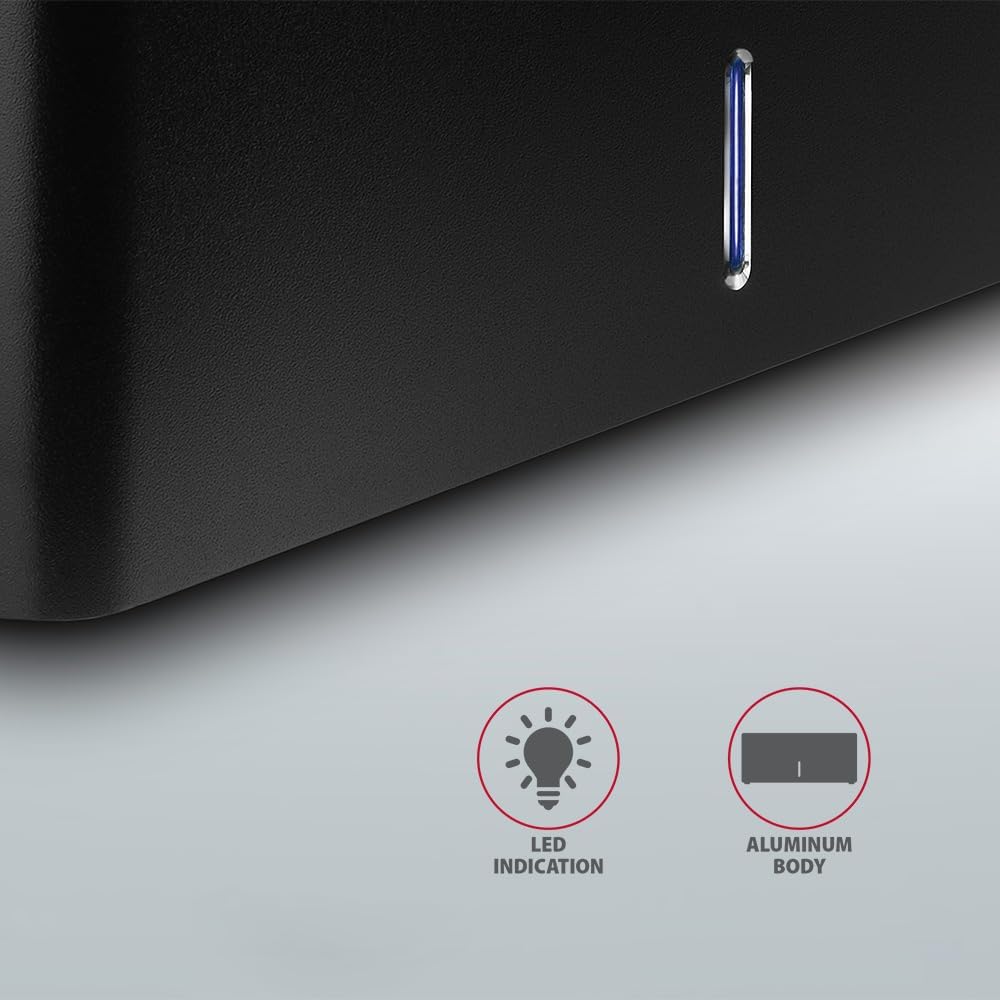
Attēls: Tuvplāns view of the docking station's front panel, highlighting the LED indicator light.
Removing a Drive
Before removing a drive, always safely eject it from your operating system to prevent data corruption. After ejection, gently pull the drive straight out of the docking station slot.
HDD automātiska apgriešana
The docking station supports automatic spindown of the HDD when it is idle for a certain period, conserving power and extending drive lifespan. This feature is managed by the operating system or the drive itself.
Apkope
- Uzturiet uzlādes staciju tīru un bez putekļiem. Tīrīšanai izmantojiet mīkstu, sausu drānu.
- Nepakļaujiet ierīci ārkārtējai temperatūrai, mitrumam vai tiešiem saules stariem.
- Nemēģiniet ierīci izjaukt vai remontēt pats. Vērsieties pie kvalificēta servisa personāla.
- Ensure proper ventilation around the docking station during operation.
Problēmu novēršana
- Drive not detected:
- Pārliecinieties, vai strāvas adapteris ir droši pievienots un dokstacija ir ieslēgta.
- Pārliecinieties, vai USB kabelis ir pareizi pievienots gan dokstacijai, gan datoram.
- Izmēģiniet citu datora USB portu.
- Ensure the HDD/SSD is fully seated in the docking station's slot.
- Check Disk Management (Windows) or Disk Utility (macOS) to see if the drive is recognized but uninitialized/unformatted.
- Test with a different HDD/SSD to rule out a drive issue.
- Lēns pārsūtīšanas ātrums:
- Ensure the docking station is connected to a USB 3.0 (or higher) port on your computer. USB 2.0 ports will limit speeds.
- Verify your operating system and drivers are up to date.
- The actual speed depends on the drive's performance and your computer's USB controller.
- Drive disconnects randomly:
- Pārbaudiet visus kabeļu savienojumus.
- Pārliecinieties, vai strāvas adapteris nodrošina stabilu strāvas padevi.
- Disable USB power saving features in your computer's operating system settings.
Tehniskās specifikācijas
| Funkcija | Detaļas |
|---|---|
| Zīmols | AKSAGONS |
| Modeļa numurs | ADSA-SN |
| Aparatūras platforma | PC |
| Saderīgas ierīces | Klēpjdators, Galddators |
| Saderība ar disku | 2.5" / 3.5" SATA I/II/III SSD/HDD |
| Interfeiss | USB 3.0 (USB 3.2 Gen 1) |
| Datu pārsūtīšanas ātrums | Up to 5 Gbps (USB 3.0), 6 Gbps (SATA III) |
| Kopējais USB portu skaits | 1 (Micro-B) |
| Piedziņas nodalījumu skaits | 1 |
| Krāsa | Melns |
| Preces svars | 2.2 mārciņas (aptuveni 1 kg) |
| Iepakojuma izmēri | 3.94 x 0.79 x 0.39 collas (aptuveni 10 x 2 x 1 cm) |
| Datums pirmais pieejams | 30. gada 2021. marts |
Garantija un atbalsts
For warranty information and technical support, please refer to the official AXAGON webvietnē vai sazinieties ar vietējo izplatītāju. Saglabājiet pirkuma apliecinājumu garantijas prasību iesniegšanai.


