Ievads
This manual provides detailed instructions for the Parsonver LW45 Smart Watch. Please read this guide thoroughly to understand the watch's functions, setup, and maintenance, ensuring optimal performance and longevity of your device.
Iepakojuma saturs
Atverot iepakojumu, pārliecinieties, vai ir visas sastāvdaļas:
- Parsonver LW45 viedais pulkstenis
- Uzlādes kabelis
- Lietotāja rokasgrāmata
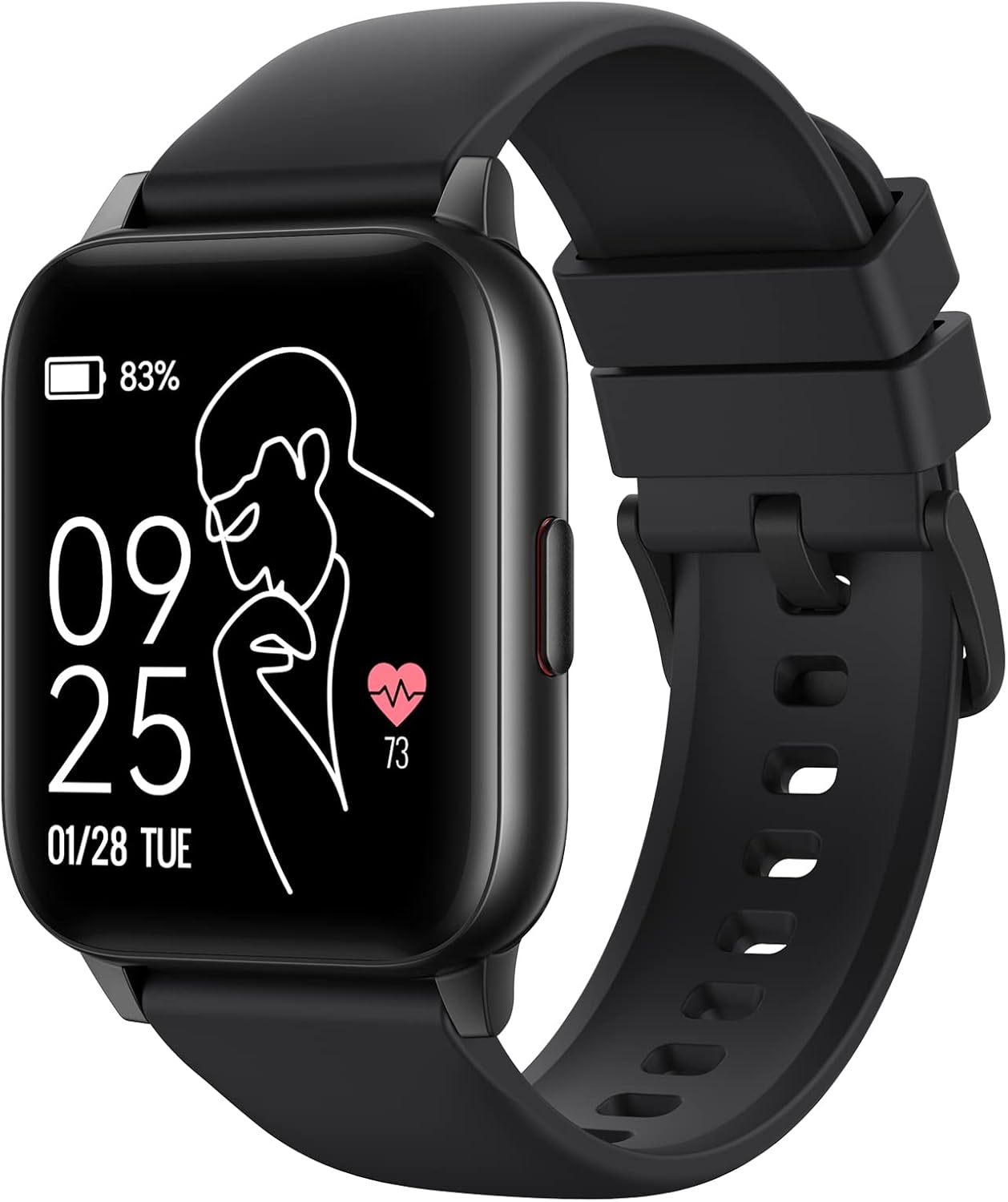
Image: The Parsonver LW45 Smart Watch, black model, displaying time and health metrics.
Iestatīšanas rokasgrāmata
1. Ierīces uzlāde
Before initial use, fully charge the smart watch. Connect the charging cable to the charging port on the back of the watch and to a USB power source. The watch display will indicate charging status.
2. Lietotnes instalēšana un savienošana pārī
- Download the official Parsonver app from your smartphone's app store (compatible with iOS 10.0/Android 5.0 or above).
- Pārliecinieties, vai viedtālrunī ir iespējots Bluetooth.
- Atveriet lietotni un izpildiet ekrānā redzamos norādījumus, lai izveidotu kontu vai pieteiktos.
- Select "Add Device" or similar option within the app to search for your LW45 Smart Watch.
- Apstipriniet savienošanas pārī pieprasījumu gan viedtālrunī, gan pulkstenī.
Piezīme: The watch connects via Bluetooth 5.0. Maintain proximity between the watch and your smartphone for a stable connection.

Image: A smartphone displaying the Parsonver app, illustrating the device connection process.
Lietošanas instrukcijas
Pamata navigācija
- Skārienekrāns: Lai pārvietotos pa izvēlnēm un piekļūtu funkcijām, velciet pa kreisi/pa labi, uz augšu/uz leju. Pieskarieties, lai atlasītu.
- Sānu poga: Nospiediet, lai atgrieztos sākuma ekrānā vai pamodinātu ierīci.
Sporta režīmi
The LW45 Smart Watch features 16 default sports modes. Over 100 additional sports modes can be customized and added via the companion app. These include activities such as walking, running, cycling, swimming, yoga, and strength training.
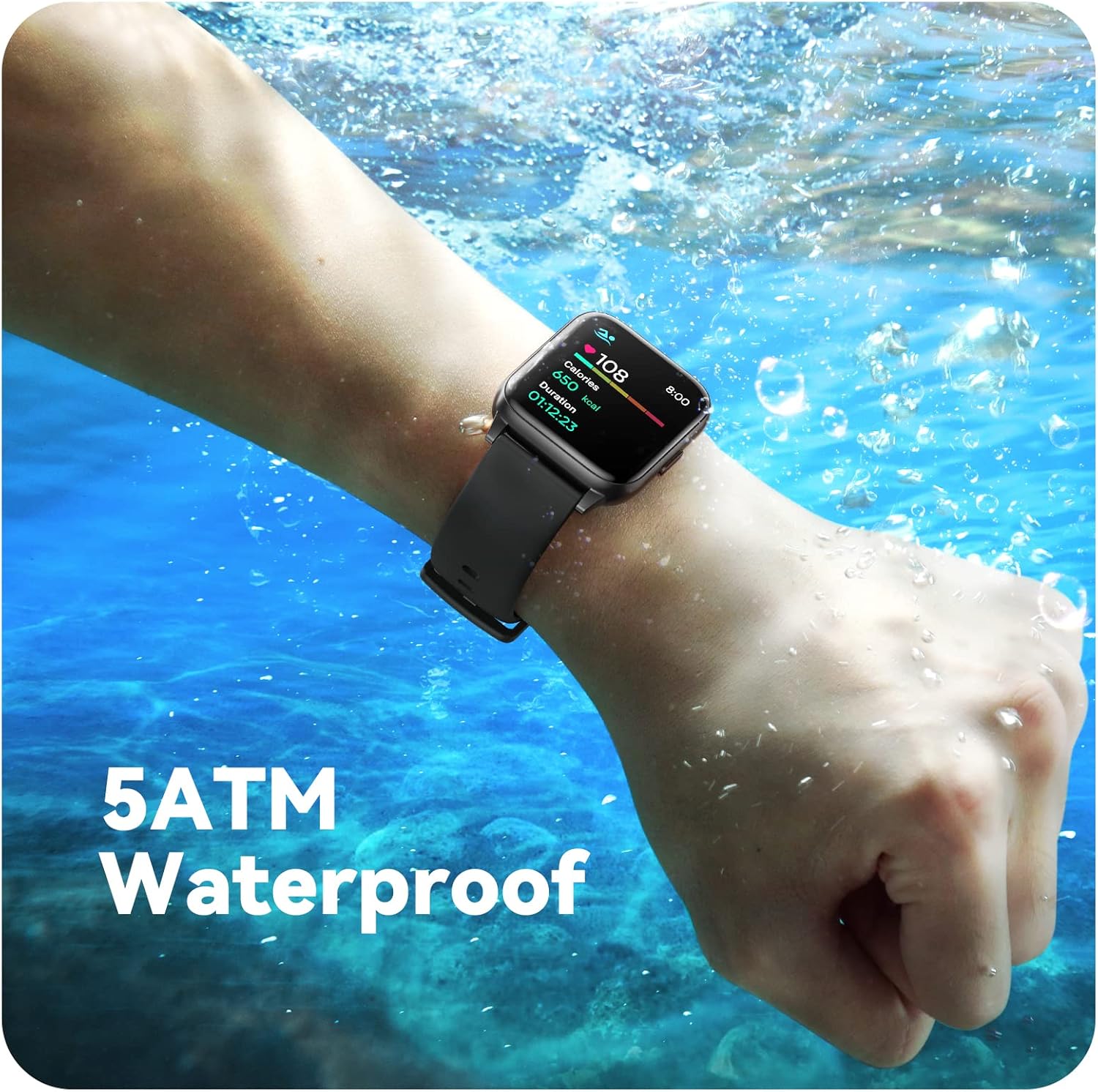
Image: A person engaged in soccer, wearing the smart watch, demonstrating its use during sports activities.

Image: A smartphone screen displaying a wide selection of sports modes within the Parsonver application.
Veselības uzraudzība
- Sirds ritma kontrole: Provides 24/7 real-time heart rate data.
- Asins skābekļa kontrole: Mēra skābekļa līmeni asinīs.
- Miega izsekošana: Automatically monitors sleep patterns, including deep sleep, light sleep, and awake times (from 9:00 PM to 12:00 PM the next day).
- Hydration and Sedentary Alerts: The watch can provide reminders for hydration and prolonged inactivity.
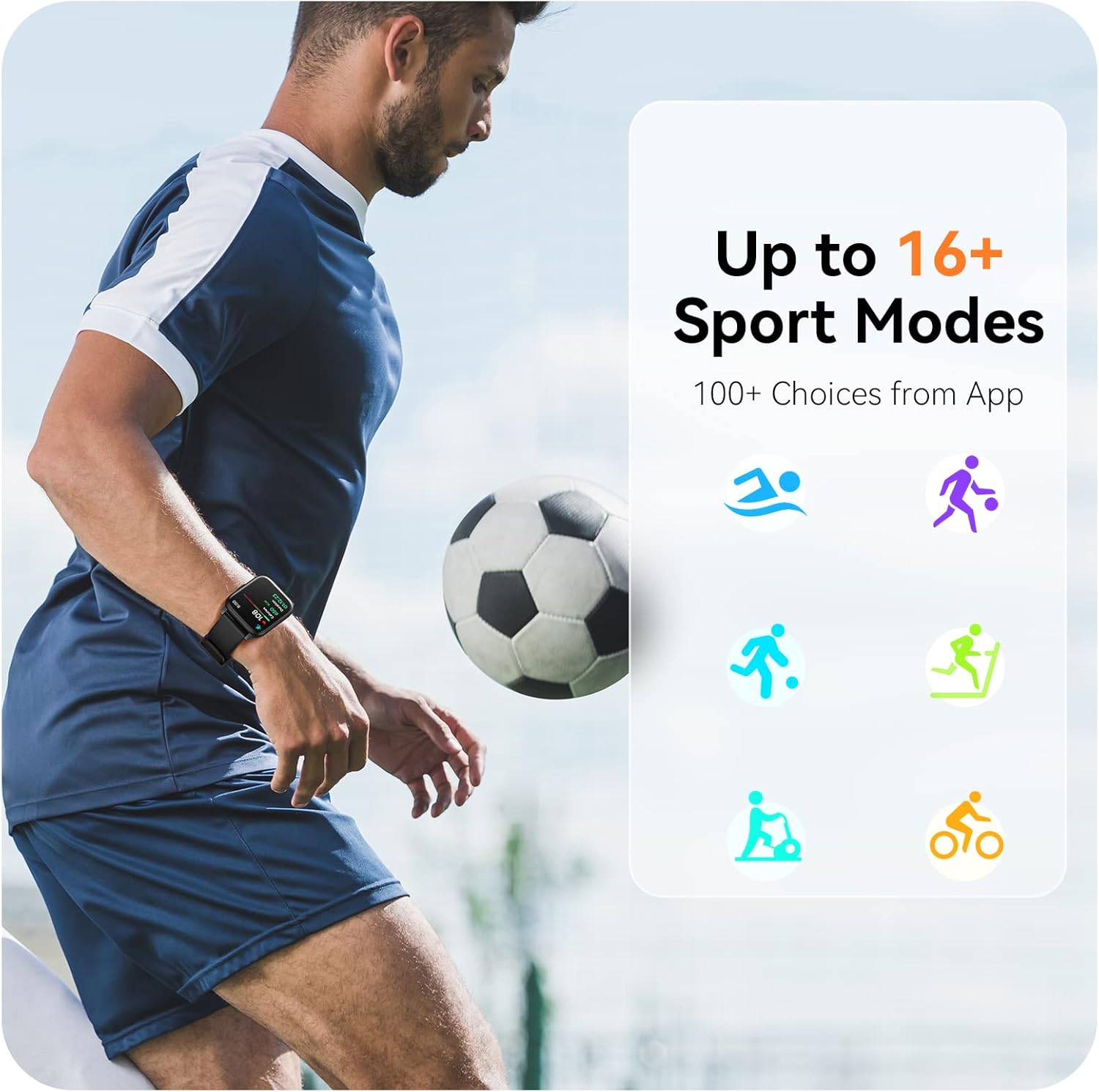
Image: A man running, with the smart watch on his wrist showing real-time fitness data.

Image: A person sleeping, with the smart watch tracking sleep and displaying data on a connected phone.
Paziņojumi
Receive notifications for incoming calls, SMS messages, emails, and alerts from social media applications (WhatsApp, LinkedIn, Instagram, Twitter) when connected to your smartphone. You can reject calls directly from the watch, but cannot answer or reply to messages.
Image: The smart watch screen showing icons for different types of notifications.
Papildu funkcijas
The 1.69-inch high-definition touch screen provides access to various features:
- Laika prognozes
- Modinātājs
- Taimeris un hronometrs
- Tālvadības kameras vadība
- Mūzikas atskaņošanas vadība
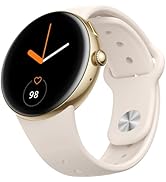
Image: The smart watch screen showing a weather forecast display.
Pielāgošana
Personalizējiet savu skatīšanās pieredzi:
- Pulksteņu sejas: Choose from a variety of pre-installed watch faces or download more via the app.
- Pielāgoti foni: Set your own photos as watch face backgrounds through the app.
- Time and Unit Formats: Adjust time display (12/24 hour) and measurement units (Metric/Imperial, Celsius/Fahrenheit) in the app settings.
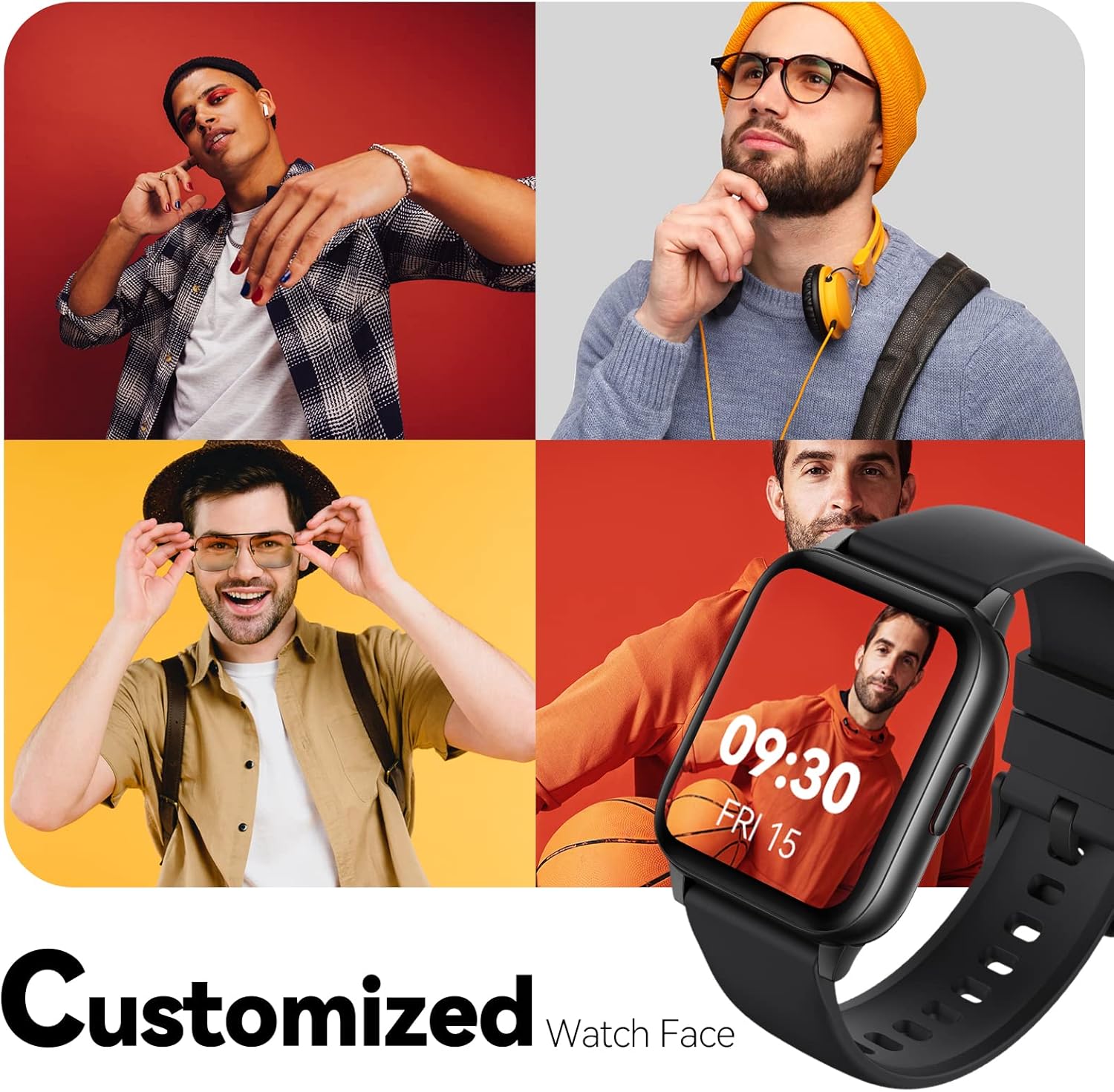
Image: Multiple watch face designs shown on the smart watch, highlighting customization.

Image: A visual guide demonstrating how to adjust time formats, units, and customize watch faces via the companion app.
Ūdensizturība
The Parsonver LW45 Smart Watch is rated 5ATM waterproof, meaning it is water-resistant up to 50 meters. This allows for use during swimming, showering, and in various weather conditions like rain or snow. Important: Do not press any buttons while the watch is submerged in water.

Image: The smart watch submerged in water, illustrating its 5ATM waterproof capability.
Apkope
- Tīrīšana: Regulāri tīriet pulksteni un siksniņu ar mīkstu, sausu drānu. Noturīgu netīrumu gadījumā izmantojiet viegli slapju drānu.amp drānu un maigām ziepēm, pēc tam noskalojiet un rūpīgi nosusiniet.
- Uzlādes kontakti: Lai nodrošinātu pareizu uzlādi, turiet pulksteņa aizmugurē esošos uzlādes kontaktus tīrus un bez gružiem.
- Uzglabāšana: Kad pulkstenis netiek lietots, glabājiet to vēsā, sausā vietā.
- Izvairieties no ķimikālijām: Nepakļaujiet pulksteni spēcīgām ķīmiskām vielām, šķīdinātājiem vai mazgāšanas līdzekļiem, jo tie var sabojāt materiālus.
Problēmu novēršana
| Problēma | Iespējamais risinājums |
|---|---|
| Pulkstenis neieslēdzas vai neuzlādējas | Ensure the charging cable is securely connected to both the watch and a working USB power source. Clean the charging contacts. Try a different USB port or adapter. |
| Nevar savienot pārī ar viedtālruni | Ensure Bluetooth is enabled on your phone. Restart both the watch and phone. Make sure the watch is within Bluetooth range. Check if other Bluetooth devices are interfering. Uninstall previous watch apps if present. |
| Paziņojumi nav saņemti | Verify that notification permissions are enabled for the Parsonver app in your phone's settings. Ensure the watch is connected via Bluetooth. Check app settings for specific notification toggles. |
| Inaccurate step count or sleep data | Ensure the watch is worn snugly on your wrist. Calibrate the watch through the app if available. Note that some activities (like driving) might register as steps. Sleep tracking is active from 9:00 PM to 12:00 PM the next day. |
Specifikācijas
| Funkcija | Detaļas |
|---|---|
| Modeļa nosaukums | LW45 |
| Ekrāna izmērs | 1.69 collas |
| Ūdensizturība | 5ATM (līdz 50 metriem) |
| Svars | 40 grami |
| Operētājsistēmas saderība | iOS 10.0/Android 5.0 or above |
| Savienojamība | Bluetooth 5.0 |
| Akumulatora ietilpība | 300 miljoniamp Stundas |
| Atmiņas krātuves ietilpība | 128 MB |
| GPS | Izmantojot viedtālruni |
| Iekļautie komponenti | Viedais pulkstenis |
Atbalsts un garantija
For technical assistance or warranty inquiries, please contact Parsonver customer service. Refer to the product packaging or the official Parsonver webvietne, kurā atrodama visjaunākā kontaktinformācija.
Klientu apkalpošanas e-pasts: support@parsonver.com

Image: The official Parsonver brand logo.

Image: A graphic indicating 24/7 online customer support availability.
Svarīga drošības informācija
- Nemēģiniet izjaukt vai pārveidot pulksteni.
- Keep the watch away from extreme temperatures.
- Consult a medical professional before starting any new exercise regimen, especially if you have pre-existing health conditions. The health monitoring features are for informational purposes and not for medical diagnosis.
- Atbrīvojieties no ierīces un tās akumulatora saskaņā ar vietējiem noteikumiem.


