1. Ievads
The BuzzTV B5 is an advanced Android 11 TV Box designed to deliver a superior 4K UHD streaming experience. This device allows you to access a wide range of entertainment, including movies, TV shows, and applications, directly on your television. This manual provides essential information for the proper setup, operation, maintenance, and troubleshooting of your BuzzTV B5.
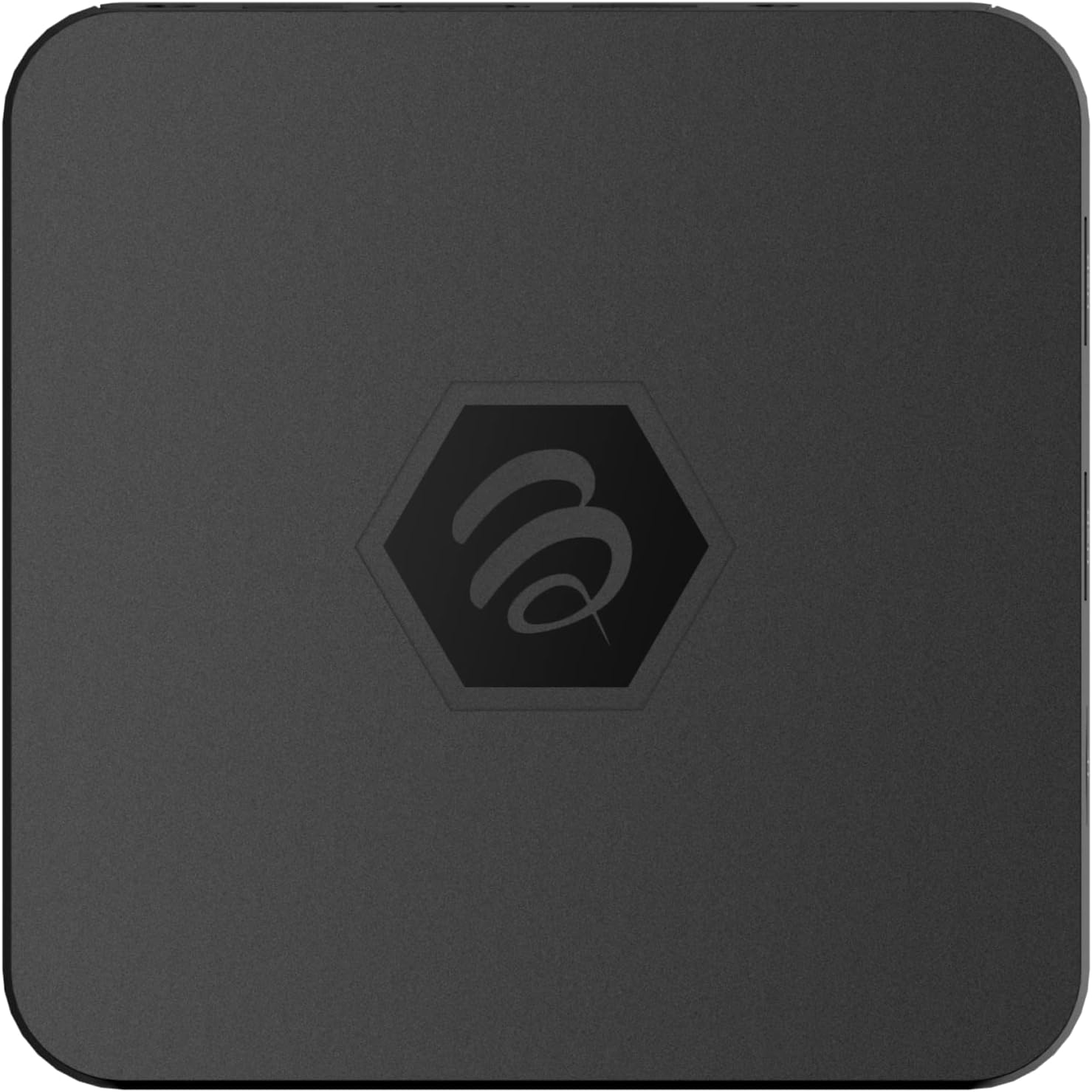
1.1. attēls: Augšdaļa view of the BuzzTV B5 Android 11 TV Box.
2. Iepakojuma saturs
Please verify that all items listed below are included in your BuzzTV B5 package:
- BuzzTV B5 Set Top Box
- IR-100 Remote Control
- Strāvas padeves adapteris
- 2x AAA baterijas (tālvadības pultij)
- HDMI kabelis
- Lietotāja rokasgrāmata (šis dokuments)

Image 2.1: Contents included in the BuzzTV B5 retail package.
3. Iestatīšanas rokasgrāmata
Follow these steps to set up your BuzzTV B5 TV Box:
- Savienojuma izveide ar televizoru: Connect one end of the provided HDMI cable to the HDMI port on the BuzzTV B5 and the other end to an available HDMI input on your television.
- Pievienojiet strāvu: Plug the power supply adapter into the DC 5V port on the BuzzTV B5, then plug the adapter into a wall outlet. The device should power on automatically or can be powered on using the remote control.
- Ievietojiet baterijas tālvadības pultī: Open the battery compartment on the back of the IR-100 Remote Control and insert the two AAA batteries, ensuring correct polarity (+/-).
- Tīkla savienojums: Once the device boots up, follow the on-screen instructions to connect to your network. You can choose between Wi-Fi (wireless) or Ethernet (wired) connection. For a wired connection, connect an Ethernet cable from your router to the Ethernet port on the BuzzTV B5.
- Sākotnējā iestatīšana: Complete the initial Android setup process, which may include language selection, Google account login, and time zone settings.

Image 3.1: Rear ports of the BuzzTV B5 for connectivity.
4. Lietošanas instrukcijas
The BuzzTV B5 operates on Android 11, providing a user-friendly interface for navigation and content access.
4.1 Tālvadības pults funkcijas
The IR-100 Remote Control is your primary interface for the BuzzTV B5. Key functions include:
- Barošanas poga: Ieslēdz vai izslēdz ierīci.
- Navigācijas paliktnis (augšup/lejup/pa kreisi/pa labi/labi): Izmanto, lai pārvietotos izvēlnēs un atlasītu vienumus.
- Atpakaļ poga: Atgriežas iepriekšējā ekrānā vai izvēlnē.
- Mājas poga: Atgriežas galvenajā Android sākuma ekrānā.
- Skaļuma pogas: Regulē audio skaļumu.
- App/Menu Buttons: Accesses specific applications or context menus.

Image 4.1: Layout of the IR-100 Remote Control.
4.2. Piekļuve lietojumprogrammām
From the home screen, you can access pre-installed applications like Netflix and YouTube, or download new applications from the Google Play Store. Use the navigation pad on your remote to select and launch applications.
4.3 4K UHD Streaming
The BuzzTV B5 supports 4K UHD resolution. Ensure your television is 4K compatible and that you are using a high-speed HDMI cable for optimal picture quality. Streaming quality will also depend on your internet connection speed and the content source.
5. Apkope
To ensure the longevity and optimal performance of your BuzzTV B5, consider the following maintenance tips:
- Tīrīšana: Ierīces ārpuses tīrīšanai izmantojiet mīkstu, sausu drānu. Izvairieties no šķidriem tīrīšanas līdzekļiem vai abrazīviem materiāliem.
- Ventilācija: Pārliecinieties, ka ierīce ir novietota labi vēdināmā vietā, lai novērstu pārkaršanu. Neaizsedziet ventilācijas atveres.
- Programmatūras atjauninājumi: Periodically check for and install system updates to benefit from new features, performance improvements, and security patches. These can usually be found in the device's settings menu.
- Jaudas cikls: If the device becomes unresponsive, disconnect the power adapter, wait 10 seconds, and then reconnect it to perform a power cycle.
6. Traucējummeklēšana
If you encounter issues with your BuzzTV B5, refer to the following common problems and solutions:
| Problēma | Iespējamais cēlonis | Risinājums |
|---|---|---|
| Nav spēka | Strāvas adapteris nav pievienots; kontaktligzda nedarbojas. | Pārliecinieties, vai strāvas adapteris ir droši pievienots ierīcei un darbojošai strāvas kontaktligzdai. Izmēģiniet citu kontaktligzdu. |
| Nav signāla televizorā | Incorrect HDMI input selected; faulty HDMI cable. | Select the correct HDMI input on your TV. Check HDMI cable connections or try a different HDMI cable. |
| Tālvadības pults nereaģē | Izlādējušās baterijas; tālvadības pults nav savienota pārī (ja piemērojams); šķērslis. | Replace AAA batteries. Ensure no obstructions between remote and device. |
| Tīkla savienojuma problēmas | Incorrect Wi-Fi password; router issues; weak signal. | Verify Wi-Fi password. Restart your router. Move the device closer to the router or use an Ethernet cable. |
| Lietojumprogrammu avarē/sasalst | Insufficient memory; outdated app; software glitch. | Close background apps. Update the app or the device's firmware. Clear app cache/data in settings. |
7. Specifikācijas
Detailed technical specifications for the BuzzTV B5 Android 11 TV Box:
- Operētājsistēma: Android OS 11
- CPU: Amlogic S905W2 Quad-Core A-35
- GPU: Mali-G31 MP2
- RAM: 2GB DDR
- Uzglabāšana: 16 GB eMMC
- Wi-Fi: Dual Band AC
- LAN: 10/100 Mbps Ethernet
- Bluetooth: 4.2
- USB porti: 2x USB 2.0
- MicroSD slots: 1
- Barošanas interfeiss: DC 5V
- HDMI izeja: 1
- Optiskā audio izeja: 1
- Izvades izšķirtspēja: 4K (32 FPS)
- Izmēri: 9.06 x 5.63 x 2.32 collas
- Preces svars: 1.01 mārciņas

Image 7.1: BuzzTV B5 with a summary of its technical specifications.
8. Informācija par garantiju
For detailed warranty information regarding your BuzzTV B5, please refer to the warranty card included in your product packaging or visit the official BuzzTV webvietne. Garantijas noteikumi un nosacījumi var atšķirties atkarībā no reģiona un mazumtirgotāja.
9. Atbalsts
If you require further assistance or have questions not covered in this manual, please contact BuzzTV customer support or visit their official webvietne, kurā ir bieži uzdotie jautājumi, programmatūras lejupielādes un papildu resursi.
BuzzTV Official Webvietne: www.buzztv.com


