Ievads
This manual provides essential instructions for setting up, operating, maintaining, and troubleshooting your new Tesla 65-inch 4K UHD Smart TV (Model 65E635SUS). Please read this manual thoroughly before using the television to ensure proper operation and to maximize your viewpieredzi. Saglabājiet šo rokasgrāmatu turpmākai uzziņai.
Svarīga drošības informācija: Always follow basic safety precautions when using this product to reduce the risk of fire, electric shock, and injury. Do not attempt to service this product yourself. Refer all servicing to qualified service personnel.
1. Iestatīšana
1.1 Izpakošana un satura pārbaude
Uzmanīgi izņemiet televizoru no iepakojuma. Pārliecinieties, vai ir visas sastāvdaļas:
- Tesla 65-inch 4K UHD Smart TV
- Tālvadības pults
- AAA baterijas tālvadības pultij
- TV statīvs (2 gab.)
- TV statīva skrūves
- Strāvas vads
- Lietotāja rokasgrāmata (šis dokuments)

1.1. attēls: priekšpuse view of the Tesla 65-inch Smart TV with its stand.
1.2 TV statīva piestiprināšana
- Novietojiet televizoru ar ekrānu uz leju uz mīkstas, līdzenas virsmas, lai novērstu ekrāna bojājumus.
- Novietojiet katru statīva daļu ar atbilstošajām spraugām televizora apakšpusē.
- Nostipriniet katru statīva daļu ar komplektā iekļautajām skrūvēm. Pārliecinieties, vai tās ir stingri pievilktas.

1.2. attēls: aizmugurē view of the TV, illustrating the stand attachment points.
Piezīme: If you plan to wall-mount the TV, refer to the wall-mount kit instructions (sold separately) and skip this step. Ensure proper ventilation when wall-mounting.
1.3 Strāvas pieslēgšana
Pievienojiet strāvas vadu televizora barošanas ieejai un pēc tam sienas kontaktligzdai. Televizors pārslēgsies gaidstāves režīmā.
1.4 Sākotnējā iestatīšana
Pēc pirmās ieslēgšanas televizors jūs vadīs sākotnējās iestatīšanas procesā:
- Valodas izvēle: Izvēlieties vēlamo valodu.
- Tīkla savienojums: Izveidojiet savienojumu ar Wi-Fi tīklu vai izmantojiet Ethernet kabeli vadu savienojumam.
- Pierakstīšanās Google kontā: Sign in with your Google account to access Google Play Store, Google Assistant, and other Android TV features.
- Kanālu skenēšana: Scan for available TV channels if you are using an antenna or cable connection.
- Privātuma iestatījumi: Review un pielāgojiet privātuma iestatījumus pēc vēlēšanās.
2. Lietošanas instrukcijas
2.1 Tālvadības pults Overview
The provided remote control allows you to navigate the TV's features. Insert the AAA batteries into the remote control before use.

Image 2.1: Bluetooth remote control for the Tesla Smart TV.
- Barošanas poga: Ieslēdz vai izslēdz televizoru (gaidstāves režīms).
- Navigācijas paliktnis (augšup/lejup/pa kreisi/pa labi/labi): Pārvietojas pa izvēlnēm un atlasa vienumus.
- Atpakaļ poga: Atgriežas iepriekšējā ekrānā.
- Mājas poga: Piekļūst Android TV sākuma ekrānam.
- Skaļuma palielināšana/ samazināšana: Regulē skaļuma līmeni.
- Izslēgt pogu: Izslēdz vai ieslēdz skaņu.
- Google palīga poga: Aktivizē balss vadību.
- Lietotnes īsinājumtaustiņi: Tieša piekļuve populāriem straumēšanas pakalpojumiem (piemēram, Netflix, YouTube).
2.2 Android TV 11 Interface Navigation
The Android TV 11 interface provides access to apps, settings, and content. Use the navigation pad on your remote to move through the home screen.
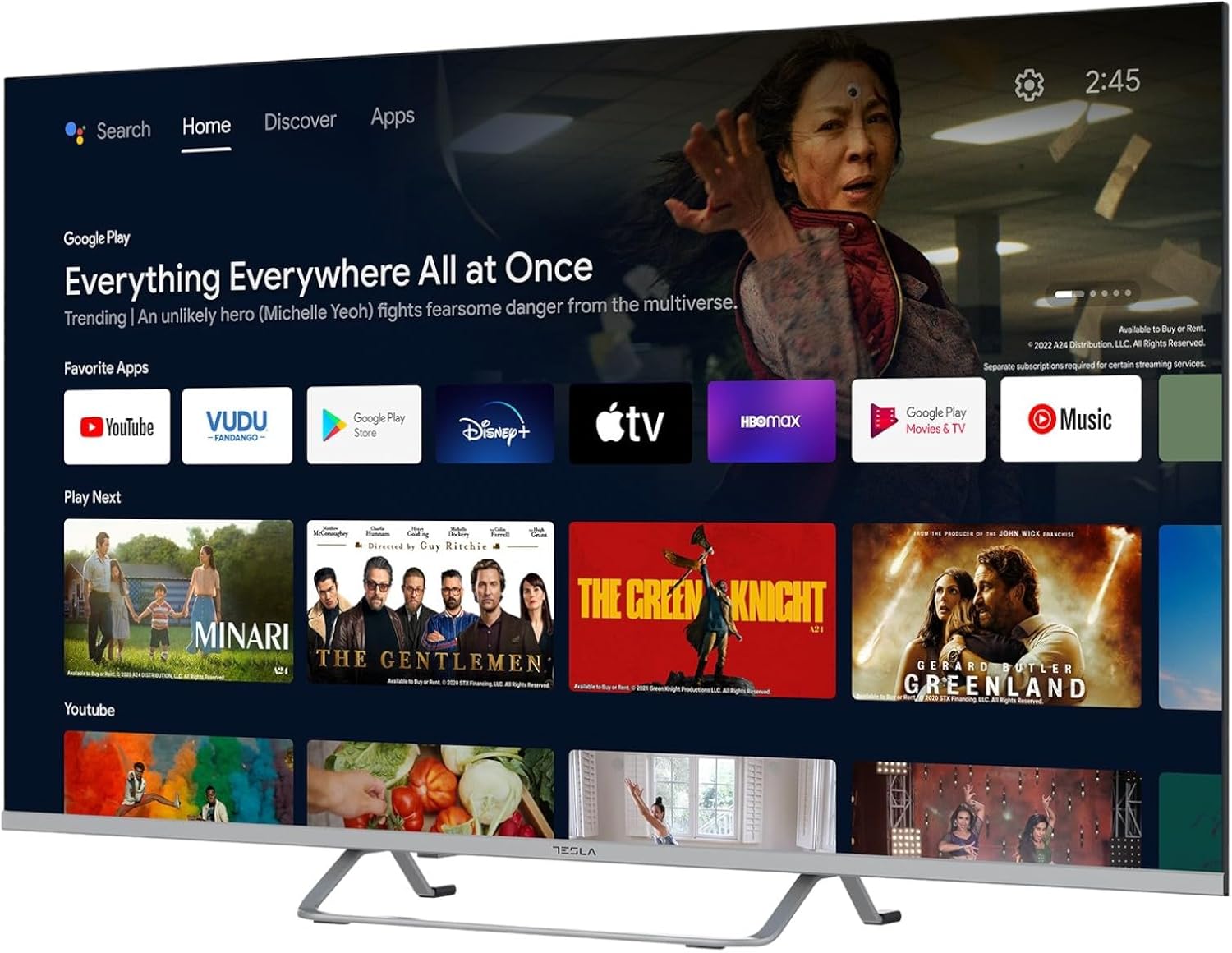
Image 2.2: The Android TV 11 home screen, displaying various applications and content suggestions.
- Sākuma ekrāns: Parāda ieteicamo saturu, instalētās lietotnes un ievades avotus.
- Apps Section: Piekļūstiet visām instalētajām lietojumprogrammām.
- Iestatījumi: Configure TV settings, network, accounts, and device preferences.
2.3 Google palīga izmantošana
Press the Google Assistant button on your remote and speak into the microphone to control your TV, search for content, get information, and more.
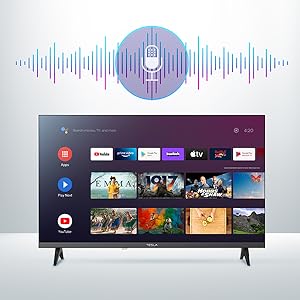
Image 2.3: Visual representation of Google Assistant activation on the TV screen.
Examples of commands:
- "Atvērt Netflix"
- "Meklēt asa sižeta filmas"
- "Kādi ir laikapstākļi?"
- "Turn up the volume"
2.4 Iebūvēta Chromecast ierīce
Use Chromecast built-in to cast content from your compatible smartphone, tablet, or computer directly to your TV. Ensure your device is connected to the same Wi-Fi network as the TV.

Image 2.4: A smartphone casting content to the TV via Chromecast.
2.5 Ārējo ierīču pievienošana
Jūsu televizors piedāvā vairākas savienojamības iespējas:
- HDMI porti (x4): Pievienojiet Blu-ray atskaņotājus, spēļu konsoles, televizora pierīces utt.
- USB porti (x2): Connect USB drives for media playback or external keyboards/mice.
- Ethernet (LAN): Vadu interneta pieslēgumam.
- Wi-Fi: Bezvadu interneta savienojumam.
- Bluetooth: Connect wireless headphones, speakers, or other Bluetooth devices.

2.5. attēls: Sānu profilsfile of the TV, highlighting accessible ports.
2.6 Attēla un skaņas iestatījumi
Access the TV's settings menu to customize picture and sound options.
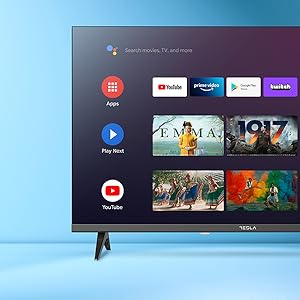
2.6. attēls: Piemērsample of the TV's settings menu for customization.
- Attēlu režīmi: Select from Standard, Vivid, Sport, Movie, Game, or User (custom) modes. Adjust brightness, contrast, color, and sharpness.
- HDR10: The TV supports HDR10 for enhanced contrast and color with compatible content.
- Skaņas režīmi: Choose from Standard, Music, Movie, Sport, or User (custom) modes. Use the equalizer to fine-tune audio frequencies.
- Skaļruņi: The TV features 2 x 12W speakers.
3. Apkope
3.1 Televizora tīrīšana
- Ekrāns: Viegli noslaukiet ekrānu ar mīkstu, nepūkošu drānu. Noturīgu traipu gadījumā viegli noslaukiet.ampNoslaukiet drānu ar ūdeni vai specializētu ekrāna tīrīšanas līdzekli. Nekad nesmidziniet tīrīšanas līdzekli tieši uz ekrāna.
- Pamatteksts: Noslaukiet televizora korpusu ar mīkstu, sausu drānu. Izvairieties no abrazīvu tīrīšanas līdzekļu vai šķīdinātāju lietošanas.
- Pirms tīrīšanas vienmēr atvienojiet televizoru no strāvas kontaktligzdas.
3.2. Programmatūras atjauninājumi
Your Tesla Smart TV may receive software updates to improve performance and add new features. Ensure your TV is connected to the internet to receive these updates automatically or check for them manually in the settings menu.
4. Traucējummeklēšana
Pirms sazināšanās ar atbalsta dienestu, izmēģiniet tālāk norādītos risinājumus bieži sastopamām problēmām.
| Problēma | Iespējamais risinājums |
|---|---|
| Nav jaudas | Check if the power cord is securely connected to the TV and the wall outlet. Ensure the outlet is working. |
| Nav attēla, bet ir skaņa | Pārliecinieties, vai ir izvēlēts pareizais ievades avots. Pārbaudiet kabeļu savienojumus ar ārējām ierīcēm. Mēģiniet restartēt televizoru. |
| Nav skaņas, bet attēls ir | Check the volume level and ensure the TV is not muted. Verify audio settings and external speaker connections if applicable. |
| Tālvadības pults nedarbojas | Replace the batteries. Ensure there are no obstructions between the remote and the TV. Re-pair the Bluetooth remote if necessary (refer to TV settings). |
| Tīkla savienojuma problēmas | Restart your router and modem. Check Wi-Fi password. Try a wired Ethernet connection if possible. |
| Lietotnes darbojas lēni vai avarē | Close unused apps. Clear app cache (Settings > Apps > [App Name] > Clear cache). Restart the TV. |
5. Specifikācijas
| Funkcija | Detaļas |
|---|---|
| Zīmols | TESLA |
| Modeļa numurs | 65E635SUS |
| Ekrāna izmērs | 65 collas (165 cm) |
| Displeja tehnoloģija | LED |
| Izšķirtspēja | 4K (3840 x 2160) |
| Atsvaidzināšanas biežums | 60 Hz |
| Operētājsistēma | Android TV 11 |
| Īpašas funkcijas | High Dynamic Range (HDR10), Google Play, Chromecast Built-in, Google Assistant, Personalized Surround Sound |
| Savienojamība | Wi-Fi, Bluetooth, Ethernet (LAN) |
| HDMI porti | 4 |
| USB porti | 2 |
| Audio izvade | 2 x 12 W skaļruņi |
| Produkta izmēri (ar statīvu) | 25D x 25W x 144.5H cm (approximate) |
6. Garantija un atbalsts
For warranty information, please refer to the warranty card included with your product or visit the official Tesla webvietne. Saglabājiet pirkuma apliecinājumu garantijas prasību iesniegšanai.
For technical support or service inquiries, please contact Tesla customer service through their official channels. Contact details can typically be found on the manufacturer's webvietā vai produkta iepakojumā.


