1. Ievads
The JZAQ A13 Bluetooth Helmet Speakers and Intercom System provides wireless communication and audio playback for motorcycle riders, skiers, cyclists, and other sports enthusiasts. This system features Bluetooth 5.3 connectivity, two-way intercom functionality, noise cancellation, and a waterproof design for reliable performance in various conditions.

Image 1.1: JZAQ A13 Bluetooth Helmet Headset overview.
2. Iepakojuma saturs
Before installation, please verify that all items listed below are present in your package:
- JZAQ A13 Headphone Host
- Hard Earbuds
- Soft Earbuds
- Klipu pamatne
- Paste Base
- Horn Velcro
- TYPE-C uzlādes kabelis
- Hard and Soft Velcro Pads
- Lietotāja rokasgrāmata

Image 2.1: All components included in the JZAQ A13 package.
3. Produkts beidziesview
Familiarize yourself with the main unit and its controls:
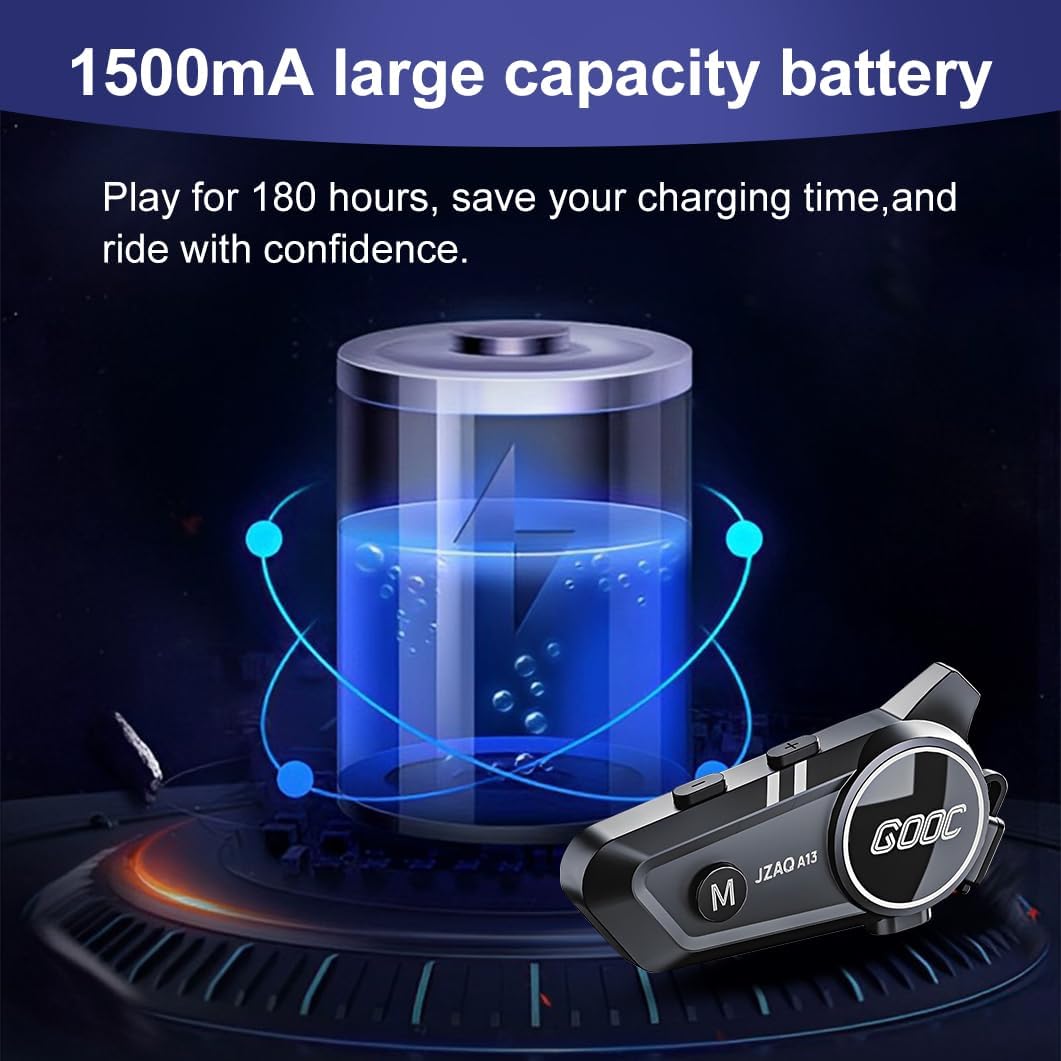
Image 3.1: Diagram illustrating the button functions and ports on the JZAQ A13 unit.
- Power On/Off/Pause/Play/Connect Button: Controls power, music playback, and Bluetooth connection.
- Volume Up/Next Song Button: Palielina skaļumu un pāriet uz nākamo celiņu.
- Volume Down/Previous Song/Voice Assistant Button: Decreases volume, goes to the previous track, and activates the voice assistant.
- Uzlādes ports: USB Type-C ports ierīces uzlādēšanai.
- Austiņu ligzda: Connects the speakers and microphone.
4. Iestatīšana un instalēšana
4.1. Ierīces uzlāde
Before first use, fully charge the JZAQ A13 unit. Connect the provided TYPE-C charging cable to the charging port on the unit and a USB power source. A full charge typically takes approximately 2 hours. The device features a 1500mAh battery, providing up to 180 hours of continuous play time.

Image 4.1: Illustration of the 1500mAh large capacity battery.
4.2 Ķiveres uzstādīšana
The JZAQ A13 is designed to be compatible with various helmet types. The speakers are ultra-thin (10mm) to ensure comfort and avoid ear pressure.

4.2. attēls: Piemērsamples of various helmet types compatible with the JZAQ A13.
Follow these steps to install the system in your helmet:
- Skaļruņu izvietojums: Identify suitable locations within your helmet for the speakers, typically in the ear recesses. Use the provided Velcro pads to secure the speakers.
- Mikrofona stiprinājums: Choose between the hard or soft earbuds (microphones) based on your helmet type and preference. Attach the microphone using Velcro in a position that allows clear voice pickup without obstructing your vision or comfort.
- Main Unit Mounting: Use either the clip base or the paste base to attach the main JZAQ A13 unit to the side of your helmet. Ensure it is securely fastened and easily accessible for operation.
- Kabeļu vadība: Route all cables neatly within the helmet padding to prevent discomfort or interference.

Image 4.3: Step-by-step visual guide for installing the JZAQ A13 system into a helmet.
5. Lietošanas instrukcijas
5.1 Ieslēgšana/izslēgšana
- Ieslēgšana: Nospiediet un apmēram 3 sekundes turiet ieslēgšanas/izslēgšanas pogu, līdz iedegas indikators.
- Izslēgt: Nospiediet un apmēram 3 sekundes turiet ieslēgšanas/izslēgšanas pogu, līdz indikators nodziest.
5.2 Bluetooth savienošana pārī
The JZAQ A13 uses Bluetooth 5.3 for stable wireless connectivity.
- Pārliecinieties, vai ierīce ir izslēgta.
- Press and hold the Power button for approximately 5-7 seconds until the indicator light flashes red and blue alternately, indicating pairing mode.
- On your mobile phone or Bluetooth-enabled device, search for "JZAQ A13" in the Bluetooth settings.
- Select "JZAQ A13" to connect. Once paired, the indicator light will flash blue slowly.
5.3 Mūzikas atskaņošana
After successful Bluetooth pairing, you can play music from your connected device. The system features Hi-Fi stereo sound and DSP noise reduction technology for clear audio.

Image 5.1: The JZAQ A13 provides clear music playback with noise reduction.
- Atskaņot/pauzēt: Vienreiz nospiediet barošanas pogu.
- Skaļāk: Nospiediet skaļuma palielināšanas (+) pogu.
- Skaļums uz leju: Nospiediet skaļuma samazināšanas (-) pogu.
- Nākamā dziesma: Nospiediet un turiet skaļuma palielināšanas (+) pogu.
- Iepriekšējā dziesma: Nospiediet un turiet nospiestu skaļuma samazināšanas (-) pogu.
5.4 Divvirzienu domofons
The JZAQ A13 supports two-way intercom communication between two riders within a range of up to 200 meters. The universal pairing function allows connection with other compatible intercom systems.

Image 5.2: Illustration of two-way intercom communication between riders.
- Interkoma uzsākšana: Consult the specific instructions for initiating intercom with another JZAQ A13 unit or a universally paired device.
- Beigt domofonu: Press the Power button once during an active intercom call.
5.5 Telefona zvani
The system supports hands-free calling with automatic answering and DSP noise reduction for clear voice communication.
- Atbildēt uz zvanu: The system will automatically answer incoming calls after a few rings.
- Beigt zvanu: Vienreiz nospiediet barošanas pogu.
- Noraidīt zvanu: Nospiediet un 2 sekundes turiet barošanas pogu.
5.6 Balss palīgs
Activate your smartphone's voice assistant (e.g., Siri) directly from the JZAQ A13.
- Balss palīga aktivizēšana: Press the Volume Down (-) button twice quickly.
6. Apkope
6.1 Hidroizolācija
The JZAQ A13 features IPX67 deep waterproof technology with Nano coating, making it suitable for use in rainy or snowy conditions and capable of operating in temperatures as low as -20°F.
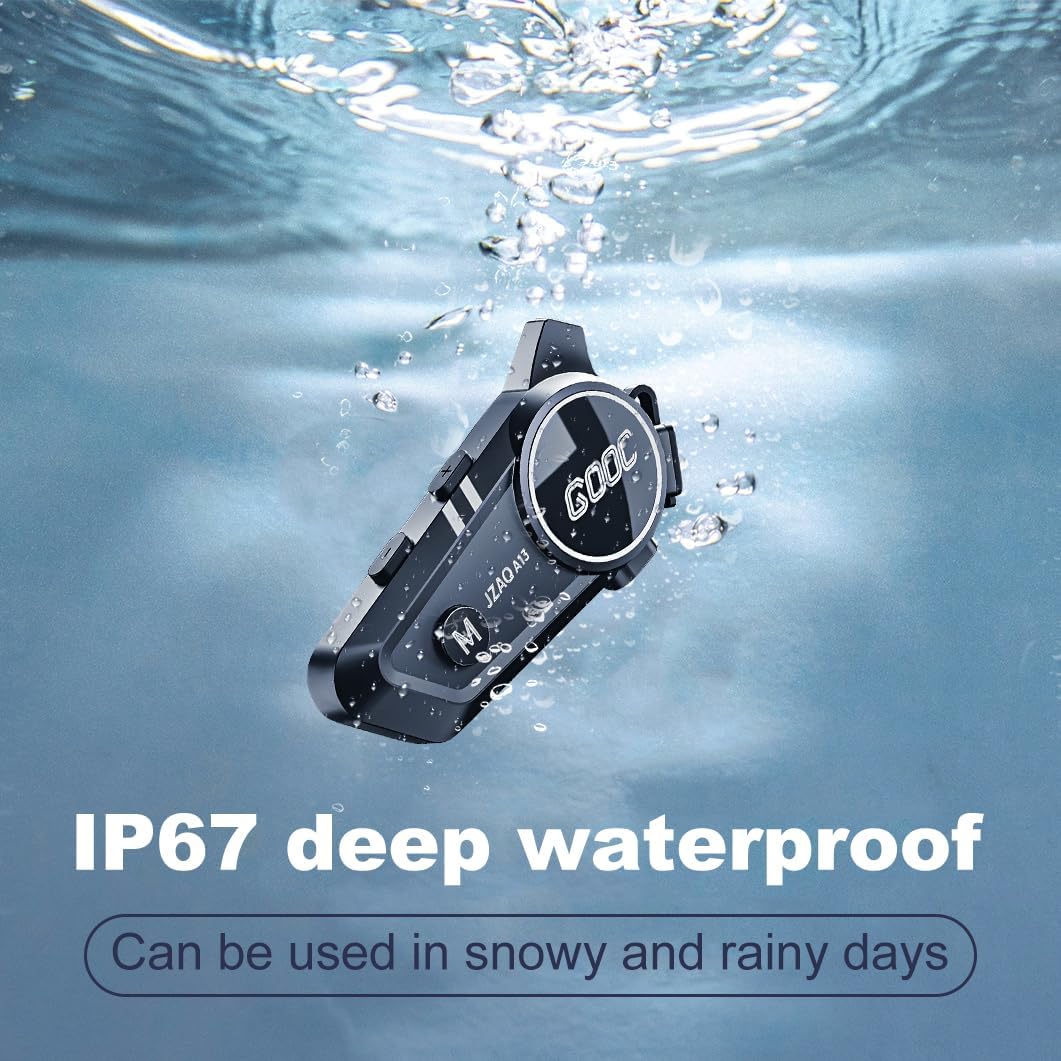
Image 6.1: The JZAQ A13 demonstrating its IP67 deep waterproof capability.
6.2 Tīrīšana un uzglabāšana
- Noslaukiet ierīci ar mīkstu, damp audums. Izvairieties no skarbu ķīmisko vielu vai abrazīvu tīrīšanas līdzekļu lietošanas.
- Pārliecinieties, vai uzlādes porta vāciņš ir droši aizvērts, lai saglabātu ūdens izturību.
- Glabājiet ierīci vēsā, sausā vietā, kad tā netiek lietota.
7. Traucējummeklēšana
If you encounter issues with your JZAQ A13, refer to the following common problems and solutions:
| Problēma | Iespējamais cēlonis | Risinājums |
|---|---|---|
| Ierīce neieslēdzas | Zems akumulatora līmenis; ierīce sastingusi; | Charge the device fully; Perform a hard reset (if applicable, refer to manufacturer for specific steps). |
| Nevar savienot pārī ar tālruni | Not in pairing mode; Bluetooth off on phone; Device already paired | Ensure device is in pairing mode (flashing red/blue); Turn on phone's Bluetooth; Forget previous connections on phone and re-pair. |
| Nav skaņas no skaļruņiem | Volume too low; Speakers disconnected; Faulty connection | Increase volume on device and phone; Check speaker connections; Try re-plugging speakers into the main unit. |
| Domofons neizveido savienojumu | Out of range; Incorrect pairing procedure | Ensure riders are within 200m range; Repeat intercom pairing steps for both units. |
| Poor voice quality during calls/intercom | Microphone position; Excessive wind noise | Adjust microphone closer to mouth; Ensure microphone is shielded from direct wind. |
8. Specifikācijas
Key technical specifications for the JZAQ A13 Bluetooth Helmet Speakers & Intercom System:
| Funkcija | Specifikācija |
|---|---|
| Modeļa nosaukums | A13 |
| Zīmols | JZAQ |
| Savienojamības tehnoloģija | Bezvadu (Bluetooth) |
| Bluetooth versija | 5.3 |
| Akumulatora ietilpība | 1500 mAh |
| Battery Life (Play Time) | Līdz 180 stundām |
| Uzlādes laiks | 2 stundas |
| Domofonu diapazons | Up to 200 meters (two-way) |
| Ūdensizturības līmenis | IPX67 (ūdensizturīgs) |
| Trokšņa kontrole | Sound Isolation, DSP Noise Reduction |
| Īpašas funkcijas | Built-In Voice Assistant, Fast Charging, Includes microphone, Lightweight |
| Preces svars | 7.4 unces (0.21 kilogrami) |
| Darba temperatūra | -20°F to (unspecified upper limit) |
9. Garantija un atbalsts
The JZAQ A13 Bluetooth Helmet Speakers & Intercom System comes with a 2 gada garantija. For any product-related inquiries, technical assistance, or warranty claims, please contact JZAQ customer service through the Amazon Buyer Center. Our customer service team is available to assist you.


