1. Ievads
The SanDisk Ultra Luxe 256GB USB Type-C Flash Drive is designed for efficient and stylish file transfer across various USB Type-C compatible devices. This manual provides essential information for setting up, operating, maintaining, and troubleshooting your flash drive to ensure optimal performance and longevity.
2. Galvenās iezīmes
- Universāla saderība: Vienmērīga pārsūtīšana files between your USB Type-C devices, including laptops, tablets, and smartphones.
- Premium dizains: Features a luxurious and durable metal enclosure, offering both style and robust protection for your data.
- Ātrgaitas veiktspēja: Experience rapid data access with read speeds of up to 400MB/s, utilizing USB 3.2 Gen 1 technology for quick file pārskaitījumi.
- Retractable Connector: A smooth, retractable USB Type-C connector helps protect the drive from wear and tear when not in use.
- Uzlabota pārnesamība: Equipped with a convenient keyring hole, allowing you to easily attach the drive to your keys or bag for secure transport.
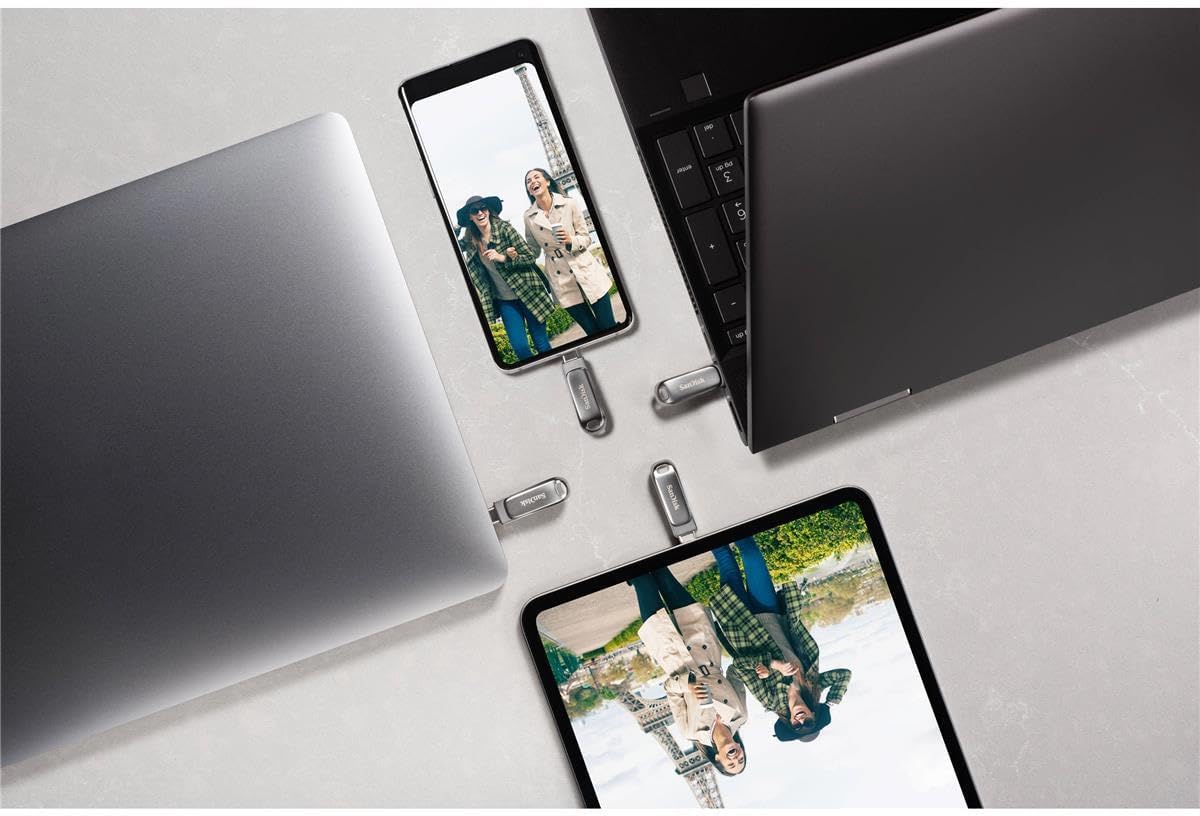


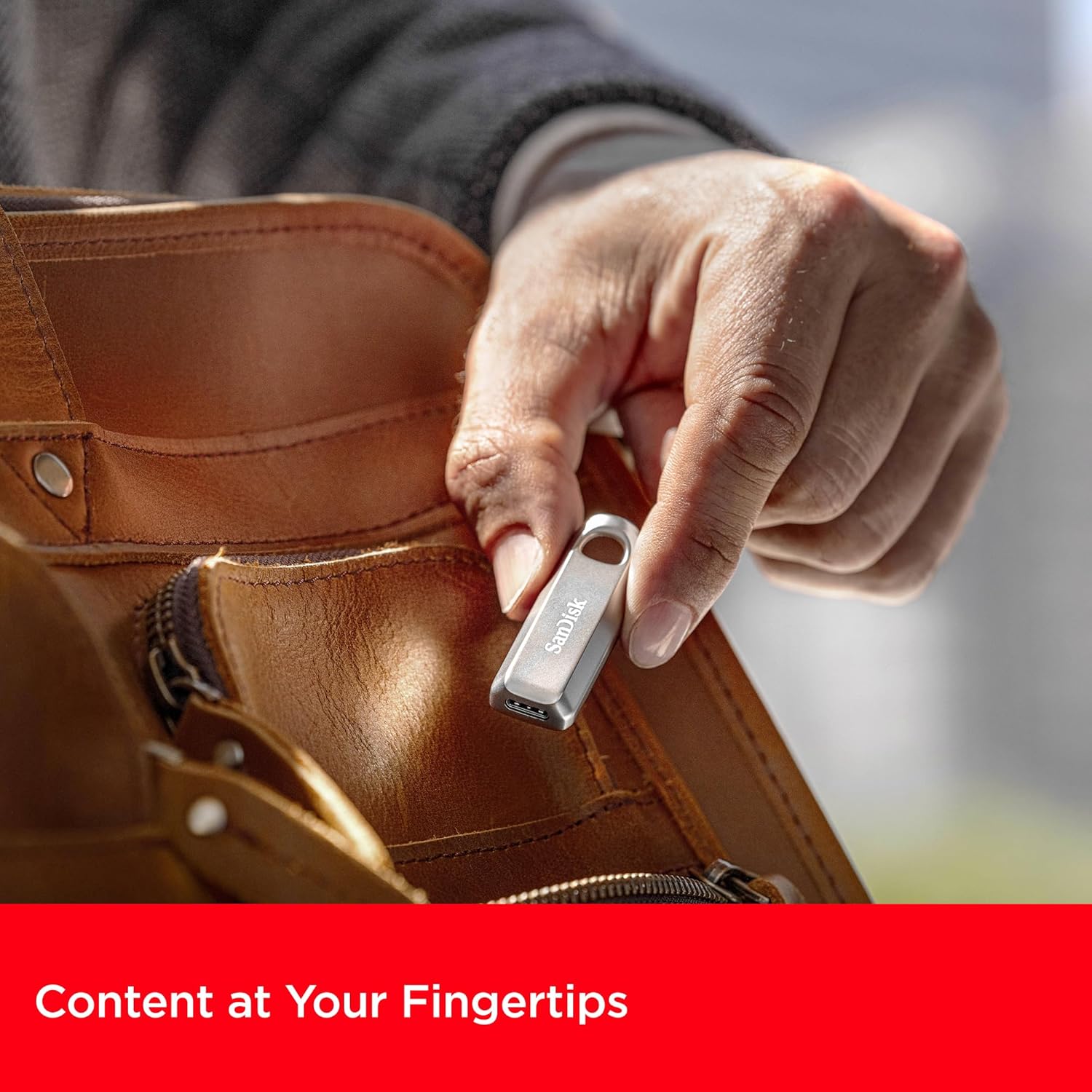
3. Iestatīšanas instrukcijas
The SanDisk Ultra Luxe USB Type-C Flash Drive is designed for plug-and-play functionality, requiring no special software installation for basic use on most operating systems (Windows, macOS, Linux, Android, iOS with compatible devices).
- Unpack the Drive: Carefully remove the flash drive from its packaging.
- Identify USB Type-C Port: Locate an available USB Type-C port on your computer, tablet, or smartphone.
- Ievietojiet disku: Gently slide the retractable connector out and insert the flash drive into the USB Type-C port. Ensure it is fully seated.
- Automātiska atpazīšana: Your device should automatically detect the flash drive and display its contents or prompt you to open it.
4. Lietošanas instrukcijas
4.1. Nodošana Files
Once the drive is recognized by your device, you can transfer files using standard operating system functions:
- Velciet un nometiet: Noklikšķiniet un velciet files or folders from your device's storage to the flash drive's folder, or vice versa.
- Kopēt un ielīmēt: Right-click (or long-press on touch devices) on the desired file(s), select 'Copy', navigate to the destination (flash drive or device storage), right-click (or long-press), and select 'Paste'.

4.2. Safely Ejecting the Drive
Always safely eject the flash drive before physically removing it to prevent data corruption or loss.
- Windows: Right-click the drive icon in 'This PC' or the system tray, then select 'Eject'. Wait for the 'Safe to Remove Hardware' notification.
- MacOS: Drag the drive icon from the desktop to the Trash, or click the 'Eject' icon next to the drive in Finder.
- Android: Go to 'Settings' > 'Connected devices' > 'USB' and tap 'Eject' or 'Unmount'.

5. Apkope
- Fiziskā aprūpe: Turiet disku tīru un bez putekļiem un gružiem. Tīrīšanai izmantojiet mīkstu, sausu drānu.
- Temperatūra: Nepakļaujiet disku ekstremālām temperatūrām vai tiešiem saules stariem.
- Datu dublēšana: Regularly back up important data stored on the flash drive to another storage medium to prevent accidental loss.
- Programmaparatūras atjauninājumi: Periodically check the SanDisk website for any available firmware updates for your drive model to ensure optimal performance and compatibility.
6. Traucējummeklēšana
6.1. Drive Not Recognized
- Ensure the drive is fully inserted into the USB Type-C port.
- Try connecting the drive to a different USB Type-C port on your device.
- Test the drive on another compatible device to determine if the issue is with the drive or the original device.
- Restartējiet datoru vai ierīci.
6.2. Lēns pārsūtīšanas ātrums
- Ensure you are using a USB 3.2 Gen 1 (or higher) compatible port on your device for optimal speeds. Older USB 2.0 ports will result in significantly slower transfers.
- Aizveriet visas nevajadzīgās lietojumprogrammas, kas darbojas fonā un varētu patērēt sistēmas resursus.
- Izvairieties no daudzu mazu filevienlaikus; to saspiešana vienā arhīvā dažreiz var uzlabot ātrumu.
6.3. Data Corruption or Loss
- Always perform a safe ejection of the drive before physically removing it.
- If data appears corrupted, try running a disk check utility on your operating system (e.g., 'Error Checking' on Windows, 'Disk Utility' on macOS).
7. Specifikācijas
| Atribūts | Detaļas |
|---|---|
| Zīmols | SanDisk |
| Modeļa nosaukums | SanDisk Ultra Luxe |
| Preces modeļa numurs | SDCZ75-256G-G46 |
| Atmiņas krātuves ietilpība | 256 GB |
| Aparatūras saskarne | USB tips C |
| Savienojamības tehnoloģija | USB |
| Lasīšanas ātrums | Līdz 400 megabaitiem sekundē |
| Rakstīšanas ātrums | Līdz 400 MB/s |
| Krāsa | Sudrabs |
| Produkta izmēri (LxWxH) | 1.8 x 0.63 x 0.47 collas |
| Preces svars | 0.368 unces |
| Īpaša iezīme | Ātra datu pārsūtīšana |
| UPC | 619659203511 |
8. Oficiālie produktu video
9. Garantija un atbalsts
For detailed warranty information, product registration, and technical support, please visit the official SanDisk webSaglabājiet pirkuma čeku kā pirkuma apliecinājumu jebkādu garantijas prasību gadījumā.
Tiešsaistes atbalsts: www.sandisk.com/support


