1. Ievads
This manual provides essential information for setting up, operating, and maintaining your DOOGEE N55PLUS Unlocked Cell Phone. Please read it carefully to ensure proper use and to maximize the device's capabilities. The DOOGEE N55PLUS is an Android 14 smartphone featuring a 6.56-inch HD+ 90Hz display, an Octa-Core processor, 20GB RAM (8GB physical + 12GB virtual), 128GB internal storage expandable up to 1TB, a 5150mAh battery, and a 13MP AI main camera.
2. Kas ir kastē
- 1 x DOOGEE N55PLUS Cell Phone
- 1x lādētājs
- 1 x Type-C Port Cable
- 1 x TP Protective film (pre-applied)
- 1 x TPU Protective case
3. Iestatīšana
3.1 SIM kartes un TF kartes ievietošana
- Atrodiet SIM kartes paliktni tālruņa sānos.
- Ievietojiet SIM kartes izņemšanas rīku (ja tāds ir iekļauts) mazajā caurumā blakus paliktnim un uzmanīgi piespiediet, līdz paliktnis iznirst.
- Place your Nano-SIM card(s) and/or TF card into the designated slots on the tray. Ensure the gold contacts are facing down. The phone supports dual 4G SIM cards (nano SIM1 + nano SIM2) or one nano SIM and one TF card for storage expansion.
- Uzmanīgi ievietojiet paplāti atpakaļ tālrunī, līdz tā noklikšķ.

3.2 Ieslēgšana/izslēgšana
- Lai ieslēgtu: Press and hold the Power button (located on the right side) until the DOOGEE logo appears.
- Lai izslēgtu: Press and hold the Power button until the power options menu appears. Tap 'Power off' and confirm.
- Lai restartētu: From the power options menu, tap 'Restart' and confirm.
3.3 Sākotnējā iestatīšana
Upon first power-on, follow the on-screen prompts to complete the initial setup. This includes selecting your language, connecting to Wi-Fi, setting up your Google account, and configuring security features like Face Unlock.
4. Tālruņa lietošana
4.1 Displejs un navigācija
The DOOGEE N55PLUS features a 6.56-inch HD+ Waterdrop screen with a 90Hz refresh rate, providing a smooth visual experience. Navigate the interface using touch gestures: tap to select, swipe to scroll, pinch to zoom.

4.2 Kameras funkcijas
The phone is equipped with a 13MP AI main camera and an 8MP front camera. Open the Camera app to capture photos and videos. Various modes such as Portrait, Pro Mode, Beauty, Night mode, and Panorama are available to enhance your photography.

4.3 Veiktspēja un krātuve
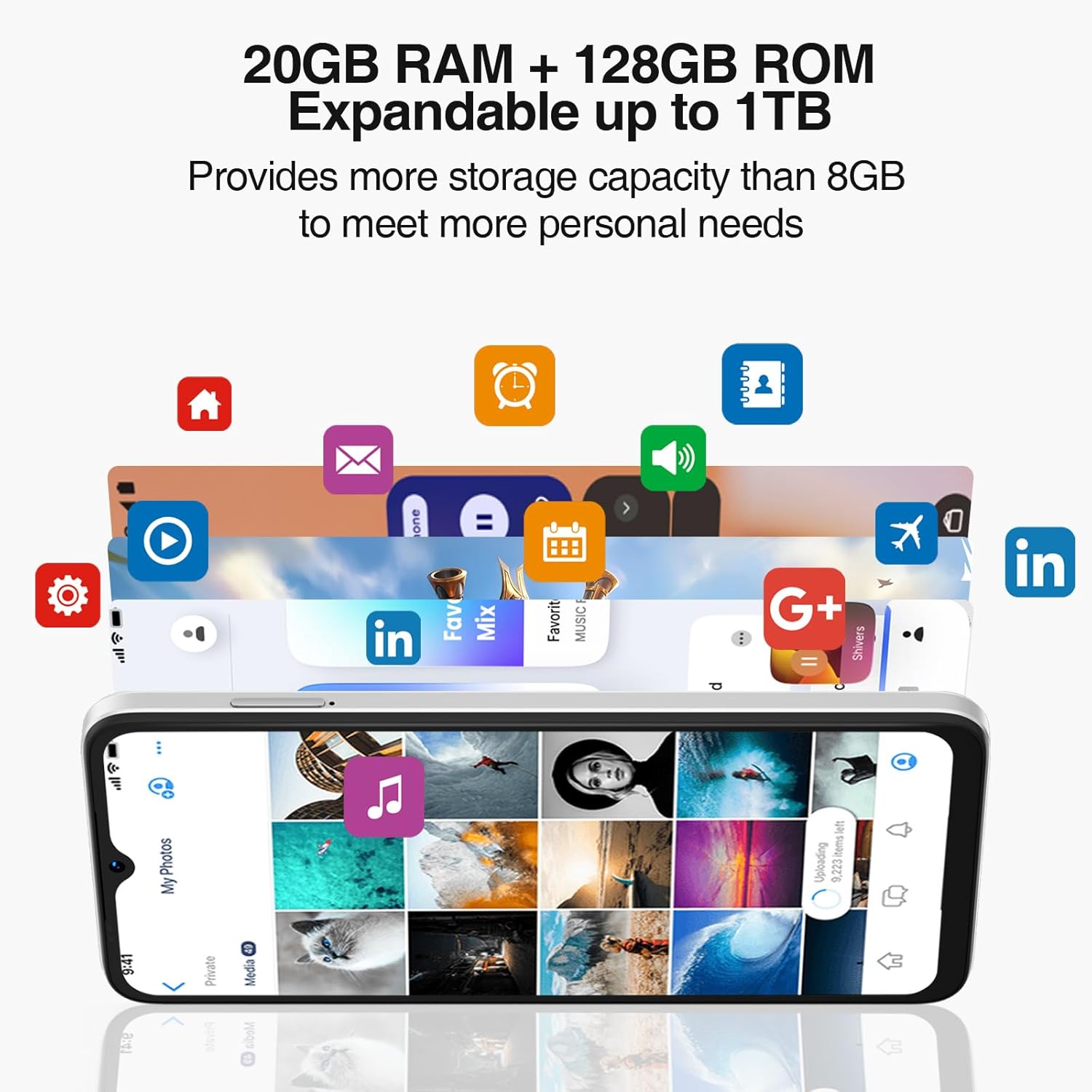
Powered by an Octa-Core processor and 20GB RAM (8GB physical + 12GB virtual), the N55PLUS ensures smooth multitasking and app performance. It comes with 128GB of internal storage, expandable up to 1TB using a TF card, providing ample vieta jūsu files, photos, and applications.
4.4. Akumulatora pārvaldība
The 5150mAh large battery provides extended usage time. To optimize battery life, manage background app usage, adjust screen brightness, and enable power-saving modes when needed. The phone supports OTG reverse charging, allowing it to charge other devices.

5. Savienojamība
- Tīkls: Supports 4G global network bands (GSM, WCDMA, TDD, FDD). Ensure your SIM card is compatible with the phone's supported bands for optimal service.
- Wi-Fi: Izveidojiet savienojumu ar pieejamajiem Wi-Fi tīkliem, lai piekļūtu internetam.
- Bluetooth: Pair with Bluetooth devices such as headphones, speakers, or car systems.
- GPS: Integrated GPS, Glonass, Galileo, and Beidou for accurate navigation.
- C tipa USB: Uzlādei un datu pārsūtīšanai.
6. Apkope
6.1. Programmatūras atjauninājumi
Regulāri pārbaudiet un instalējiet programmatūras atjauninājumus, lai nodrošinātu, ka tālrunī ir jaunākās funkcijas, drošības ielāpi un veiktspējas uzlabojumi. Dodieties uz Iestatījumi > Sistēma > Sistēmas atjauninājums.
6.2 Ierīces tīrīšana
Tālruņa ekrāna un korpusa tīrīšanai izmantojiet mīkstu, nepūkojošu drānu. Izvairieties no spēcīgu ķīmisku vielu vai abrazīvu materiālu lietošanas, kas varētu sabojāt ierīci.
6.3. Krātuves pārvaldība
Lai uzturētu optimālu veiktspēju, periodiski notīriet nevajadzīgās fileatinstalēt neizmantotās lietotnes un pārsūtīt lielus multivides failus files to external storage or cloud services. Go to Iestatījumi > Krātuve lai pārvaldītu ierīces krātuvi.
7. Traucējummeklēšana
- Tālrunis neieslēdzas: Pārliecinieties, vai akumulators ir uzlādēts. Pievienojiet tālruni lādētājam un uzgaidiet dažas minūtes, pirms mēģināt to atkārtoti ieslēgt.
- Lietotņu avarē vai sasalst: Close and restart the app. If the issue persists, clear the app's cache (Settings > Apps > [App Name] > Storage > Clear cache) or uninstall and reinstall the app.
- Vājš tīkla signāls: Pārbaudiet, vai SIM karte ir pareizi ievietota. Pārvietojieties uz vietu ar labāku tīkla pārklājumu. Ja problēma joprojām pastāv, sazinieties ar pakalpojumu sniedzēju.
- Akumulators ātri izlādējas: Reduce screen brightness, disable unused features like Wi-Fi or Bluetooth, and close background apps. Check battery usage in Settings to identify power-hungry apps.
- Face Unlock not working: Ensure your face is well-lit and clearly visible to the front camera. Re-register your face data in Settings > Security > Face Unlock.
8. Specifikācijas
| Funkcija | Specifikācija |
|---|---|
| Modeļa nosaukums | N55 Plus |
| Operētājsistēma | Android 14 |
| Procesors | Octa-Core (Mediatek Dimensity 1100, 3.2 GHz) |
| RAM | 8 GB (paplašināma līdz 20 GB ar virtuālo RAM) |
| Iekšējā krātuve | 128 GB |
| Paplašināma krātuve | Līdz 1 TB, izmantojot TF karti |
| Ekrāna izmērs | 6.56 collas |
| Displeja veids | HD+ IPS Waterdrop Screen |
| Izšķirtspēja | 1612 x 720 |
| Atsvaidzināšanas biežums | 90 Hz |
| Galvenā kamera | 13 MP kamera ar mākslīgo intelektu |
| Priekšējā kamera | 8 MP |
| Akumulatora ietilpība | 5150 mAh litija jonu |
| Savienojamība | 4G LTE, Wi-Fi, Bluetooth, USB Type-C |
| Navigācija | GPS, Glonass, Galileo, Beidou |
| Īpašas funkcijas | Dual SIM, Expandable Memory, Face Unlock, Widevine L1, OTG |
| Izmēri | 6.45 x 2.98 x 0.34 collas (8.6 mm biezums) |
| Svars | 6.6 unces (186 grami) |
9. Garantija un atbalsts
All DOOGEE unlocked phones purchased from our official channels are covered by a 12-month warranty. If you encounter any issues during use, please contact our customer support for assistance. For further support, visit the official DOOGEE webvietnē vai skatiet kontaktinformāciju, kas sniegta kopā ar pirkumu.


