1. Ievads
Welcome to the DOOGEE Blade 10 Max user manual. This guide provides detailed instructions to help you get the most out of your new rugged smartphone. Designed for durability and high performance, the Blade 10 Max features a powerful battery, advanced camera system, and a unique rear display, all running on Android 15.
2. Produkts beidziesview
The DOOGEE Blade 10 Max is engineered to withstand challenging environments while providing a rich smartphone experience. Familiarize yourself with its components and design.

2.1. attēls: Priekšpuse un aizmugure view of the DOOGEE Blade 10 Max smartphone.
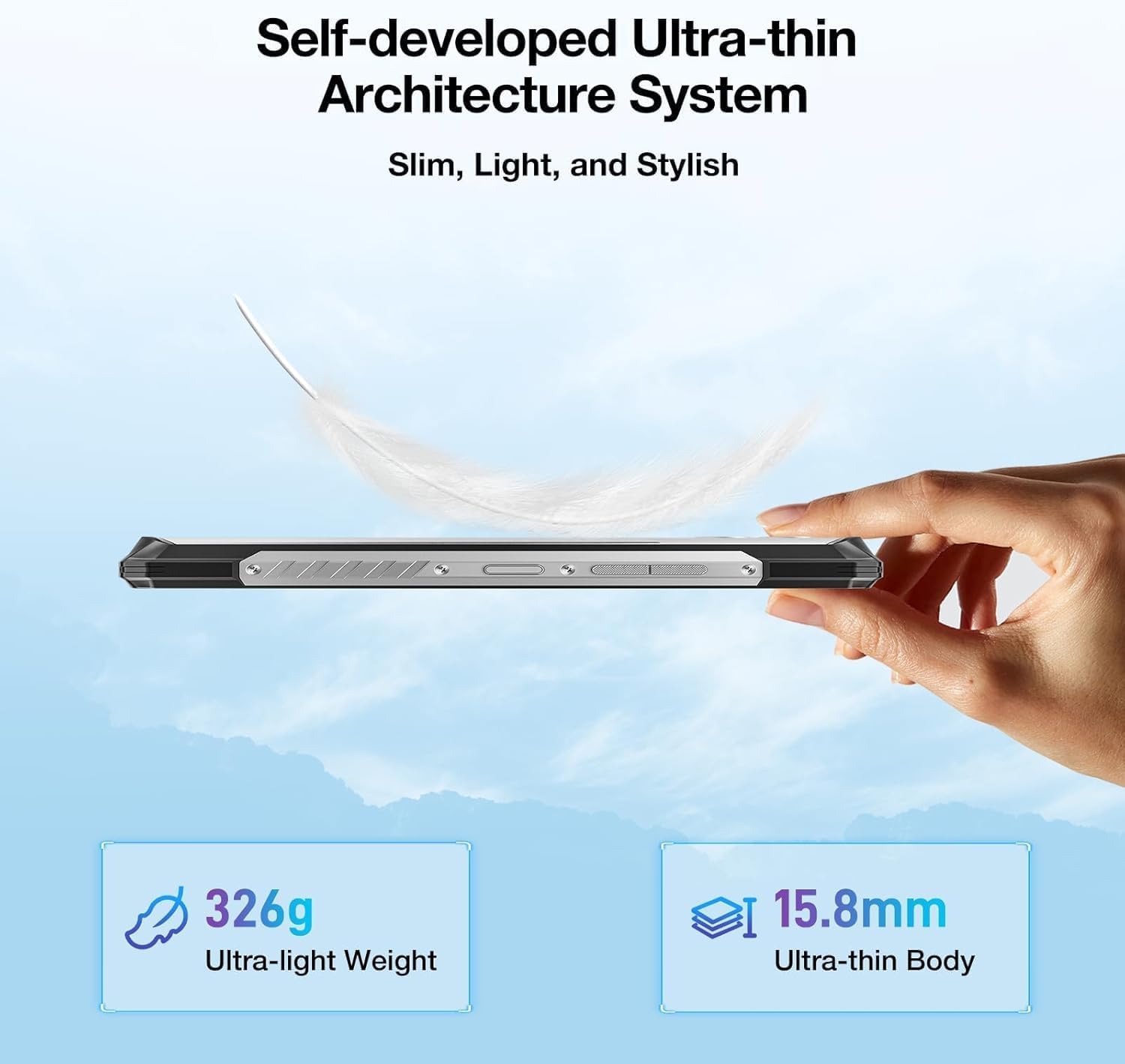
2.2. attēls: Sānu profilsfile šovsasing the ultra-thin design of the Blade 10 Max.
2.1 Galvenās sastāvdaļas
- 6.56-inch HD+ IPS Display: Main screen for all interactions.
- 1.54-inch Customizable Rear Screen: Displays time, date, battery status, and notifications without activating the main display.
- 50MP AI galvenā kamera: High-resolution camera for detailed photography.
- 8MP priekšējā kamera: Pašbildēm un videozvaniem.
- Sānu pirkstu nospiedumu sensors: Integrated for quick and secure unlocking.
- C tipa USB ports: Uzlādei un datu pārsūtīšanai.
- Triple Card Slot: Supports two 4G SIM cards and one microSD card for expandable storage.
- Pielāgojama poga: A programmable physical button for quick access to functions.
3. Iestatīšana
3.1 SIM kartes un MicroSD kartes ievietošana
The Blade 10 Max supports dual 4G SIM cards and a microSD card for storage expansion up to 2TB. Ensure the device is powered off before inserting or removing cards.
- Locate the card tray on the side of the device.
- Atveriet paplāti, izmantojot komplektā iekļauto SIM kartes izņemšanas rīku.
- Uzmanīgi ievietojiet Nano-SIM kartes un/vai microSD karti paredzētajās paliktņa spraugās. Pārliecinieties, vai tās ir pareizi orientētas.
- Uzmanīgi iespiediet paliktni atpakaļ ierīcē, līdz tas nofiksējas vietā.

Figure 3.1: Proper insertion of SIM and TF cards into the device tray.
3.2 Sākotnējā ieslēgšana un uzlāde
To power on your device, press and hold the Power button until the DOOGEE logo appears. For initial charging, connect the provided USB Type-C cable to the phone and a compatible 18W fast charger.
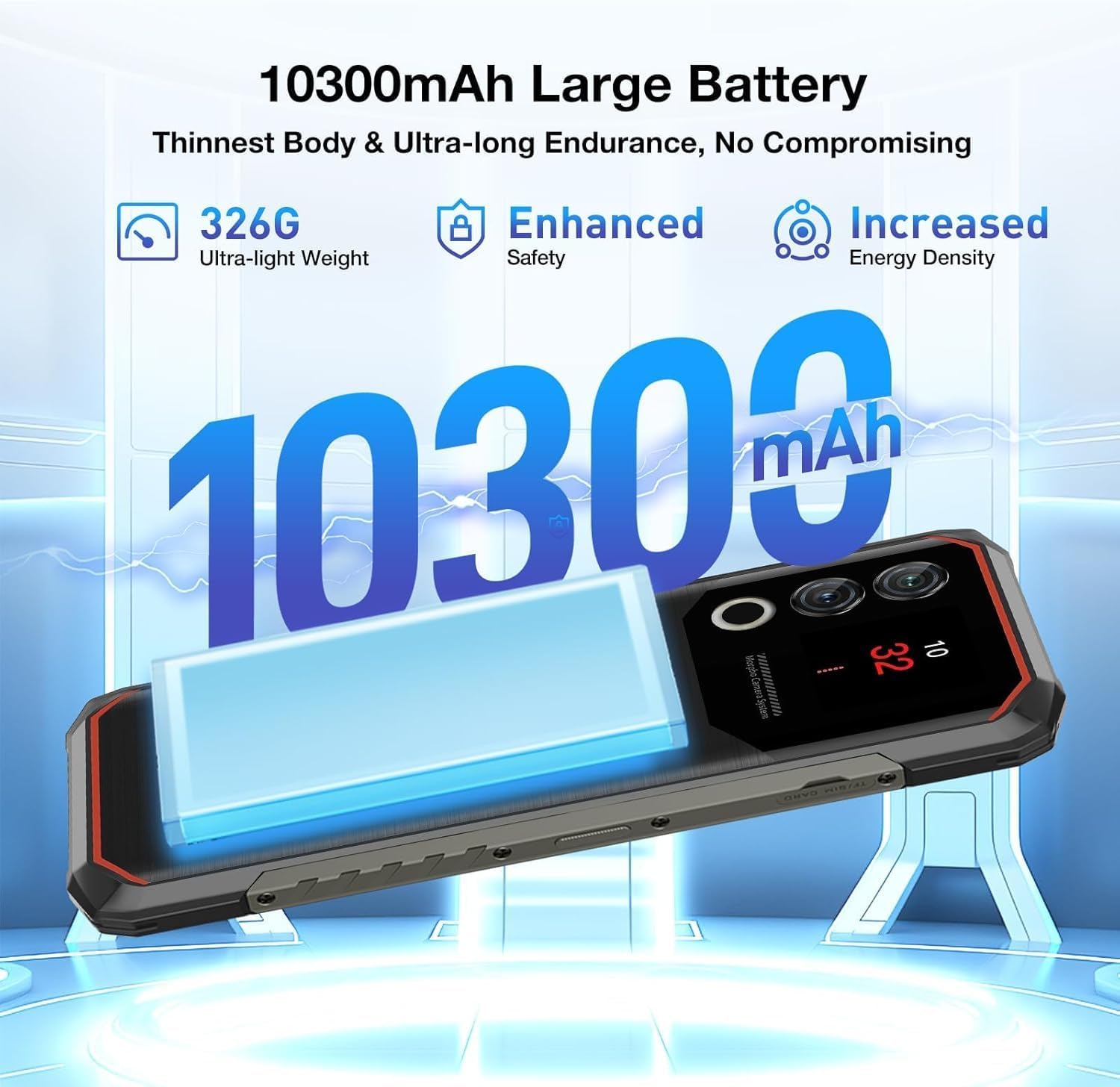
Figure 3.2: The 10300mAh battery provides extended usage.
4. Ierīces darbība
4.1. Pamata navigācija
The Blade 10 Max runs on Android 15, offering intuitive navigation through touch gestures. Swipe up from the bottom for the app drawer, swipe down from the top for notifications and quick settings, and use the navigation bar or gestures for back, home, and recent apps.
4.2 Using the 1.54-inch Rear Screen
The innovative 1.54-inch rear screen provides quick access to essential information without waking the main display. It can show the time, date, battery level, charging status, and more. Customize its display options in the phone's settings under 'Rear Screen'.

Figure 4.1: The customizable 1.54-inch rear screen for quick information access.
4.3 Kameras funkcijas
Capture stunning photos with the 50MP AI main camera and 8MP front camera. The AI camera automatically recognizes 12 different scenes and optimizes settings for best results. Explore various modes like Portrait, Night Scene, and Pro Mode for enhanced creativity.

Figure 4.2: The 50MP AI camera offers various photography modes.
The integrated Google Smart Camera provides additional functionality, allowing you to copy and translate text, identify objects, plants, or animals, and even assist with homework by scanning questions.
4.4 Drošības līdzekļi
Unlock your device securely using the side-mounted fingerprint sensor or Face Unlock. Both methods provide quick and convenient access while ensuring your data remains protected.
4.5 Savienojamība
The Blade 10 Max supports 4G LTE connectivity across a wide range of bands. It also features NFC for convenient mobile payments via Google Pay and supports GPS, Glonass, Galileo, and Beidou for accurate navigation.
Video 4.1: Demonstration of the DOOGEE Blade 10 Max's ruggedness and functionality after exposure to various liquids.
Video 4.2: A short demonstration of the DOOGEE Blade 10 Max surviving an impact test.
5. Apkope
To ensure the longevity and optimal performance of your DOOGEE Blade 10 Max, follow these maintenance guidelines.
5.1. Ierīces tīrīšana
Izmantojiet mīkstu, damp cloth to clean the exterior of your phone. Avoid harsh chemicals or abrasive materials that could damage the screen or casing. For ports, use a soft brush to gently remove dust or debris.
5.2 Ūdens un putekļu izturība
The Blade 10 Max is IP68/IP69K and MIL-STD-810H certified, making it resistant to water, dust, and drops. While highly durable, it is not indestructible. Ensure all port covers are securely closed before exposing the device to water or dust. Avoid intentional submersion in deep water or high-pressure water jets. If the device gets wet, dry it thoroughly before charging.

Figure 5.1: The Blade 10 Max is designed for water and dust resistance.
Video 5.1: The DOOGEE Blade 10 Max being used underwater, showcasing tā ūdensnecaurlaidīgo dizainu.
5.3 Akumulatora kopšana
The 10300mAh battery is designed for long endurance. To maximize battery life, avoid extreme temperatures, use the original charger, and avoid completely draining the battery frequently.
6. Traucējummeklēšana
If you encounter issues with your device, refer to the following common solutions.
- Ierīce neieslēdzas: Pārliecinieties, vai akumulators ir uzlādēts. Pievienojiet lādētājam un uzgaidiet dažas minūtes, pirms mēģināt atkārtoti ieslēgt ierīci.
- Ekrāns nereaģē: Try restarting the device by holding the Power button for an extended period (usually 10-15 seconds).
- Tīkla savienojuma problēmas: Check if SIM cards are properly inserted. Verify your mobile data settings and ensure you have signal coverage. Try toggling Airplane Mode on and off.
- Kamera nedarbojas: Ensure no other apps are using the camera. Restart the camera app or the device.
- Lietotņu avarē: Notīriet problemātiskās lietotnes kešatmiņu vai atkārtoti instalējiet to. Pārliecinieties, vai ierīces programmatūra ir atjaunināta.
7. Specifikācijas
Below are the key technical specifications for the DOOGEE Blade 10 Max.
| Funkcija | Specifikācija |
|---|---|
| Modeļa nosaukums | Blade 10 Max |
| Operētājsistēma | Android 15 |
| Displeja izmērs | 6.56 collas |
| Displeja izšķirtspēja | 1280 x 720 (HD+) |
| Atsvaidzināšanas biežums | 90 Hz |
| Aizmugurējais ekrāns | 1.54 collas |
| RAM atmiņa | 32 GB (8 GB fiziskā + 24 GB virtuālā) |
| Iekšējā krātuve | 256 GB |
| Paplašināma krātuve | Līdz 2 TB, izmantojot microSD karti |
| Galvenā kamera | 50 MP kamera ar mākslīgo intelektu |
| Priekšējā kamera | 8 MP |
| Akumulatora ietilpība | 10300 mAh |
| Uzlāde | 18 W ātrā uzlāde, OTG reversā uzlāde |
| Procesors | UNISOC T7200 Octa-Core (1.6GHz, 12nm) |
| Savienojamība | 4G, Wi-Fi, Bluetooth, NFC (Google Pay) |
| Navigācija | GPS, Glonass, Galileo, Beidou |
| Izturība | IP68, IP69K, MIL-STD-810H sertificēts |
| Drošība | Sānu pirkstu nospiedumu atpazīšana, sejas atbloķēšana |
| Dimensions (Thinnest Point) | 9 mm |
| Svars | 326 g (11.5 unces) |
8. Garantija un atbalsts
Your DOOGEE Blade 10 Max comes with a manufacturer's warranty. Please refer to the warranty card included in your product packaging for specific terms and conditions. For technical support, troubleshooting assistance, or warranty claims, please visit the official DOOGEE webvietnē vai sazinieties ar viņu klientu apkalpošanas dienestu.
DOOGEE offers a 30-day money-back guarantee and a 2-year limited warranty. 24/7 online support is also available.


