Ievads
This user guide provides detailed instructions to help you get started with and master your Samsung Galaxy A25 smartphone. It covers essential setup procedures, customization options, security features, and how to utilize the device's camera and applications effectively. This manual is designed for all users, from beginners to those familiar with Android devices, ensuring a smooth and comprehensive learning experience.
What's New in Samsung Galaxy A25
The Samsung Galaxy A25 introduces several enhancements designed to improve your mobile experience. This section highlights key new features and improvements that differentiate the Galaxy A25 from previous models, ensuring you can take full advantage no tā iespējām.
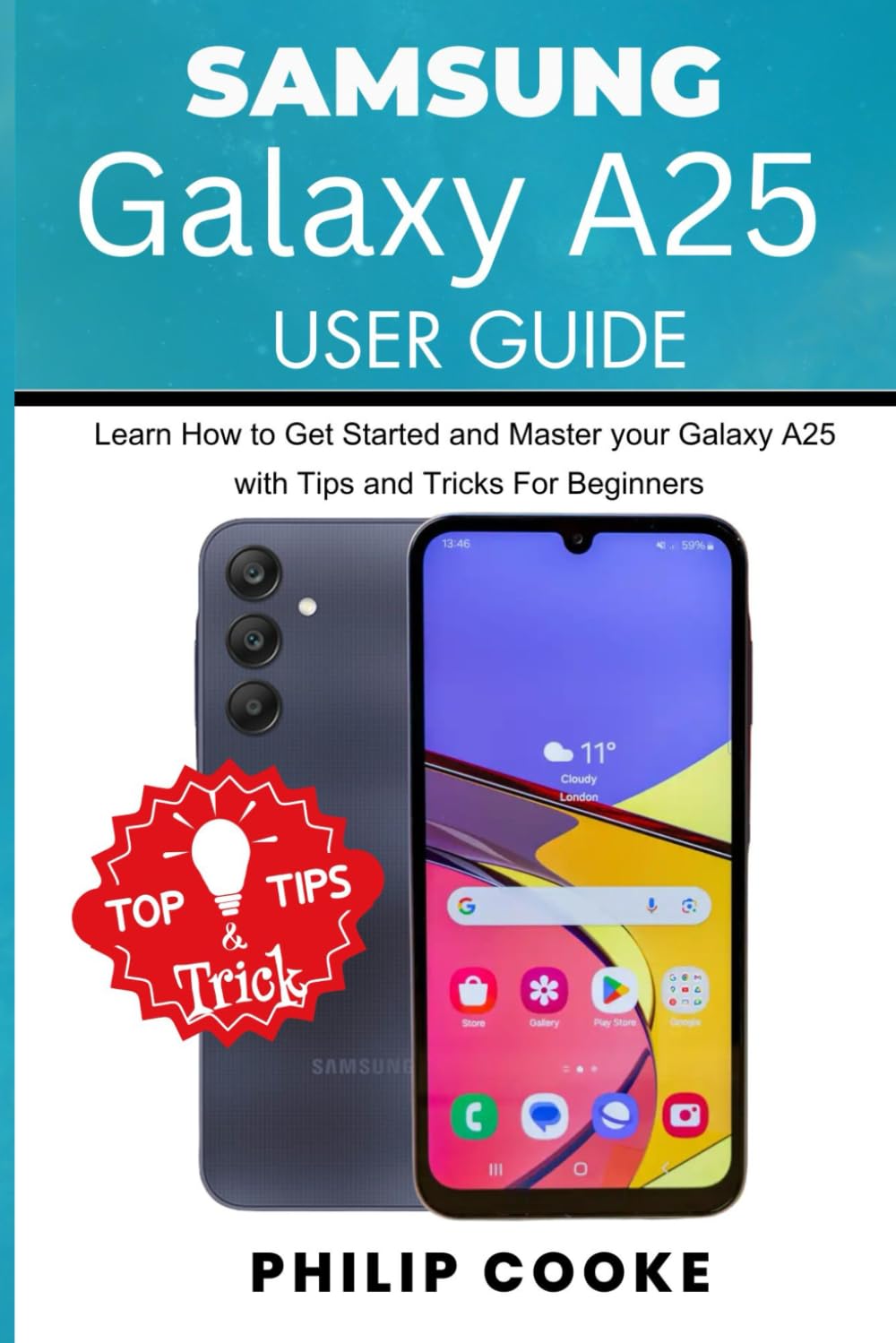
Attēls: Priekšpuse un aizmugure view of the Samsung Galaxy A25 smartphone, highlighting its design and interface. The screen displays a home screen with various app icons and a weather widget. A "Top Tips & Tricks" graphic is overlaid on the image.
Sākotnējā iestatīšana
Follow these steps to set up your Samsung Galaxy A25 for the first time:
- Ieslēgšana: Nospiediet un turiet ieslēgšanas/izslēgšanas pogu, līdz parādās Samsung logotips.
- Valodas izvēle: Izvēlieties vēlamo valodu no saraksta.
- Izveidojiet savienojumu ar Wi-Fi: Select your Wi-Fi network and enter the password. This is crucial for downloading updates and setting up your Google account.
- Noteikumi un nosacījumi: Izlasiet un piekrītiet lietotāja licences līgumam un konfidencialitātes politikai.
- Kopēt lietotnes un datus: You can transfer data from an old device or set up as new.
- Google konts: Pierakstieties ar savu Google kontu vai izveidojiet jaunu. Tas ir svarīgi, lai piekļūtu Google Play veikalam un citiem Google pakalpojumiem.
- Drošības iestatīšana: Configure your preferred screen lock method (PIN, pattern, password, fingerprint, or face recognition).
- Samsung konts: Optionally sign in or create a Samsung account to access Samsung-specific services and features.
- Pabeigt iestatīšanu: Complete any remaining setup prompts to finish configuring your device.
Ierīces darbība
Ierīces pielāgošana
Personalize your Galaxy A25 to suit your preferences:
- Home Screen and Wallpaper: To change your wallpaper, long-press on an empty area of the home screen, then select "Wallpaper and style." You can also add widgets and change grid size from here.
- Tēmas: Explore and apply themes from the Galaxy Themes store to change the overall look and feel of your device.
- Skaņa un vibrācija: Adjust ringtones, notification sounds, system sounds, and vibration patterns in Settings > Sounds and vibration.
- Displeja iestatījumi: Customize brightness, dark mode, screen timeout, font size, and zoom in Iestatījumi > Displejs.
Drošības iestatījumi
Protect your device and data with robust security features:
- Ekrāna bloķēšana: Set up or modify your screen lock (PIN, pattern, password, fingerprint, face recognition) via Settings > Security and privacy > Screen lock.
- Biometriskie dati: Register your fingerprints and face for quick and secure unlocking and authentication.
- Atrast manu mobilo: Enable this feature to locate, lock, or erase your device remotely if it's lost or stolen. Access it through Settings > Security and privacy > Find My Mobile.
- Konfidencialitātes informācijas panelis: Monitor and manage app permissions for your camera, microphone, location, and more in Settings > Security and privacy > Privacy.
Lietotņu un spēļu lejupielāde
Access a vast library of applications and games:
- Google Play veikals: Open the "Play Store" app, browse categories, search for apps, and tap "Install" to download.
- Galaxy Store: Samsung's own app store offers exclusive apps, themes, and deals.
Web Browsing and Social Media
Stay connected and informed:
- Interneta pārlūkprogramma: Use the pre-installed Samsung Internet browser or download Google Chrome from the Play Store for web pārlūkošanu.
- Social Media Apps: Download popular social media applications like Facebook, Instagram, X (formerly Twitter), and TikTok from the Google Play Store to connect with friends and family.
Kamera un video ierakstīšana
The Samsung Galaxy A25 features a versatile camera system for capturing high-quality photos and videos.
Mastering the Camera
- Kameras atvēršana: Tap the Camera app icon or double-press the power button for quick access.
- Režīmi: Swipe left or right on the camera screen to switch between modes like Photo, Video, Portrait, Pro, Panorama, and Food.
- Tālummaiņa: Pinch in or out on the screen, or tap the zoom icons (e.g., 0.5x, 1x, 2x) to adjust magnification.
- Iestatījumi: Tap the gear icon to access camera settings, where you can adjust resolution, aspect ratio, timer, and more.
Video ierakstīšana
- Sākt/pārtraukt ierakstīšanu: In Video mode, tap the record button to start and stop recording.
- Pauze: Tap the pause icon during recording to temporarily stop, then tap again to resume.
- Video izšķirtspēja: Adjust video quality in camera settings for different needs (e.g., Full HD, HD).
Fotoattēlu rediģēšana
After capturing your moments, enhance them using the built-in editing tools:
- Accessing Editor: Open a photo in the Gallery app and tap the "Edit" icon (pencil).
- Rīki: Utilize tools for cropping, rotating, adjusting brightness, contrast, saturation, applying filters, and adding stickers or text.
- Saglabāt: Tap "Save" to apply changes. You can often save a copy to preserve the original.
Specifikācijas
Key technical specifications for the Samsung Galaxy A25:
| Funkcija | Detaļas |
|---|---|
| ASIN | B0DCFSQLKG |
| Izdevējs | Neatkarīgi publicēts |
| Publicēšanas datums | 6. gada 2024. augusts |
| Valoda | angļu valoda |
| Drukas garums | 98 lapas |
| ISBN-13 | 979-8335155304 |
| Preces svars | 7 unces |
| Izmēri | 6 x 0.23 x 9 collas |
Note: The specifications listed above pertain to the physical book (user guide) itself, as provided in the product data. For detailed device specifications of the Samsung Galaxy A25 smartphone, please refer to Samsung's official website or the device's packaging.
Problēmu novēršana
This section provides general guidance for common issues you might encounter with your Samsung Galaxy A25. For specific problems, always refer to Samsung's official support resources.
- Ierīce nereaģē: If your device is frozen, press and hold the Power button and Volume Down button simultaneously for about 7-10 seconds to force restart.
- Akumulatora iztukšošana: Pārbaudiet akumulatora lietojumu sadaļā Iestatījumi > Akumulatora un ierīces kopšana > Akumulators to identify apps consuming excessive power. Reduce screen brightness and disable unnecessary features like Wi-Fi, Bluetooth, or GPS when not in use.
- Lietotņu avārijas: Try clearing the app's cache and data in Iestatījumi > Lietotnes > [Lietotnes nosaukums] > KrātuveJa problēma joprojām pastāv, atinstalējiet lietotni un instalējiet to atkārtoti.
- Savienojamības problēmas (Wi-Fi/Bluetooth): Toggle Wi-Fi or Bluetooth off and on. Restart your device. For Wi-Fi, also try restarting your router.
- Lēna veiktspēja: Notīrīt nevajadzīgo files and cache using Iestatījumi > Akumulatora un ierīces apkope > Krātuve. Close background apps and consider uninstalling rarely used applications.
Garantija un atbalsts
For information regarding your Samsung Galaxy A25's warranty, please refer to the warranty card included with your device or visit the official Samsung support website. Samsung provides comprehensive support services, including:
- Tiešsaistes atbalsts: Access FAQs, troubleshooting guides, and software updates.
- Klientu apkalpošana: Contact Samsung customer service via phone, chat, or email for personalized assistance.
- Servisa centri: Locate authorized service centers for repairs and technical support.
Always ensure you are consulting official Samsung resources for the most accurate and up-to-date information.


