1. Ievads
Thank you for choosing the FITFIU Fitness MC-240 Foldable Treadmill. This manual provides essential information for the safe assembly, operation, and maintenance of your treadmill. Please read it thoroughly before first use and keep it for future reference.
The MC-240 treadmill is designed for home use, offering a convenient way to perform walking and moderate running sessions. Its ultra-compact folding system allows for easy storage, and the integrated PC/tablet support enhances your workout experience.
2. Drošības informācija
WARNING: To reduce the risk of serious injury, read all important precautions and instructions in this manual before using the treadmill.
- Pirms jebkuras vingrojumu programmas uzsākšanas konsultējieties ar savu ārstu.
- Vienmēr turiet bērnus un mājdzīvniekus prom no skrejceliņa.
- Novietojiet skrejceliņu uz līdzenas virsmas, atstājot aiz tā vismaz 2 metrus (6.5 pēdas) brīvu vietu un 0.6 metrus (2 pēdas) katrā pusē.
- Wear appropriate exercise clothing and athletic shoes. Do not use the treadmill barefoot.
- The emergency stop key must be attached to your clothing during operation. In case of an emergency, pulling the key will immediately stop the treadmill.
- Nelietojiet skrejceliņu, ja tam ir bojāts strāvas vads vai kontaktdakša, vai arī ja tas nedarbojas pareizi.
- Do not attempt to service the treadmill yourself. Contact customer support for assistance.
- Maximum user weight capacity: 120 kg (264 lbs).
3. Iepakojuma saturs
Carefully unpack your treadmill and verify that all components are present. If any parts are missing or damaged, contact customer support.
- FITFIU Fitness MC-240 skrejceliņš
- Strāvas kabelis
- Avārijas apturēšanas atslēga
- Tālvadības pults
- Lietotāja rokasgrāmata (šis dokuments)
- Assembly Tools (if required for minor adjustments)
4. Iestatīšana
4.1 Skrejceliņa atlocīšana
The MC-240 treadmill comes pre-assembled. To unfold it:
- Novietojiet skrejceliņu uz līdzenas, stabilas virsmas.
- Gently lift the console/handlebar assembly until it locks into the upright position. Ensure it is securely locked before proceeding.
- Lower the running deck until it is flat on the floor.
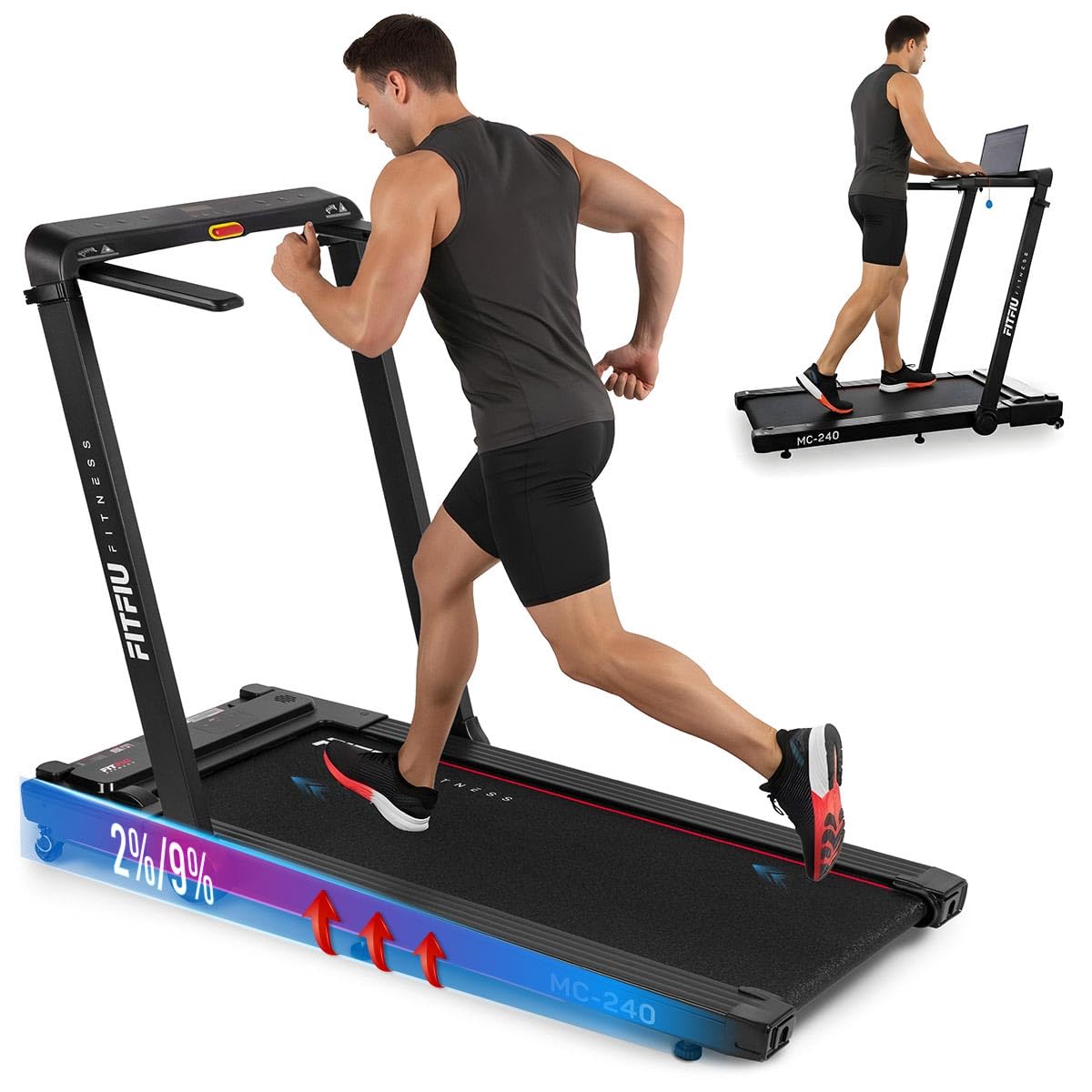
Image: Treadmill in unfolded position, ready for use.
4.2 Strāvas pieslēgšana
Plug the power cable into the treadmill's power port and then into a grounded electrical outlet. Ensure the power switch is in the OFF position before plugging in.
4.3 Adjusting Manual Incline
The MC-240 features a manual incline adjustment. To change the incline:
- Ensure the treadmill is powered off and unplugged for safety.
- Lift the rear of the running deck slightly.
- Adjust the support feet at the rear of the treadmill to the desired incline level (0° to 5°). Ensure both sides are set to the same level.
- Carefully lower the deck, ensuring it is stable before use.

Image: Manual incline adjustment mechanism.
4.4 Using the PC/Tablet Support
The integrated support allows you to place a laptop or tablet for entertainment or work during your workout.
- Place your device securely on the designated support area on the console.
- Ensure the device is stable and does not obstruct your view of the control panel or the emergency stop key.
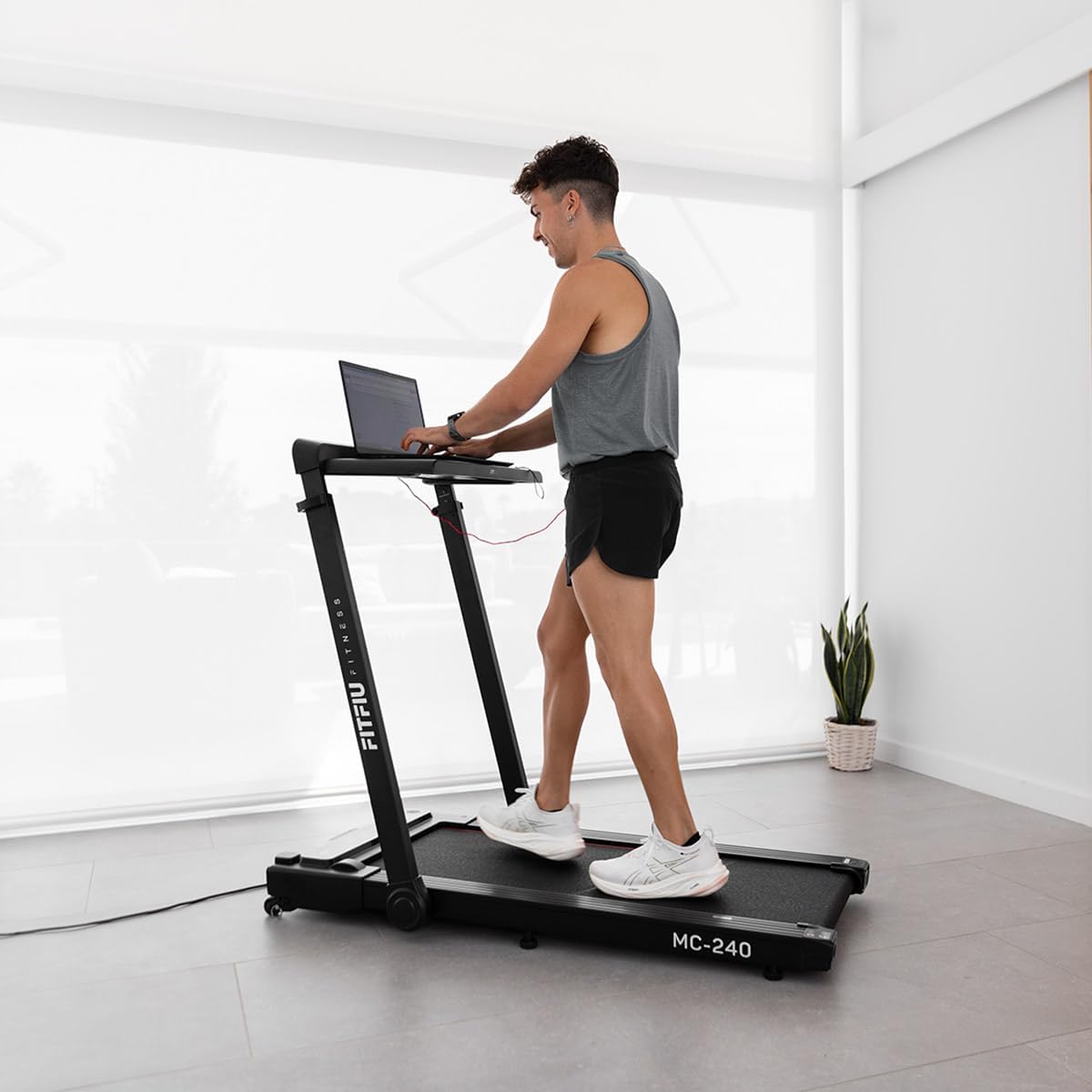
Image: User utilizing the integrated PC support with a laptop.
5. Lietošanas instrukcijas
5.1 Ieslēgšana/izslēgšana
- Plug the treadmill into a grounded outlet.
- Flip the main power switch (usually located near the front of the treadmill) to the ON position.
- Attach the emergency stop key to your clothing and insert the other end into the console's designated slot. The display will illuminate.
- To turn off, remove the emergency stop key, then flip the main power switch to OFF.

Image: Control panel with emergency stop key.
5.2 Vadības paneļa un tālvadības pults lietošana
The treadmill can be controlled via the console or the included remote control.
- Sākt/Apturēt: Press the START button to begin the running belt movement. Press STOP to halt the belt.
- Ātruma regulēšana: Use the '+' and '-' buttons to increase or decrease the speed. The speed range is adjustable up to 16 km/h.
- Programmas izvēle: Press the 'P' or 'MODE' button to cycle through the 12 pre-set training programs (P01-P12). Each program offers varying speed profiles.
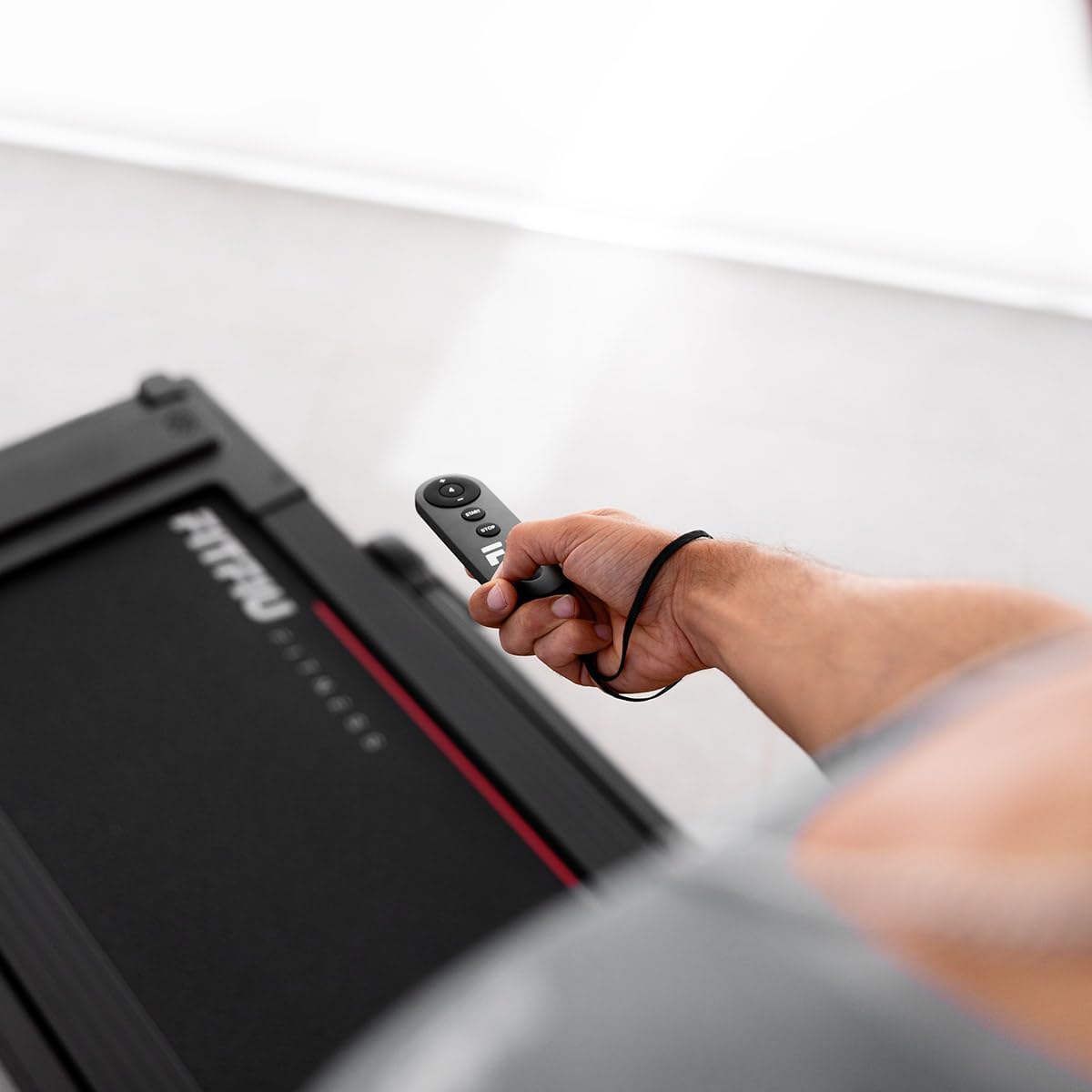
Image: Treadmill remote control.

Attēls: Pāriview of 12 pre-set training programs.
5.3. Avārijas apturēšana
The emergency stop key is a critical safety feature. If you feel unwell or need to stop the treadmill immediately, pull the emergency stop key from the console. The treadmill will stop instantly.
5.4 App Connectivity and Bluetooth Speakers
The MC-240 treadmill supports connectivity with various fitness applications and features integrated Bluetooth speakers.
- Lietotnes savienojums: Download compatible fitness apps such as Kinomap, Zwift, or Fititime on your smartphone or tablet. Follow the app's instructions to connect to your treadmill via Bluetooth. This allows for real-time progress tracking and interactive workouts.
- Bluetooth skaļruņi: To play music through the treadmill's integrated speakers, enable Bluetooth on your device and pair it with the treadmill (look for 'FITFIU MC-240' or similar in your device's Bluetooth settings).

Image: Treadmill compatibility with Kinomap, Zwift, and Fititime apps.
5.5 Salocīšana uzglabāšanai
To fold the treadmill for compact storage:
- Pārliecinieties, vai skrejceliņš ir izslēgts un atvienots no strāvas.
- Lift the running deck upwards until it locks into the vertical folded position.
- The treadmill can then be easily moved using its transport wheels.

Image: Treadmill in folded position for storage.
6. Apkope
Regulāra apkope nodrošina jūsu skrejceliņa ilgmūžību un drošu darbību.
6.1. Tīrīšana
- Noslaukiet skrejceliņa virsmas ar reklāmuamp drānu pēc katras lietošanas reizes, lai notīrītu sviedrus un putekļus.
- Nelietojiet abrazīvus tīrīšanas līdzekļus vai šķīdinātājus, jo tie var sabojāt apdari.
6.2 Ritošās siksnas eļļošana
The running belt requires periodic lubrication to reduce friction and extend its lifespan. Refer to the specific instructions provided with your treadmill's lubrication kit or contact customer support for guidance on the correct lubricant and frequency.
6.3 Skriešanas siksnas spriegojums un izlīdzināšana
Over time, the running belt may become loose or shift to one side. If the belt feels loose or slips during use, or if it is not centered, refer to the detailed instructions in the full manual (if provided separately) or contact customer support for adjustment procedures. Incorrect tension or alignment can cause premature wear and affect performance.
7. Traucējummeklēšana
If you encounter issues with your treadmill, try the following solutions before contacting customer support.
| Problēma | Iespējamais cēlonis | Risinājums |
|---|---|---|
| Skrejceliņš neieslēdzas | Power cable not plugged in; Main power switch off; Emergency stop key not inserted | Ensure power cable is securely plugged in; Turn main power switch ON; Insert emergency stop key fully |
| Running belt stops suddenly | Emergency stop key removed; Overload protection activated | Re-insert emergency stop key; Reduce load, wait a few minutes, then restart |
| Skriešanas jostas slīd | Belt too loose; Belt needs lubrication | Adjust belt tension (refer to full manual or support); Lubricate running belt |
| Neparasts troksnis darbības laikā | Loose parts; Belt friction; Motor issue | Check for loose screws and tighten; Lubricate belt; If noise persists, contact customer support |
8. Specifikācijas
The following are the technical specifications for the FITFIU Fitness MC-240 Treadmill:
- Modeļa numurs: 1100059
- Krāsa: Melns
- Materiāls: Nerūsējošais tērauds
- Motora jauda: 1875 W (3 Horsepower)
- Ātruma diapazons: Līdz 16 km/h (10 jūdzes stundā)
- Skriešanas virsma: 42 x 105 cm (16.5 x 41.3 collas)
- Manual Incline: 0° līdz 5°
- Maksimālais lietotāja svars: 120 kg (264 mārciņas)
- Produkta izmēri (atlocītā veidā): 102 x 66 x 128 cm (40.1 x 26 x 50.4 collas)
- Produkta izmēri (salocīts): 38 x 42 x 128 cm (15 x 16.5 x 50.4 collas)
- Preces svars: 38 kg (83.8 mārciņas)
- Displeja veids: LED (Distance counter)
- Īpašas funkcijas: Foldable, PC/Tablet Support, App Connectivity, Bluetooth Speakers, 7-layer impact absorption system

Image: Treadmill dimensions and key features.

Image: 7-layer impact absorption system.
9. Garantija un atbalsts
The FITFIU Fitness MC-240 Treadmill comes with a manufacturer's warranty. Please refer to the warranty card included with your purchase or visit the official FITFIU Fitness webvietni, lai iepazītos ar detalizētiem garantijas noteikumiem un nosacījumiem.
For technical support, spare parts, or any questions not covered in this manual, please contact FITFIU Fitness customer service through their official webvietnē vai kontaktinformāciju, kas norādīta jūsu pirkuma dokumentācijā.


