Ievads
This manual provides detailed instructions for the proper use and maintenance of your T-fun NC45 Active Noise Cancelling Headphones. Please read this guide thoroughly before using the product to ensure optimal performance and longevity.

Image: T-fun NC45 Active Noise Cancelling Headphones in black.
Kas atrodas kastē
Pārliecinieties, vai iepakojumā ir visas preces:
- NC45 aktīvās trokšņu slāpēšanas austiņas
- 3.5 mm audio kabelis
- Type-A to Type-C Charging Cable
- Digital User Manual (downloadable)
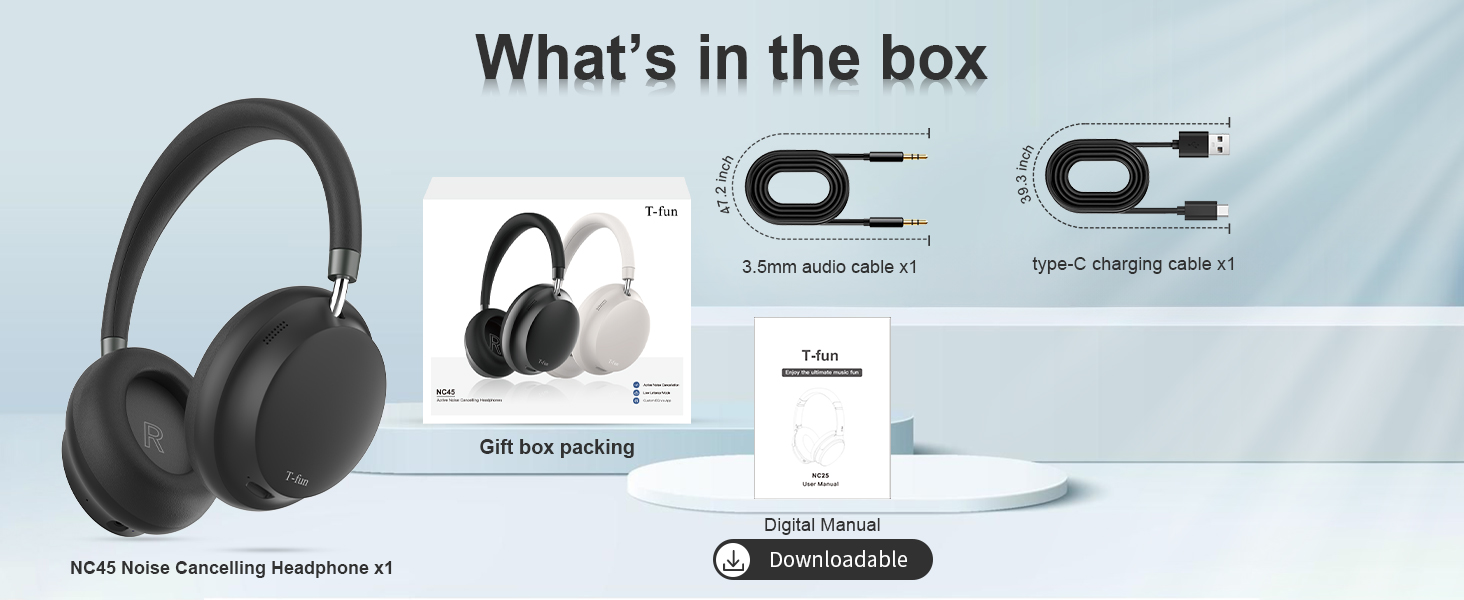
Image: Contents of the T-fun NC45 headphone package, including headphones, cables, and manual.
Vadības ierīces un funkcijas
The T-fun NC45 headphones feature intuitive controls for managing audio playback, calls, and Active Noise Cancellation (ANC).
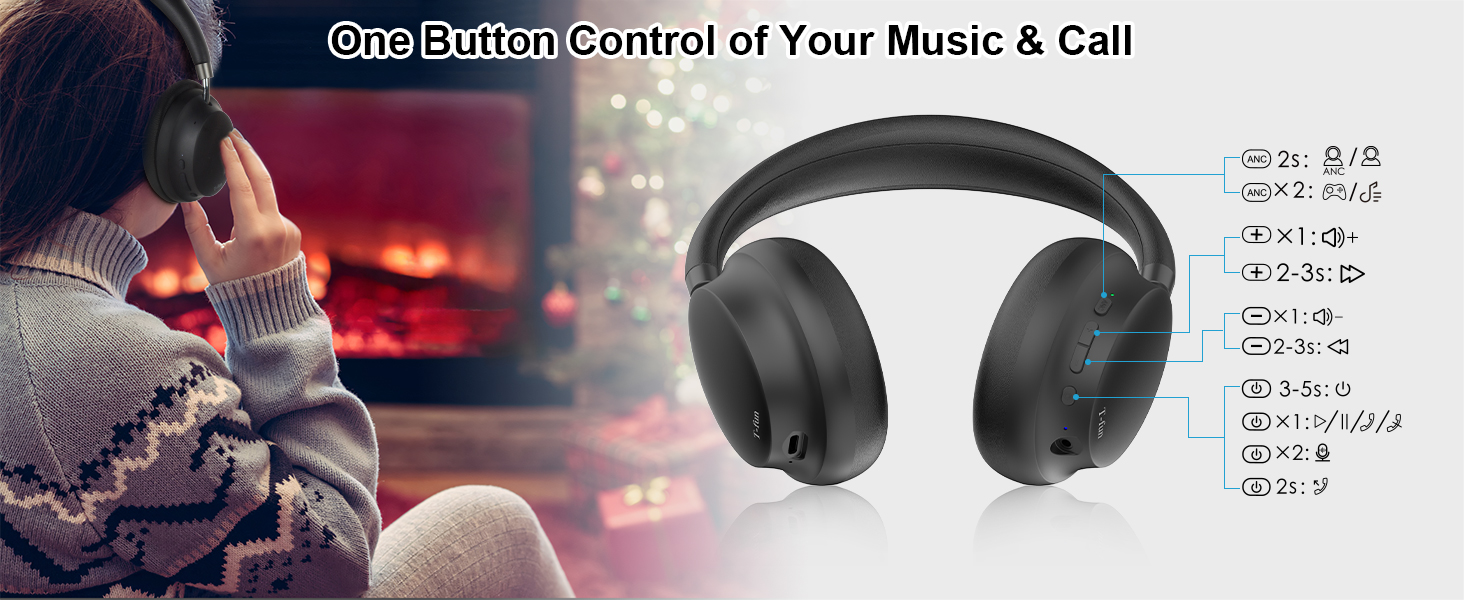
Image: Detailed diagram of the T-fun NC45 headphone controls.
Pogu funkcijas:
- ANC poga (kreisā austiņa):
- Press for 2 seconds: Toggle Active Noise Cancellation (ANC) ON/OFF.
- Daudzfunkciju poga (labā austiņa):
- Nospiediet vienreiz: Atskaņot/pauzēt mūziku, atbildēt/beigt zvanu.
- Press and hold for 2 seconds: Reject call.
- Press and hold for 3 seconds: Activate voice assistant (Siri, Google Assistant).
- Volume Up (+) Button (Right Earcup):
- Nospiediet vienreiz: Palielināt skaļumu.
- Press and hold for 2-3 seconds: Next track.
- Volume Down (-) Button (Right Earcup):
- Nospiediet vienreiz: Samazināt skaļumu.
- Press and hold for 2-3 seconds: Previous track.
- Power Button (Right Earcup):
- Press and hold for 3-5 seconds: Power ON/OFF.
- Press twice: Toggle Low Latency Mode.
Iestatīšana
1. Austiņu uzlādēšana
Before first use, fully charge your T-fun NC45 headphones.
- Connect the Type-C charging cable to the charging port on the headphones.
- Pievienojiet kabeļa otru galu USB strāvas adapterim (nav iekļauts komplektā) vai datora USB portam.
- LED indikators rādīs uzlādes statusu. Pilnīga uzlāde aizņem aptuveni 2 stundas.
- Once fully charged, the LED indicator will change or turn off, depending on the model.
A 10-minute quick charge provides approximately 3 hours of listening time.

Image: Battery life and quick charge information.
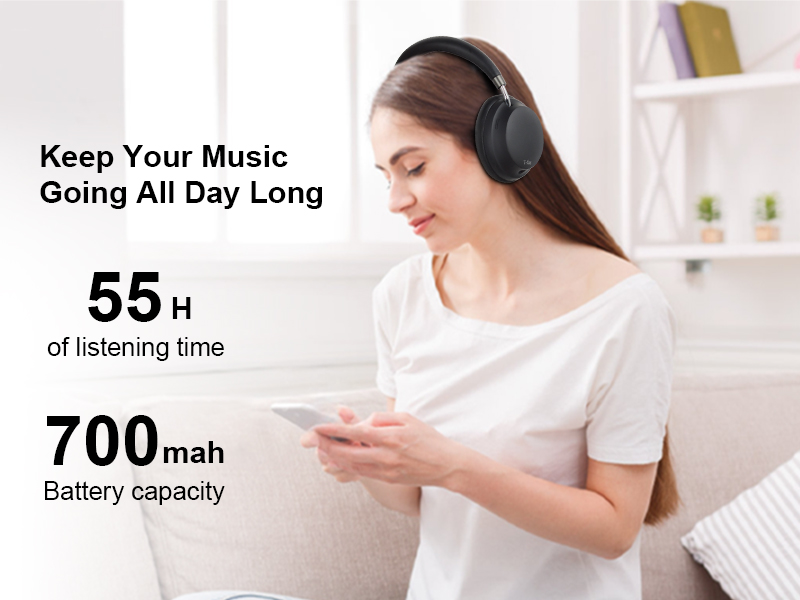
Image: Headphones in use, highlighting 55 hours of listening time.
2. Ieslēgšana/izslēgšana
- Ieslēgšana: Press and hold the Power button for 3-5 seconds until the LED indicator flashes.
- Izslēgt: Press and hold the Power button for 3-5 seconds until the LED indicator turns off.
3. Bluetooth savienošana pārī
- Pārliecinieties, vai austiņas ir izslēgtas.
- Nospiediet un apmēram 5–7 sekundes turiet ieslēgšanas/izslēgšanas pogu, līdz LED indikators pārmaiņus mirgo sarkanā un zilā krāsā, norādot savienošanas pārī režīmu.
- Savā ierīcē (viedtālrunī, planšetdatorā, klēpjdatorā) iespējojiet Bluetooth.
- Meklēt available Bluetooth devices and select "T-fun NC45" from the list.
- Once connected, the LED indicator will flash blue slowly, and you will hear an audible confirmation.
The headphones support Bluetooth 5.3 for a stable connection up to 15 meters (50 feet).
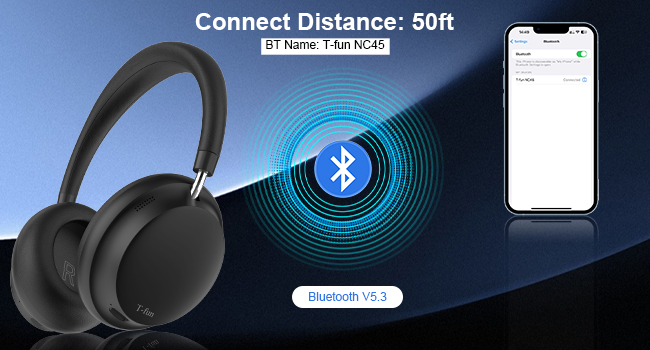
Image: Bluetooth pairing illustration with connection range.
Lietošanas instrukcijas
1. Aktīvā trokšņu slāpēšana (ANC)
The T-fun NC45 headphones feature active noise cancellation to reduce ambient sounds by up to 28dB.
- To activate ANC: Press the ANC button on the left earcup for 2 seconds. The ANC indicator light will illuminate.
- To deactivate ANC: Press the ANC button again for 2 seconds. The ANC indicator light will turn off.

Image: Active Noise Cancellation feature demonstration.
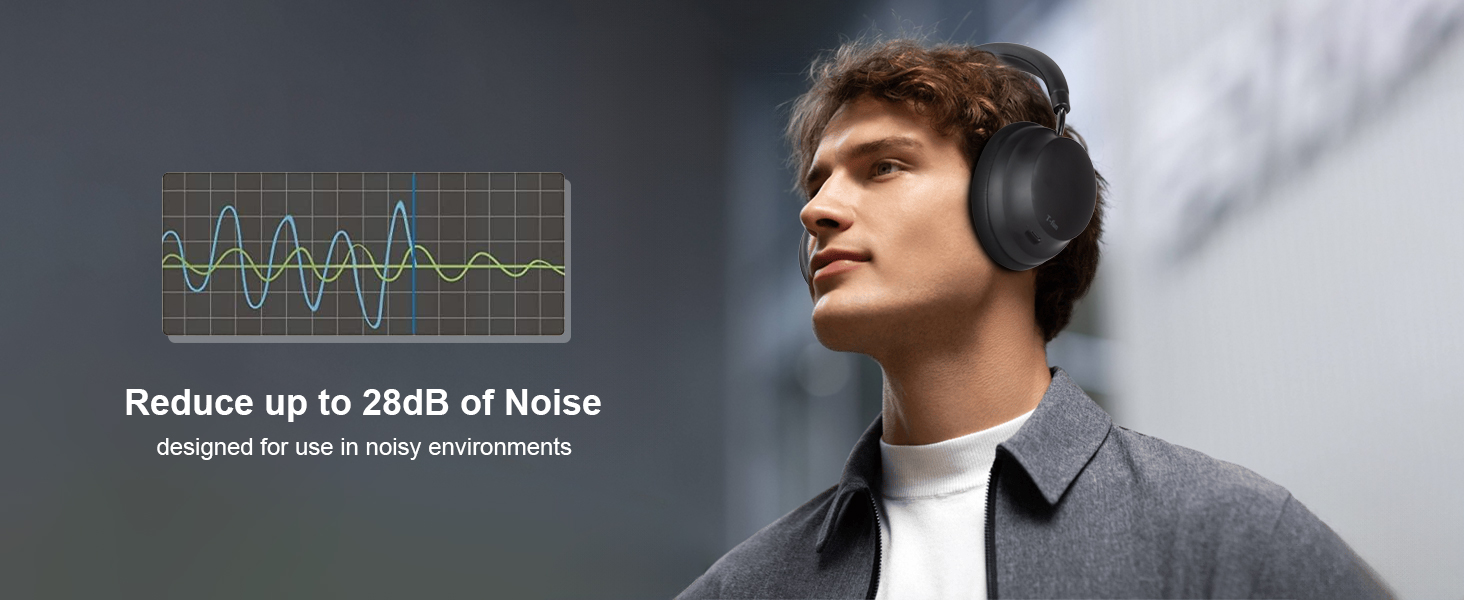
Image: Man wearing headphones, demonstrating noise reduction.
2. T-fun App Customization
Enhance your listening experience by customizing equalizer settings and other features via the dedicated T-fun app.
- Download the T-fun app from the Google Play Store or Apple App Store.
- Open the app and follow the on-screen instructions to connect your NC45 headphones.
- Within the app, you can adjust the equalizer, manage ANC modes, and access other personalized settings.

Image: T-fun app interface for customization.
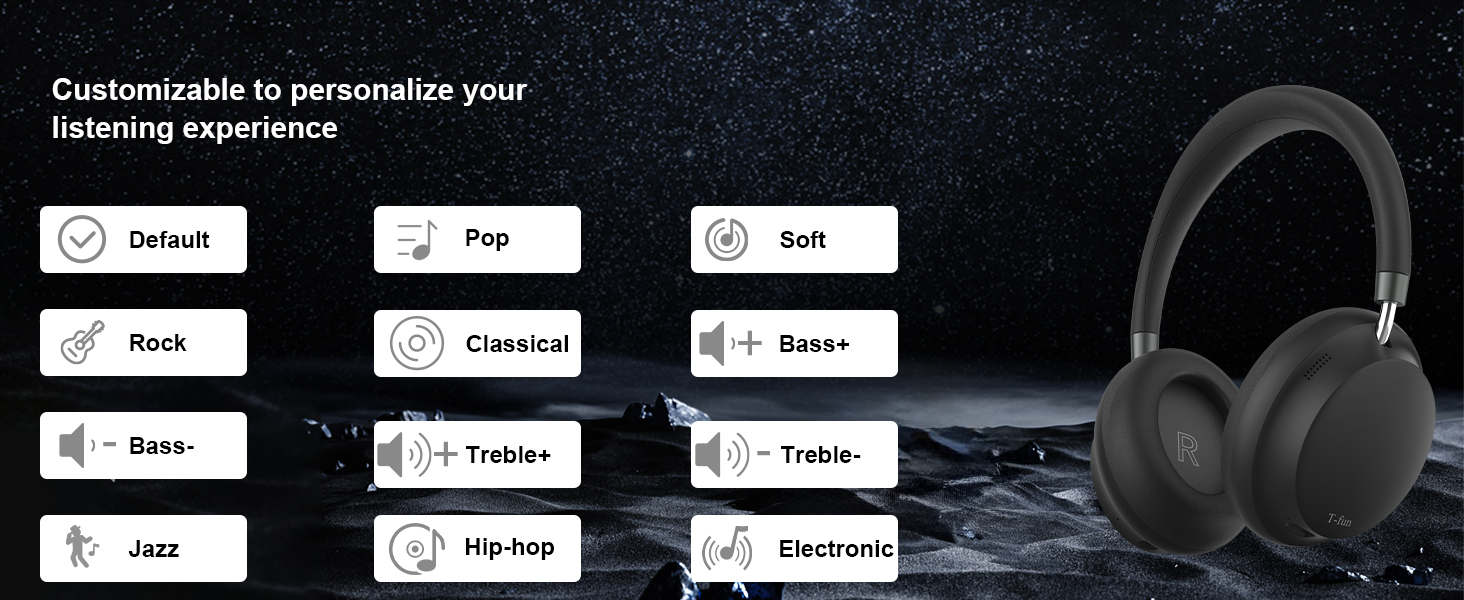
Image: Equalizer customization options in the T-fun app.
3. Zema latentuma režīms
The 50ms ultra-low latency mode ensures synchronized audio and video, ideal for gaming, movies, and video calls.
- To activate Low Latency Mode: Double-press the Power button.
- To deactivate Low Latency Mode: Double-press the Power button again.

Image: Low Latency Mode for gaming and video.
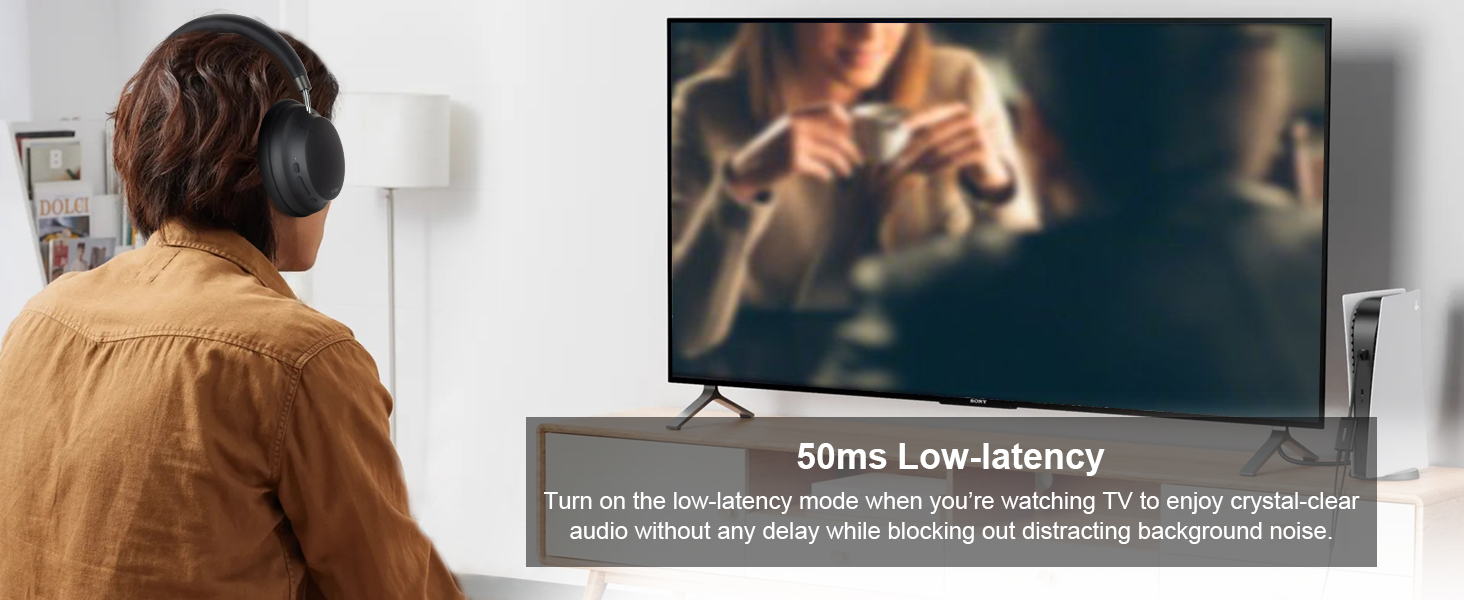
Image: Man watching TV with headphones, demonstrating low latency.
4. Vadu režīms
You can use the T-fun NC45 headphones in wired mode using the included 3.5mm audio cable, which is useful when the battery is depleted or for devices without Bluetooth.
- Pievienojiet vienu 3.5 mm audio kabeļa galu austiņu audio ligzdai.
- Connect the other end to your audio source's 3.5mm port.
Note: In wired mode, ANC, microphone, and volume buttons may not function.

Image: Wireless and wired connection modes.
5. Daudzpunktu savienojamība
The headphones can connect to two Bluetooth devices simultaneously, allowing seamless switching between audio sources.
- Pair the headphones with the first device as described in the Bluetooth Pairing section.
- Atspējojiet Bluetooth pirmajā ierīcē.
- Savienojiet austiņas pārī ar otro ierīci.
- Atkārtoti iespējojiet Bluetooth pirmajā ierīcē. Austiņām tagad vajadzētu būt savienotām ar abām ierīcēm.
You can now listen to music from one device and automatically switch to a call on the other without re-pairing.

Image: Multi-device connectivity with laptop and smartphone.
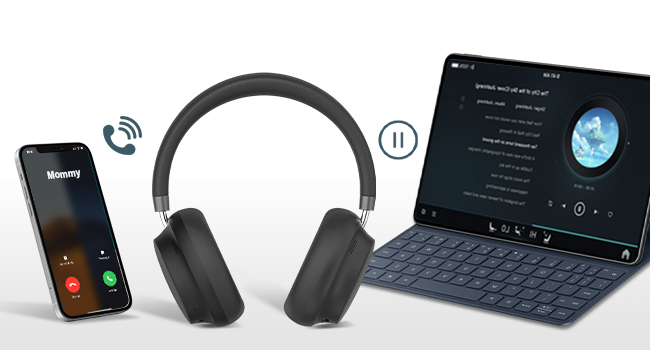
Image: Multipoint connection for calls and music.
6. Built-in Microphone and Voice Assistant
The NC45 headphones include a built-in microphone for clear calls and support voice assistants like Siri and Google Assistant.
- Atbildēšana uz zvaniem / to pārtraukšana: Vienreiz nospiediet daudzfunkciju pogu.
- Zvanu noraidīšana: Nospiediet un turiet daudzfunkciju pogu 2 sekundes.
- Balss palīga aktivizēšana: Nospiediet un turiet daudzfunkciju pogu 3 sekundes.

Image: Woman using headphones for a video call.
Apkope
Tīrīšana
- Noslaukiet austiņas ar mīkstu, sausu drānu.
- Nelietojiet abrazīvus tīrīšanas līdzekļus, šķīdinātājus vai ķīmiskos aerosolus.
- Izvairieties no mitruma iekļūšanas jebkurās atverēs.
Uzglabāšana
- Uzglabājiet austiņas vēsā, sausā vietā, pasargājot no tiešiem saules stariem un ekstremālām temperatūrām.
- When not in use for extended periods, store them in their protective case (if included) to prevent damage.
Comfort and Ear Health
To maintain optimal comfort and ear health, it is recommended to remove the headphones every 1-2 hours during extended use.
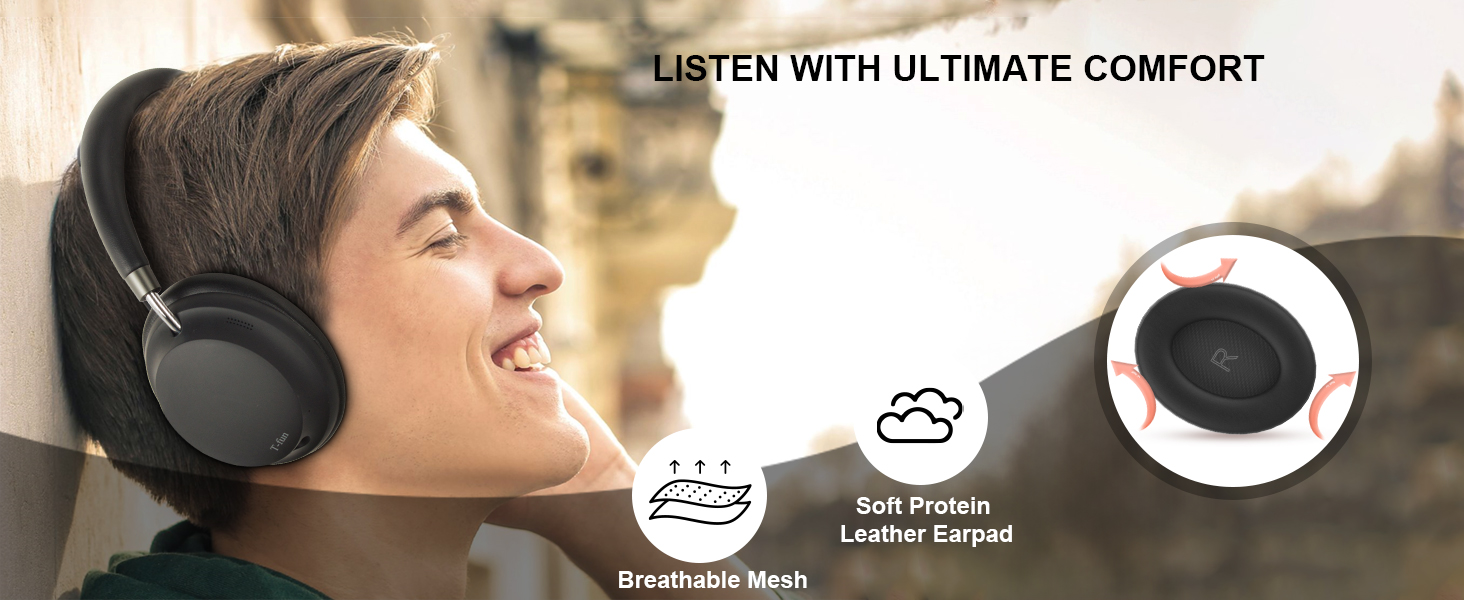
Image: Comfort features of the headphones.
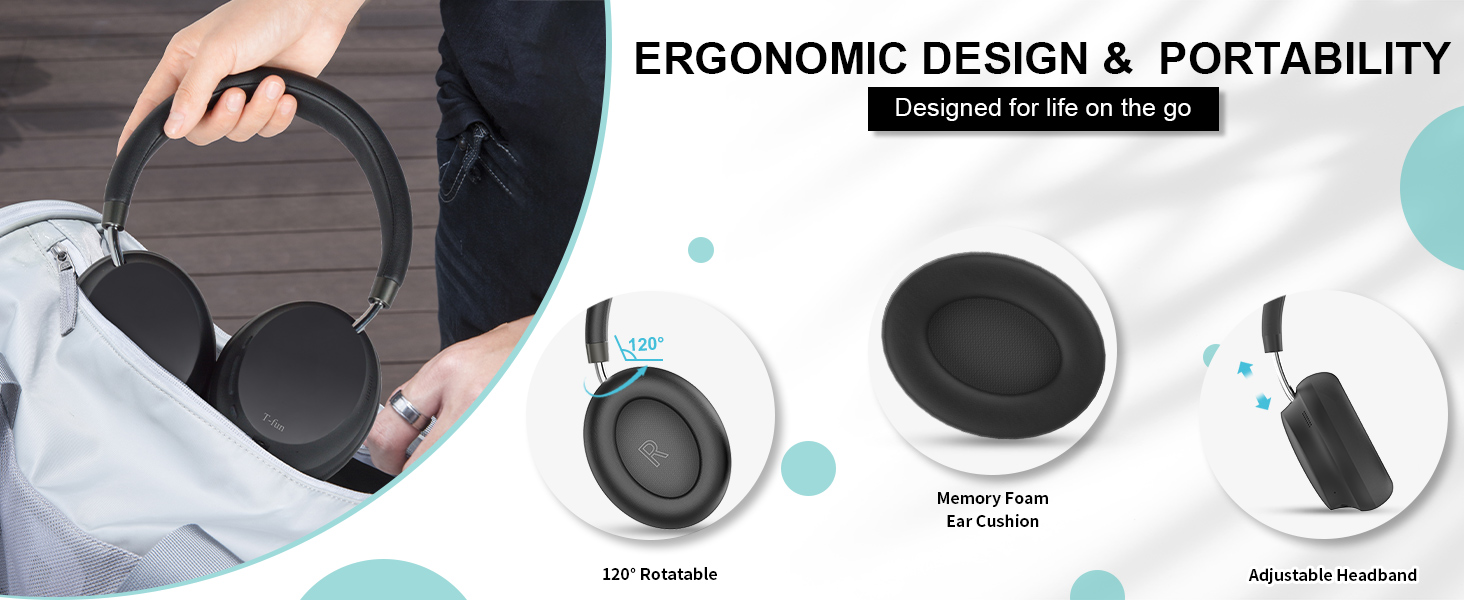
Image: Ergonomic design and portability features.
Problēmu novēršana
| Problēma | Iespējamais cēlonis | Risinājums |
|---|---|---|
| Austiņas neieslēdzas. | Zems akumulators. | Pilnībā uzlādējiet austiņas. |
| Nevar savienot pārī ar ierīci. | Austiņas nav savienošanas pārī režīmā; ierīcē ir izslēgts Bluetooth; ierīce atrodas pārāk tālu. | Pārliecinieties, vai austiņas ir savienošanas pārī režīmā (mirgo sarkanā/zilā krāsā). Ieslēdziet Bluetooth savā ierīcē. Pārvietojiet ierīci tuvāk austiņām (15 m attālumā). |
| Nav skaņas vai kluss skaļums. | Volume too low; incorrect audio source; wired mode limitations. | Increase volume on headphones and device. Ensure correct audio output is selected on your device. Note that some controls are limited in wired mode. |
| ANC nav efektīvs. | ANC not activated; specific noise types. | Ensure ANC is activated (ANC indicator light on). ANC is most effective for low-frequency, constant noise. |
| Sound delay in games/videos. | Low Latency Mode not active. | Activate Low Latency Mode by double-pressing the Power button. |
Tehniskās specifikācijas
| Funkcija | Specifikācija |
|---|---|
| Modeļa nosaukums | NC45 |
| Trokšņa kontrole | Aktīva trokšņu slāpēšana (līdz 28 dB) |
| Savienojamības tehnoloģija | Bezvadu (Bluetooth), Vadu (3.5 mm ligzda) |
| Bezvadu sakari | Bluetooth 5.3 |
| Bluetooth diapazons | 15 metri (50 pēdas) |
| Audio draivera izmērs | 40 milimetru dinamiskais skaļrunis |
| Frekvences reakcija | 20-20000 Hz |
| Jutīgums | 105 dB |
| Impedance | 32 omi |
| Audio aizkavēšanās | 50 Milliseconds (Low Latency Mode) |
| Akumulatora darbības laiks | Up to 55 Hours (ANC mode) |
| Uzlādes laiks | Apmēram 2 stundas |
| Materiāls | Dators + ABS |
| Preces svars | 14.9 unces |
| Vadības veids | Button, App Control |
| Saderīgas ierīces | Mobilie tālruņi, galddatori, klēpjdatori, planšetdatori |
Garantija un atbalsts
Garantijas informācija
T-fun products are designed for reliability and performance. For specific warranty details and terms, please refer to the warranty card included with your product or visit the official T-fun website. Some users have reported an 18-month extended warranty available upon product registration.
Klientu atbalsts
If you encounter any issues or have questions regarding your T-fun NC45 headphones, please contact T-fun customer support. You can find contact information on the official T-fun webvietnē vai izmantojot jūsu pirkumu platformu.
Apmeklējiet T-fun Store on Amazon lai iegūtu vairāk informācijas.