Ievads
The Joyroom JR-JH1 Wireless Bluetooth Headphones with Active Noise Cancellation are designed to provide high-quality audio, advanced noise cancellation, and exceptional comfort. With a sleek, foldable design and long-lasting battery, these headphones are suitable for various environments, including home, office, and travel. Enjoy an immersive audio experience with the JR-JH1, featuring intuitive controls and powerful 40mm drivers.
Iepakojuma saturs
- Joyroom JR-JH1 Wireless Bluetooth Headphones
- Lietotāja rokasgrāmata
- Ausu spilventiņi (iepriekš uzstādīti)
- Charging Cable (USB-C, not explicitly listed but implied for charging)
- Travel Case (implied from description)
Produkts beidziesview
Familiarize yourself with the components of your Joyroom JR-JH1 headphones.
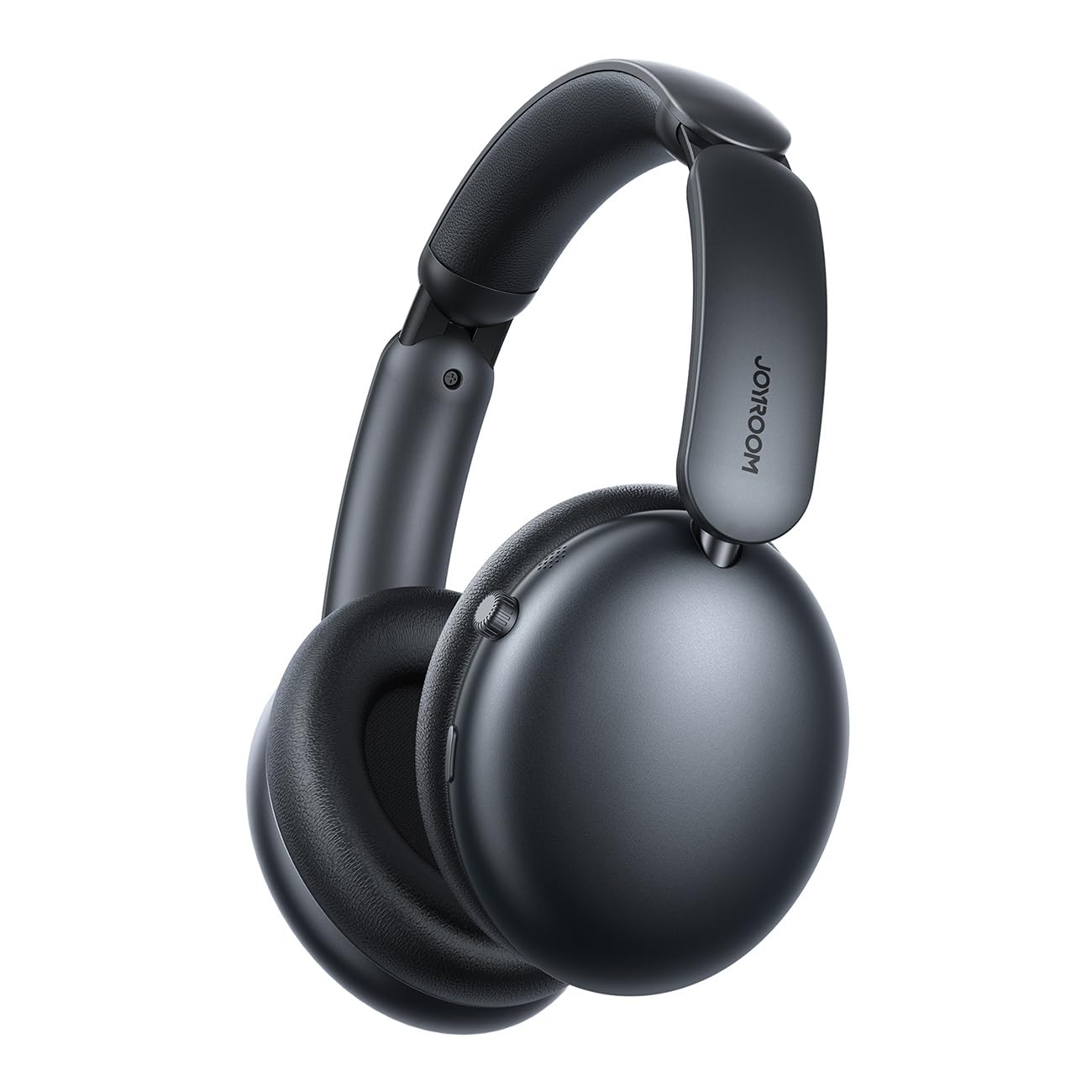
1. attēls: Priekšpuse view of the Joyroom JR-JH1 headphones, showcasing the earcups and adjustable headband.
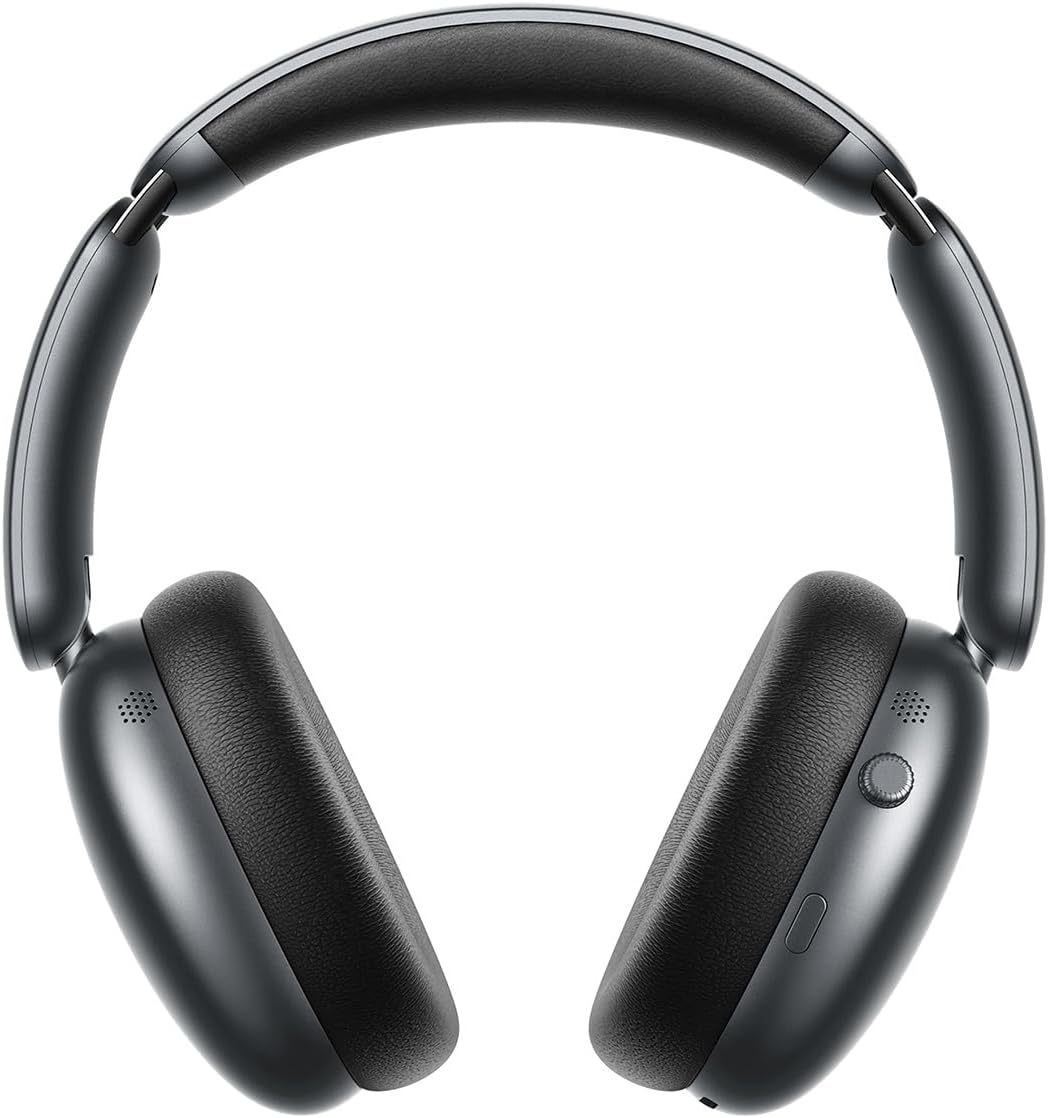
2. attēls: Sānu view of the Joyroom JR-JH1 headphones, highlighting the digital crown and other control buttons on the earcup.

3. attēls: Apakšā view of the Joyroom JR-JH1 headphones, illustrating the charging port and any auxiliary input ports.
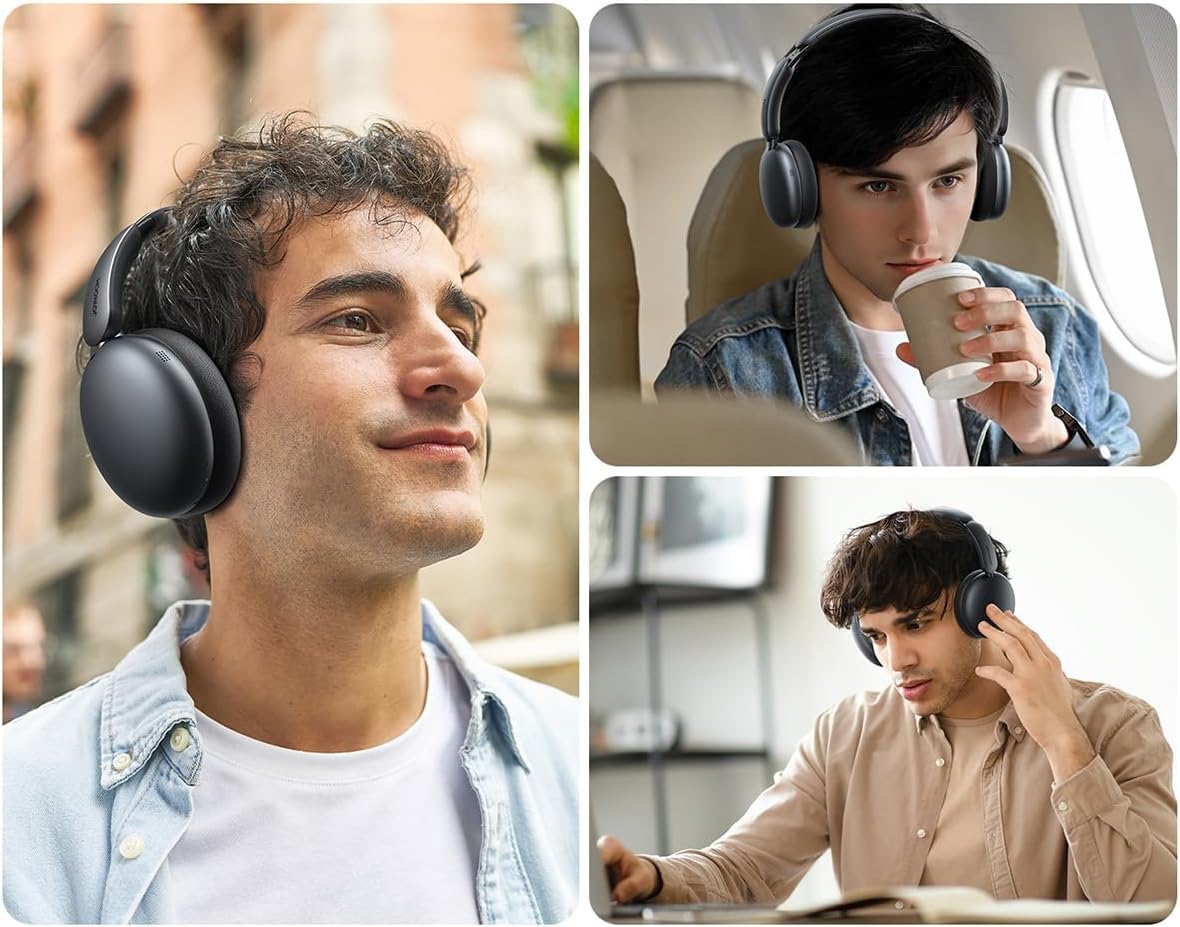
The headphones feature soft memory foam ear cushions and an automatically adjustable headband for extended comfort. The foldable design allows for easy portability and storage in the included travel case.
Iestatīšana
1. Austiņu uzlādēšana
Before first use, fully charge your headphones. A full charge takes approximately 1.5 to 2 hours.
- Connect the charging cable to the charging port on the headphones (refer to Figure 3 for port location).
- Pievienojiet kabeļa otru galu USB barošanas avotam (piemēram, sienas adapterim, datora USB portam).
- The LED indicator will show charging status (e.g., red for charging, blue/off for fully charged).
2. Bluetooth savienošana pārī
Pair your headphones with your device to enable wireless audio.
- Pārliecinieties, vai austiņas ir uzlādētas un izslēgtas.
- Press and hold the Power button (usually located on one of the earcups) until the LED indicator flashes rapidly (e.g., blue and red alternately), indicating pairing mode.
- On your device (smartphone, tablet, laptop, etc.), go to Bluetooth settings and turn Bluetooth on.
- Meklēt available devices. Select "JR-JH1" from the list.
- Once connected, the LED indicator on the headphones will typically show a solid blue light or flash slowly.
The headphones use Bluetooth 5.4 for a stable and efficient connection. They are compatible with desktop computers, tablet computers, laptops, mobile phones, and game controllers.
Lietošanas instrukcijas
Ieslēgšana/izslēgšana
- Ieslēgšana: Nospiediet un apmēram 3 sekundes turiet nospiestu ieslēgšanas/izslēgšanas pogu, līdz iedegas LED indikators.
- Izslēgt: Nospiediet un apmēram 5 sekundes turiet ieslēgšanas/izslēgšanas pogu, līdz LED indikators nodziest.
Mūzikas atskaņošana
- Atskaņot/pauzēt: Press the Multi-function button (often the Power button or a dedicated play/pause button).
- Skaļuma palielināšana/ samazināšana: Rotate the digital crown upwards to increase volume, downwards to decrease volume.
- Nākamais ieraksts: Divreiz nospiediet daudzfunkciju pogu.
- Iepriekšējais ieraksts: Trīs reizes nospiediet daudzfunkciju pogu.
Zvanu pārvaldība
- Atbildēt/beigt zvanu: Vienreiz nospiediet daudzfunkciju pogu.
- Noraidīt zvanu: Nospiediet un turiet daudzfunkciju pogu 2 sekundes.
Aktīva trokšņu atcelšana (ANC)
The JR-JH1 features Hybrid Active Noise Cancellation, reducing ambient noise by up to -40dB.
- ANC aktivizēšana/deaktivizēšana: Press the dedicated ANC button (refer to product diagram for location). The LED indicator for ANC will illuminate when active.
- Caurspīdības režīms: Some models may feature a transparency mode. If available, a short press of the ANC button might cycle through ANC On, Transparency Mode, and ANC Off.
4. attēls: Uzsprāga view illustrating the internal components, including the 40mm drivers and ANC technology.
Apkope
Tīrīšana
- Use a soft, dry cloth to clean the exterior of the headphones.
- Ausu spilventiņus viegli noslaukiet ar viegli berzētu drānu.amp drānu un pirms lietošanas ļaujiet tai pilnībā nožūt. Nelietojiet spēcīgas ķīmiskas vielas vai abrazīvus materiālus.
Uzglabāšana
- When not in use, store the headphones in their travel case to protect them from dust and damage.
- Izvairieties no uzglabāšanas ekstremālā temperatūrā vai augsta mitruma apstākļos.
Problēmu novēršana
| Problēma | Iespējamais cēlonis | Risinājums |
|---|---|---|
| Austiņas neieslēdzas. | Zems akumulators. | Pilnībā uzlādējiet austiņas. |
| Nav skaņas. | Not paired, volume too low, device issue. | Ensure headphones are paired. Increase headphone and device volume. Check device audio output settings. |
| Nevar savienot pārī ar ierīci. | Headphones not in pairing mode, device Bluetooth off, interference. | Put headphones in pairing mode. Ensure device Bluetooth is on. Move closer to the device. Turn off other Bluetooth devices. |
| ANC nav efektīvs. | ANC not activated, improper fit. | Ensure ANC is turned on. Adjust headphones for a snug fit over your ears. |
Specifikācijas
| Funkcija | Detaļas |
|---|---|
| Modelis | JR-JH1 |
| Savienojamības tehnoloģija | Bezvadu |
| Bezvadu sakari | Bluetooth 5.4 |
| Trokšņa kontrole | Hibrīda aktīvā trokšņu slāpēšana (līdz -40 dB) |
| Šoferi | 40 mm |
| Impedance | 32 omi |
| Jutīgums | 110 dB |
| Frekvences reakcija | 2480 MHz |
| Uzlādes laiks | Aptuveni 1.5–2 stundas |
| Akumulatora darbības laiks (normālā režīmā) | Līdz 120 stundām |
| Akumulatora darbības laiks (ANC režīmā) | Līdz 70 stundām |
| Vadības veids | Button Control, Digital Crown |
| Ausu novietojums | Virs auss |
| Materiāls | Akrilnitrila butadiēna stirols (ABS) |
| Preces svars | 234 grami |
| Ūdensizturības līmenis | Nav ūdensizturīgs |
| Produkta izmēri | 19.6 x 18.26 x 8 cm |
| Ražotājs | Joyroom |
| Izcelsmes valsts | Ķīna |
Drošības informācija
- Nepakļaujiet austiņas ekstremālām temperatūrām, mitrumam vai šķidrumiem.
- Izvairieties no ilgstošas klausīšanās lielā skaļumā, lai novērstu dzirdes bojājumus.
- Nemēģiniet izjaukt vai pārveidot austiņas. Tas var anulēt garantiju un radīt bojājumus.
- Uzglabāt bērniem nepieejamā vietā.
Garantija un atbalsts
For warranty information and customer support, please refer to the warranty card included in your product packaging or visit the official Joyroom webSaglabājiet pirkuma čeku kā pirkuma apliecinājumu garantijas prasību gadījumā.


