1. Ievads
This manual provides essential information for the setup, operation, and maintenance of your iFFALCON 55-Inch Class U85 Series QD-Mini LED 4K UHD Google Smart TV. Please read this manual thoroughly before using your television to ensure proper and safe operation. Keep this manual for future reference.
The iFFALCON U85 Series TV features advanced display technologies including QD-Mini LED for precise lighting, QLED for vibrant colors, 4K UHD resolution, HDR 1000 nits peak brightness, and a 144Hz native refresh rate. It integrates Google TV for smart entertainment and offers enhanced audio with Dolby Atmos and DTS Virtual X. Gaming is optimized with features like 240Hz DLG and FreeSync Premium Pro.
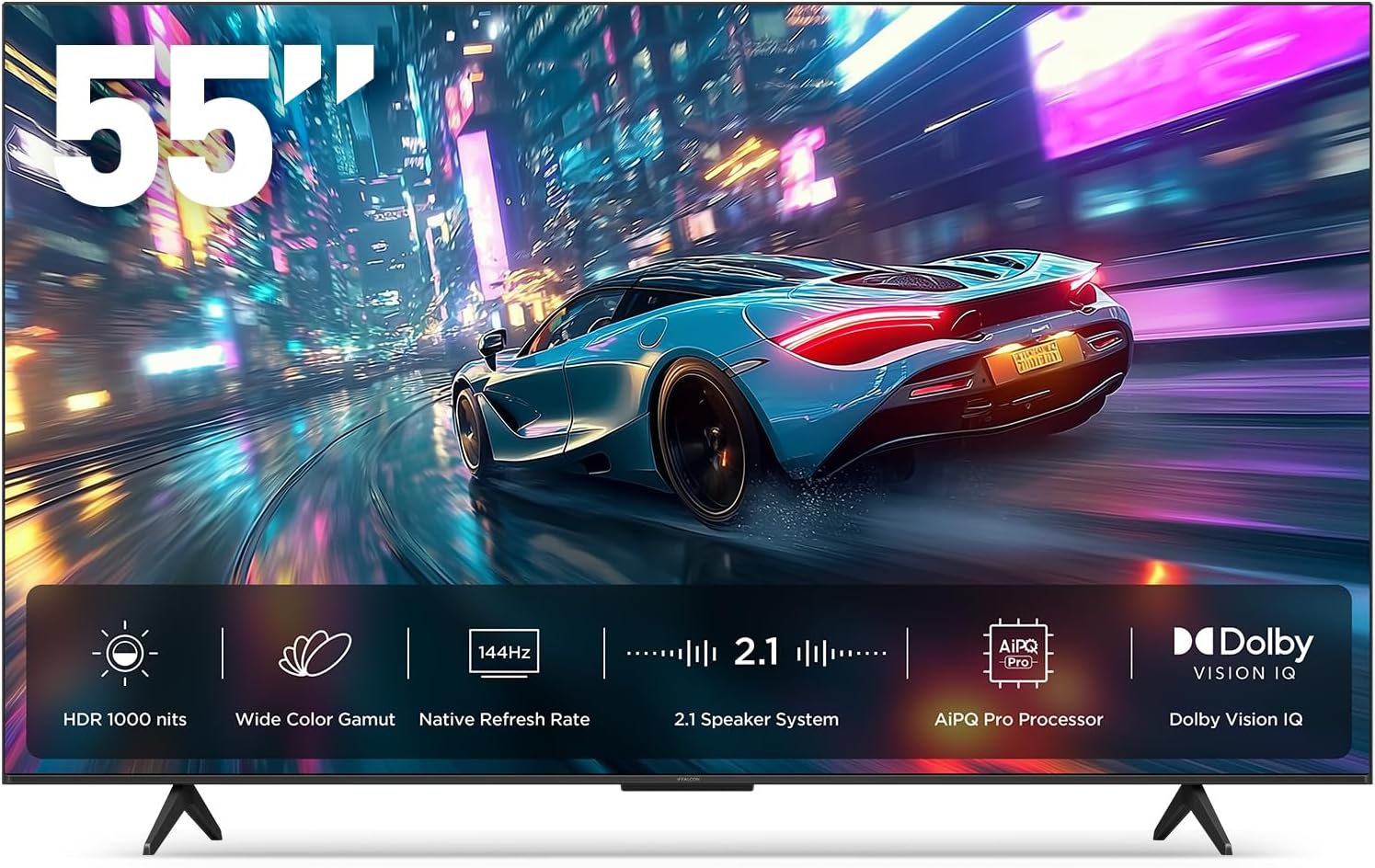
1.1. attēls: priekšpuse view of the iFFALCON 55-Inch U85 Series TV, showcasing its display with a vibrant image of a car on a city street.
2. Kas ir kastē
Carefully unpack your television and ensure all items are present. If any items are missing or damaged, contact your retailer.
- Mini LED televizors
- Strāvas kabelis
- 2 x AAA baterijas tālvadības pultij
- 6 x statīvu skrūves
- Table stands (2 pieces)
- 5 x kabeļu skavas
- Īsā lietošanas pamācība
- Televizora tālvadības pults
3. Iestatīšana
3.1 Fiziskā iestatīšana
Before proceeding, ensure the TV is placed on a stable, flat surface or securely mounted to a wall. Refer to the Quick Start Guide for detailed instructions on attaching the table stands or mounting the TV to a wall bracket (wall mount sold separately).
3.2 Perifērijas ierīču pievienošana
Connect your external devices such as cable boxes, gaming consoles, or Blu-ray players to the TV's HDMI ports. Ensure the power cable is securely connected to the TV and a power outlet.
3.3 Sākotnējā ieslēgšana un Google TV iestatīšana
- Pievienojiet strāvas kabeli elektrības kontaktligzdai.
- Nospiediet ieslēgšanas/izslēgšanas pogu uz tālvadības pults vai televizora.
- Follow the on-screen instructions to complete the initial setup, including network connection, Google account sign-in, and channel scanning.
4. Televizora vadība
4.1 Tālvadības pults funkcijas
The included remote control allows you to navigate menus, adjust volume, change channels, and access smart features. Familiarize yourself with the button layout for optimal use.
4.2 Smart Features: Google TV, Google Assistant, and Alexa
Your iFFALCON U85 TV is equipped with Google TV, providing access to a wide range of streaming services and apps. Use the built-in Google Assistant or connect to an Alexa-enabled device for hands-free voice control.
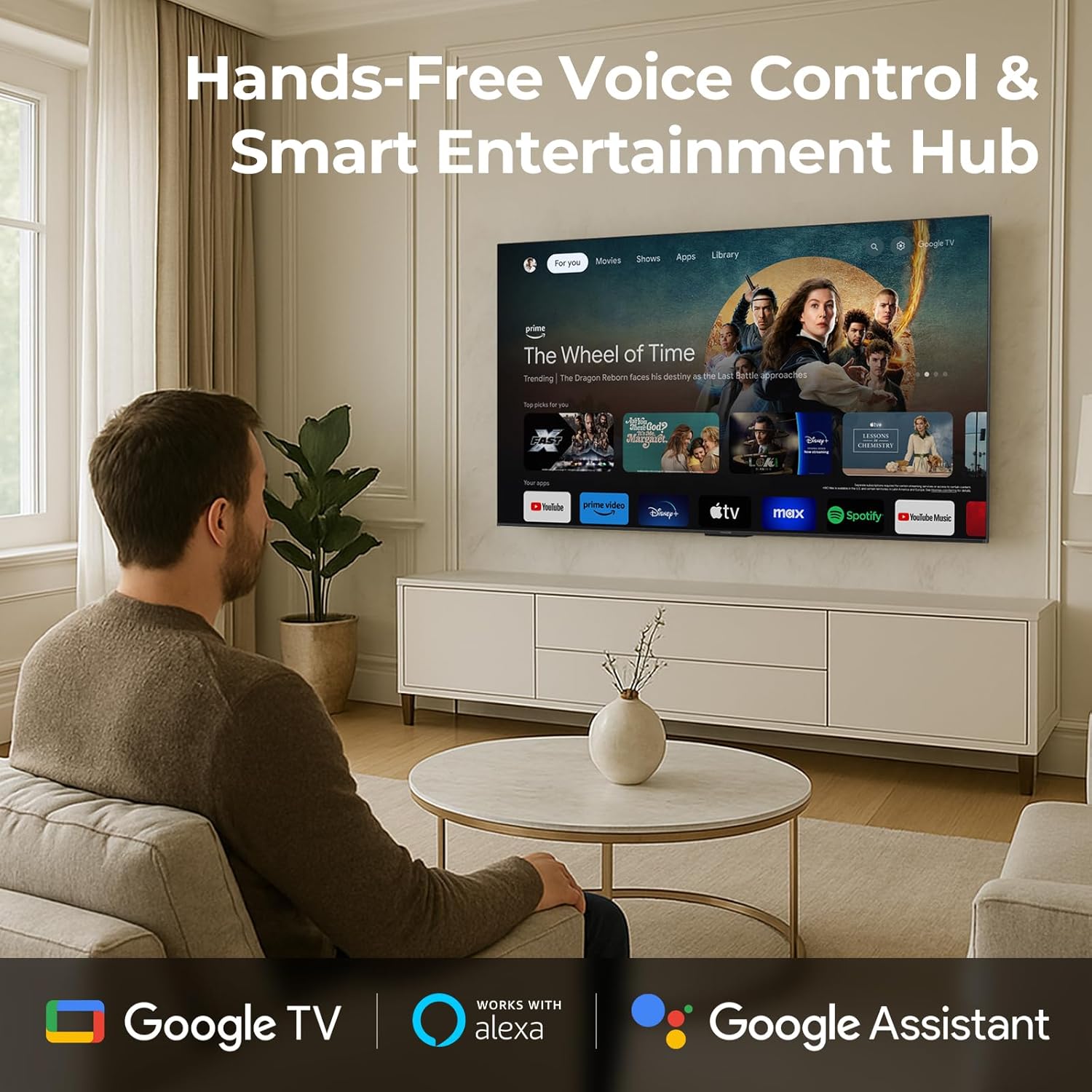
Image 4.1: A man interacting with the iFFALCON TV using voice commands, demonstrating the hands-free control feature.
4.3 Attēla iestatījumi un kvalitāte
The U85 Series TV offers exceptional picture quality through several advanced technologies:
- QD-Mini LED: Provides precise lighting control with up to 144 local dimming zones and 1000 nits peak brightness for bright highlights and deep blacks.
- QLED Wide Color: Quantum Dot technology delivers a 93% DCI-P3 wide color gamut for true-to-life images.
- AiPQ Pro procesors: Optimizes brightness, contrast, and detail in real-time for enhanced visual performance.
- Dolby Vision IQ: Automatically adjusts HDR brightness based on ambient light conditions.
- 6000:1 kontrasta attiecība: Achieves deep blacks and vibrant colors with enhanced contrast.

Image 4.2: Visual comparison illustrating how Mini-LED technology enhances bright highlights and deep blacks compared to conventional TVs.
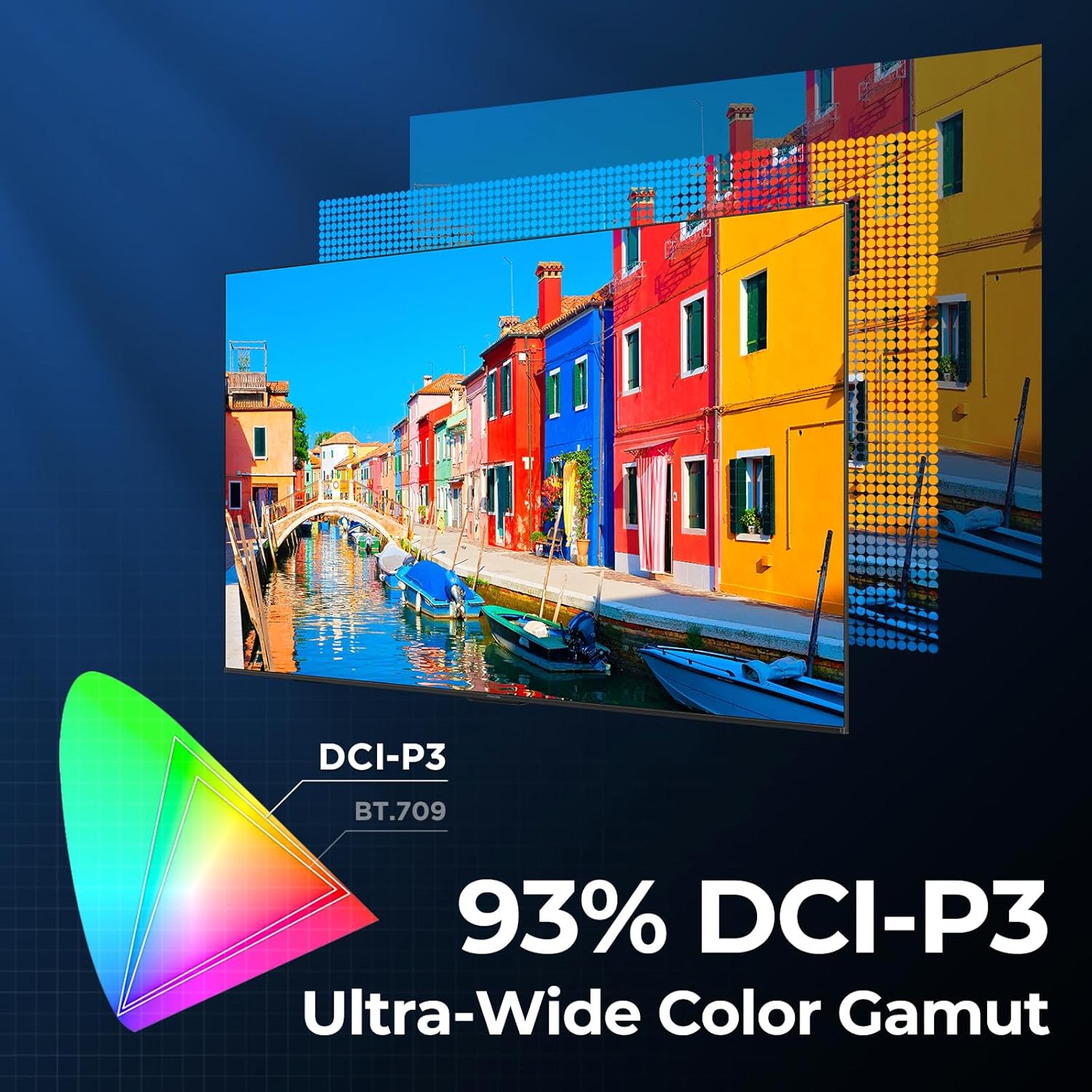
Image 4.3: Diagram showing the 93% DCI-P3 ultra-wide color gamut, indicating the TV's ability to display a broad spectrum of colors.
4.4 Audio Settings and Quality
Experience immersive sound with the TV's integrated audio features:
- 2.1-channel 50W Sound System: Delivers powerful stereo sound with deep bass.
- Dolby Atmos: Provides multi-dimensional audio that flows around and above you.
- DTS Virtual X: Creates expansive, room-filling sound with virtual height and surround effects.
- Uzlabotais IMAX: Optimizes audio and visual performance for a cinematic experience.

Image 4.4: A couple enjoying a movie on the iFFALCON TV, illustrating the immersive audio experience with sound waves emanating from the screen.
4.5 Spēļu funkcijas
The iFFALCON U85 TV is designed for an optimal gaming experience:
- 4K 144Hz Panel with VRR: Ensures smooth, crystal-clear motion and reduces screen tearing.
- 240Hz DLG Acceleration: Boosts refresh rates for ultra-smooth action.
- FreeSync Premium Pro: Provides tear-free, low-latency HDR gaming.
- Game Mode & Game Bar: Dedicated settings and on-screen overlay for quick adjustments during gameplay.
- ALLM (automātisks zema latentuma režīms): Automatically switches to a low-latency mode for responsive gameplay.

Image 4.5: A gaming console connected to the iFFALCON TV, highlighting the 144Hz refresh rate and other gaming features.
4.6 Acu komforta funkcijas
Ilgstošam viewing comfort, the TV incorporates multiple eye-care technologies:
- Zema zilā gaisma: Samazina kaitīgās zilās gaismas emisijas.
- Flicker Reduction: Minimizes screen flicker for a more comfortable viewpieredzi.
5. Apkope
To ensure the longevity and optimal performance of your iFFALCON U85 TV, follow these maintenance guidelines:
- Ekrāna tīrīšana: Viegli noslaukiet ekrānu ar mīkstu, sausu, nepūkošu drānu. Noturīgu traipu gadījumā viegli noslaukietampNoslaukiet drānu ar ūdeni vai specializētu ekrāna tīrīšanas līdzekli. Izvairieties no spēcīgām ķīmiskām vielām vai abrazīviem materiāliem.
- Rāmja tīrīšana: Televizora rāmja un statīva tīrīšanai izmantojiet mīkstu, sausu drānu.
- Ventilācija: Nodrošiniet atbilstošu ventilāciju ap televizoru. Neaizbloķējiet ventilācijas atveres.
- Strāvas vads: Regulāri pārbaudiet, vai strāvas vads nav bojāts. Ja tas ir bojāts, pārtrauciet lietošanu un sazinieties ar klientu atbalsta dienestu.
- Izvairieties no tiešiem saules stariem: Nepakļaujiet televizoru tiešiem saules stariem vai pārmērīgam karstumam.
6. Traucējummeklēšana
Ja rodas problēmas ar televizoru, skatiet tālāk norādītos bieži sastopamos risinājumus. Ja problēma joprojām pastāv, sazinieties ar klientu atbalsta dienestu.
| Problēma | Iespējamais cēlonis | Risinājums |
|---|---|---|
| Nav jaudas | Strāvas vads nav pievienots; strāvas kontaktligzda nedarbojas | Pārliecinieties, vai strāvas vads ir droši pievienots; pārbaudiet kontaktligzdu ar citu ierīci |
| Nav attēla, bet ir skaņa | Incorrect input source; Loose HDMI cable | Select correct input source; Reconnect HDMI cable securely |
| Nav skaņas, bet attēls ir | Skaļums ir izslēgts vai pārāk zems; Problēma ar ārējo audioierīci | Unmute or increase volume; Check connections to external audio devices |
| Tālvadības pults nedarbojas | Baterijas izlādējušās; šķērslis starp tālvadības pulti un televizoru | Nomainiet baterijas; Noņemiet visus šķēršļus |
| Tīkla savienojuma problēmas | Vājš Wi-Fi signāls; Maršrutētāja problēma | Move TV closer to router or use Ethernet; Restart router |
7. Specifikācijas
| Funkcija | Detaļas |
|---|---|
| Zīmols | iFFALCON |
| Modeļa numurs | 55U85 |
| Ekrāna izmērs | 55 collas |
| Displeja tehnoloģija | Mini LED, QLED |
| Izšķirtspēja | 4K UHD |
| Atsvaidzināšanas biežums | 120 Hz (Native), 144Hz Game Mode Pro, 240Hz DLG |
| Maksimālais spilgtums | 1000 niti |
| Kontrasta attiecība | 6000:1 |
| Vietējās aptumšošanas zonas | 144 |
| Īpašas funkcijas | Dynamic Contrast Enhancer, Eye Comfort Mode, Game Mode, Intelligent Voice Recognition, Local Dimming, Dolby Vision IQ, Dolby Atmos, DTS Virtual X, IMAX Enhanced, Google TV, Google Assistant, Alexa Compatibility, FreeSync Premium Pro, ALLM |
| Savienojamības tehnoloģija | Bluetooth, WiFi |
| Produkta izmēri (D x P x A) | 10.8 cm x 48.3 cm x 30.2 cm |
| Preces svars | 27.3 mārciņas |
| Nepieciešamas baterijas | 2 AAA baterijas (tālvadības pultij) |
8. Garantija un atbalsts
Your iFFALCON 55-Inch Class U85 Series QD-Mini LED 4K UHD Google Smart TV is covered by a manufacturer's warranty. For specific warranty details and duration, please refer to the warranty card included with your product or visit the official iFFALCON support webvietne.
For technical assistance, troubleshooting beyond this manual, or to inquire about warranty service, please contact iFFALCON customer support. Contact information can typically be found on the manufacturer's webvietnē vai īsajā lietošanas pamācībā.
Lūdzu, saglabājiet pirkuma apliecinājumu garantijas prasībām.


