Ievads
This comprehensive guide is designed to assist users in understanding and utilizing the full potential of the iPhone 17 Pro Max. It covers essential aspects from initial setup to advanced features, ensuring both new and experienced users can navigate the device effectively. The manual aims to clarify complex functionalities and provide clear, step-by-step instructions for optimal device usage.
The iPhone 17 Pro Max offers a range of advanced capabilities, including AI-powered software, enhanced camera functions, and optimized battery life. This guide will walk you through these features, helping you to improve productivity, enhance photography skills, and troubleshoot common issues.
Produkts beidziesview
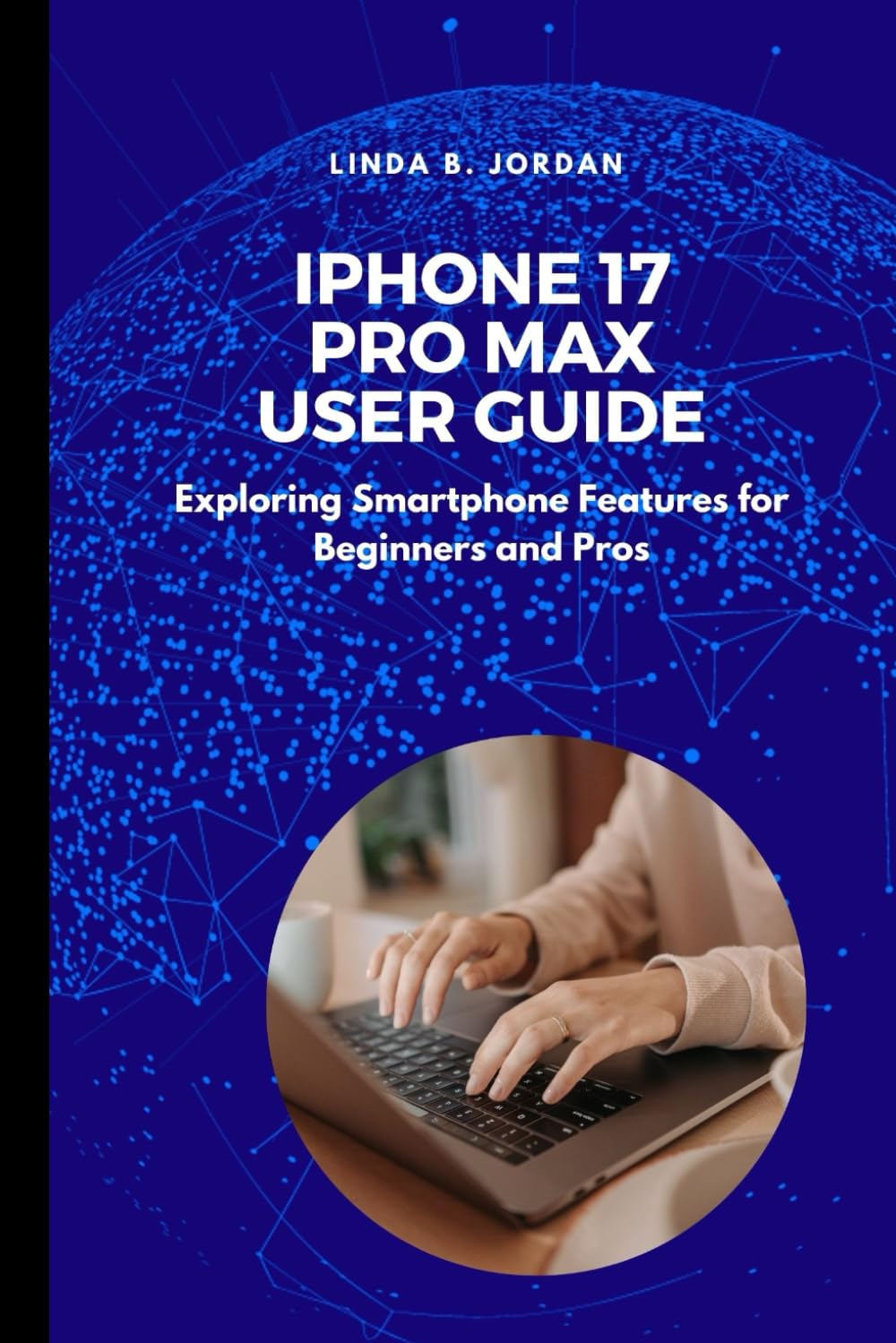
Image: Front cover of the iPhone 17 Pro Max User Guide book. The cover features the title "iPhone 17 Pro Max User Guide" prominently, along with the subtitle "Exploring Smartphone Features for Beginners and Pros".
The iPhone 17 Pro Max is a high-performance smartphone designed by Apple. This user guide provides detailed instructions for its operation. The guide itself is a paperback book, authored by Linda B. Jordan, and published independently. It serves as an expert resource for navigating the device's operating system and hardware features.

Image: Back cover of the iPhone 17 Pro Max User Guide book. The back cover displays the ISBN barcode and publishing information, including the ISBN-13: 979-8284572320.
Iestatīšana
This section outlines the initial steps for setting up your iPhone 17 Pro Max device.
- Unboxing and Initial Power On: Carefully remove your iPhone from its packaging. Press and hold the side button until the Apple logo appears.
- Valodas un reģiona izvēle: Izpildiet ekrānā redzamos norādījumus, lai izvēlētos vēlamo valodu un reģionu.
- Ātrā sākšana: If you have another iPhone or iPad running iOS 11 or later, you can use Quick Start to set up your new device automatically. Bring your old device near your new iPhone and follow the instructions.
- Manuālā iestatīšana: If not using Quick Start, connect to a Wi-Fi network. You will then be prompted to set up Face ID or Touch ID, create a passcode, and restore data from an iCloud or computer backup, or set up as a new iPhone.
- Apple ID: Sign in with your Apple ID. If you do not have one, you can create one during this process.
- Dati un privātums: Review Datu un privātuma informācija.
- Siri and Other Services: Configure Siri, Screen Time, and other services as desired.
Lietošanas instrukcijas
This section details the core functionalities and operations of the iPhone 17 Pro Max device.
- Navigācija: Learn gestures for navigating the interface, including swiping up for the Home screen, swiping down for Control Center or Notifications, and using the App Switcher.
- Kameras funkcijas: Explore various camera modes (Photo, Portrait, Cinematic, Video), settings, and advanced features like ProRAW and Action mode. Understand how to utilize the multiple lenses for different photographic scenarios.
- AI-Powered Software: Discover how AI enhances features such as photo editing, predictive text, Siri interactions, and personalized suggestions.
- Akumulatora optimizācija: Tips for extending battery life, including managing background app refresh, adjusting display settings, and using Low Power Mode.
- Lietotņu pārvaldība: How to download, organize, update, and delete applications.
- Saziņa: Making calls, sending messages, and using FaceTime.
Apkope
Proper maintenance ensures the longevity and optimal performance of your iPhone 17 Pro Max device.
- Programmatūras atjauninājumi: Regularly check for and install iOS updates to ensure your device has the latest features and security enhancements. Go to Iestatījumi > Vispārīgi > Programmatūras atjauninājums.
- Tīrīšana: Use a soft, lint-free cloth to clean the screen and exterior. Avoid abrasive materials or harsh chemicals. For stubborn smudges, a slightly damp cloth with water is acceptable.
- Krātuves pārvaldība: Monitor and manage your device's storage by deleting unnecessary apps, photos, and videos. Go to Iestatījumi > Vispārīgi > iPhone krātuve.
- Akumulatora stāvoklis: Monitor your battery's health in Iestatījumi > Akumulators > Akumulatora stāvoklis un uzlāde. Avoid extreme temperatures.
- Dublējums: Regularly back up your iPhone to iCloud or a computer to prevent data loss.
Problēmu novēršana
This section addresses common issues and provides solutions for your iPhone 17 Pro Max device.
- Ierīce nereaģē: Ja jūsu iPhone nereaģē, veiciet piespiedu restartēšanu. Nospiediet un ātri atlaidiet skaļuma palielināšanas pogu, pēc tam skaļuma samazināšanas pogu un pēc tam nospiediet un turiet sānu pogu, līdz parādās Apple logotips.
- App Crashing or Freezing: Close the app from the App Switcher and reopen it. If the issue persists, restart your iPhone. Ensure the app is updated to its latest version.
- Savienojamības problēmas (Wi-Fi/mobilais internets): Toggle Wi-Fi or Cellular Data off and on. Restart your router for Wi-Fi issues. Reset Network Settings (Iestatījumi > Vispārīgi > Pārsūtīt vai atiestatīt iPhone > Atiestatīt > Atiestatīt tīkla iestatījumus).
- Ātri izlādējas akumulators: Review akumulatora patēriņš Iestatījumi > Akumulators to identify power-hungry apps. Enable Low Power Mode.
- Face ID/Touch ID Not Working: Ensure your face/finger is clean and unobstructed. Re-register your Face ID/Touch ID in Iestatījumi > Sejas ID un piekļuves kods or Pieskarieties ID un piekļuves kods.
Specifikācijas
Key specifications for the iPhone 17 Pro Max (as referenced by this guide) and the guide itself:
| Funkcija | Detaļas |
|---|---|
| Ierīces modelis | iPhone 17 Pro Max |
| Ierīces operētājsistēma | iOS (jaunākā versija ierīces izlaišanas laikā) |
| Guide Author | Linda B. Jordan |
| Guide Publisher | Neatkarīgi publicēts |
| Guide Publication Date | 19. gada 2025. maijs |
| Guide Language | angļu valoda |
| Guide Print Length | 87 lapas |
| Guide ISBN-13 | 979-8284572320 |
Garantija un atgriešana
This section pertains to the return policy for the user guide book itself, as well as general information regarding the iPhone device.
- Book Return Policy: The paperback version of this user guide is subject to the return policy of the retailer from which it was purchased. For Amazon purchases, a 30-day return window for refund or replacement typically applies. Please refer to your purchase receipt or retailer's webvietne, lai iegūtu konkrētu informāciju.
- iPhone Device Warranty: The iPhone 17 Pro Max device itself is covered by Apple's standard limited warranty. For detailed warranty information, including coverage period and terms, please refer to the official Apple documentation provided with your device or visit the official Apple Warranty Information page. This user guide does not provide a warranty for the iPhone device.
Atbalsts
For further assistance with your iPhone 17 Pro Max or this user guide:
- iPhone Device Support: For technical support, service, or warranty claims related to the iPhone 17 Pro Max device, please visit the official Apple atbalsts webvietne vai sazinieties tieši ar Apple klientu apkalpošanas dienestu.
- User Guide Inquiries: For questions or feedback regarding the content of this user guide, please refer to the publisher's contact information, typically found within the book or on the retailer's product page.


