1. Ievads
This manual provides essential information for the proper setup, operation, and maintenance of your SANSUI 24 Inch Gaming Monitor. Please read this manual thoroughly before using the product to ensure optimal performance and safety.
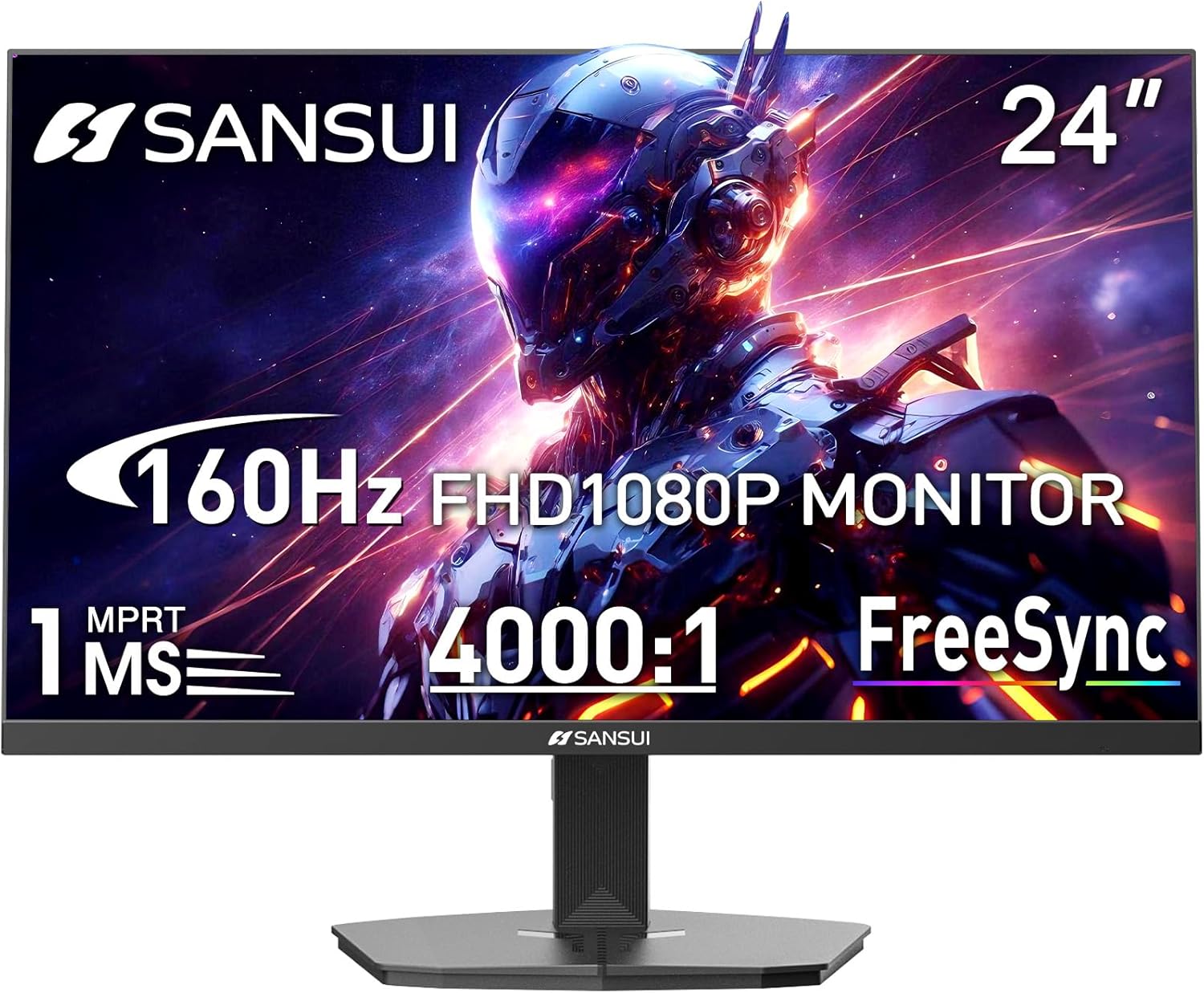
Image 1.1: SANSUI 24 Inch Gaming Monitor (Model ES-G24F4M)
2. Drošības informācija
- Pārliecinieties, vai monitors ir novietots uz stabilas, līdzenas virsmas, lai novērstu nejaušu kritienu.
- Nepakļaujiet monitoru lietum, mitrumam vai ekstremālām temperatūrām.
- Nenobloķējiet ventilācijas atveres, lai novērstu pārkaršanu.
- Izmantojiet tikai monitoram pievienoto strāvas adapteri.
- Pirms tīrīšanas vai ja monitors ilgāku laiku netiks lietots, atvienojiet strāvas kabeli no kontaktligzdas.
3. Iepakojuma saturs
Pārliecinieties, vai iepakojumā ir visi priekšmeti:
- SANSUI 24 Inch Gaming Monitor
- HDMI kabelis x 1
- Strāvas adapteris x 1
- Ātrās uzstādīšanas rokasgrāmata
- Garantijas karte
4. Produkta īpašības
- Displeja izmērs: 24 collas
- Izšķirtspēja: FHD 1080p (1920 x 1080 pikseļi)
- Atsvaidzināšanas biežums: 160 Hz
- Atbildes laiks: 1 ms MPRT
- Kontrasta attiecība: 4000:1
- Spilgtums: 300 cd/m²
- Krāsu gamma: 72% sRGB
- Tehnoloģija: FreeSync, HDR, Anti-flicker, Anti-Glare, Low Blue Light Eye Care
- Porti: HDMI & DP Ports (HDMI Cable Included)
- Montāža: VESA Support (75x75mm)
- Izmēri: 21.2 x 7.95 x 16.28 collas
- Svars: 3.54 mārciņas
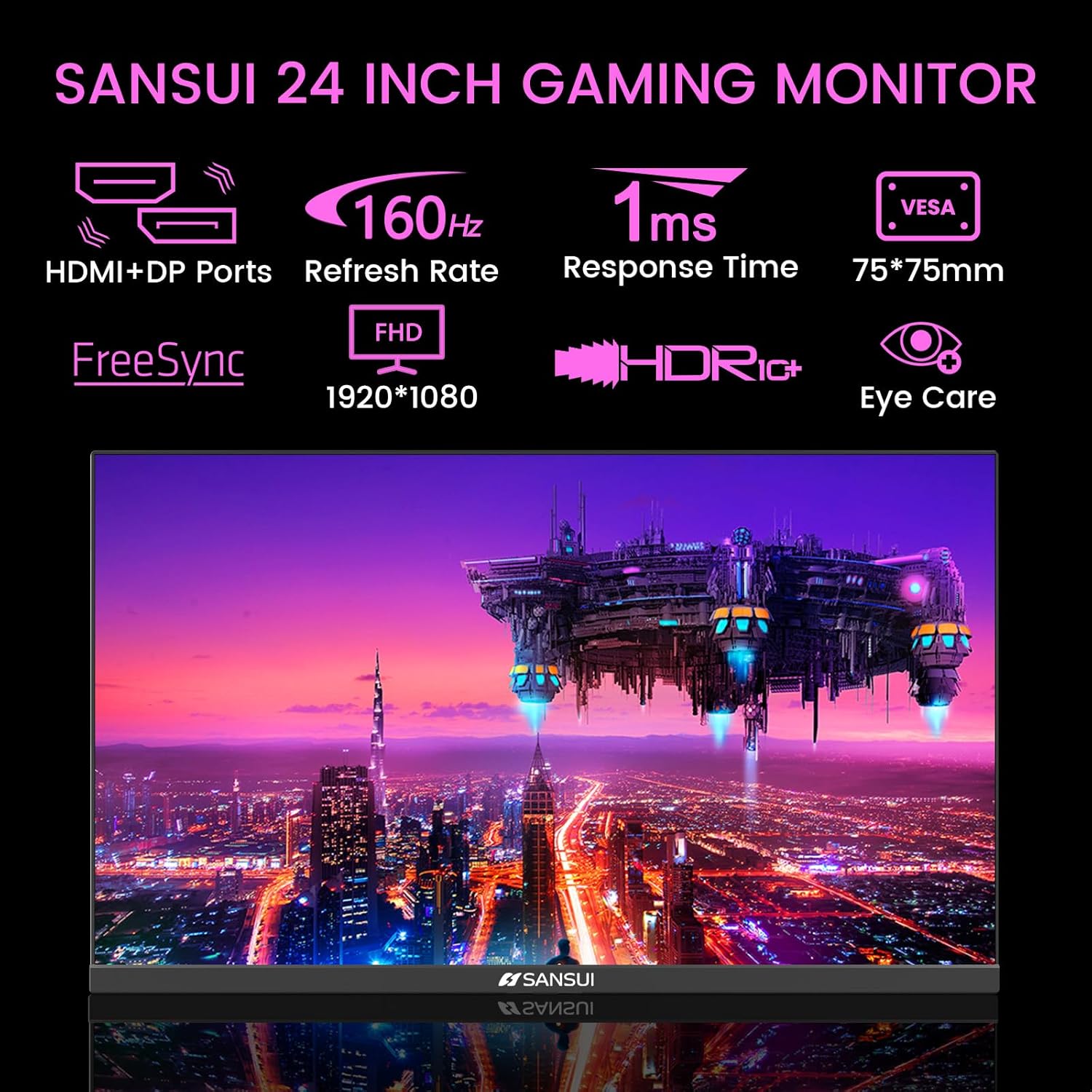
Image 4.1: Key Features of the SANSUI 24 Inch Gaming Monitor.
5. Iestatīšana
5.1. Statīva salikšana
- Uzmanīgi izņemiet monitora un statīva sastāvdaļas no iepakojuma.
- Piestipriniet statīva pamatni pie statīva kakla, izmantojot komplektā iekļautās skrūves.
- Secure the assembled stand to the back of the monitor. Ensure it clicks into place or is fastened securely with screws, depending on the design.
5.2. VESA stiprinājums (pēc izvēles)
The monitor supports VESA 75x75mm mounting. If using a VESA mount, remove the pre-attached stand and follow the instructions provided with your VESA mounting kit.
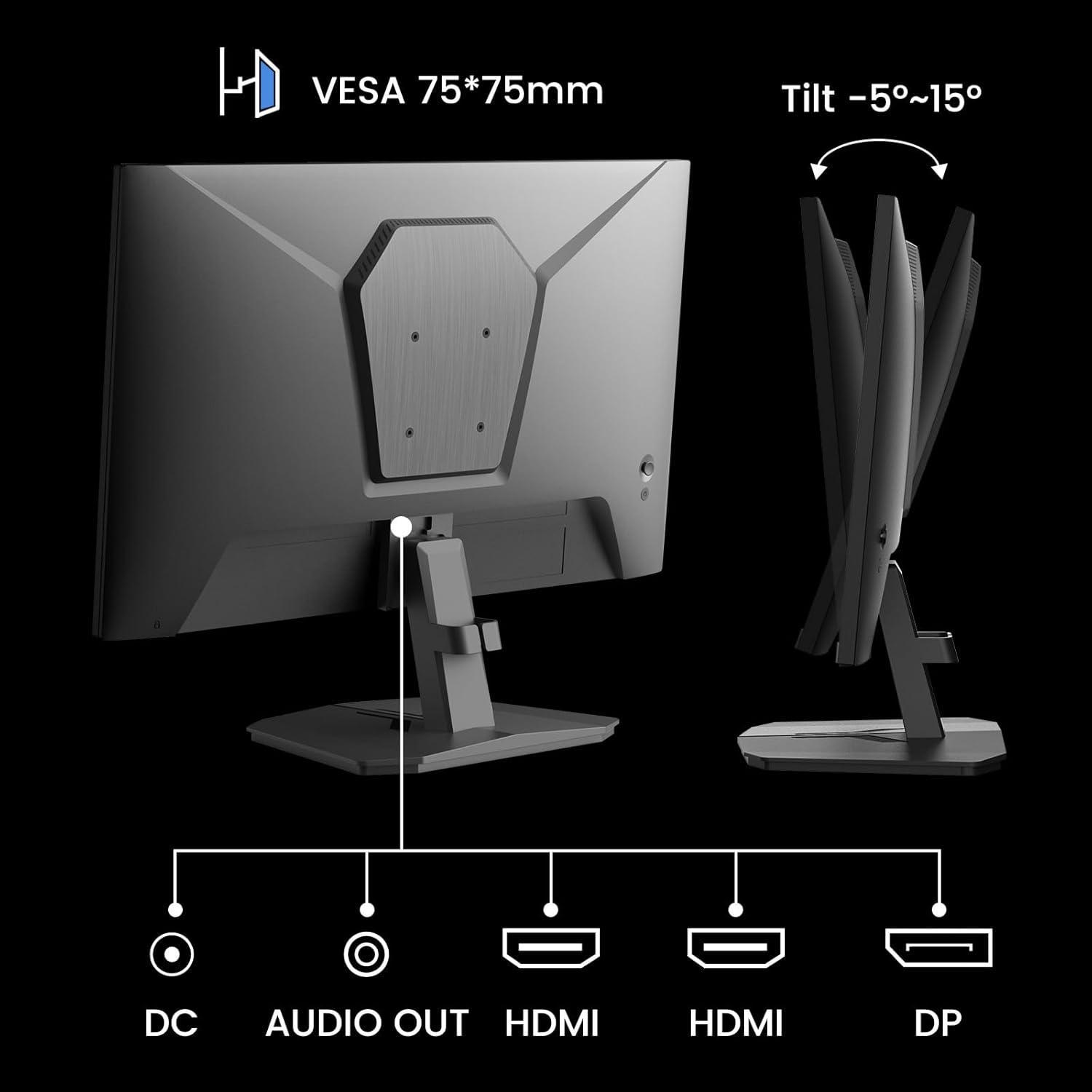
5.1. attēls: aizmugurē view showing VESA mount and input ports.
5.3. Savienojuma izveide ar ierīci
- Connect one end of the HDMI cable (included) or a DisplayPort (DP) cable to the corresponding port on your computer or gaming console.
- Connect the other end of the cable to the HDMI or DP input port on the SANSUI monitor.
- For audio output, connect external speakers or headphones to the 'AUDIO OUT' port on the monitor.
- Connect the power adapter to the 'DC IN' port on the monitor, then plug the adapter into a power outlet.
5.4. Sākotnējā ieslēgšana
Press the power button located on the underside of the monitor to turn it on. The monitor will automatically detect the active input source. If not, manually select the input source using the OSD menu.
6. Lietošanas instrukcijas
6.1. OSD (ekrāna displeja) izvēlnes navigācija
The OSD menu allows you to adjust various monitor settings. The control buttons are located on the underside of the monitor:
- Izvēlnes poga: Press to open the OSD menu or enter a sub-menu.
- Augšup/lejupvērstās bultiņas: Pārvietojieties pa izvēlnes opcijām.
- Ievadīšanas poga: Confirm selection or adjust values.
- Barošanas poga: Ieslēdziet/izslēdziet monitoru.
6.2. Attēla iestatījumi
Access the 'Picture' section in the OSD menu to adjust:
- Spilgtums: Pielāgo ekrāna kopējo spilgtumu.
- Kontrasts: Pielāgo atšķirību starp gaišākajām un tumšākajām zonām.
- Overdrive: Enhances pixel response time for reduced motion blur.
- HDR (augsts dinamiskais diapazons): When enabled, HDR provides a wider range of colors and contrast. Note: Some settings may be locked when HDR is active.
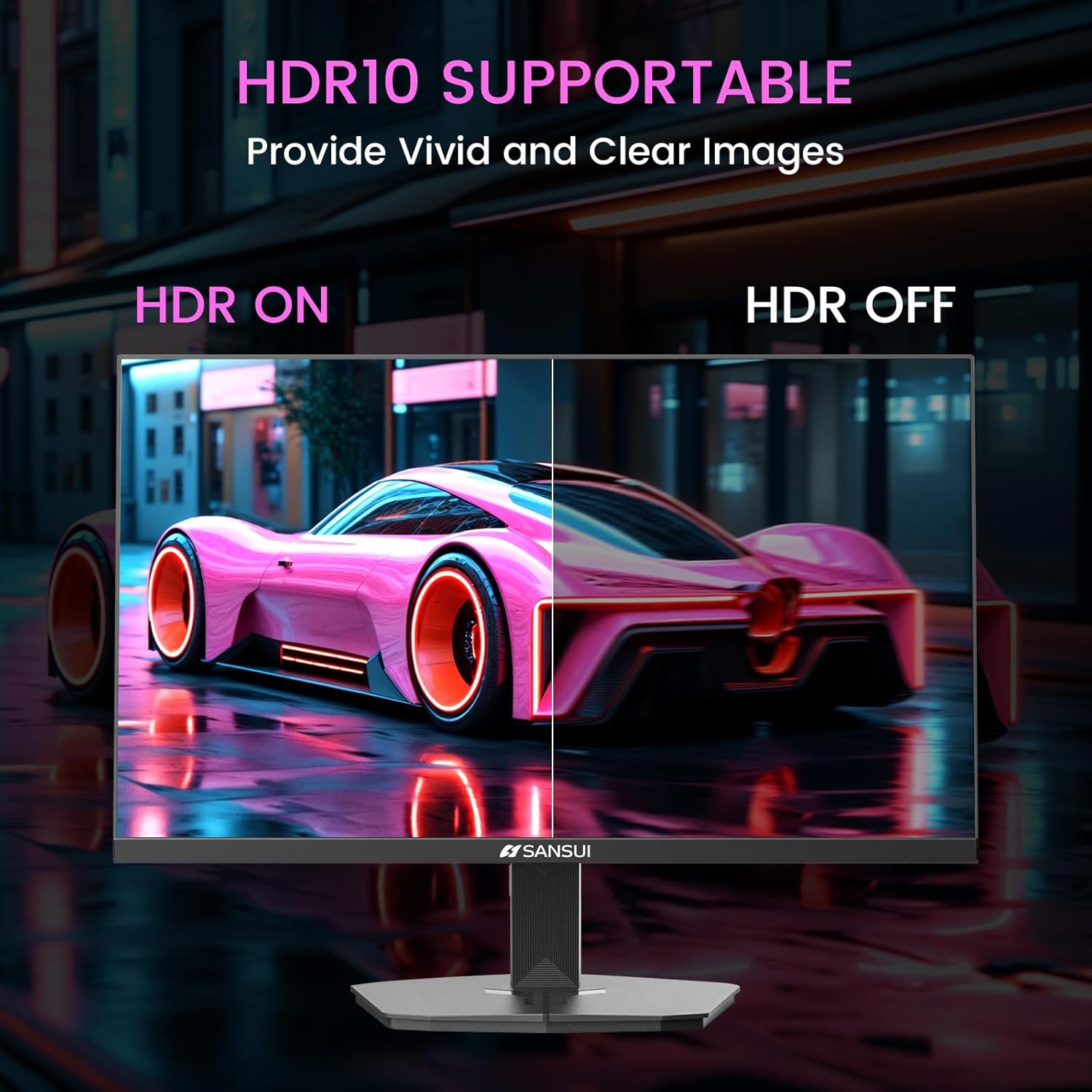
Image 6.1: HDR10 Support for vivid and clear images.
6.3. Krāsu iestatījumi
In the 'Color Setup' menu, you can adjust color temperature and other color-related parameters when HDR is not active.
6.4. Game Modes and Assistants
The monitor includes exclusive gaming modes and assistants to enhance your gaming experience:
- CrossHair: Nodrošina ekrānā redzamu tēmēkli labākai mērķēšanai.
- Taimeris: Displays an on-screen timer.
- RTS/FPS/RACING: Pre-calibrated display modes optimized for specific game genres.
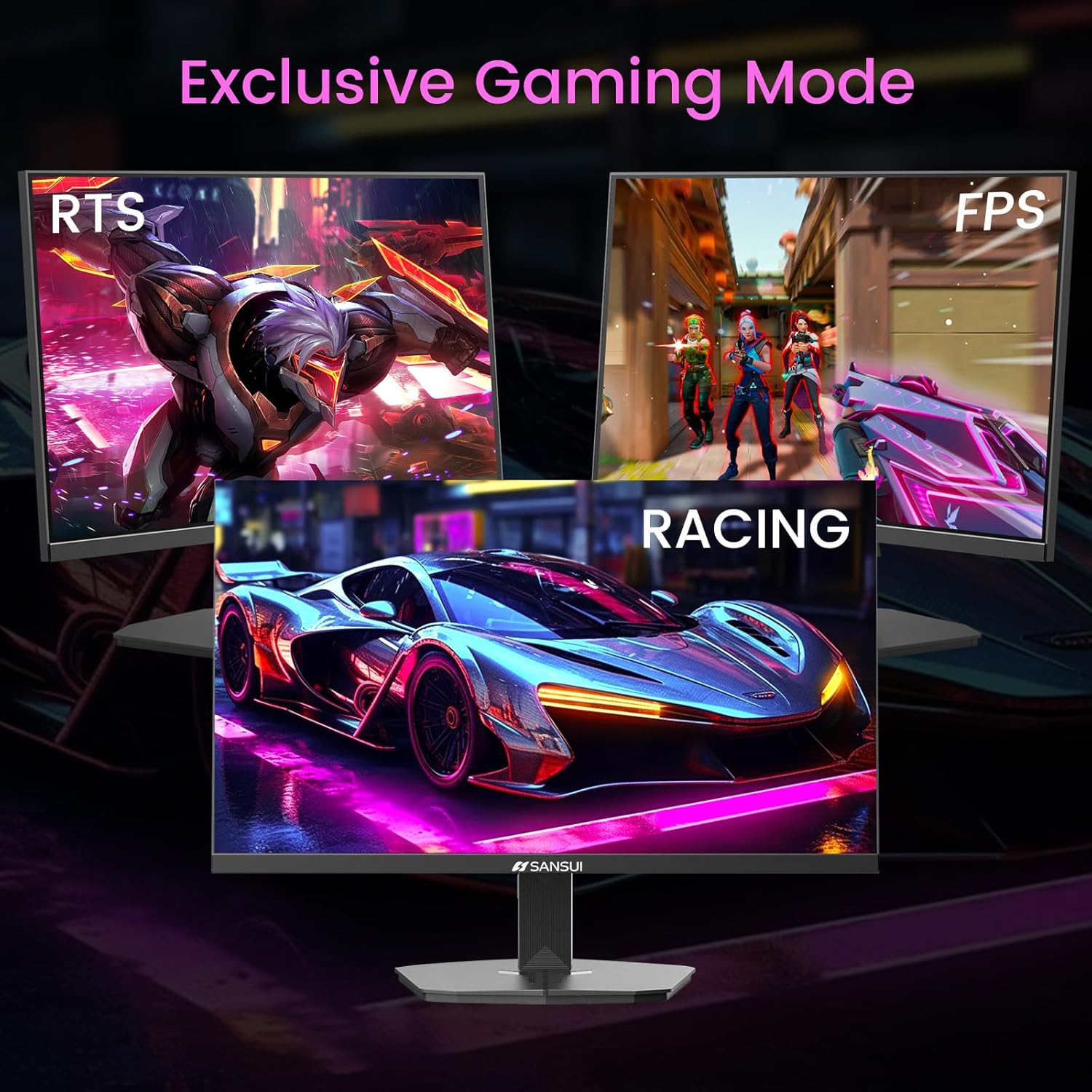
Image 6.2: Exclusive Gaming Modes for optimized visuals.
6.5. FreeSync Technology
FreeSync technology synchronizes the monitor's refresh rate with your graphics card's frame rate, eliminating screen tearing and stuttering for a smoother gaming experience. Enable or disable FreeSync through the OSD menu.
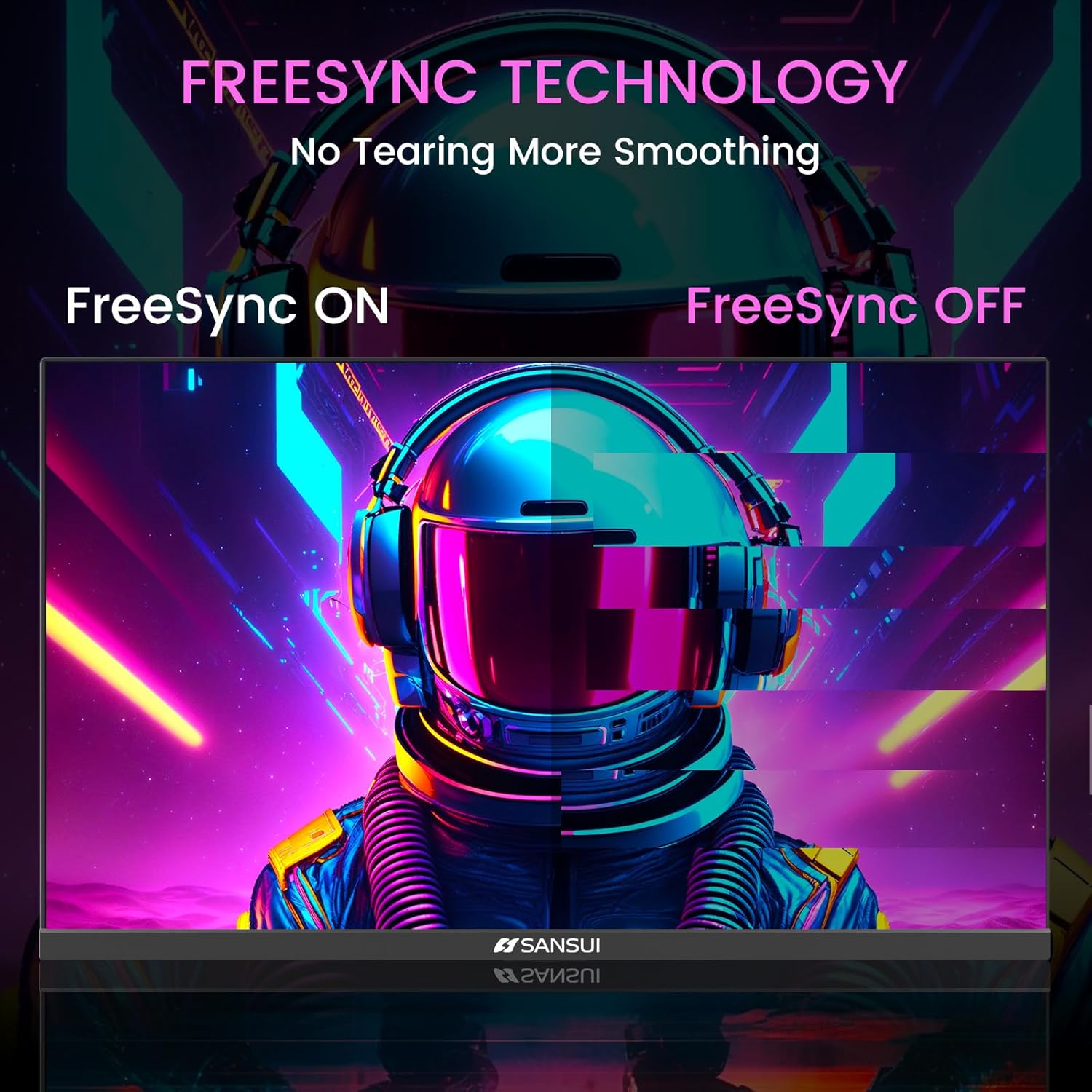
Image 6.3: FreeSync Technology for no tearing and smoother visuals.
6.6. Ievades izvēle
Use the OSD menu to manually select the input source (HDMI or DP) if the monitor does not automatically detect it.
Video 6.1: SANSUI FreeSync - 24-inch Gaming Monitor, 160Hz, FHD. This video demonstrates the monitor's features and performance, including its 160Hz refresh rate and FreeSync technology.
7. Apkope
- Ekrāna tīrīšana: Izmantojiet mīkstu, neplūksnu drānu nedaudz dampnoskalojiet ar ūdeni vai ekrāna tīrītāju. Neizsmidziniet tīrīšanas līdzekli tieši uz ekrāna.
- C tīrīšanaasing: Monitora tīrīšanai izmantojiet mīkstu, sausu drānu.asing. Izvairieties no abrazīviem tīrīšanas līdzekļiem.
- Uzglabāšana: Ja monitoru ilgstoši glabājat, atvienojiet visus kabeļus un uzglabājiet to vēsā, sausā vietā, vēlams, oriģinālajā iepakojumā.
8. Traucējummeklēšana
- Nav jaudas: Pārliecinieties, vai strāvas kabelis ir droši pievienots gan monitoram, gan strāvas kontaktligzdai. Pārbaudiet, vai strāvas kontaktligzda darbojas.
- Nav signāla: Verify that the video cable (HDMI/DP) is correctly connected to both the monitor and the source device. Ensure the correct input source is selected in the OSD menu.
- Mirgojošs ekrāns: Check the video cable connection. Ensure the refresh rate is set correctly in your device's display settings.
- Attēla kropļojumi: Reset the monitor to factory settings via the OSD menu. Check your device's display resolution settings.
- Pogas nereaģē: Disconnect the power for a few minutes, then reconnect. If the issue persists, contact customer support.
9. Specifikācijas
| Funkcija | Specifikācija |
|---|---|
| Produkta izmēri | 21.2 x 7.95 x 16.28 collas |
| Preces svars | 3.54 mārciņas |
| Ražotājs | EXPRESS LUCK INDUSTRIAL(ZHONGSHAN)LIMITED |
| Preces modeļa numurs | ES-G24F4M |
| Stāvoša ekrāna displeja izmērs | 24 collas |
| Malu attiecība | 16:9 |
| Izšķirtspēja | 1920 x 1080 pikseļi (FHD 1080p) |
| Attēla spilgtums | 300 cd/m² |
| Ekrāna virsmas apraksts | Matēts |
10. Garantija un atbalsts
SANSUI offers a money-back and free replacement warranty from the order date within 30 days. Additionally, lifetime technical support is provided for the SANSUI 24 inch 160Hz 1ms gaming monitor. For any questions or support needs, please contact SANSUI's after-sales support team.


