1. Ievads
Thank you for choosing the Gtheos Captain 370 Wireless Gaming Headset. This manual provides essential information for setting up, operating, and maintaining your new headset. Designed for an immersive audio experience, the Captain 370 offers versatile connectivity and comfortable wear for extended gaming sessions and communication.
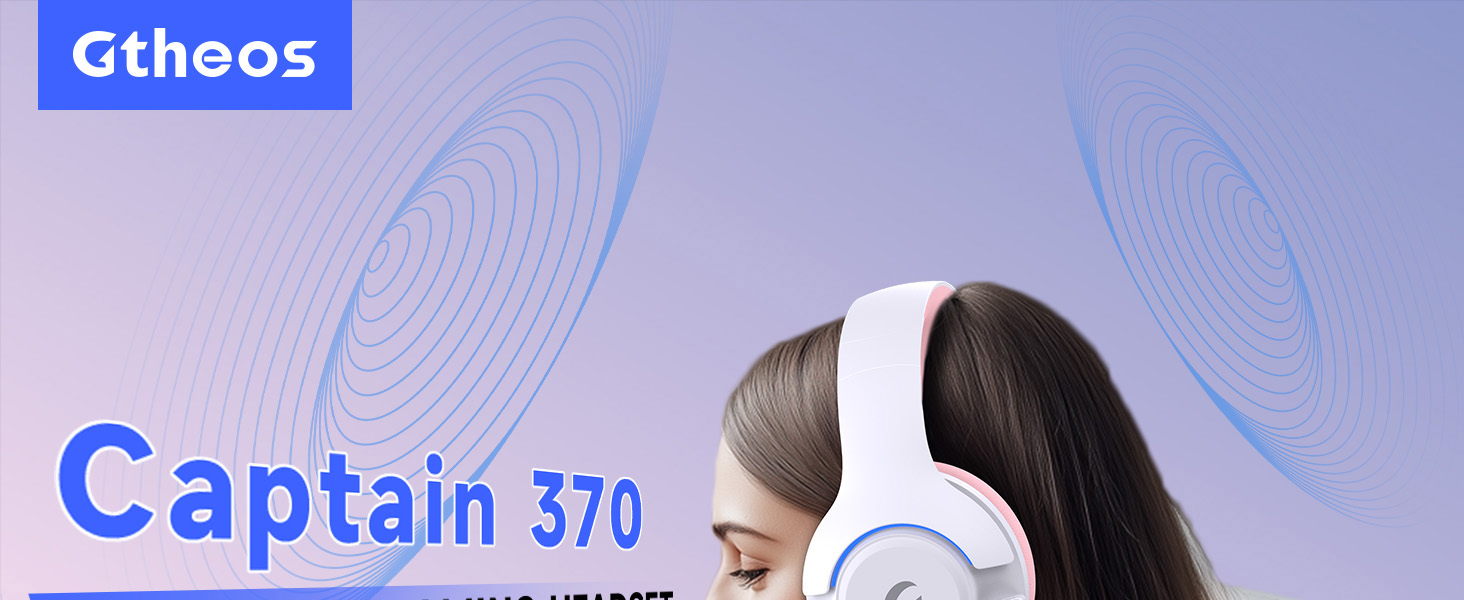
Image 1: The Gtheos Captain 370 Wireless Gaming Headset, showcasing its sleek design and comfortable earcups.
Galvenās funkcijas:
- 4-in-1 savienojamība: Seamlessly switch between 2.4GHz wireless, Bluetooth 5.3, and 3.5mm wired modes for broad device compatibility.
- 50 mm dinamiskie draiveri: Experience realistic and immersive sound quality for gaming and multimedia.
- Trokšņu slāpēšanas mikrofons: Detachable microphone designed to reduce background noise for clear communication.
- Pagarināts akumulatora darbības laiks: Izbaudiet līdz pat 45 stundām nepārtrauktas lietošanas ar vienu uzlādi.
- Ērts dizains: Ergonomically designed earcups and headband for prolonged comfort during use.
- RGB apgaismojums: Customizable LED lighting effects on the earcups.
2. Iestatīšana
2.1 Kas ir kastē
- 1 x Gtheos Captain 370 Gaming Headset
- 1 x Detachable Noise Cancelling Microphone
- 1 C tipa uzlādes kabelis
- 1 x USB Transmitter (2.4GHz dongle)
- 1 x 3.5 mm audio kabelis
- 1 x Lietotāja rokasgrāmata
2.2 Austiņu uzlāde
Before first use, fully charge the headset. Connect the Type-C charging cable to the headset's charging port and the other end to a USB power source (e.g., computer USB port, USB wall adapter). The LED indicator will show charging status and turn off when fully charged.

Image 2: Headset highlighting the 45-hour battery life and charging port.
2.3 Mikrofona pievienošana
The Captain 370 comes with a detachable noise-canceling microphone. Insert the microphone into the dedicated port on the left earcup until it clicks into place. Ensure it is securely connected for optimal voice pickup.

Image 3: Close-up of the headset showing the detachable noise-canceling microphone.
3. Lietošanas instrukcijas
3.1 Ieslēgšana/izslēgšana
To power on the headset, press and hold the Power button located on the earcup until the LED indicator lights up. To power off, press and hold the Power button again until the LED indicator turns off.
3.2 Savienojamības režīmi
The Gtheos Captain 370 supports four connectivity modes:
- 2.4 GHz bezvadu režīms: For PS4, PS5, PC, Mac, Nintendo Switch (via Type-C), and Phones/Pads (via Type-C). Insert the USB transmitter into your device. The headset will automatically connect.
- Bluetooth 5.3 režīms: For Phones, Pads, and Notebooks. Enable Bluetooth on your device, put the headset into pairing mode (refer to device-specific instructions if needed), and select "Gtheos Captain 370" from the available devices.
- 3.5 mm vadu režīms: For PS4, PS5, Xbox, PC, Mac, and Laptops/Tablets with a 3.5mm jack. Connect the included 3.5mm audio cable to the headset and your device.
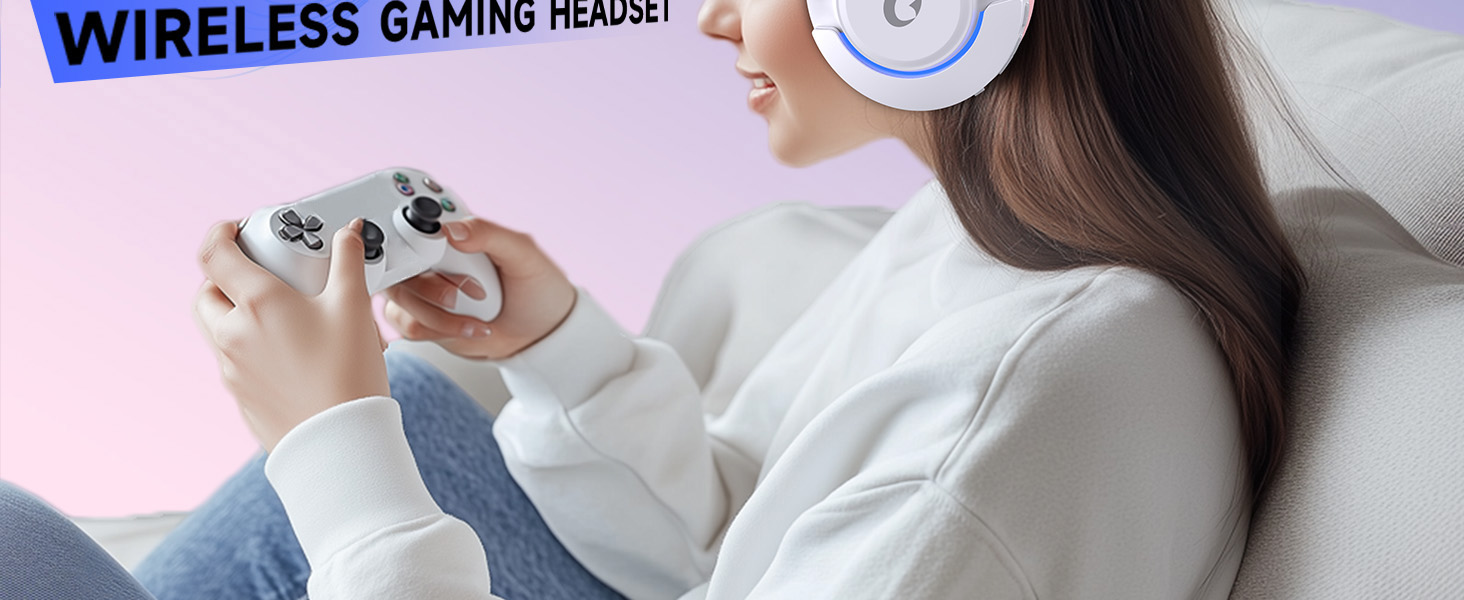
Image 4: Visual representation of the four connectivity modes and compatible devices.

Image 5: Detailed compatibility matrix for voice and microphone functions across 2.4G, Bluetooth, and 3.5mm wired modes.
3.3 Skaļuma kontrole
Adjust the volume using the dedicated volume roller or buttons on the headset's earcup. For optimal sound, also check the volume settings on your connected device.
3.4 Mikrofona izslēgšana
Press the Microphone Mute button on the headset to toggle the microphone on or off. An indicator light (often red) will typically show when the microphone is muted.
3.5 LED apgaismojuma vadība
The headset features customizable RGB lighting. Press the dedicated LED control button (often integrated with the mic mute button or a separate button) to cycle through different lighting effects or turn them off. A quick press may change colors, while a long press might toggle the lights on/off.
4. Apkope
To ensure the longevity and performance of your Gtheos Captain 370 headset, follow these maintenance guidelines:
- Tīrīšana: Use a soft, dry cloth to clean the headset. Avoid using harsh chemicals or abrasive materials. For earcups, gently wipe with a damp drānu un ļauj pilnībā nožūt gaisā.
- Uzglabāšana: Uzglabājiet austiņas vēsā, sausā vietā, pasargājot tās no tiešiem saules stariem un ekstremālām temperatūrām.
- Apstrāde: Avoid dropping the headset or exposing it to excessive force. Do not pull on cables forcefully.
- Akumulatora kopšana: For optimal battery life, avoid fully discharging the headset frequently. Charge it regularly, even if not in constant use.
5. Traucējummeklēšana
5.1 Nav skaņas vai kluss skaļums
- Pārliecinieties, vai austiņas ir ieslēgtas un pilnībā uzlādētas.
- Pārbaudiet skaļuma līmeņus gan austiņās, gan pievienotajā ierīcē.
- Pārliecinieties, vai ierīces skaņas iestatījumos ir atlasīta pareizā audio izvades ierīce.
- If using 2.4GHz wireless, ensure the USB transmitter is securely plugged in and recognized by your device.
- If using Bluetooth, ensure the headset is properly paired and connected.
- If using 3.5mm wired, ensure the cable is fully inserted into both the headset and the device.
5.2 Mikrofons nedarbojas
- Pārliecinieties, vai mikrofons ir droši piestiprināts pie austiņām.
- Pārbaudiet, vai mikrofons ir izslēgts, izmantojot austiņu izslēgšanas pogu.
- Pārliecinieties, vai ierīces skaņas iestatījumos ir atlasīta pareizā mikrofona ievades ierīce.
- Pārbaudiet mikrofonu dažādās lietojumprogrammās vai ar citu ierīci.
5.3 Savienojamības problēmas
- 2.4 GHz: Try unplugging and re-plugging the USB transmitter. Ensure no other 2.4GHz devices are causing interference.
- Bluetooth: Unpair and re-pair the headset with your device. Ensure the headset is within the Bluetooth range (10 meters).
- Vispārīgi: Restartējiet gan austiņas, gan pievienoto ierīci.
6. Specifikācijas
| Funkcija | Detaļas |
|---|---|
| Modeļa nosaukums | Kapteinis 370 |
| Zīmols | Gtheos |
| Savienojamības tehnoloģija | 2.4 GHz bezvadu, Bluetooth 5.3, 3.5 mm vadu |
| Audio draivera izmērs | 50 milimetri |
| Audio draivera tips | Dinamiskais draiveris |
| Frekvences reakcija | 20 KHz |
| Impedance | 32 omi |
| Trokšņa kontrole | Skaņas izolācija, trokšņu slāpēšana (mikrofons) |
| Akumulatora darbības laiks | Līdz 45 stundām |
| Bluetooth versija | 5.3 |
| Bluetooth diapazons | 10 metri |
| Audio aizkavēšanās | 20 milisekundes |
| Saderīgas ierīces | PS5, PS4, PC, Mac, Laptop, Tablets, Phones, Nintendo Switch, Xbox (wired) |
| Materiāls | ABS, Leather, PC |
| Preces svars | 0.51 kg (1.12 mārciņas) |
| Krāsa | Tumši rozā |
7. Garantija un atbalsts
7.1 Informācija par garantiju
The Gtheos Captain 370 Wireless Gaming Headset comes with a standard manufacturer's warranty. Please refer to the warranty card included in your product packaging for specific terms and conditions, including warranty period and coverage details.
7.2 Klientu atbalsts
For technical assistance, troubleshooting, or any questions regarding your Gtheos Captain 370 headset, please contact Gtheos customer support. You can find contact information on the official Gtheos webvietnē vai caur mazumtirgotāju, kur iegādājāties produktu.
Apmeklējiet Gtheos veikals vietnē Amazon lai iegūtu plašāku informāciju un produktu atjauninājumus.


