Produkts beidziesview
The Anweller P7BF is a versatile smart padlock offering multiple unlocking methods for enhanced security and convenience. It features fingerprint recognition, passcode entry, and mobile app control.
Galvenās iezīmes
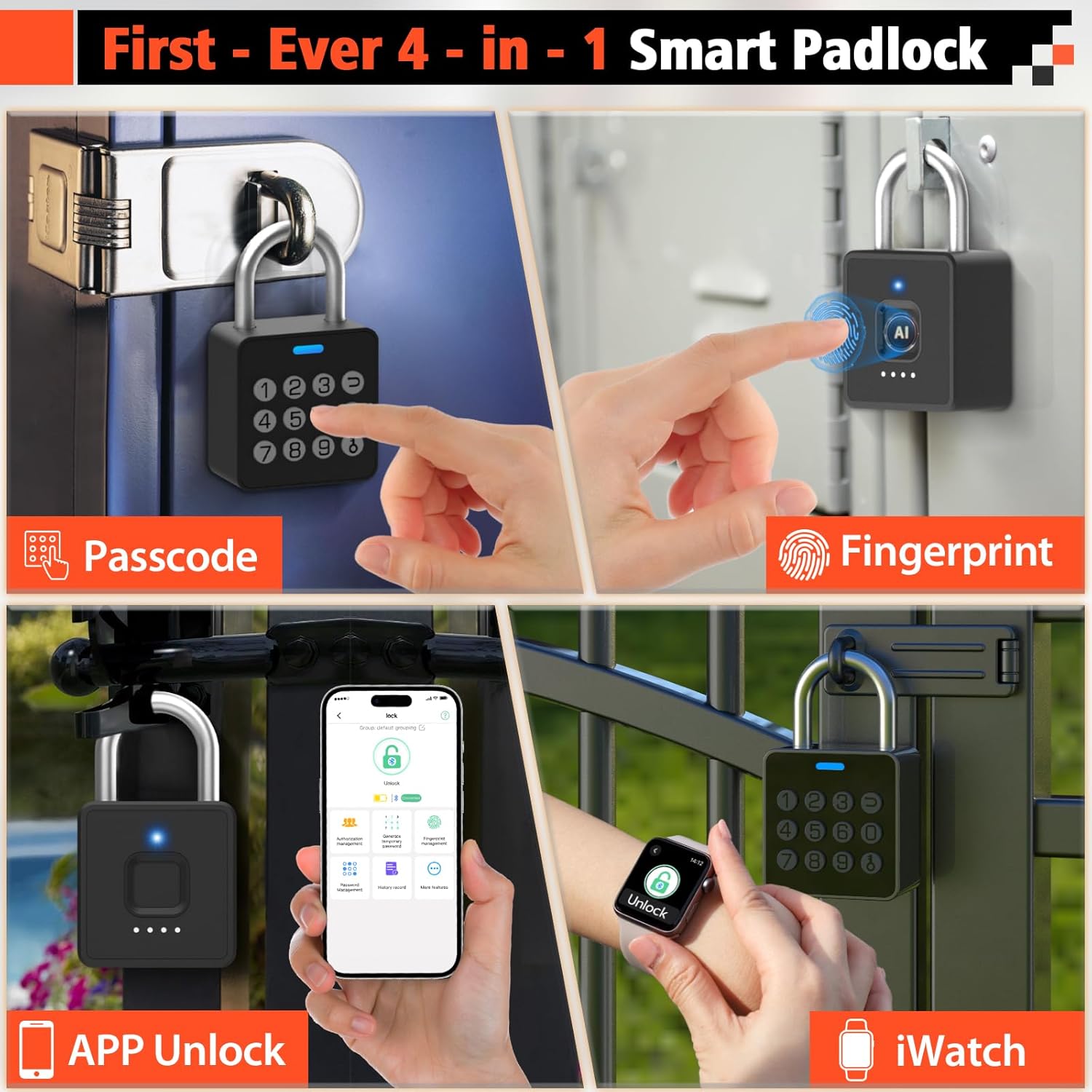
- 4-in-1 Unlocking: Fingerprint, Passcode, Mobile App, and iWatch.
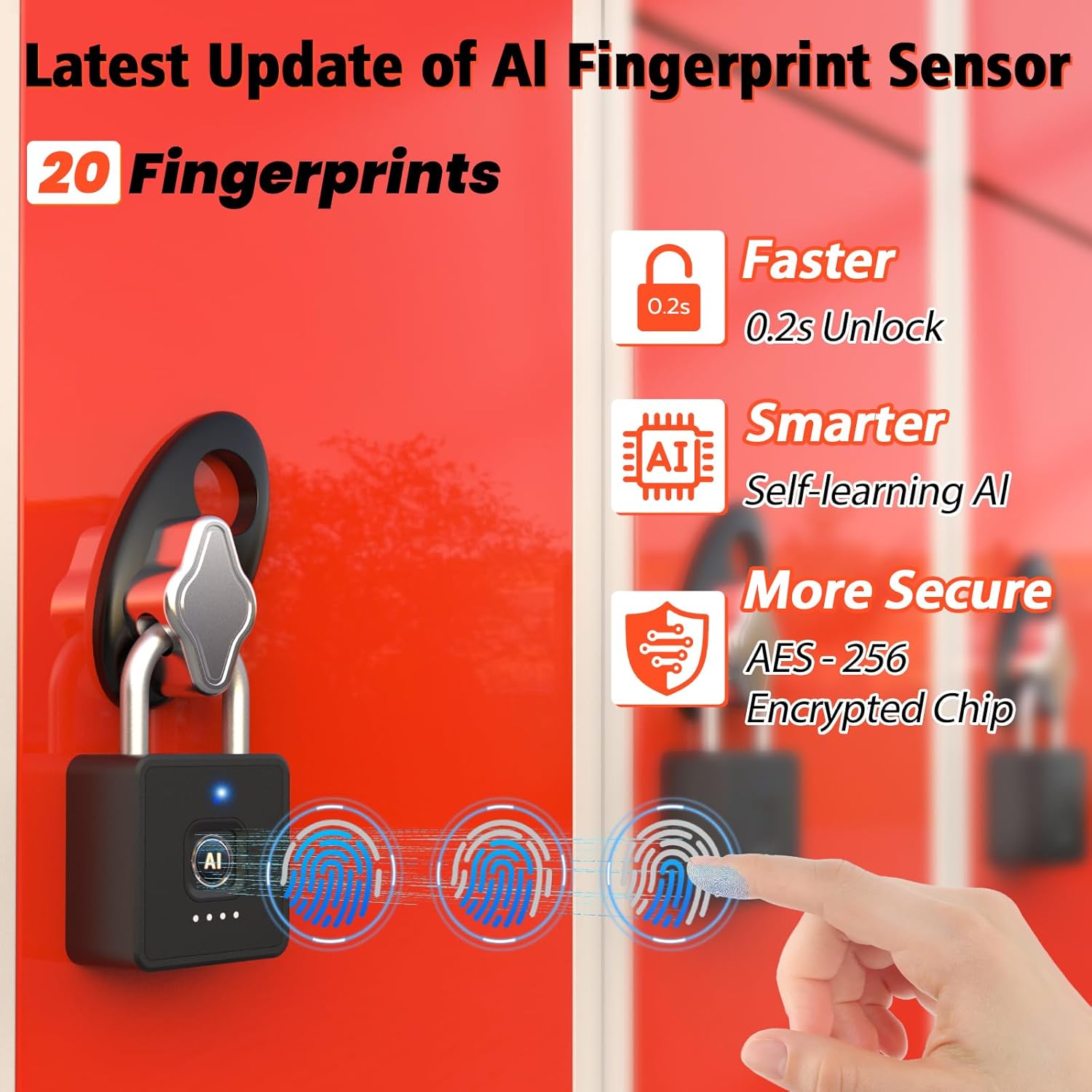
- Ātra pirkstu nospiedumu atpazīšana: Unlocks in 0.2 seconds. Supports up to 20 fingerprints.
- Multi-function Passwords: Permanent, Guest (scheduled), and One-time codes.
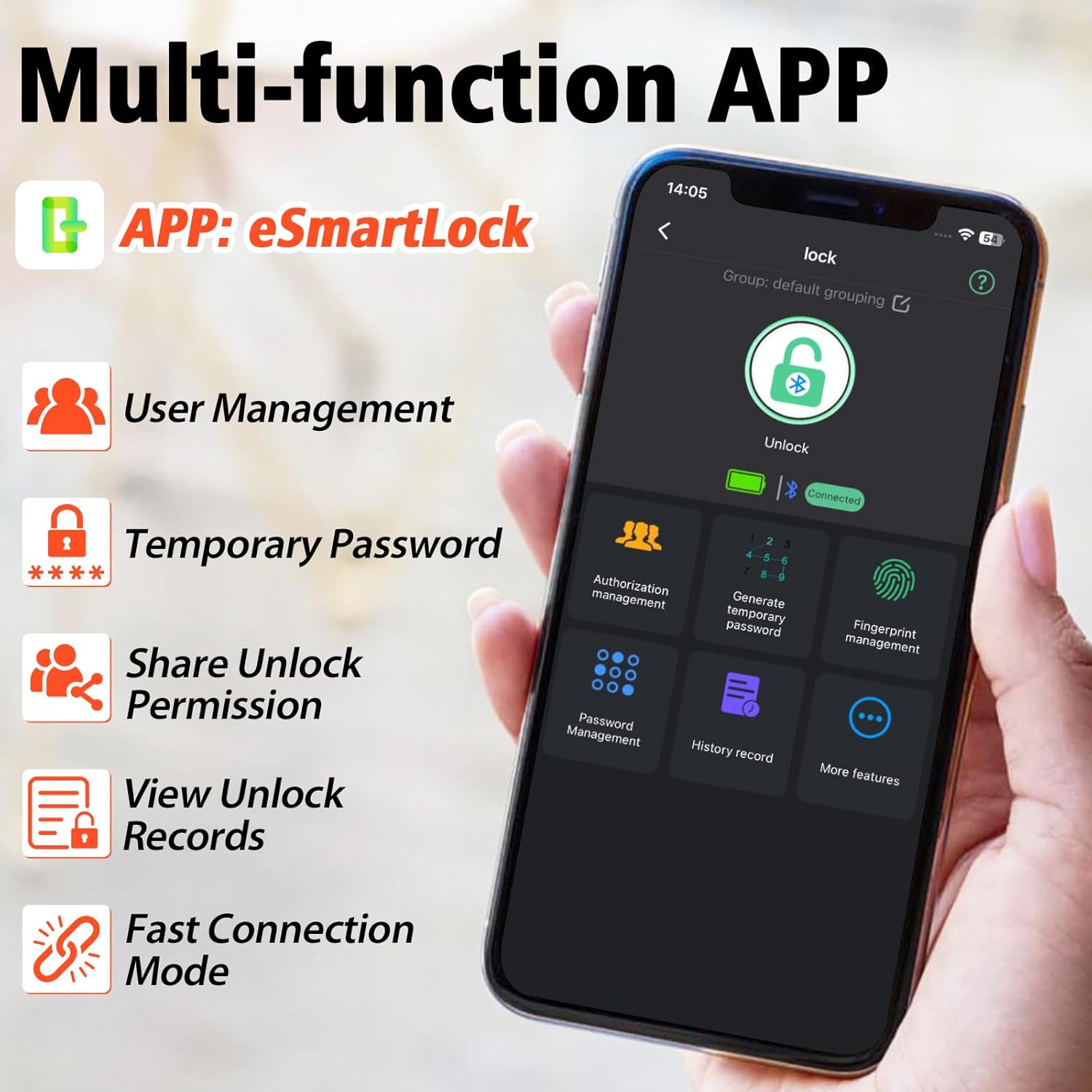
- Smart App Control: Bluetooth connectivity for user management, password generation, and unlock records.
- Izturīgs dizains: IP65 waterproof and dustproof, withstands temperatures from -4°F to 113°F.
- Ilgs akumulatora darbības laiks: Up to 180 days standby time, Type-C charging.

Kas ir iekļauts
- Anweller Smart Padlock
- C tipa lādēšanas kabelis
- Lietotāja rokasgrāmata
Iestatīšanas rokasgrāmata
Sākotnējā uzlāde
Before first use, fully charge the padlock using the provided Type-C cable. The charging port is typically located at the bottom or side of the lock. A full charge ensures optimal performance.

Lietotņu instalēšana un savienošana
- Download the "eSmartLock" app from your device's app store (Android or iOS).
- Atveriet lietotni un izveidojiet kontu.
- Pārliecinieties, vai jūsu tālrunī ir iespējota Bluetooth funkcija.
- In the app, select "Add Device" and follow the on-screen instructions to pair with your Anweller P7BF padlock. The lock's indicator light will typically flash during pairing.
Pirkstu nospiedumu reģistrēšana
- Once connected via the app, navigate to "Fingerprint Management".
- Select "Add Fingerprint" and follow the app's prompts to register your fingerprint. You will typically need to place your finger on the sensor multiple times from different angles.
- Register all desired fingerprints (up to 20).
Setting Passcodes
- In the app, go to "Password Management".
- You can set permanent passcodes (up to 20), generate guest passwords with scheduled entry times, or create one-time passwords.
- Follow the app's instructions to create and manage your desired passcodes.

Lietošanas instrukcijas
Atbloķēšana ar pirkstu nospiedumu palīdzību
Place your registered finger firmly on the fingerprint sensor. The lock will unlock in approximately 0.2 seconds if the fingerprint is recognized.
Unlocking with Passcode
Enter your registered passcode on the keypad and press the unlock button (often represented by a key or checkmark symbol).
Unlocking via Mobile App
Open the "eSmartLock" app on your smartphone. Ensure Bluetooth is active and you are within range of the padlock. Tap the "Unlock" button within the app interface.
Unlocking via iWatch
If configured, use the dedicated iWatch app to unlock the padlock.
Apkope
Akumulatora pārvaldība
The padlock is powered by a rechargeable Lithium-ion battery. When the battery is low, the indicator light may flash differently, or the app will notify you. Charge the lock using the provided Type-C cable. Avoid prolonged exposure to extreme temperatures to preserve battery life.
Tīrīšana
Wipe the lock body and fingerprint sensor with a soft, dry cloth. Do not use abrasive cleaners or solvents.
Vides apstākļi
The lock is IP65 rated for water and dust resistance, making it suitable for outdoor use. However, avoid submerging it in water or exposing it to harsh chemicals.

Problēmu novēršana
Fingerprint Not Recognized
- Pārliecinieties, vai pirksts ir tīrs un sauss.
- Mēģiniet novietot pirkstu uz sensora no dažādiem leņķiem.
- Re-register your fingerprint if the issue persists.
- Ensure the sensor is clean and free of debris.
Passcode Not Working
- Double-check that you are entering the correct passcode.
- Verify if the passcode is still active (for guest or one-time codes).
- Ensure the lock's battery is not critically low.
Lietotnes savienojamības problēmas
- Pārliecinieties, vai viedtālrunī ir iespējots Bluetooth.
- Pārliecinieties, vai atrodaties piekaramās slēdzenes Bluetooth darbības rādiusā.
- Restartējiet lietotni vai viedtālruni.
- Pārbaudiet, vai lietotnei ir nepieciešams atjauninājums.
Lock Not Responding
- The battery might be completely drained. Connect the lock to a Type-C charger.
- If the lock is completely unresponsive after charging, contact customer support.
Specifikācijas
| Īpašums | Vērtība |
|---|---|
| Zīmols | Anvelers |
| Modeļa numurs | P7BF |
| Produkta izmēri (G x P x A) | 4.42 x 2.46 x 7.49 cm |
| Svars | 240 grami |
| Materiāls | Nerūsējošais tērauds |
| Krāsa | Melns |
| Slēdzenes veids | Biometriskais |
| Īpašas funkcijas | Anti-drill, Cut-resistant |
| Akumulatora tips | 1 litija jonu akumulators (iekļauts) |
| Kontrollera tips | Android, iOS |
| Ūdensizturīgs vērtējums | IP65 |
| Darba temperatūra | -4°F līdz 113°F |
| Unlock Cycle Lifespan | 10,000 cikli |
| Svara ietilpība | 220 mārciņas |
Garantija un atbalsts
For warranty information and technical support, please refer to the contact details provided with your purchase or visit the official Anweller webvietne. Saglabājiet pirkuma apliecinājumu garantijas prasību iesniegšanai.
