1. Ievads
This manual provides essential information for setting up, operating, maintaining, and troubleshooting your OUKITEL G5 Rugged Smartphone. Please read it carefully to ensure proper use and to maximize the device's performance and longevity.
2. Kas ir kastē
- 1x OUKITEL G5 izturīgs viedtālrunis
- 1x 10W lādētājs
- 1x datu kabelis
- 1x kartes adata
- 1x Manual (this document)
3. Iestatīšana
3.1. SIM kartes un TF kartes ievietošana
The OUKITEL G5 supports dual SIM dual standby (Nano+Nano/Nano+TF). Use the provided card needle to open the SIM card tray.
- Atrodiet SIM kartes paliktni ierīces sānos.
- Ievietojiet kartes adatu mazajā caurumā blakus paplātei un viegli piespiediet, līdz paplāte tiek izstumta.
- Ievietojiet Nano-SIM karti(-es) un/vai TF karti paredzētajās ligzdās uz paliktņa. Pārliecinieties, vai kartes ir pareizi orientētas.
- Uzmanīgi iebīdiet paplāti atpakaļ ierīcē, līdz tā ir vienā līmenī.
3.2. Sākotnējā uzlāde
Before first use, fully charge your OUKITEL G5. Use the provided 10W charger and data cable.
- Connect the data cable to the charging port on your phone.
- Connect the other end of the data cable to the 10W charger.
- Pievienojiet lādētāju strāvas kontaktligzdai.
- The phone will indicate charging status on the screen. Allow the device to charge completely.
3.3. Ieslēgšana/izslēgšana
- Lai ieslēgtu: Nospiediet un turiet ieslēgšanas/izslēgšanas pogu, līdz parādās OUKITEL logotips.
- Lai izslēgtu: Nospiediet un turiet ieslēgšanas/izslēgšanas pogu, pēc tam ekrānā redzamo opciju klāstā atlasiet “Izslēgt”.
4. Lietošanas instrukcijas
4.1. Displejs un navigācija
The OUKITEL G5 features a 6-inch HD display with 450 nits brightness, ensuring clear visibility even in direct sunlight. Navigate the Android 14 operating system using touch gestures.
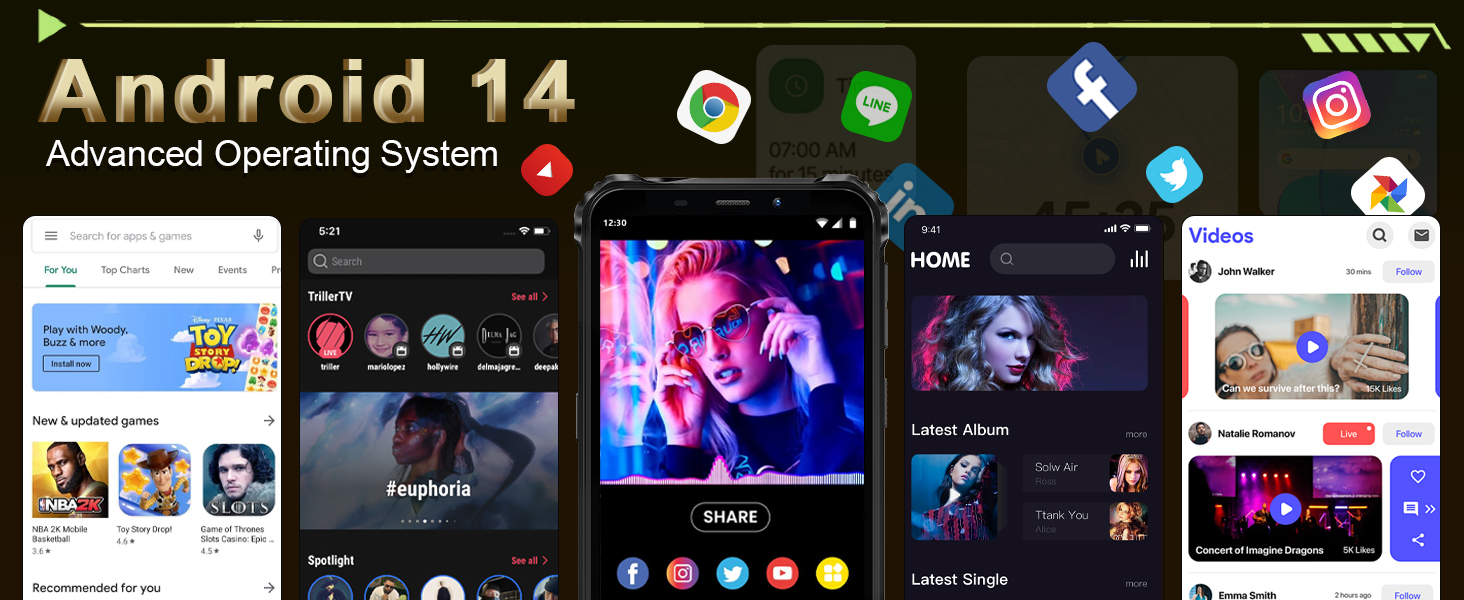
Image: The OUKITEL G5's 6-inch HD display, offering clear and vibrant visuals.
4.2. Kameras funkcijas
Capture moments with the 13MP main camera and 5MP front-facing camera.
- Atveriet lietotni Kamera sākuma ekrānā vai lietotņu atvilktnē.
- Select between photo and video modes.
- Tap the screen to focus on a specific area.
- Press the shutter button to take a photo or start/stop video recording.
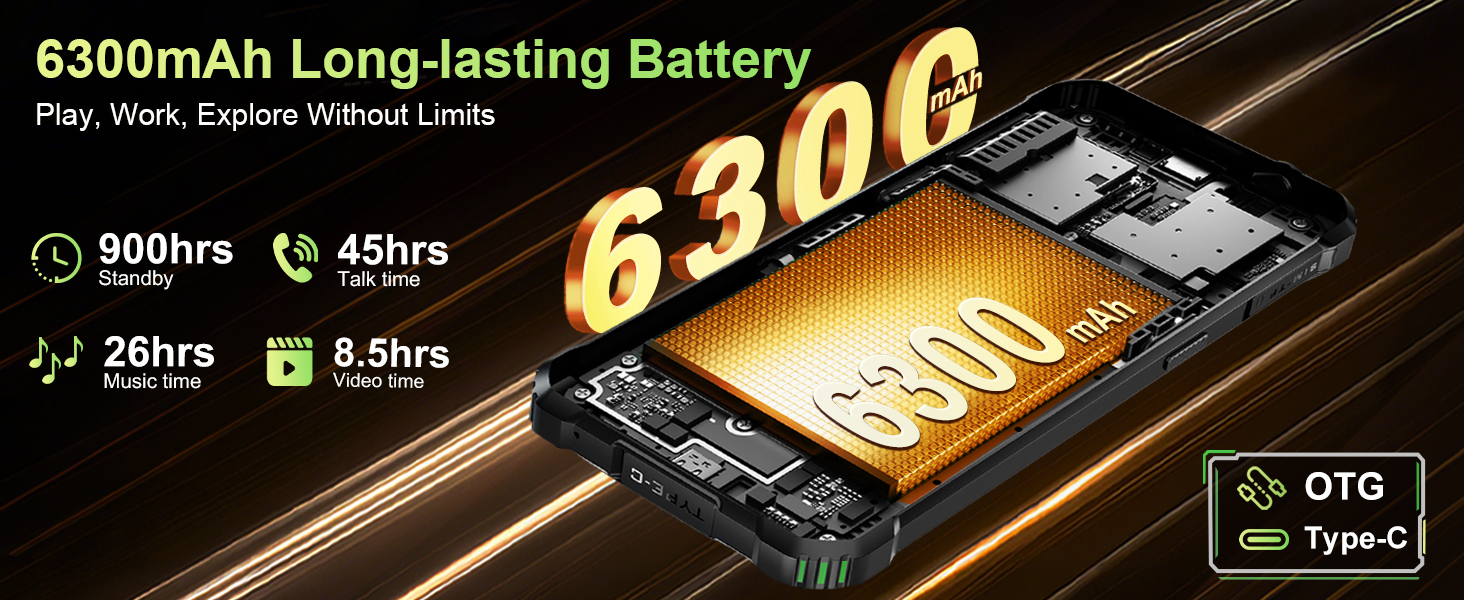
Image: The OUKITEL G5's 13MP main camera, designed for capturing clear images.
4.3. Dual Campgaismas
The OUKITEL G5 is equipped with 900-lumen dual camping lights, offering multiple modes for various outdoor situations.
- Piekļūstiet camping lights application on your device.
- Choose from available modes: SOS, Strobe, or Constant Lighting.
- Adjust brightness levels as needed (three levels available).
Warning: Do not shine the camping lights directly into eyes.

Image: The OUKITEL G5's dual camping lights in action, providing illumination for outdoor activities.
4.4. Uzglabāšana un veiktspēja
The device comes with 16GB RAM (4GB physical + 12GB virtual) and 128GB internal storage, expandable up to 1TB with a TF card. The octa-core processor ensures smooth operation and app switching.
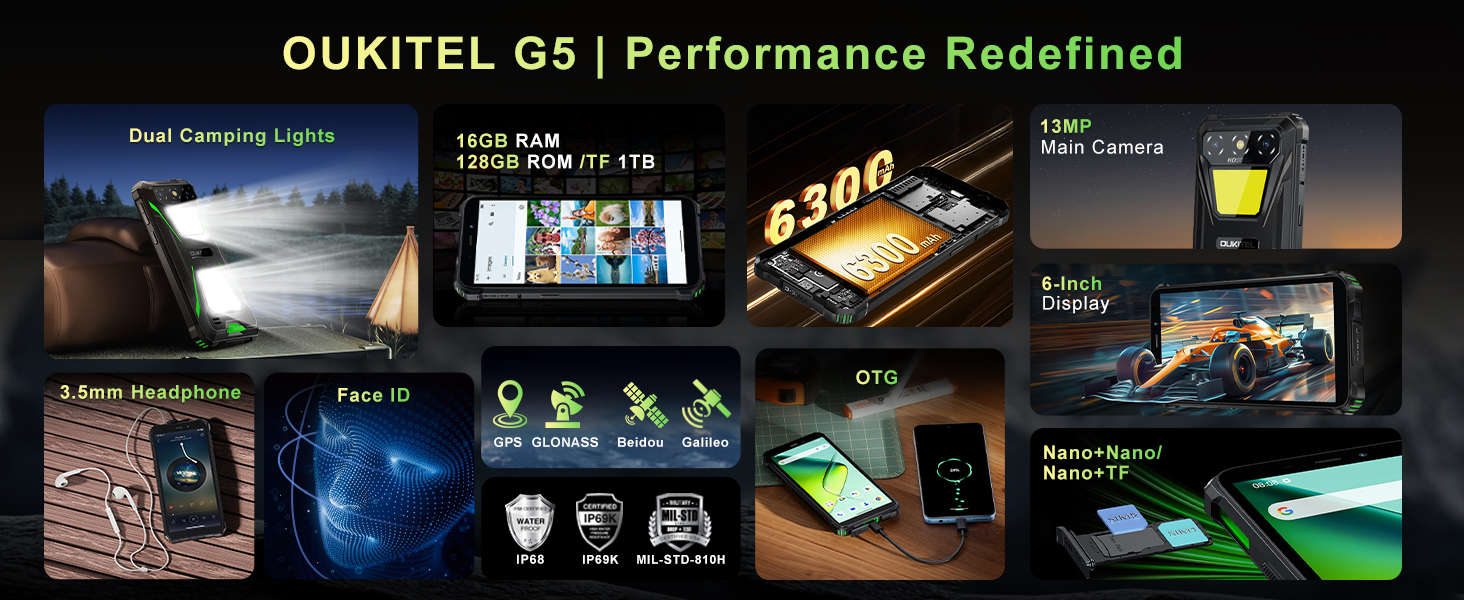
Image: Visual representation of the OUKITEL G5's memory and processor capabilities.
4.5. OTG Reverse Charging
Utilize the OTG reverse charging feature to power other devices using your OUKITEL G5's battery.
- Ensure your OUKITEL G5 has sufficient battery charge.
- Connect an OTG cable (not included) to your OUKITEL G5.
- Connect the other end of the OTG cable to the device you wish to charge.
- The charging process should begin automatically.
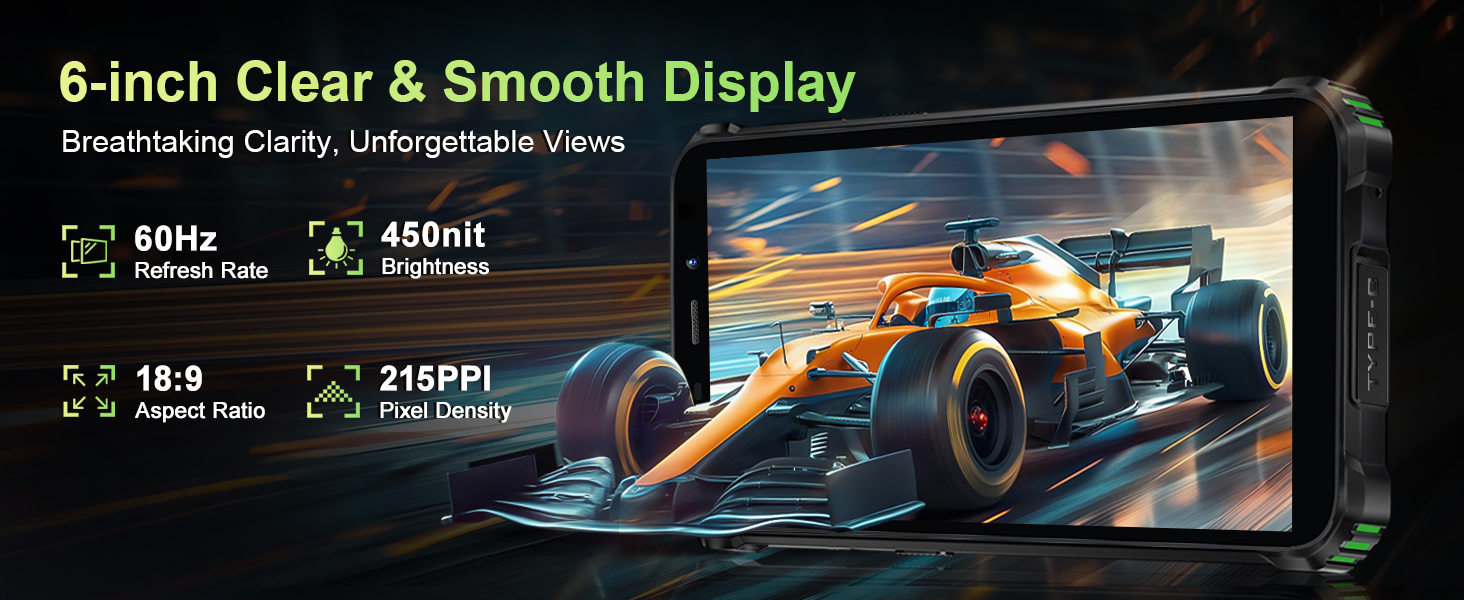
Image: The OUKITEL G5 providing power to another device via OTG reverse charging.
4.6. Sejas atpazīšana
Unlock your device quickly and securely using Face ID.
- Dodieties uz Iestatījumi > Drošība > Atbloķēšana pēc sejas.
- Izpildiet ekrānā redzamos norādījumus, lai reģistrētu savu seju.
- Once registered, you can unlock your phone by looking at the front camera.
4.7. GPS un navigācija
The OUKITEL G5 integrates a comprehensive positioning system including Beidou, Galileo, GLONASS, and GPS for accurate location services.
- Pārliecinieties, vai tālruņa iestatījumos ir iespējoti atrašanās vietas pakalpojumi.
- Use pre-installed or downloaded navigation applications for route guidance and location tracking.
5. Apkope
5.1. Izturības īpašības
The OUKITEL G5 is built to withstand harsh conditions, certified with IP68/IP69K dust/water resistance and MIL-STD-810H for shock resistance.
- Ūdensizturīgs: Rated for submersion up to 1.5 meters for 30 minutes. Ensure all port covers are securely closed before exposure to water.
- Putekļu necaurlaidīgs: Designed to prevent ingress of dust and fine particles.
- Triecienizturīgs: Constructed to endure drops and impacts, though extreme force may still cause damage.

Image: The OUKITEL G5 showcasing its robust design and resistance to water, dust, and drops.
5.2. Ierīces tīrīšana
To clean your OUKITEL G5, use a soft, damp cloth. Avoid harsh chemicals or abrasive materials that could damage the device's protective coatings.
5.3. Akumulatora kopšana
Lai pagarinātu akumulatora darbības laiku:
- Izvairieties no ekstremālām temperatūrām.
- Neatstājiet tālruni ilgstoši pilnībā uzlādētu vai pilnībā izlādētu.
- Optimālai uzlādei izmantojiet oriģinālo lādētāju un kabeli.
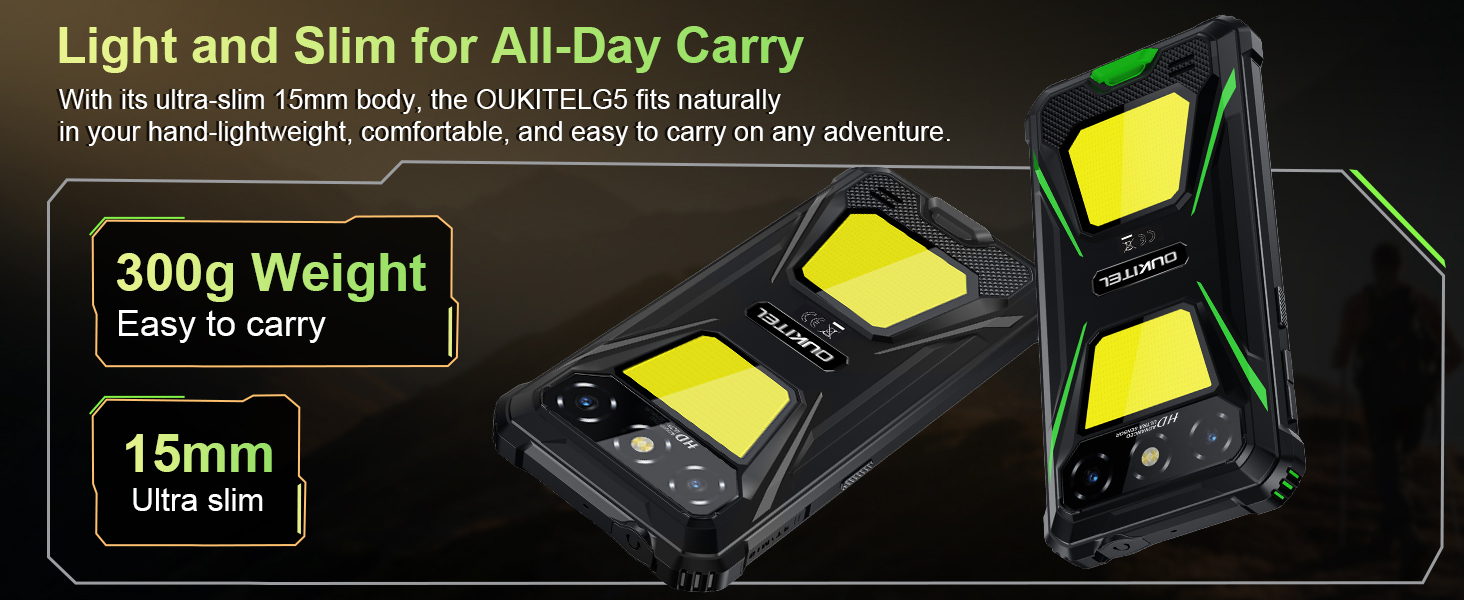
Image: The OUKITEL G5's 6300mAh battery, providing extended usage times.
6. Traucējummeklēšana
6.1. Bieži sastopamās problēmas un risinājumi
- Ierīce neieslēdzas: Pārliecinieties, vai akumulators ir uzlādēts. Pievienojiet lādētājam un mēģiniet vēlreiz.
- Ekrāns nereaģē: Restartējiet ierīci, turot nospiestu ieslēgšanas/izslēgšanas pogu apmēram 10–15 sekundes, līdz tā atsāknējas.
- Tīkla savienojuma problēmas: Check if your SIM card is properly inserted. Verify that your carrier (T-Mobile is supported; Verizon/AT&T/MetroPCS are not) has active service. Try toggling Airplane Mode on and off.
- Lietotņu avarē vai darbojas lēni: Close background applications. Clear app cache in Settings > Apps. Ensure sufficient storage space is available.
- Uzlādes problēmas: Pārliecinieties, vai lādētājs un kabelis ir droši pievienoti un nav bojāti. Izmēģiniet citu strāvas kontaktligzdu.
7. Specifikācijas
| Funkcija | Apraksts |
|---|---|
| Modeļa nosaukums | OUKITEL G5 |
| Operētājsistēma | Android 14 |
| Procesors | Astoņkodolu |
| RAM | 16 GB (4 GB fiziskā + 12 GB virtuālā) |
| Iekšējā krātuve | 128 GB ROM |
| Paplašināma krātuve | Up to 1TB with TF card |
| Displejs | 6-inch HD, 450 nits brightness, 18:9 Aspect Ratio, 215 PPI |
| Galvenā kamera | 13 MP |
| Priekšējā kamera | 5 MP |
| Akumulatora ietilpība | 6300 mAh |
| Uzlāde | 10 W ātrā uzlāde, OTG reversā uzlāde |
| Izturība | IP68/IP69K (Waterproof, Dustproof), MIL-STD-810H (Shockproof) |
| Savienojamība | 4G Dual SIM (Nano+Nano/Nano+TF), Bluetooth, GPS (Beidou, Galileo, GLONASS, GPS) |
| Atbalstītās frekvenču joslas | GSM: B2/3/5/8, WCDMA: B1/2/4/5/8, TDD: 34/38/39/40/41, FDD: B1/2/3/4/5/7/8/12/17/19/20/25/26/28A/28B/66 |
| Audio ligzda | 3.5 mm |
| Īpašas funkcijas | 900LM Dual Camping Lights, Face ID |
| Izmēri | 8.11 x 4.5 x 2.16 collas |
| Svars | 1.26 mārciņas (aptuveni 570 g) |
8. Oficiālie produktu video
Video: oversview of the OUKITEL G5 Rugged Phone, highlighting its features and durability in outdoor environments. Duration: 0:42.
Video: A concise presentation of the OUKITEL G5 Rugged Smartphone's key attributes. Duration: 0:20.
9. Garantija un atbalsts
OUKITEL provides comprehensive customer service for your device:
- Atgriešanas politika: 30 dienu atgriešanas tiesības bez iemesla.
- Tehniskais atbalsts: Ilgtermiņa tehniskais atbalsts.
- Klientu apkalpošana: 24 stundu tiešsaistes klientu apkalpošana.
For further assistance, please contact OUKITEL official service channels.