1. Ievads
This manual provides essential information for the setup, operation, maintenance, and troubleshooting of your HP OmniDesk M03 Premium 2025 Business Desktop PC. Designed for business innovation, this desktop offers robust performance for multitasking, creative workloads, and AI-powered applications.
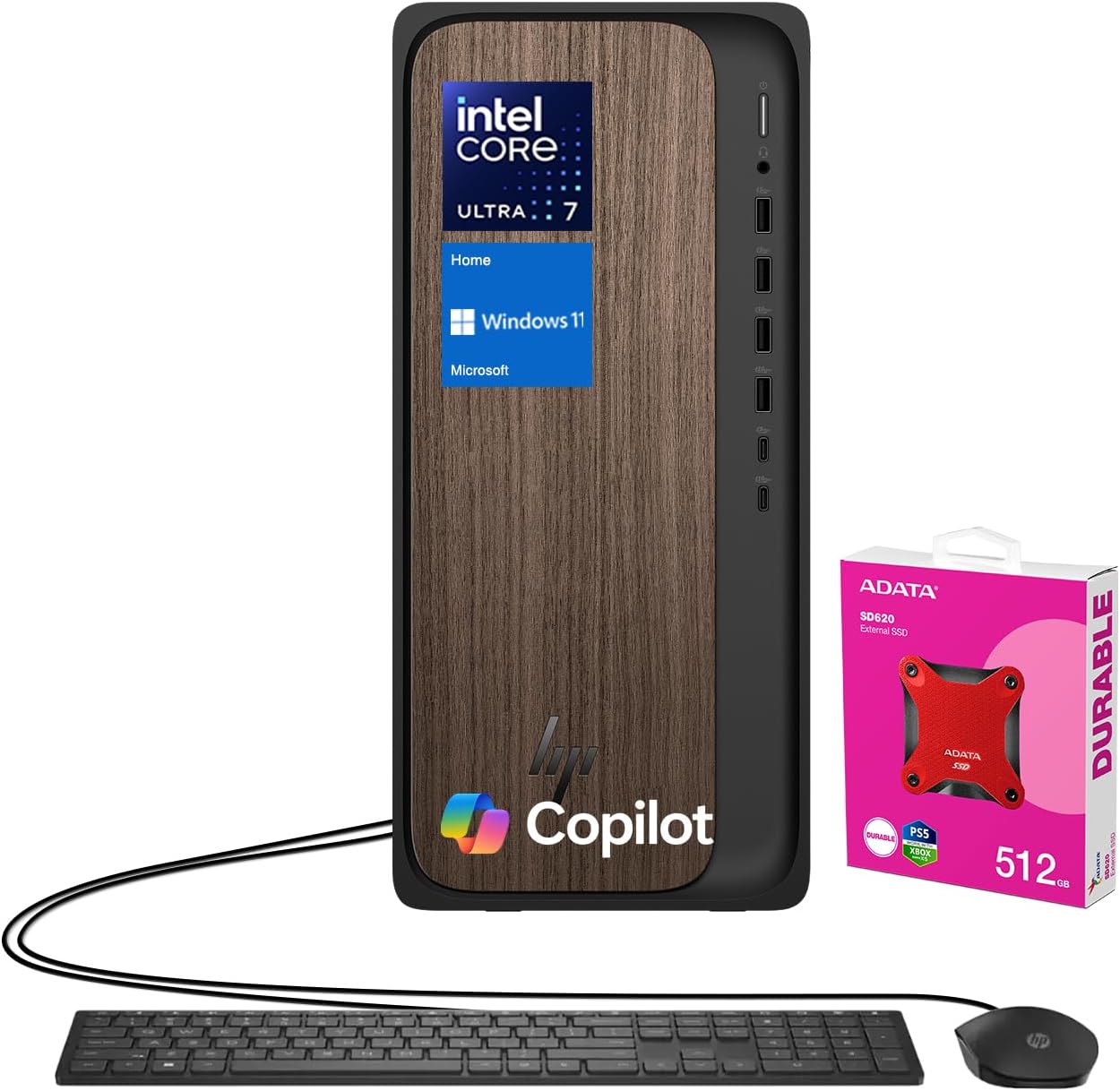
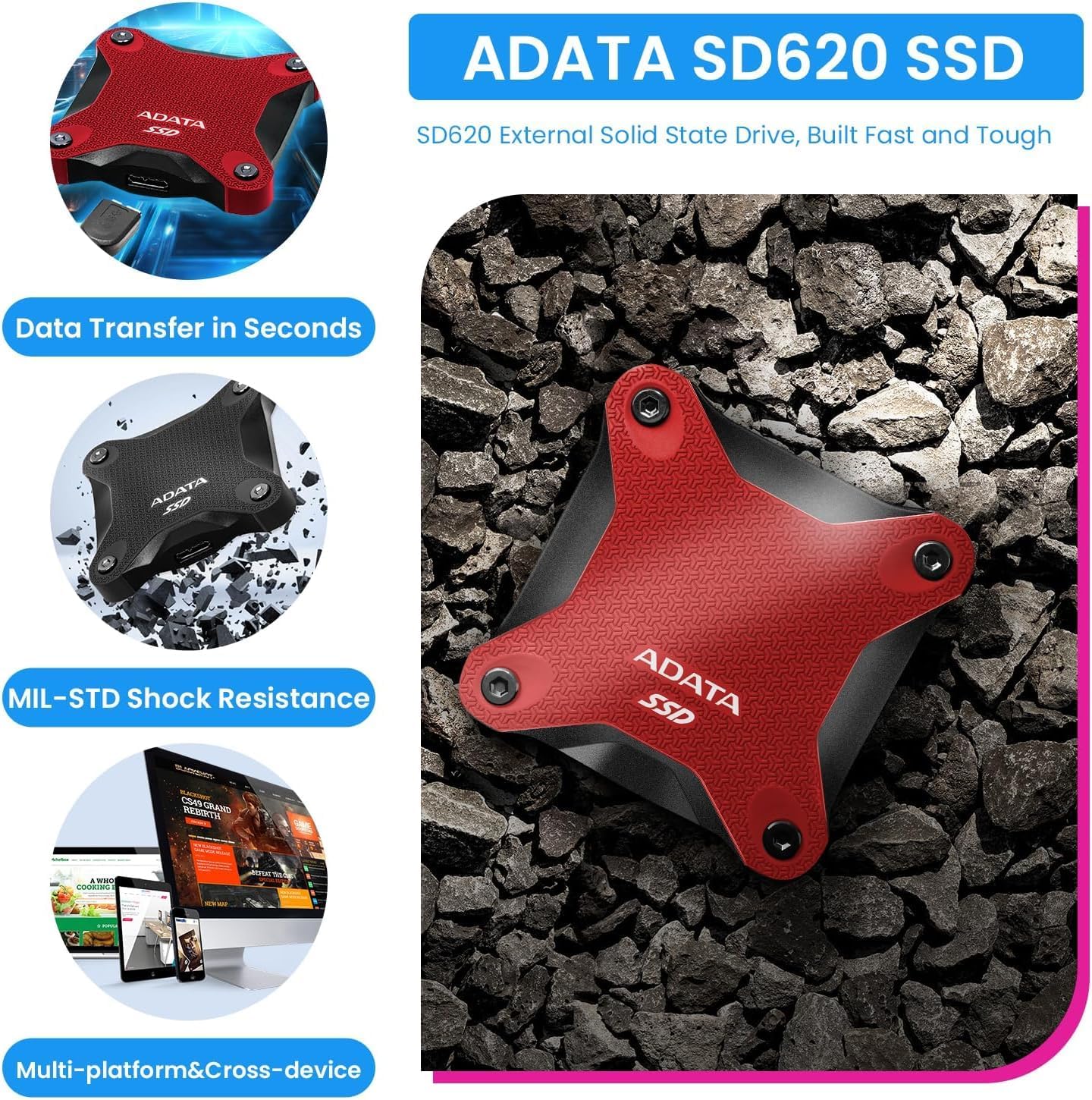
Key components include an Intel Core Ultra 7 265 Processor, NVIDIA GeForce RTX 4060 Graphics, 64GB DDR5 RAM, and a 2TB PCIe M.2 SSD. It comes pre-installed with Windows 11 Home and includes a wired keyboard and mouse for immediate use. An ADATA 512GB External SSD is bundled for additional storage and data management.
2. Iestatīšana
- Izpakošana: Carefully remove all components from the packaging. Ensure the desktop tower, wired keyboard, wired mouse, power cable, and any bundled accessories (like the ADATA external SSD) are present.
- Izvietojums: Position the desktop tower on a stable, flat surface with adequate ventilation around all sides. Avoid placing it in enclosed spaces or near heat sources.
- Pievienojiet perifērijas ierīces:
- Connect your monitor(s) to the available HDMI or DisplayPort outputs on the rear of the desktop.
- Plug the wired keyboard and mouse into any available USB Type-A ports.
- Connect the power cable to the desktop's power input and then to a grounded electrical outlet.
- If using the bundled ADATA external SSD, connect it to an available USB port.
- Sākotnējā ieslēgšana: Press the power button located on the front of the desktop. Follow the on-screen instructions to complete the Windows 11 Home setup process, including network configuration and user account creation.
3. Lietošanas instrukcijas
Your HP OmniDesk M03 is ready for use immediately after initial setup. It runs on Windows 11 Home, providing a user-friendly interface and access to a wide range of applications.
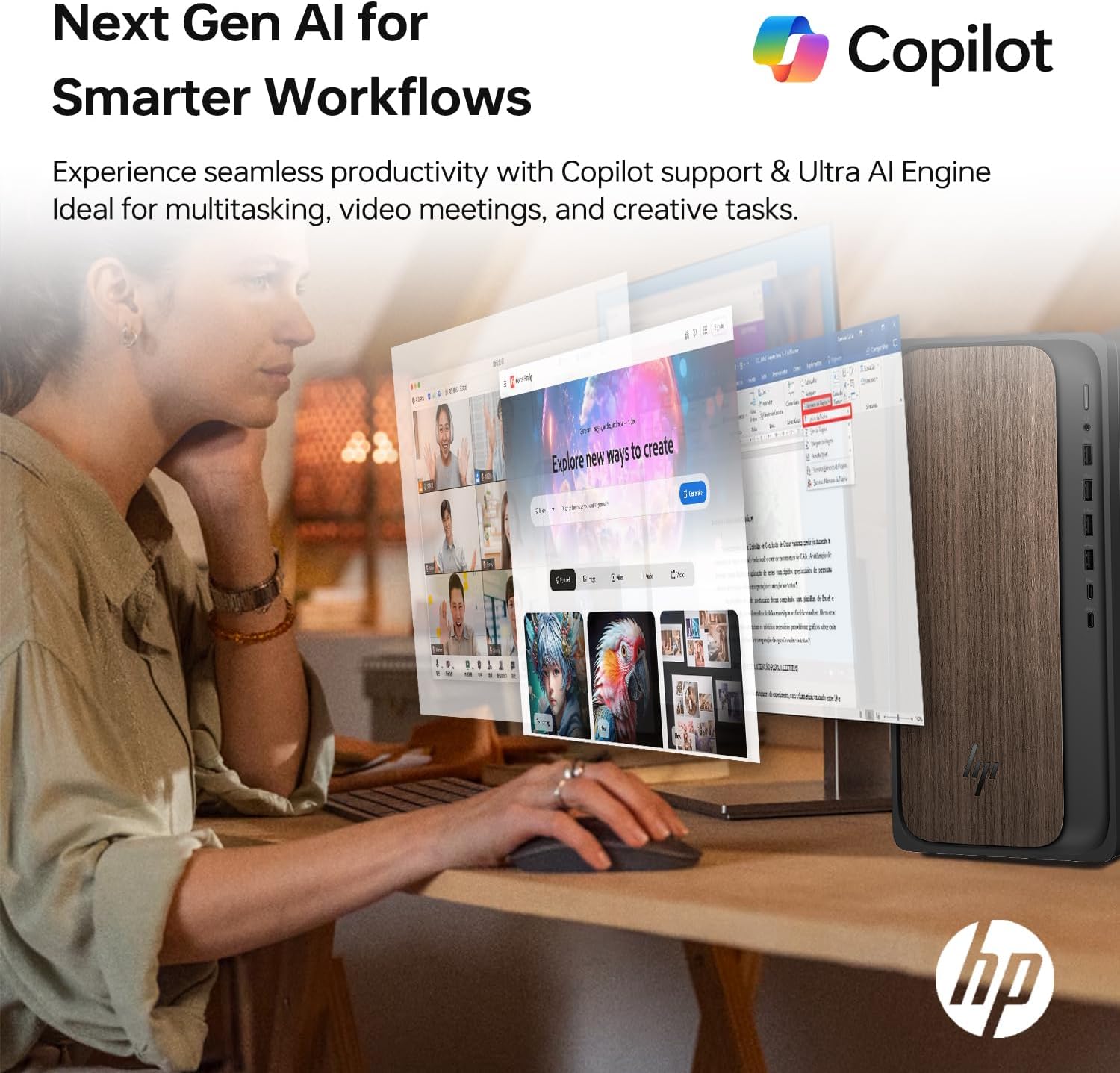
- Windows 11 Home: Explore the Start Menu for applications, settings, and system information. Utilize features like Copilot for AI-powered assistance and enhanced productivity.
- Daudzuzdevumu veikšana: The powerful Intel Core Ultra 7 processor and 64GB DDR5 RAM allow for seamless multitasking. Open multiple applications and browser tabs without experiencing significant slowdowns.
- Krātuves pārvaldība: The 2TB internal SSD provides fast access to your files. Use the bundled 512GB external SSD for additional storage, backups, or transferring large files.
- Savienojamība: Utilize the integrated Wi-Fi 6 for high-speed wireless internet access and Bluetooth for connecting compatible wireless devices.
4. Savienojamība
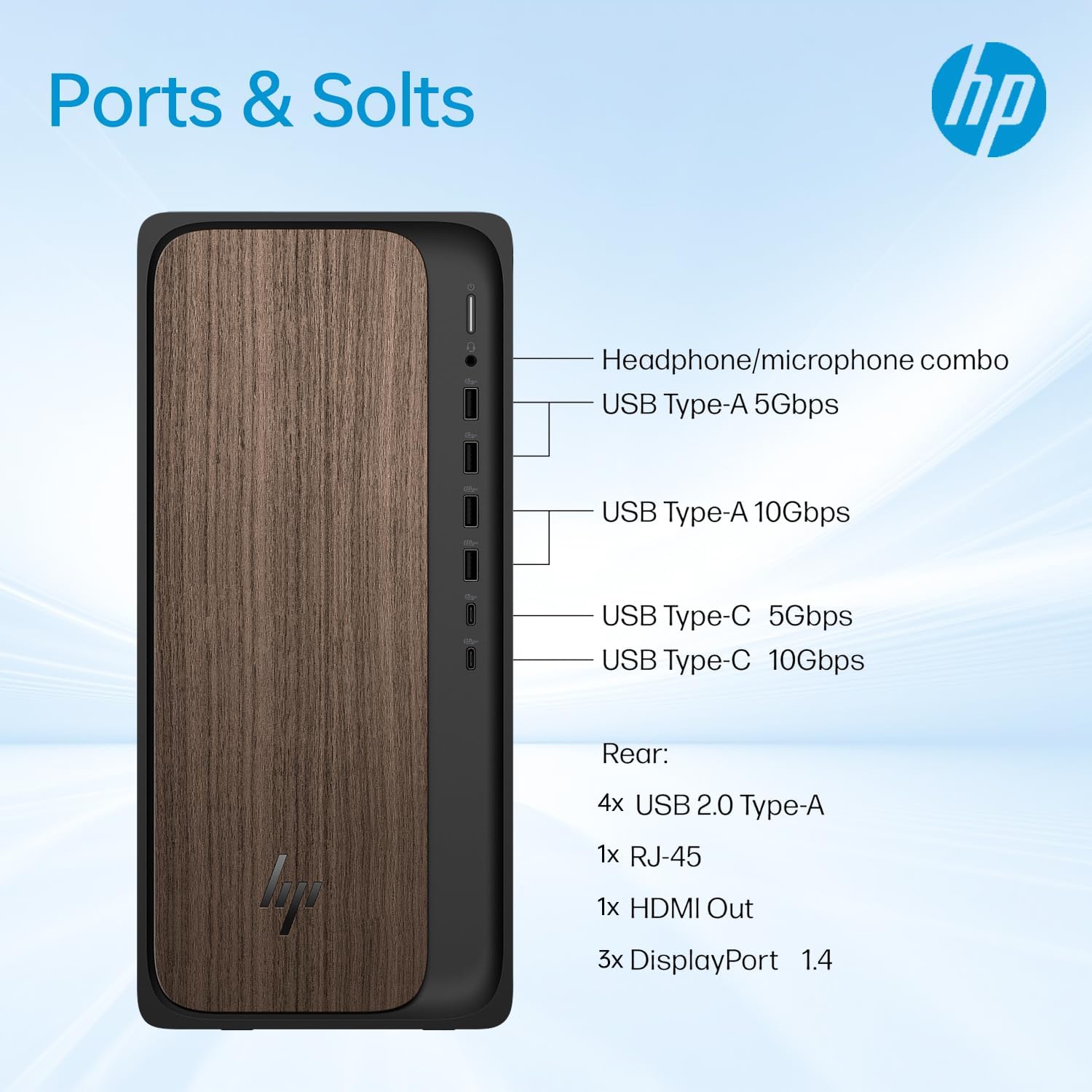
The HP OmniDesk M03 offers a variety of ports for connecting peripherals and external devices:
Priekšējie porti:
- 1x USB Type-C 10Gbps signaling rate
- 1x USB Type-C 5Gbps signaling rate
- 2x USB Type-A 10Gbps signaling rate
- 2x USB Type-A 5Gbps signaling rate
- 1x austiņu/mikrofona kombinētā ligzda
Aizmugurējie porti:
- 4x A tipa USB 2.0
- 1x RJ-45 (Ethernet)
- 3x 3.5 mm audio jack combo
- 1x HDMI izeja
- 3x DisplayPort outputs
Bezvadu savienojamība:
- Wi-Fi 6 (802.11ax)
- Bluetooth
5. Specifikācijas
| Funkcija | Detaļas |
|---|---|
| Procesors | Intel Core Ultra 7 265 (20 Cores, 20 Threads, 30MB L3 Cache, 2.4GHz base, up to 5.3GHz max turbo) |
| Atmiņa (RAM) | 64GB DDR5 UDIMM (4800 MHz) |
| Iekšējā krātuve | 2 TB PCIe M.2 SSD |
| Ārējā krātuve | ADATA 512GB External SSD (bundled) |
| Grafika | NVIDIA GeForce RTX 4060 (8 GB GDDR6) |
| Operētājsistēma | Windows 11 Home |
| Bezvadu savienojamība | Wi-Fi 6 (802.11ax), Bluetooth |
| Izmēri (LxWxH) | 6.10 x 13.27 x 12.40 collas (15.5 x 33.7 x 31.5 cm) |
| Svars | 11.78 mārciņas (5.34 kg) |
| Krāsa | Melns |
| Iekļautās perifērijas ierīces | Wired Keyboard & Mouse |
6. Apkope
Regular maintenance helps ensure the longevity and optimal performance of your HP OmniDesk M03 PC.
- Tīrīšana: Regularly clean the exterior of the desktop with a soft, dry cloth. Use compressed air to clear dust from ventilation grilles to prevent overheating. Ensure the PC is powered off and unplugged before cleaning.
- Programmatūras atjauninājumi: Keep your Windows 11 operating system and all drivers updated. Windows Update can be accessed via the Settings menu. Regularly check for graphics card driver updates from NVIDIA's official webvietne.
- Datu dublēšana: Periodiski veidojiet svarīgu failu dublējumkopijas. files to the bundled ADATA external SSD or a cloud storage service to prevent data loss.
- Drošība: Maintain up-to-date antivirus software and be cautious of suspicious emails or websites to protect your system from malware.
7. Traucējummeklēšana
If you encounter issues with your HP OmniDesk M03, try the following basic troubleshooting steps:
- Nav strāvas/sistēma netiek startēta:
- Pārliecinieties, vai strāvas kabelis ir droši pievienots gan galdam, gan elektrotīklam.
- Pārliecinieties, vai strāvas kontaktligzda darbojas, pievienojot tai citu ierīci.
- If the system still does not boot, disconnect all peripherals except the monitor, keyboard, and mouse, then attempt to power on again.
- Nav displeja:
- Check that the monitor is powered on and correctly connected to the desktop's HDMI or DisplayPort.
- Try connecting the monitor to a different video output port if available.
- Pārliecinieties, vai monitorā ir izvēlēts pareizais ievades avots.
- Perifērijas ierīce nedarbojas:
- Mēģiniet pievienot perifērijas ierīci citam USB portam.
- Restartējiet datoru.
- Check the device manufacturer's webvietne atjauninātiem draiveriem.
- Lēna veiktspēja:
- Aizveriet nevajadzīgās lietojumprogrammas, kas darbojas fonā.
- Pārliecinieties, vai jūsu operētājsistēma un draiveri ir atjaunināti.
- Run a disk cleanup and defragmentation (for HDD, not typically needed for SSDs).
- Check for malware using antivirus software.
Ja šīs darbības neatrisina problēmu, lūdzu, skatiet sadaļu Garantija un atbalsts, lai saņemtu papildu palīdzību.
8. Garantija un atbalsts
Your HP OmniDesk M03 Premium 2025 Business Desktop PC comes with specific warranty coverage:
- A 1 gada garantija on the upgraded RAM and SSD is provided by PCOnline US.
- The remaining components of the desktop retain the original 1 gada ražotāja garantija from HP.
For technical support or warranty claims, please contact the respective support channels:
- For RAM/SSD related issues: Contact PCOnline US support.
- For other hardware or system issues: Contact HP Customer Support. Refer to the documentation included with your product or visit the official HP support webvietne kontaktinformācijai.
9. Produkta attēli





10. Video resursi
Šobrīd šim produktam nav pieejami oficiāli pārdevēja video.